How To Automate Long Form AI Video Creation In N8N
If you’ve ever wished your content calendar could fill itself with professional, on-brand videos, this guide is for you. Below, you’ll learn how to automate long-form AI video creation in n8n using Scrptly — an AI Video Agent that turns simple prompts into complete videos: ads, product showcases, anime, explainer films, or mini-documentaries.
Scrptly’s swarm of AI sub-agents handles research, screenplay, character design, scene generation, narration, and editing end-to-end — so your n8n workflow can generate, package, and distribute video on autopilot.
Try Scrptly for free and follow along.
Why Scrptly for Long-Form Automation
- Character and environment consistency: Feed context images and Scrptly maintains coherent characters and settings across many scenes — essential for long-form narratives.
- Fully autonomous video agent: From story beats to narration and final edit, the pipeline is handled for you.
- Built for scale: Use the Scrptly API, n8n node, or MCP server to integrate with other agents and apps.
- Flexible outputs: Customize tone, style (live-action, anime, cinematic), aspect ratio, length, and more in your prompt.
What You’ll Build
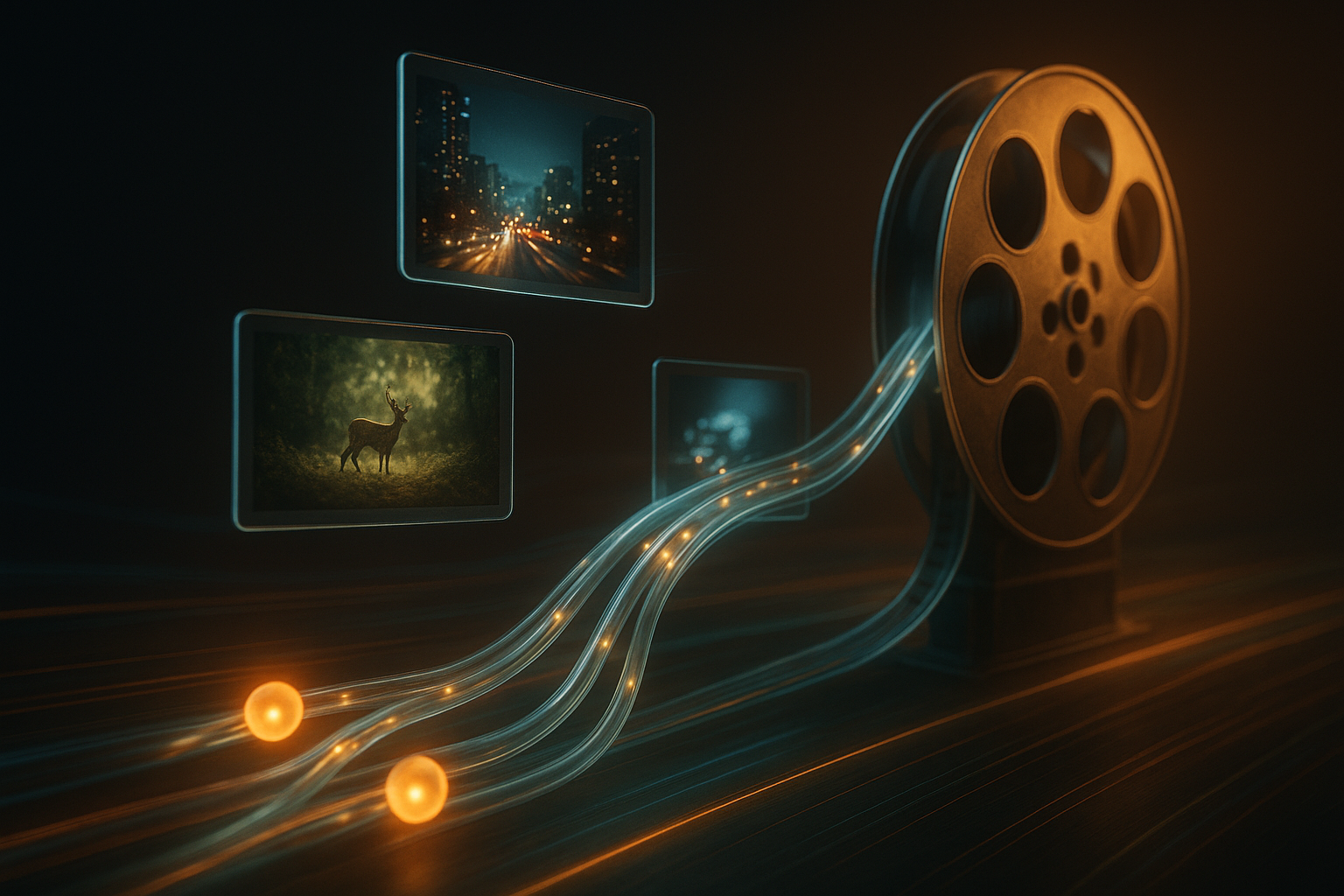
A reusable n8n workflow that: 1) Triggers on a schedule or webhook 2) Crafts a detailed video brief (prompt) 3) Sends it to Scrptly’s AI Video-Agent 4) Waits for completion (or returns a task ID) 5) Stores the final video 6) Publishes to social channels 7) Notifies your team
Prerequisites
- An n8n instance (self-hosted or cloud)
- A Scrptly account and API key: Get started
- Optional: Cloud storage (S3, GDrive) and social upload nodes (YouTube, X, TikTok where available)
Step 1 — Install the Scrptly Node in n8n
1) In n8n, go to Settings > Community Nodes > Install New.
2) Search for and install: n8n-nodes-scrptly.
3) Create credentials: add your Scrptly API key in Credentials > New > Scrptly API.
More info and source code: https://github.com/ybouane/n8n-nodes-scrptly
Step 2 — Design a Prompt That Scales
Scrptly responds best to rich, directive prompts. Include:
- Narrative structure: intro, 3–6 scene beats, outro/CTA
- Style guidance: cinematic, anime, documentary, vlog, etc.
- Voice and pacing: calm, energetic, inspiring, authoritative
- Output details: portrait or landscape, desired duration
- Character and brand consistency: include names, traits, and context images
Use placeholders so n8n can swap variables per run:
Title: {series_title} — Episode {episode_number}
Goal: Educate viewers on {topic} and drive traffic to {cta_url}.
Style: Cinematic documentary with warm narration, gentle piano underscoring.
Format: Landscape 16:9, ~3–5 minutes.

Scenes:
1) Cold open: a striking visual related to {hook_visual}.
2) Setup: narrator frames the problem around {problem_statement}.
3) Exploration: 3 examples or insights ({insight_1}, {insight_2}, {insight_3}).
4) Counterpoint: a common misconception and a concise correction.
5) Resolution: practical steps or a checklist.
6) CTA: invite viewers to learn more at {cta_url}.

Narration: clear, empathetic, and authoritative.
Visual guidance: keep color palette coherent; add subtle transitions; avoid harsh cuts.
Step 3 — Add Context Images for Consistency
If you want the same product, host, or mascot to appear consistently, supply reference images via URLs. Example: product hero shot, lifestyle usage, logo lockup. Scrptly will maintain continuity across scenes.
Step 4 — Build the n8n Workflow
- Trigger Node: Schedule (e.g., daily/weekly) or Webhook for on-demand generation.
- Set or Function Node: Construct the JSON payload with your prompt, context image URLs, and an optional max budget.
- Scrptly Node: Configure with:
- Prompt: your full text brief
- Context Images: array of image URLs (optional but recommended)
- Approve Up To: token budget ceiling (e.g., 20,000)
- Wait For Completion: ON for synchronous workflows; OFF to retrieve a task ID and poll later
- Storage Nodes: Save binary output to S3/Google Drive; store metadata (task ID, prompt, URLs) in your DB.
- Publish Nodes: Upload to YouTube (title/description from prompt variables), post short teasers to social.
- Notify: Slack or Email summary including thumbnail, runtime, and links.
Tip: For heavy workloads, disable “Wait For Completion,” capture the task ID, and use a second workflow (Cron + HTTP Request) to poll until the video is ready.
Example Variable Mapping
- {series_title} from your CMS/DB
- {episode_number} from an Increment node
- {topic} and {problem_statement} from a research step or user input
- {cta_url} set to your landing page
- {context_images} gathered from your asset library or uploads
Advanced Patterns
- Multi-Channel Fan-Out: Generate one long-form master video; use additional nodes to cut shorts/highlights for Reels/Shorts.
- A/B Creative Tests: Spin two prompts with different hooks; route each to a separate upload node.
- Error Handling & Retries: Use the n8n Error Trigger to re-run with a lower token budget or simplified prompt.
- Async Queue: Webhook accepts content briefs, immediately returns a job ID, and a separate worker workflow completes production.
Prompt Engineering for Long-Form Consistency
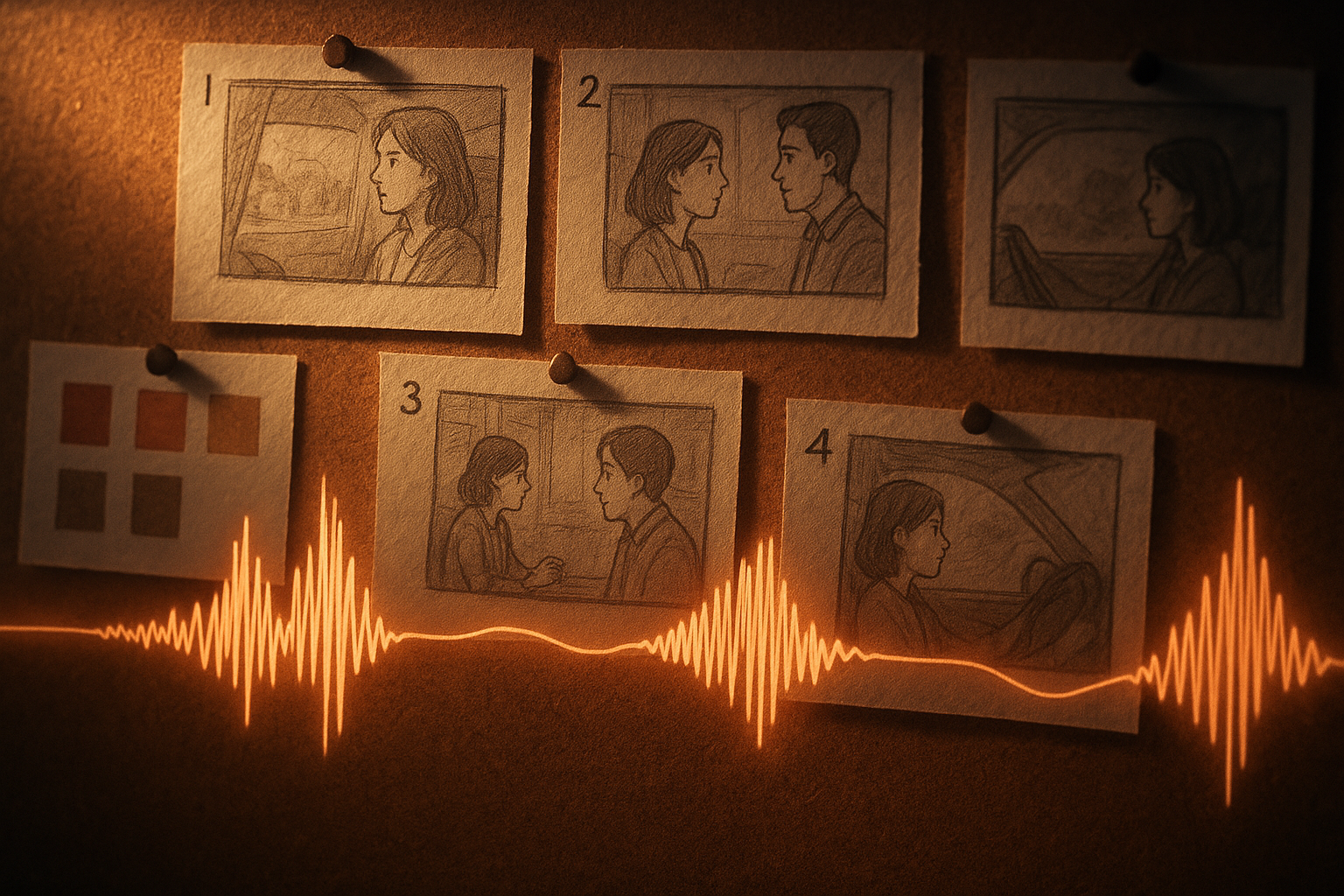
- Name your characters and define traits: “Maya, a methodical narrator, warm voice, calm cadence.”
- Lock a visual bible: color palette, lens feel (wide vs tele), transitions (dissolve, crossfade), and framing (close-ups vs wides).
- Use scene counts: request 6–10 scenes with short descriptions.
- Be explicit about runtime and aspect ratio in the prompt.
- Include 2–4 context images for anchors: product hero, spokesperson, environment mood.
Sample Prompts You Can Reuse
Ecommerce Product Film "Create a 90-second lifestyle ad for our eco leather backpack. Scenes: 1) urban commute at dawn, 2) coffee shop productivity, 3) weekend hike. Maintain the same tan backpack from provided images. Warm cinematic color, soft natural light, gentle whoosh transitions. Confident female narration and on-screen captions. CTA: 'Explore more at example.com'. Landscape 16:9."
Faceless Channel Explainer "Produce a 4-minute faceless explainer on the history of timekeeping. Scenes: sundials, water clocks, mechanical escapement, atomic clocks, future concepts. Calm narration, subtle ambient soundtrack, modern minimal graphics. Keep visual consistency and smooth transitions. Landscape 16:9."
Mini-Doc for Research Communicators "Generate a 5-minute micro-documentary on urban pollinators. Scenes: rooftop gardens, community science, native plantings, nocturnal pollinators. Maintain continuity of the same city backdrop. Friendly, data-driven narration. Include lower-thirds for facts."
Developer Corner (Optional)
Prefer code-first? Scrptly offers a Video Development Kit (VDK) and API so you can generate videos programmatically or build custom editors.
Install and authenticate:
npm install scrptly
# or
yarn add scrptly
import Scrptly from 'scrptly';

Scrptly.setApiSettings({
  apiKey: process.env.SCRPTLY_API_KEY,
});

// From here, you can call the AI Video-Agent and VDK APIs to create videos,
// generate images, add captions, and more. See your Scrptly dashboard for docs.
Learn more and sign up: https://scrptly.com/
QA, Budget, and Iteration
- Approve Up To: Start with a comfortable token budget (e.g., 10k–20k) and adjust per complexity.
- Review Cuts: Keep “Wait For Completion” on during early testing to inspect outputs before distribution.
- Versioning: Store prompt, context images, and final URLs with timestamps for reproducibility.
- Analytics: Feed performance data back into your prompt (e.g., emphasize scenes that retain viewers longer).
Your Next Step
- Install the community node: n8n-nodes-scrptly on GitHub
- Grab your API key and start creating: Scrptly.com
Automate once, publish forever. With Scrptly + n8n, you can ship consistent long-form videos on a schedule — for ecommerce, education, research, or your next faceless channel series.

Comments
Post a Comment