How To Automate Video Creation In N8N For Social Media
If you spend hours drafting scripts, cutting clips, and subtitling for every platform, you’re doing it the hard way. With N8N and Scrptly’s AI Video-Agent, you can trigger fully produced social videos from a single prompt — complete with narration, consistent characters, and polished edits — on a schedule or whenever a webhook fires.
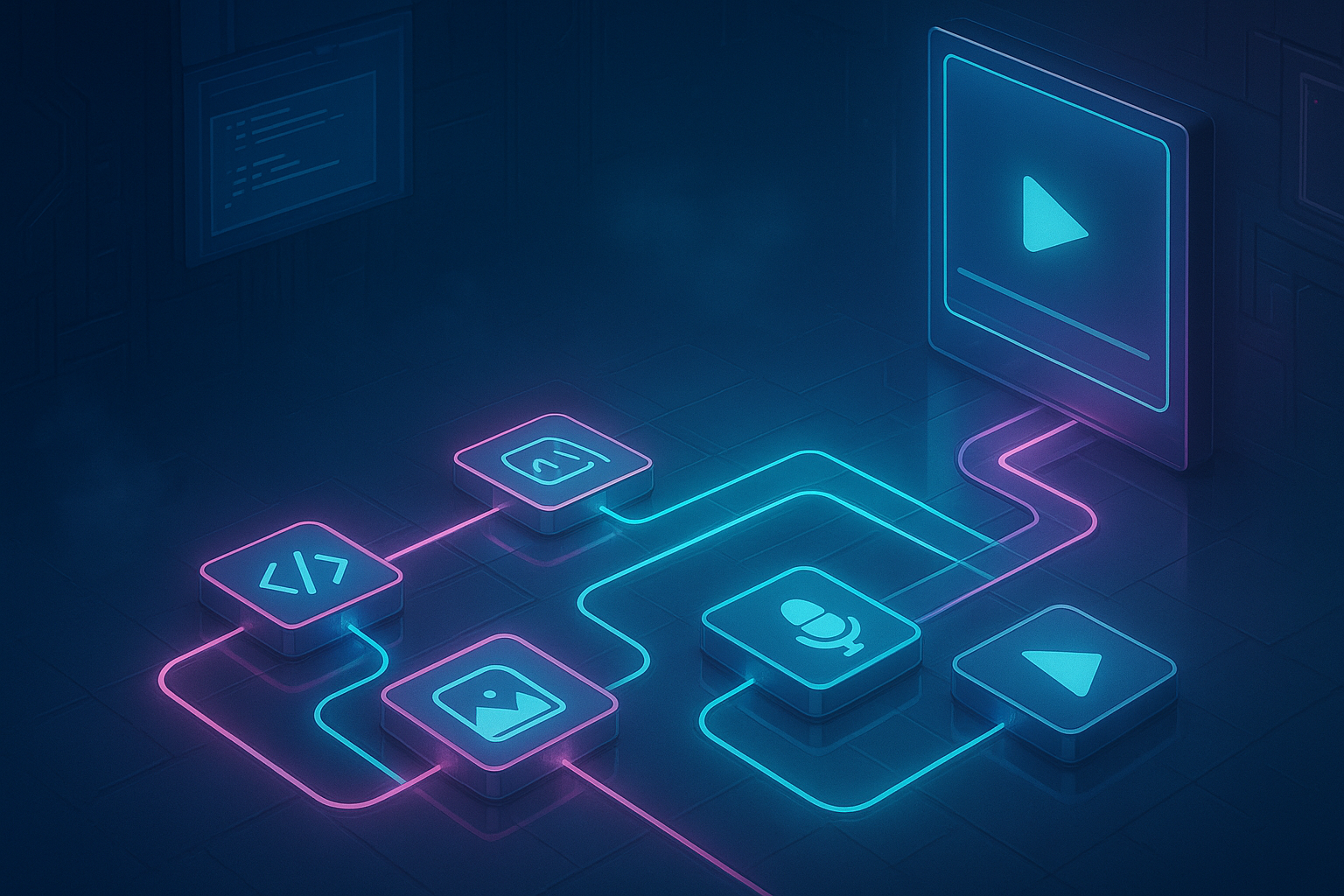
Why automate video creation for social media
Automating video production in N8N with an AI video agent removes tedious steps and scales your content calendar:
- Generate UGC-style ads, reels, explainers, and promos from one prompt.
- Keep consistent characters and environments across scenes and episodes.
- Produce vertical, square, or horizontal videos tailored to each platform.
- Integrate with storage, CMS, and scheduling tools inside the same N8N workflow.
Scrptly stands out by generating long-form, consistent videos with a swarm of specialized AI sub-agents for research, screenplay, character design, narration, and editing — so your output feels cohesive. Explore it here: https://scrptly.com/
What you need
- An N8N instance (self-hosted or cloud)
- A Scrptly account and API key: https://scrptly.com/
- The Scrptly community node for N8N: https://github.com/ybouane/n8n-nodes-scrptly
- Optional: product or brand images to use as context images for consistency
Quick setup in N8N (5 minutes)
1) Install the Scrptly node
- In N8N, go to Settings > Community Nodes > Install New.
- Search for
n8n-nodes-scrptlyand click Install.
2) Add credentials
- In the editor, open the Credentials tab.
- Click New Credential > Scrptly API.
- Paste your Scrptly API key from your Scrptly account page and save.
3) Create your workflow
- Start with a Trigger node (Cron for scheduling, or Webhook to trigger on demand).
- Add the Scrptly node and select your credentials.
- Provide your video prompt, optional context images, and your budget (Approve Up To tokens).
- Choose whether to
Wait For Completion(recommended for simple flows) or return immediately with a task ID and handle completion downstream.

A complete social video automation workflow
Below is a practical blueprint you can replicate and adapt for ads, product showcases, or educational shorts.
1) Trigger the workflow
- Cron: Run daily or hourly for evergreen content.
- Webhook: Trigger when new products are published or when marketing pushes a campaign.
2) Build a dynamic prompt for Scrptly Use N8N variables (from HTTP Request, Notion, Airtable, or a DB) to dynamically populate product details, offers, and unique angles.
Example prompt (vertical UGC ad):
Create a 20–35 second vertical UGC-style product review targeting busy professionals.
Product: {{ $json.productName }}
Key benefits: {{ $json.benefits }}
Tone: friendly, candid, energetic.
Story beats:
- Hook: a quick pain point and why this product is different.
- Demo: close-up shots showing real-world use.
- Social proof: quick testimonial-style lines.
- CTA: limited-time offer and a clear next step.
Visual style: modern, handheld feel, natural lighting.
Consistency: keep the same spokesperson character across shots.
Captions: burned-in, legible sans-serif, high contrast.
Audio: warm voiceover, light background music, audio ducking.
Format: 9:16, 1080x1920, ready for posting.
Length: 25 seconds, +/- 3 seconds.
Pro tip: Provide 1–3 context images (logo, product photos, packaging) for consistency in the character/environment and to anchor the design across scenes.
3) Configure the Scrptly node
- Prompt: Paste your prompt (like the above), optionally mapped with expressions from previous nodes.
- Context images: Add URLs or binary data from N8N if you store them in Drive/S3.
- Approve Up To (tokens): Set a safe upper bound for complex videos.
- Wait For Completion: On for simple flows; Off if you prefer to return a task ID and poll later.
4) Post-process the output Use standard N8N nodes to automate publishing and distribution:
- Store: Google Drive, S3, or your CDN.
- Caption: Generate a platform-ready caption using a Template node.
- Post: Send to your scheduling stack or hand off to a publishing tool.
- Notify: Slack/Email summary with link, thumbnail, and metadata.
5) Log and analyze
- Save metadata (prompt, runtime, task ID, final URL) to Notion/Airtable for audit and A/B testing.
- Track performance data by enriching the log after posting.
Recommended settings for social platforms
- Aspect ratios: 9:16 for shortform vertical; 1:1 for grid posts; 16:9 for long-form.
- Length targets: 15–30s for ads/reels; 45–60s for explainers; longer for tutorials.
- Captions: Always-on subtitles. Ask Scrptly to burn-in captions and keep safe margins.
- Hooks: The first 3 seconds decide retention; specify the hook in your prompt.
- CTAs: Explicit, time-bound, and aligned with your funnel.
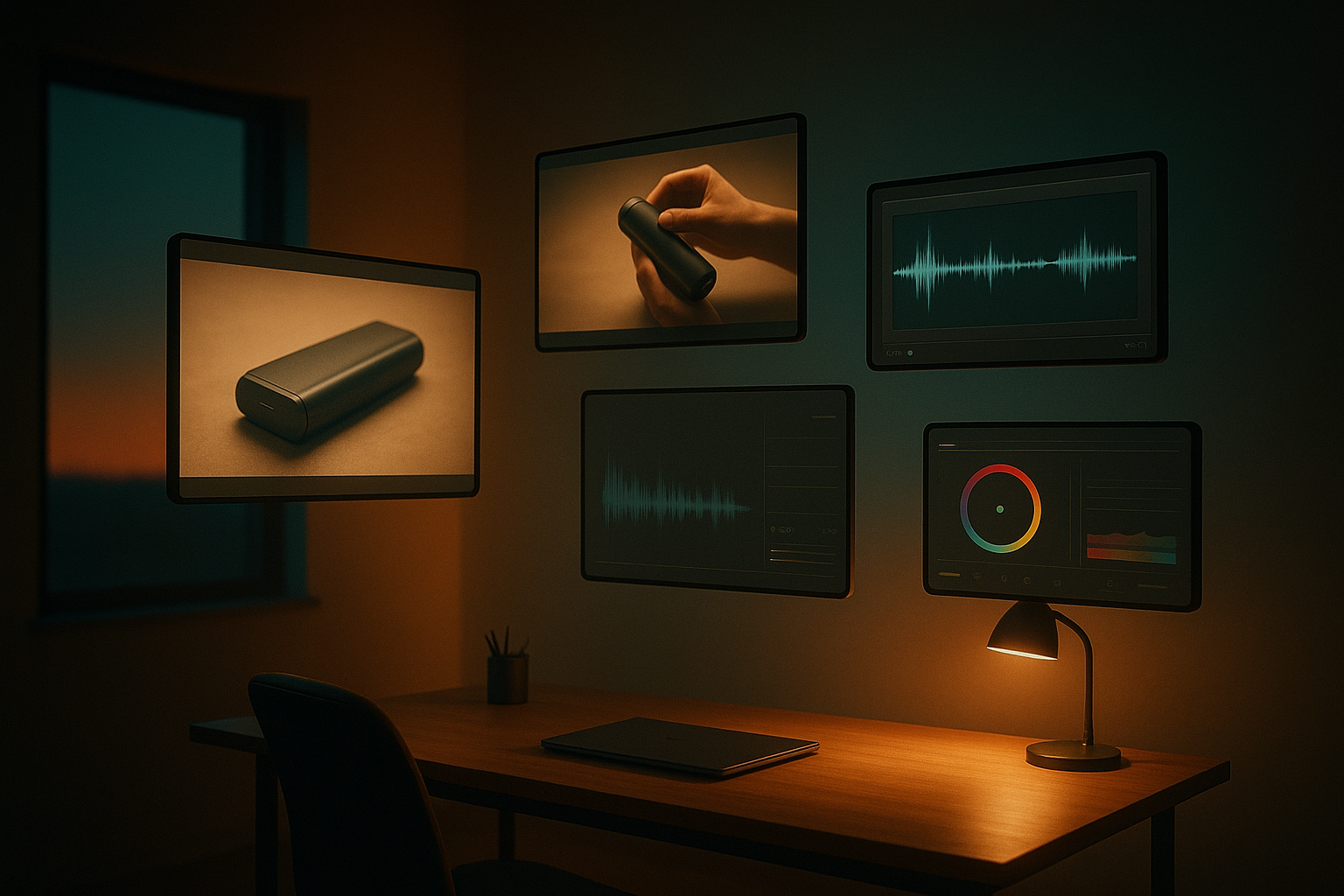
Example N8N workflow layout
- Trigger (Cron daily at 9 AM)
- HTTP Request: Fetch the latest product or content topic.
- Function: Assemble dynamic variables and a prompt string.
- Scrptly (AI Video-Agent): Generate the video from the prompt and context images.
- If: Verify status and file size.
- Cloud Storage: Upload the video to Drive/S3/CDN.
- Template: Build a caption with keywords and hashtags.
- Slack/Email: Notify the team with links and a quick preview.
- Notion/Airtable: Log metadata for analytics.
Tip: If you turn off Wait For Completion, add a sub-workflow that polls the task ID or use event-based continuation to resume once the final URL is ready.
Advanced ideas
- Content calendar automation: Use a spreadsheet/Notion board to queue ideas and let N8N trigger production when items reach a
Readystatus. - A/B test hooks: Run two Scrptly nodes with different hooks, publish both, and compare retention metrics.
- Localization: Loop over a languages list; add a language parameter to the prompt for voiceover and captions.
- Template library: Save prompts for ad, product showcase, explainer, and testimonial styles; swap inputs on the fly.
- Multi-length outputs: Trigger multiple Scrptly nodes with 15s, 30s, and 60s variants from the same product brief.
Troubleshooting and best practices
- Timeouts: For complex videos, increase
Approve Up Toand allow longer waits. Consider background processing with notifications. - Consistency: Provide context images and reuse the same character and environment descriptions across prompts.
- Clarity: List story beats and deliverables (length, format, captions) explicitly in the prompt.
- Budget control: Keep an eye on token limits; long-form or multi-variant generations may require higher budgets.
- Error handling: Add retry logic and a fail-safe notification node to alert your team when a run fails.
Developers: go further with the API and automations
Scrptly also offers an API and a Video Development Kit if you need custom integrations or server-side generation at scale. You can blend N8N with programmatic creation for batch campaigns and CI/CD-style media pipelines. Start here: https://scrptly.com/
Start automating today
Ready to turn prompts into polished social videos — hands-free? Install the free community node and connect your account:
- Scrptly: https://scrptly.com/
- Scrptly N8N Node: https://github.com/ybouane/n8n-nodes-scrptly
Once you set up your first workflow, your content calendar becomes a switch you flip: ideas in, videos out. That’s the power of an AI Video-Agent orchestrated by N8N — reliable, consistent, and fast.

Comments
Post a Comment