How To Automate Short Form AI Video Creation In N8N Workflows
Short-form video wins attention in seconds — but making those clips every day is exhausting. With Scrptly, you can automate short-form AI video creation directly inside n8n, turning prompts and product data into scroll-stopping ads, reels, and shorts on autopilot.
Scrptly is an AI Video Agent that transforms a simple prompt (plus optional reference images) into a fully edited video with character and environment consistency, narration, scene selection, and final cuts. Pair it with n8n and you get a hands-free pipeline for UGC-style ads, weekly product reels, or vertically formatted micro-stories. Start here: https://scrptly.com/
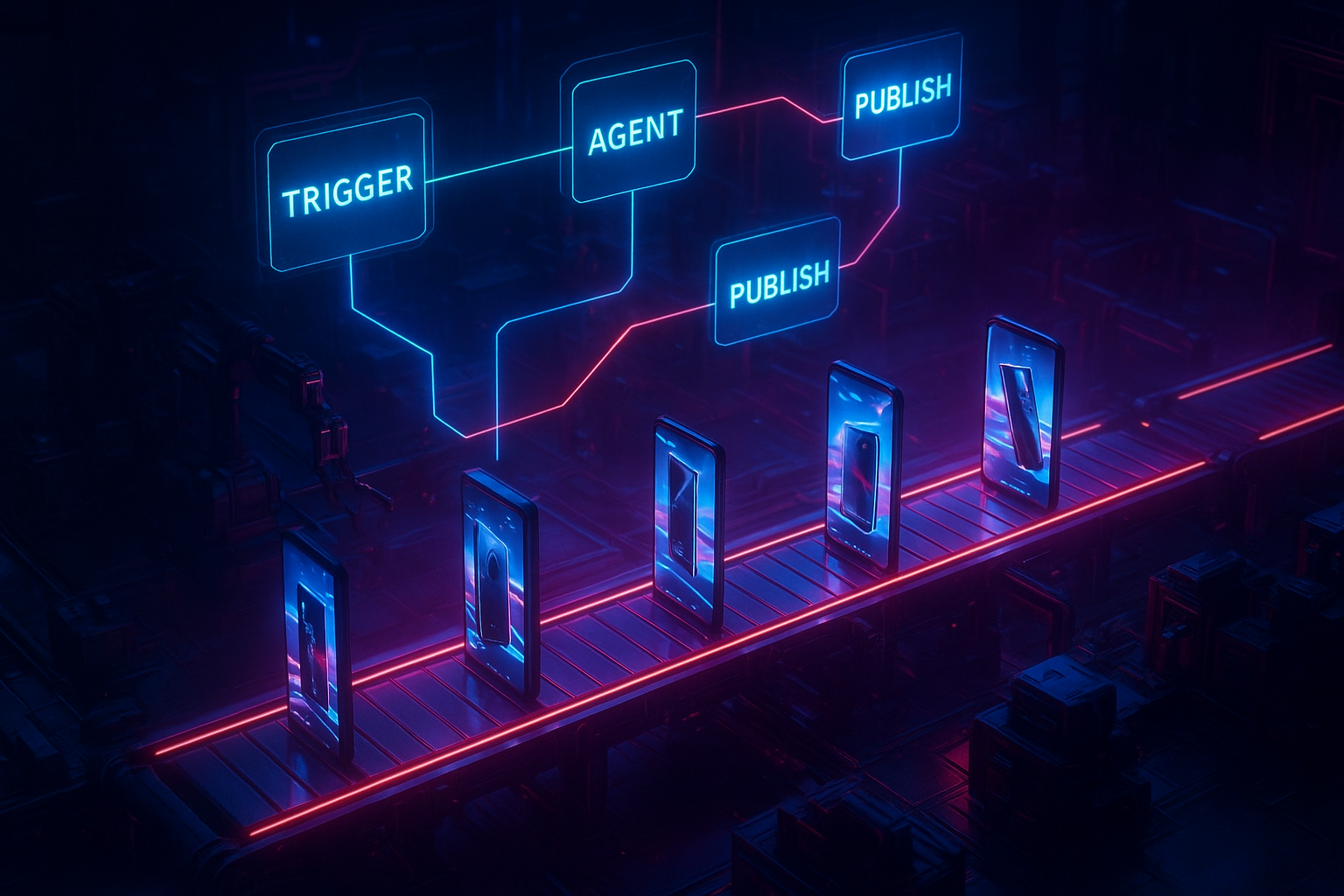
Why automate short-form video with Scrptly and n8n
- Agentic video generation: Scrptly uses a swarm of specialized AI sub-agents for research, screenplay, character design, narration, and editing — producing coherent, consistent stories.
- Consistency at scale: Provide context images once (logo, packaging, spokesperson) and Scrptly keeps them consistent across scenes and across batches.
- Built for automation: Use the Scrptly n8n node to generate videos on a schedule, from a webhook, or whenever new product data appears.
- Developer-friendly: Prefer code? Scrptly also offers an API, a Video Development Kit (VDK), an MCP server, and an npm package for programmatic video creation.
What you will build A reusable n8n workflow that: 1) Triggers on a schedule or webhook 2) Crafts a short-form prompt from product data 3) Sends the prompt (and optional reference images) to Scrptly 4) Waits for the AI video to finish 5) Stores the video and optionally posts it to your social pipeline
Prerequisites
- An n8n instance (self-hosted or cloud)
- A Scrptly account and API key: https://scrptly.com/
- Scrptly n8n community node installed: https://github.com/ybouane/n8n-nodes-scrptly
- Optional: A cloud bucket or drive to store final videos
Install the Scrptly node in n8n 1) In n8n, go to Settings > Community Nodes > Install New 2) Search for n8n-nodes-scrptly and click Install 3) In Credentials, add your Scrptly API key
If you prefer direct API or code, install the package:
npm install scrptly
# or
yarn add scrptly
Step-by-step: your short-form automation workflow 1) Trigger
- Use Schedule for daily or hourly posts, or Webhook when a new product is added to your catalog or CMS.
2) Prepare prompt
- Add a Function or Set node to compose a structured prompt template using variables from the trigger (product name, features, audience, length, aspect ratio, voice, CTA). Keep it vertical-first for Reels/Shorts.
Example prompt template
{
  "style": "UGC meets cinematic, handheld, natural lighting, vertical 9:16",
  "length": "15-20 seconds",
  "story": "Hook in first 2 seconds, 3 benefits in quick cuts, final CTA overlay",
  "voice": "warm, trustworthy, mid-20s narrator",
  "cta": "Tap to learn more",
  "product": "{{ $json.productName }}",
  "audience": "{{ $json.targetAudience }}",
  "key_points": [
    "{{ $json.benefit1 }}",
    "{{ $json.benefit2 }}",
    "{{ $json.benefit3 }}"
  ],
  "visual_notes": "Show close-up unboxing, texture macro, lifestyle shot in natural setting",
  "format": { "orientation": "vertical", "resolution": "1080x1920" }
}
3) Add Scrptly node
- Action: Generate AI Video
- Prompt: Use the JSON or a descriptive paragraph
- Context images (optional): URLs to product shots, logo, or brand color swatches; Scrptly uses them to keep scenes consistent
- Approve up to: set a sensible token budget for short clips
- Wait for completion: on for simpler flows; off if you handle callbacks
4) Store and distribute
- Add nodes to upload the output video URL/file to your storage (S3, GDrive, etc.)
- Optionally send to your social scheduler or CMS
- Log the video URL and metadata for analytics
5) Error handling and retries
- Wrap the Scrptly node with n8n error triggers
- Add a simple retry with backoff (e.g., 2-3 attempts for transient network errors)
Reference prompts that convert
15-second UGC ad Make a vertical 9:16 UGC-style ad for our new vitamin C serum. Start with a bold hook about brighter skin in days, show quick cuts of unboxing, application, and before-after style lighting. Voiceover warm and conversational. Add on-screen captions and a final CTA: Tap to try it.
Product reel montage Create a kinetic 18-second product reel for our wireless earbuds. Emphasize battery life, comfort, and noise isolation. Use upbeat music pacing, macro shots of texture, and a city commute lifestyle scene. Finish with a clean end card.
Explainer short In 20 seconds, explain how our pour-over kettle gets to temp faster using a precision spout and smart sensor. Combine 2D infographics with cinematic macro. Vertical, punchy captions, crisp CTA.
Using context images for consistency
- Upload a packaging close-up, your logo, and a lifestyle hero shot. Provide those URLs to the Scrptly node as Context Images. The agent will reuse these visuals across scenes, keeping branding consistent even across multiple videos generated over time.
Best-practice checklist for short-form automation
- Aim for 12–24 seconds with a hook in the first 2 seconds
- Keep orientation vertical (9:16) and resolution 1080x1920
- Use 3 tight benefits max; remove fluff
- Add clear CTA overlay in final 2 seconds
- Template your prompt, then swap product data automatically
- A/B test hooks and CTAs by branching two Scrptly nodes with slightly different prompts
- Batch on a schedule, then stagger publication with your social tool
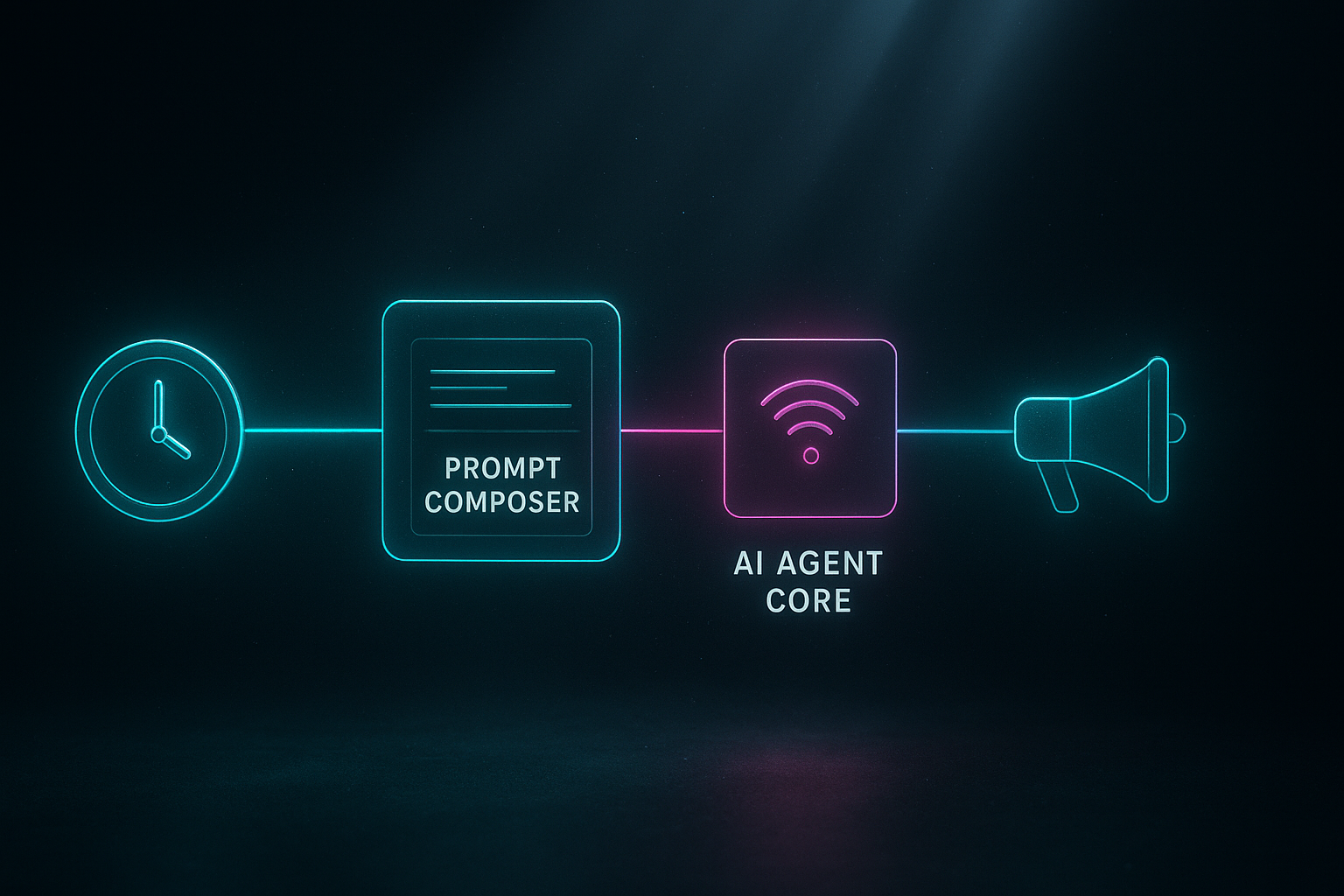
Advanced patterns to supercharge your workflow
- Parallelization with queueing: Fan-out multiple Scrptly nodes for different SKUs; use a queue or rate limits to keep resource usage predictable.
- Webhook-first completion: Turn off Wait for completion and handle a callback to a Webhook node that processes the finished video asynchronously.
- Dynamic token budgeting: Increase Approve up to for more cinematic clips; reduce for ultra-fast product reels.
- Metadata tagging: Store campaign, SKU, audience segment, hook variant, and results (views, CTR) for downstream reporting.
- Content calendars: Combine a Google Sheet or Notion DB with a Schedule trigger so Scrptly generates exactly the right asset on the right day.
How Scrptly compares to popular editors Traditional editors like InVideo or VEED are great for manual editing, overlays, and timelines. Scrptly is different: it is an AI Video Agent that writes, designs, narrates, and edits from a single prompt. That agentic approach, plus the n8n node and API, makes it ideal for always-on automation where volume, consistency, and speed matter.
Quick start links
- Try Scrptly: https://scrptly.com/
- n8n community node: https://github.com/ybouane/n8n-nodes-scrptly
- Developer platform overview and API: https://scrptly.com/
FAQ
- Can it keep my brand consistent across many clips? Yes. Provide context images (logo, packaging, brand palette) and Scrptly maintains consistency across scenes and episodes.
- Does it work for long form too? Absolutely. Scrptly shines at long-form, but this guide focuses on short-form automation.
- Can developers use it outside n8n? Yes. Use the API, VDK, npm package, or MCP server to integrate with your own agents and apps.
Call to action Spin up your first automated short-form workflow today. Install the Scrptly node in n8n, drop in your API key, and feed it a prompt plus a couple of reference images. In minutes, you will have a reliable pipeline that turns ideas and product data into polished vertical videos — without touching a timeline.
Create your first automated video now: https://scrptly.com/

Comments
Post a Comment