How To Generate AI Videos In n8n With A Single Node
If you’ve ever wished you could go from text prompt to polished video inside your automations, this tutorial is for you. In this guide, you’ll learn how to generate AI videos in n8n with a single node by using the Scrptly AI Video Agent. Whether you’re building an automated content pipeline, social ads at scale, or a faceless YouTube engine, Scrptly makes it as simple as writing a prompt.
Scrptly turns your prompts into ads, product showcases, anime, or short films—handling character design, scenes, narration, and editing automatically. Even better, it offers an official n8n community node so you can generate long-form videos inside your workflows. Try it here: https://scrptly.com/
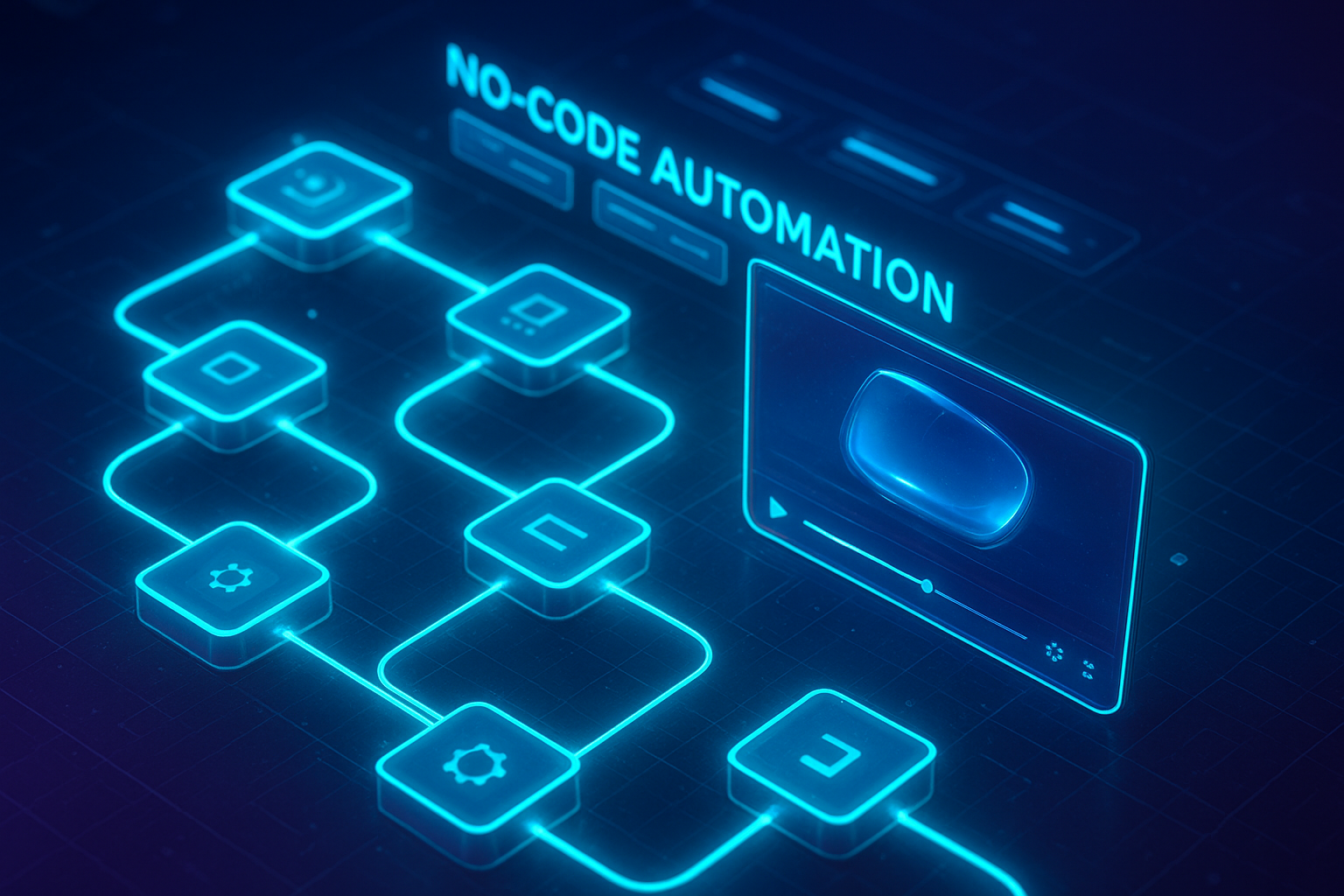
What You’ll Build
- A fully automated n8n workflow that accepts a prompt (and optional context images) and outputs a rendered video URL.
- A single Scrptly node does the heavy lifting: research, script, scenes, voiceover, edit, export.
- Optional: fan out to social channels, S3, or Slack after the render.
Why Scrptly for n8n Video Automation
- Consistency across scenes: Characters and environments remain coherent—even in longer videos.
- Long-form strength: Great for explainer videos, UGC ads, and YouTube-length content.
- Developer-friendly: API, VDK, and MCP server for advanced agent workflows and programmatic control.
- N8N Integration: Drop-in node with “Wait For Completion” and budget controls.
Explore the product: https://scrptly.com/
Prerequisites
- n8n (self-hosted or cloud) with Community Nodes enabled.
- A Scrptly account and API key. Sign up and get your key here: https://scrptly.com/
- Optional: public URLs for context images of your product/brand.
Step 1 — Install the Scrptly Node in n8n
1) In n8n, go to Settings > Community Nodes > Install New. 2) Search for: n8n-nodes-scrptly 3) Click Install.
Source and docs for the node: https://github.com/ybouane/n8n-nodes-scrptly

Step 2 — Add Credentials
- In the n8n editor, open the Credentials tab.
- Create New > Select “Scrptly API”.
- Paste your API key from your Scrptly account and save.
Security tip: Store your key in n8n credentials, not in nodes directly.
Step 3 — Build the One-Node Video Workflow
You can trigger the workflow via Webhook, Schedule, or any other node. For this example, we’ll use a Webhook.
1) Add a Webhook node (POST). This will receive a JSON body with your prompt and optional context image URLs. 2) Add the Scrptly node. Configure the fields:
- Prompt: A descriptive, outcome-focused brief. Example: “Create a 30–45s vertical UGC-style ad for a minimalist leather sling bag. Show unboxing, close-up stitching, and daily carry scenes. Keep a warm, lifestyle aesthetic. Include calm, friendly narration.”
- Context Images (optional): URLs to product photos or brand visuals. Example: ["https://example.com/images/bag-front.jpg", "https://example.com/images/bag-stitching.jpg"]
- Approve Up To (budget): Max token budget for generation (e.g., 10000). Start modest and increase for longer videos.
- Wait For Completion: On to pause the workflow until the video is done; Off to return immediately with a task ID.
3) Add a follow-up node depending on your choice:
- If Wait For Completion = On: Send the generated video URL to Slack, upload to S3, or post to a social API.
- If Wait For Completion = Off: Store the task ID, then use a separate scheduled workflow to poll for completion via the Scrptly node.
Example Webhook Payload
Send this to your Webhook URL to test end-to-end:
{
  "prompt": "Create a 20–30s vertical product reel for our eco-friendly skincare bundle. Highlight texture shots, ingredients, and before/after glow. Keep it soothing, with gentle narration and on-screen captions.",
  "contextImages": [
    "https://cdn.yoursite.com/skin/bundle-flatlay.jpg",
    "https://cdn.yoursite.com/skin/texture-swatches.jpg"
  ],
  "approveUpTo": 12000,
  "waitForCompletion": true
}
In your Scrptly node, map these fields from the Webhook body so the node stays reusable.
Testing with curl
Once you’ve deployed your webhook, send a test:
curl -X POST \
  -H "Content-Type: application/json" \
  -d '{
    "prompt": "Make a 45–60s documentary-style short about how whales communicate with songs. Include archival-feel shots, maps, and a calm voiceover.",
    "contextImages": ["https://cdn.example.org/ocean/whale1.jpg"],
    "approveUpTo": 15000,
    "waitForCompletion": true
  }' \
  https://your-n8n-domain/webhook/ai-video
With Wait For Completion enabled, the Scrptly node returns the final video metadata, including a URL you can pass to storage or social nodes.
Reliability Tips for Production
- Write specific prompts: Define length, orientation, pacing, and key shots. Name characters when needed.
- Provide 2–5 reference images: Product angles, packaging, environments, and palette help keep consistency.
- Set budgets by use case: Short reels may need 8–12k tokens; long explainers may need more.
- Use retries and timeouts: n8n has native retry logic. Add a small delay/backoff for polling flows.
- Log task IDs: If you don’t wait for completion, store IDs to reconcile finished renders later.
- Post-process: Add watermarking, caption burn-in, or auto-upload steps after the Scrptly node.
Beyond a Single Node: Power Users and Developers
- API + VDK: If you need code-level control or to mix human-made assets, Scrptly’s Video Development Kit and API let you build custom pipelines. Explore: https://scrptly.com/
- MCP Server: Connect Scrptly to your preferred LLM agents via MCP for autonomous creative workflows.
- Hybrid flows: Use n8n to orchestrate prompts coming from forms, CRMs, spreadsheets, or chatbots, then hand off to Scrptly.
Example: Programmatic generation with JavaScript (outside n8n) using the Scrptly package:
import Scrptly from 'scrptly';

Scrptly.setApiSettings({ apiKey: process.env.SCRPTLY_API_KEY });

const task = await Scrptly.videoAgent.create({
  prompt: "Create a 60s horizontal explainer about why glaciers are melting faster today. Include maps, data overlays, and clear narration.",
  contextImages: ["https://cdn.example.com/glacier/overlay.png"],
  approveUpTo: 15000
});

console.log(task);
Real-World Use Cases
- Ecommerce + Agencies: Auto-generate new product reels, seasonal promos, and UGC-style testimonials every time a SKU goes live.
- Faceless YouTube: Schedule weekly educational shorts with consistent voice and visuals.
- Research & Journalism: Rapidly produce mini-docs with maps, timelines, and voiceovers.
- Education: Turn lesson plans into engaging explainers with on-screen captions.
Frequently Asked Questions
- How long do renders take? It varies by prompt complexity and length. For short reels, expect minutes; for longer content, budget extra time.
- Can I control style and orientation? Yes—define it in your prompt (e.g., vertical 9:16, cinematic tone, anime style, documentary pacing).
- What about consistency across episodes? Provide recurring context images, character names, and environment details for stable results.
- Is there a cost limit? Use the “Approve Up To” (token budget) field in the Scrptly node to cap usage per video.
Ship Your First Automated Video Today
With the Scrptly n8n node, you can generate AI videos from a single node—no editing, no timelines, no manual stitching. Start building your automated video pipeline now:
- Get Scrptly: https://scrptly.com/
- Install the n8n node: https://github.com/ybouane/n8n-nodes-scrptly
If you need deeper control later, Scrptly’s API, VDK, and MCP server are ready when you are. Happy automating!

Comments
Post a Comment