How To Generate AI Videos in n8n Workflows Step by Step
If you’re using n8n to automate your marketing, content, or data flows, you can now add fully generated videos to the mix—no editing skills required. In this step-by-step guide, you’ll learn how to generate AI videos directly inside n8n with the Scrptly node, then automatically publish them to your social channels or asset libraries.
Scrptly is an AI Video Agent that turns natural-language prompts (plus optional context images) into fully edited ads, product showcases, explainers, anime, or short films—complete with narration, consistent characters, and coherent scenes. It shines for long-form content and can slot into your automations through its N8N integration, API, VDK, and MCP server. Get started at https://scrptly.com/
Why use n8n + Scrptly?
- Automate video creation from feeds, forms, or schedules
- Keep characters and environments consistent with context images
- Generate long-form videos reliably (e.g., tutorials, mini-docs, YouTube episodes)
- Scale UGC-style ads, product reels, and educational explainers
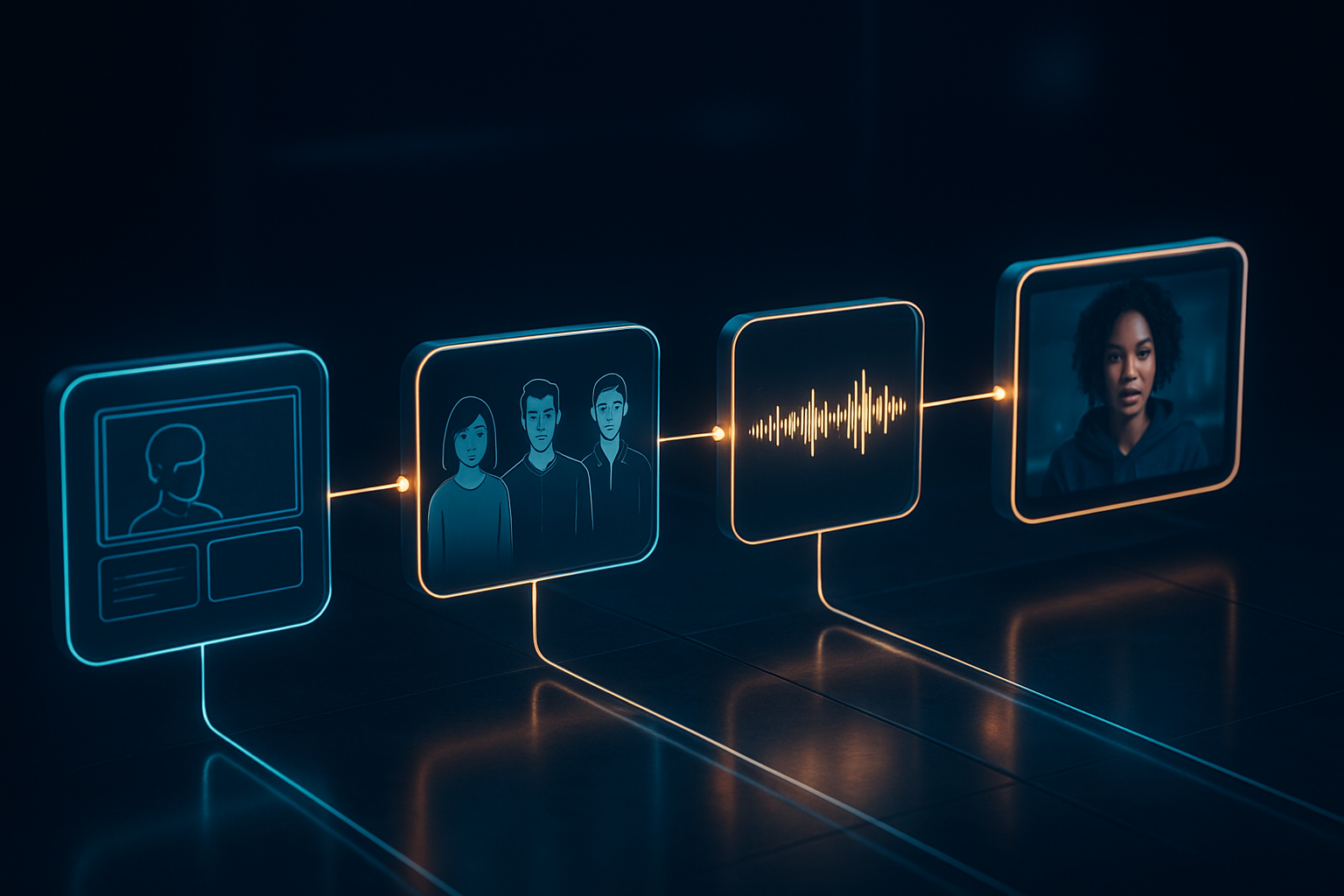
What you’ll build We’ll create an n8n workflow that: 1) Triggers on a schedule or webhook 2) Calls the Scrptly node with a dynamic prompt and optional context images 3) Waits for the final video (or returns a task ID for async polling) 4) Uploads or publishes the video automatically
Prerequisites
- An n8n instance (Cloud or self-hosted)
- A Scrptly account and API key: https://scrptly.com/
- Optional: product or brand images for context consistency
- Optional: destinations like Google Drive, S3, YouTube, or Slack
Step-by-step: Generate AI videos in n8n 1) Install the Scrptly community node
- In n8n, go to Settings > Community Nodes > Install New
- Search for: n8n-nodes-scrptly
- Click Install
- Node source and docs: https://github.com/ybouane/n8n-nodes-scrptly
2) Add Scrptly credentials
- Open the Credentials tab in n8n
- Create New Credential > Scrptly API
- Paste your API key (retrieve it from your Scrptly account at https://scrptly.com/)
- Save, then select these credentials in the Scrptly node
3) Choose a trigger Pick the starting point for your automation:
- Schedule: Cron to create daily/weekly videos
- Webhook: Generate a video on-demand when a form submits
- RSS/HTTP Request: Turn blog posts or product feeds into videos
- Airtable/Google Sheets: Use a content calendar to batch-generate videos
4) Configure the Scrptly node Key inputs you’ll set:
- Prompt: Describe the video in detail (style, scenes, voice, length, ratio)
- Context Images: Optionally map binary images from previous nodes for visual consistency
- Approve Up To: Set a max budget in tokens (default 10,000)
- Wait For Completion: If ON, the node returns when the video is ready; if OFF, it returns a task ID so you can poll later
Example prompt using n8n expressions:
Create a 35–45s vertical UGC-style ad for {{$json["product_name"]}} targeted at {{$json["audience"]}}.
Scenes:
1) Hook (0–5s): A quick, punchy opener with a problem/aspiration.
2) Demonstration (6–25s): Show the product in use with close-up details.
3) Social proof (26–35s): A single concise testimonial line.
4) CTA (35–45s): Clear call-to-action with on-screen text.

Visual style: clean, bright, natural light; handheld feel; subtle motion graphics; on-screen captions synced to narration.
Voice: friendly, credible, neutral accent.
Audio: gentle upbeat background track at -18 LUFS.
Format: 1080x1920 portrait; deliver as MP4.
Consistency: Keep packaging, color palette, and key features consistent using provided context images.
Tip: For longer videos (e.g., mini-docs or explainers), specify chapter structure, pacing, B-roll, and transitions: “Include a 60-second chapter on history, 60 seconds on the science, and 60 seconds on practical tips, with lower-thirds and cutaways.” Scrptly excels at long-form cohesion.
5) Add context images (optional) If an upstream node fetched product imagery, map its binary data into the Scrptly node’s Context Images field. Scrptly uses these references to keep characters, props, and environments consistent across multiple scenes.
6) Run and test
- Execute the workflow
- If Wait For Completion = ON, you’ll receive the final video URL in the Scrptly node output
- If OFF, capture the task ID, then use a follow-up workflow (or a polling loop) to check status and retrieve the final asset
7) Post-process and publish Add nodes to automatically:
- Upload to Google Drive, S3, or Cloudinary
- Post to YouTube, TikTok (via a connector), or Instagram
- Notify your team on Slack
- Log metadata to Airtable/Notion
8) Scale, personalize, and A/B test
- Split In Batches to manage throughput
- Use item lists to generate multiple video variants per product
- Inject audience segments or language from your CRM
- A/B test hooks, CTAs, or styles by branching prompts
Two proven workflow recipes 1) Ecommerce product launch
- Trigger: Schedule (daily) or webhook
- Fetch product data via HTTP Request (title, benefits, price, images)
- Scrptly node: dynamic prompt + context images
- Upload to S3 or Drive
- Send Slack notification Prompt snippet:
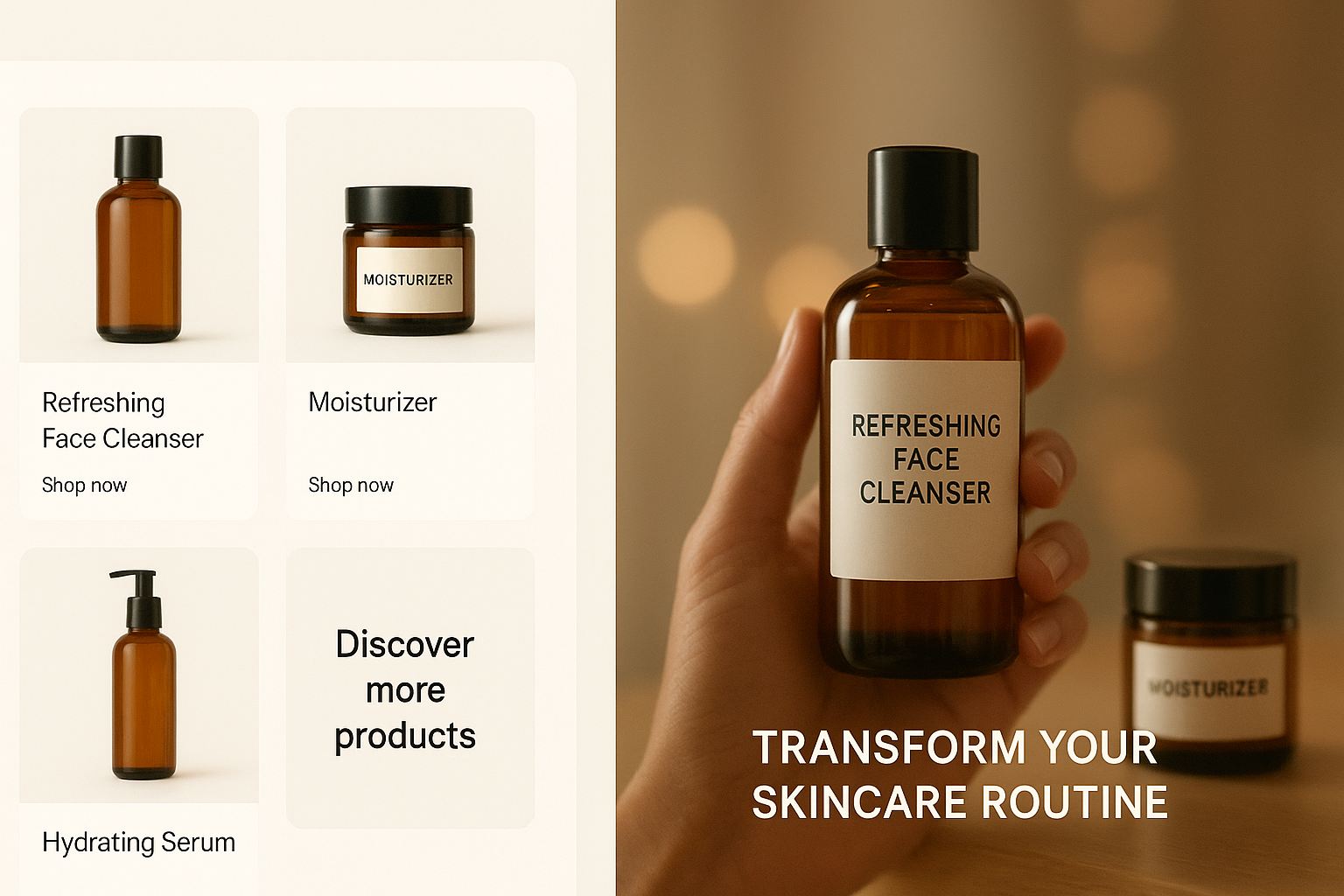
Create a 30–40s product reel highlighting these three benefits: {{$json["benefit1"]}}, {{$json["benefit2"]}}, {{$json["benefit3"]}}.
Style: crisp macro shots, soft daylight, elegant typography, subtle whoosh transitions.
Include captions and a clear CTA to “Shop now.” Keep packaging consistent with reference images.
2) Faceless YouTube automation
- Trigger: Google Sheets row (scripted content calendar)
- Scrptly node: long-form outline (5–7 minutes), specify chapters, narration, captions
- YouTube Upload node: publish with title, description, tags
- Notion/Airtable: log the published URL Prompt snippet:
Create a 6–7 minute educational video titled "{{$json["topic_title"]}}" with three chapters:
1) Background and context
2) Core insights with examples
3) Actionable takeaways
Narration: clear, authoritative, warm tone. Add on-screen chapter titles, lower-thirds, and end card with CTA.
Aspect ratio: 16:9.
Include B-roll and subtle sound design cues for transitions.
Developer notes (API, VDK, MCP)
- Prefer programmatic control? Scrptly’s Video Development Kit (VDK) and API let you create videos with JavaScript and build custom pipelines. See https://scrptly.com/
- Use the MCP server to connect Scrptly with your preferred LLM tools
- For CI/CD-style media generation, combine the API with your existing services, then orchestrate in n8n
Minimal API setup (Node.js):
import Scrptly from 'scrptly';

Scrptly.setApiSettings({
  apiKey: process.env.SCRPTLY_API_KEY,
});
// Then call the AI Video-Agent or VDK endpoints per the docs.
Best practices for reliable automation
- Be explicit in prompts: length, ratio, tone, scene beats, captions, voice
- Use context images for consistency across scenes and episodes
- Set a realistic token budget in Approve Up To for longer videos
- If you disable Wait For Completion, add a deliberate polling rhythm to avoid rate spikes
- Implement error handling with IF/Switch nodes and Slack alerts
FAQs
- How long does video generation take? Depends on complexity and length. Short reels can be quick; longer pieces take more time. You can wait in-node or poll asynchronously.
- Can I generate long-form videos? Yes—Scrptly is particularly strong at longer content with consistent scenes and narration.
- Do I need editors or VFX skills? No. Provide a detailed prompt and optional reference images; Scrptly handles screenplay, narration, scenes, and editing.
- Can developers integrate beyond n8n? Yes—the API, VDK, and MCP server support advanced integrations and agents.
Next steps
- Install the Scrptly node in n8n and connect your API key
- Start from a simple scheduled reel and expand to multi-variant, multi-channel automation
- Explore the platform and sign up at https://scrptly.com/
Turn your prompts into ready-to-publish videos—on autopilot—with n8n and Scrptly.

Comments
Post a Comment