How To Generate AI Videos In n8n Workflows Step By Step
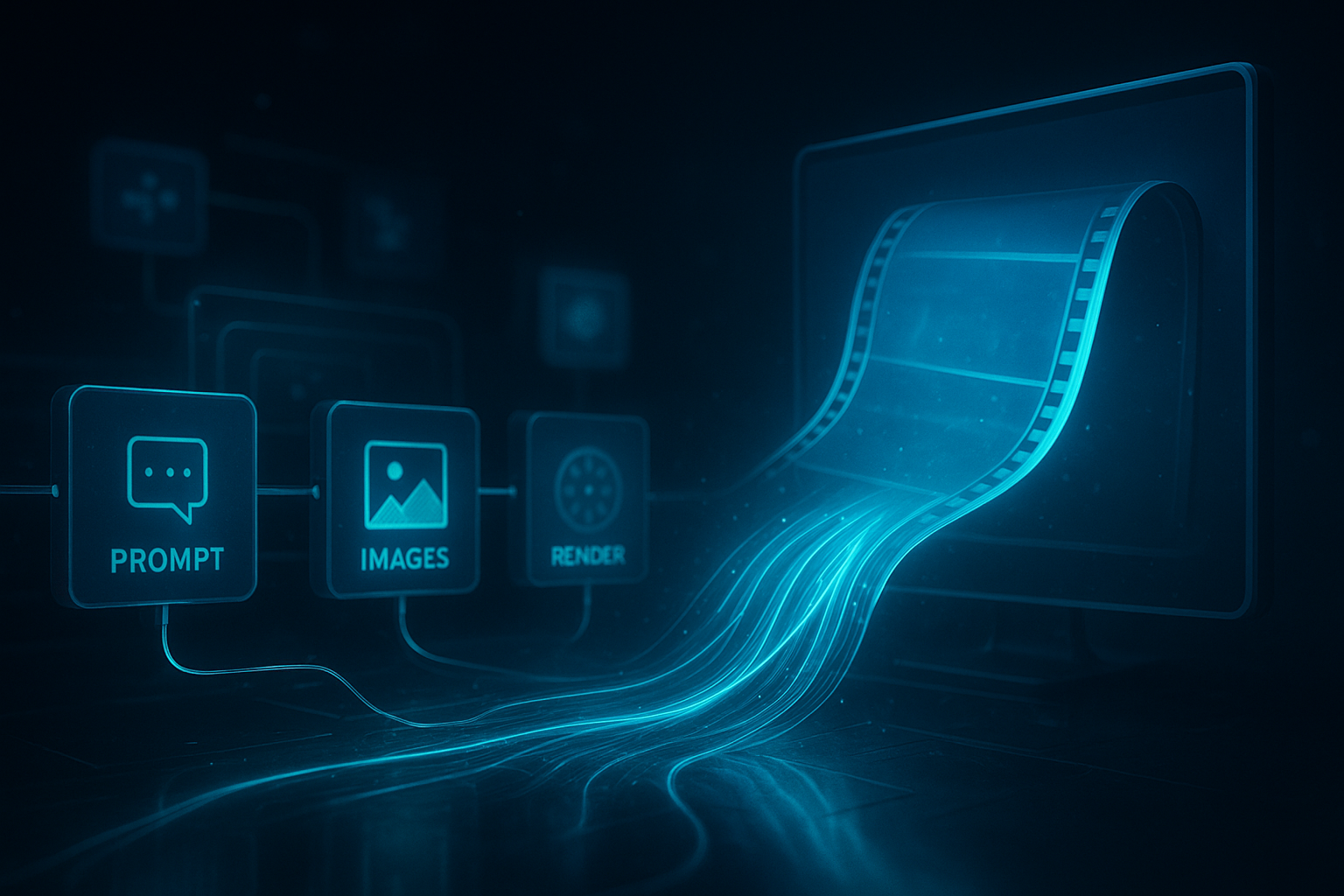
When you can generate studio-quality video automatically, every campaign, content series, or product launch becomes faster to ship and easier to iterate. In this guide, you’ll learn—step by step—how to automate AI video creation inside your n8n workflows using Scrptly, the AI Video Agent that turns your prompts into ads, product showcases, anime, or short films.
Scrptly handles the entire pipeline for you: research, screenplay, character design, scene generation, narration, editing, and final export. Thanks to character and environment consistency, it shines for long-form content as well as short UGC ads. And with the official community node for n8n, you can orchestrate fully automated video pipelines in minutes.
Learn more or sign up here: https://scrptly.com/
Who this guide is for
- Marketers and ecommerce teams who want to scale UGC-style ads and product showcases
- Creators building faceless YouTube channels or shorts at volume
- Developers and automators who want programmatic video creation in workflows
- Journalists, educators, and researchers producing doc-style explainers
What you’ll build
- A repeatable n8n workflow that: 1) accepts a prompt (and optional context images) 2) calls Scrptly’s AI Video-Agent to generate a video 3) waits for completion (or returns a task ID to poll) 4) posts the final video to storage and/or social channels
Prerequisites
- An n8n instance (cloud or self-hosted)
- A Scrptly account with an API key: https://scrptly.com/
- Optional: context images (product photos, brand shots) to ensure character/object consistency
Step 1 — Install the Scrptly community node
- In n8n, go to Settings > Community Nodes > Install New
- Search for: n8n-nodes-scrptly
- Click Install
- Repo for reference: https://github.com/ybouane/n8n-nodes-scrptly
Step 2 — Add your Scrptly credentials
- In the editor, open the Credentials tab
- New Credential > choose Scrptly API
- Paste your Scrptly API key (from your Scrptly account page)
- Save
Pro tip: Store keys as environment variables in self-hosted setups. Rotate if exposed.
Step 3 — Create a basic workflow
Add a Trigger node (Webhook or Schedule)
Webhook for on-demand generation (e.g., from a CMS)
Schedule for recurring campaigns (e.g., weekly product reels)
Add the Scrptly node to the canvas
Select your Scrptly credentials
Define the Prompt (and optionally add Context Images)
Set Approve Up To (max token budget); default is 10,000
Toggle Wait For Completion on (recommended for simple flows)
Example prompts to paste into the node
Create a 45-second UGC-style ad reviewing our new wireless earbuds. Portrait 9:16 for TikTok. Feature close-up shots, on-screen text, and friendly voiceover. Emphasize sound quality, battery life, and comfort. End with a clear call-to-action to visit our site.
Generate a 3-minute documentary-style explainer: “How glaciers are melting faster today.” Use a calm, authoritative narrator, animated diagrams, and b-roll style scenes. Landscape 16:9. Include on-screen captions and chapter markers.
Make a cinematic 60-second product reel for an eco-friendly sneaker launch. Highlight materials, craftsmanship, and lifestyle shots. Landscape 16:9. Energetic pacing with rhythmic cuts and subtle text overlays.
Using Context Images
- Drag in product shots or brand imagery to lock visual consistency for longer videos
- Ensure images are well-lit and high-res
- Provide multiple angles to help the AI understand details
Step 4 — Configure output behavior
- With Wait For Completion on: the node returns the final video URL and metadata when ready
- With Wait For Completion off: the node returns a task ID immediately (use a separate polling step or a later scheduled job to fetch results)
Example: Post-process the video
- Add a Storage node (S3/Google Drive) to upload the file
- Add an HTTP Request node to notify Slack/Discord with the video link
- Add an App-specific node to publish to social (e.g., YouTube upload in a separate authenticated node)
Pseudo post-processing flow 1) Scrptly (Generate Video) 2) If Success: Download > Upload to S3 > Send Slack message 3) If Error: Send alert and retry/backoff
Step 5 — Make it production-ready
- Branching: Route different prompts per channel (YouTube long-form vs 9:16 shorts)
- Rate limits: Stagger triggers for high-volume batch jobs
- Resilience: Add retries with exponential backoff for transient errors
- Logging: Store task IDs, prompts, and outputs for auditing
- Budget control: Keep Approve Up To aligned with video length/complexity
Recommended field settings in the Scrptly node
- Prompt: Detailed, specific, single source of truth
- Context Images: Optional, improves consistency for products/characters
- Approve Up To: Increase for long-form (e.g., 15,000–25,000 tokens)
- Wait For Completion: On for synchronous flows, Off for parallel/pipeline flows
Troubleshooting quick wins
- Stuck waiting? Turn off Wait For Completion and poll by task ID in a separate node
- 401 Unauthorized: Re-check Scrptly credentials and environment variables
- 413 Payload Too Large: Compress or reduce context image count/size
- Unexpected style/length: Make explicit in prompt (e.g., “Landscape 16:9, 120 seconds, calm tempo”)
- Rate-limiting: Add delays or queues between generations
Why Scrptly for n8n
- Built for long-form: Better character and environment consistency over time
- End-to-end autonomy: From research and script to narration and final edit
- Developer-first options: API, VDK, and MCP server for deeper integrations
- N8N node: Simple, reliable way to drop AI video generation anywhere in your workflow
Add advanced automation patterns
- Multi-variant testing: Generate 3 prompt variants and route each to a different audience segment
- Localization: Loop over language codes and ask for region-specific voiceover and captions
- Content calendars: Schedule recurring themes (e.g., “Tips Tuesday” reel series) with seasonal prompts
- Data-driven prompts: Pull product specs or trending topics via HTTP Request before the Scrptly node
Security & governance tips
- Centralize your Scrptly API key in n8n credentials
- Log: input prompts + final URLs for each run
- Cap Approve Up To per flow to control spend
- Validate: ensure prompt text doesn’t contain sensitive data from upstream systems
Optional: Programmatic creation outside n8n If you need custom logic or want to pair Scrptly with other AI agents, you can also use the API/VDK or the MCP server. See the docs from your Scrptly account: https://scrptly.com/
Installation snippet (for developers)
npm install scrptly
# or
yarn add scrptly
Basic API setup example
import Scrptly from 'scrptly';

Scrptly.setApiSettings({
  apiKey: process.env.SCRPTLY_API_KEY,
});
// Now call the AI Video-Agent or VDK APIs in your server scripts or jobs

SEO-friendly checklist you can copy
- Use targeted prompts including channel, aspect ratio, tone, duration, and CTA
- Provide 2–5 high-quality context images for consistent products/characters
- Set token budget proportionally to length and complexity
- Add post-processing nodes to upload and publish automatically
- Track performance per variant; refine prompts based on outcomes
Ready to automate your first AI video?
- Install the Scrptly community node in n8n
- Grab your API key from: https://scrptly.com/
- Build a simple flow today—then scale to a complete content factory
Helpful links
- Get started with Scrptly: https://scrptly.com/
- n8n community node for Scrptly: https://github.com/ybouane/n8n-nodes-scrptly
With Scrptly’s AI Video-Agent integrated into n8n, you’ll ship more content, test more ideas, and move faster—without sacrificing visual consistency or production value. Automate the boring parts and focus on strategy and storytelling.

Comments
Post a Comment