How to Generate Long Form Product Videos in N8N Workflows
If you’re producing product explainer videos, UGC-style ads, or cinematic showcases at scale, manual editing doesn’t cut it. The fastest teams automate. In this guide, you’ll learn how to generate long-form, on-brand product videos entirely inside your workflows—powered by the Scrptly AI Video Agent and orchestrated with N8N.
Scrptly turns a single prompt (plus optional context images) into a finished video—screenplay, scenes, character and environment design, narration, and editing included. When paired with N8N, you can trigger production from a CMS, Shopify, Airtable, or a simple webhook, then automatically publish your final video to social channels or storage.
Try Scrptly — AI Video Agent for long-form product videos
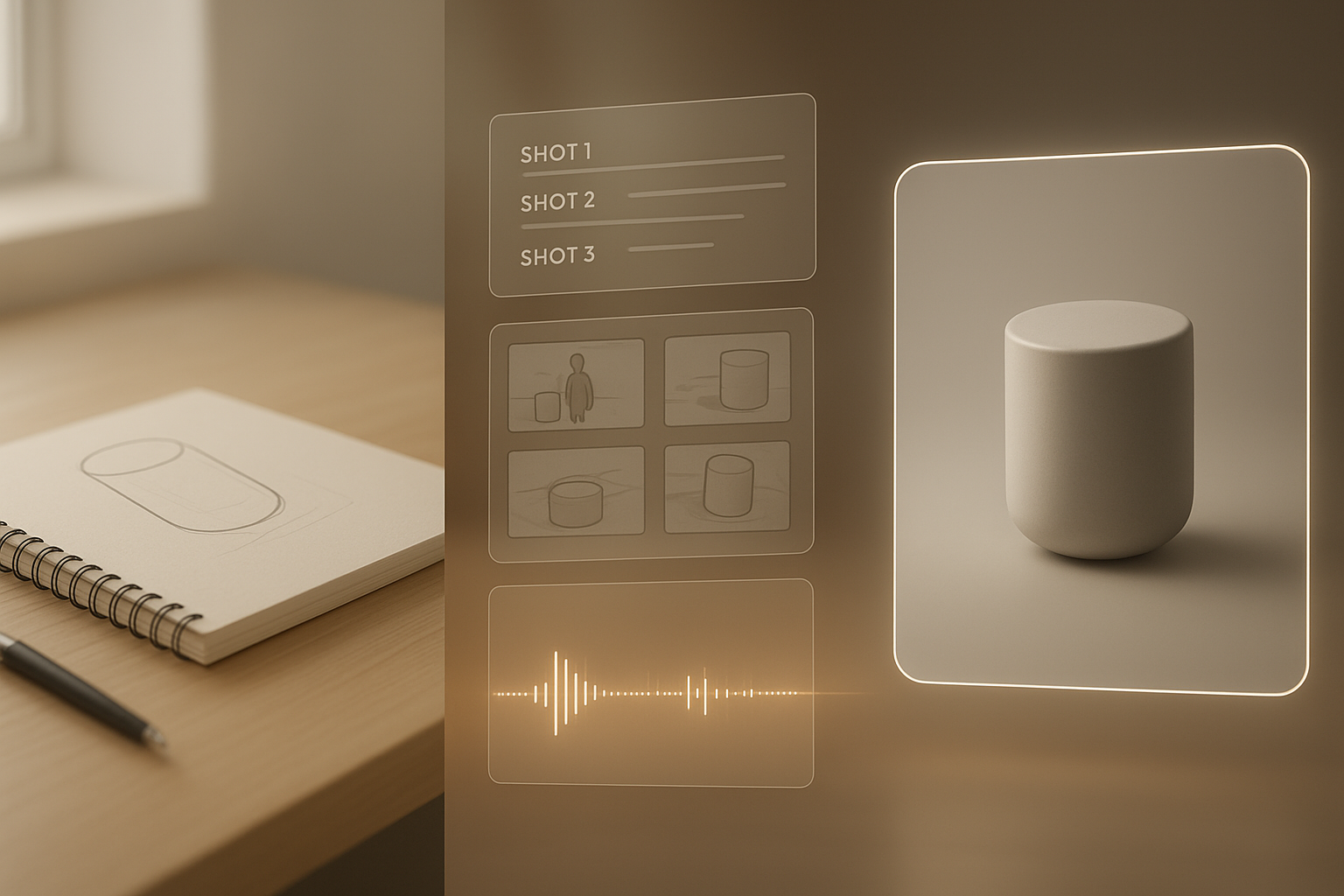
Why automate long-form product videos
- Consistency at scale: Maintain the same product look, camera language, color palette, and voice across episodes and channels.
- Faster time-to-market: Ship launch videos, how-tos, and bundles in hours—not weeks.
- Lower production costs: Replace repetitive editing work with AI-powered assembly and narration.
- Data-driven iteration: A/B test prompts, hooks, runtimes, and CTAs in your workflow.
Scrptly excels at longer narratives with consistent characters and environments. It uses a swarm of specialized AI sub-agents—research, screenplay, character design, narration, and editing—to deliver cohesive, ready-to-post videos.
What you’ll build
We’ll set up an N8N workflow that: 1) Receives product data and images 2) Generates a long-form product video with Scrptly 3) Stores the final video and optionally posts it to your channels
Reference links:
- Scrptly (AI Video Agent): https://scrptly.com/
- Open-source N8N node for Scrptly: https://github.com/ybouane/n8n-nodes-scrptly
Prerequisites
- An N8N instance (self-hosted or cloud)
- A Scrptly account and API key: sign up at https://scrptly.com/
- Product data source (e.g., CMS, Shopify, Airtable, or webhook payload)
- Optional: context images of your product for consistency
Step-by-step: Build the automated workflow
1) Install the Scrptly node in N8N
- Go to Settings > Community Nodes > Install New
- Search for
n8n-nodes-scrptlyand click Install - In Credentials, add your Scrptly API key
2) Design the workflow
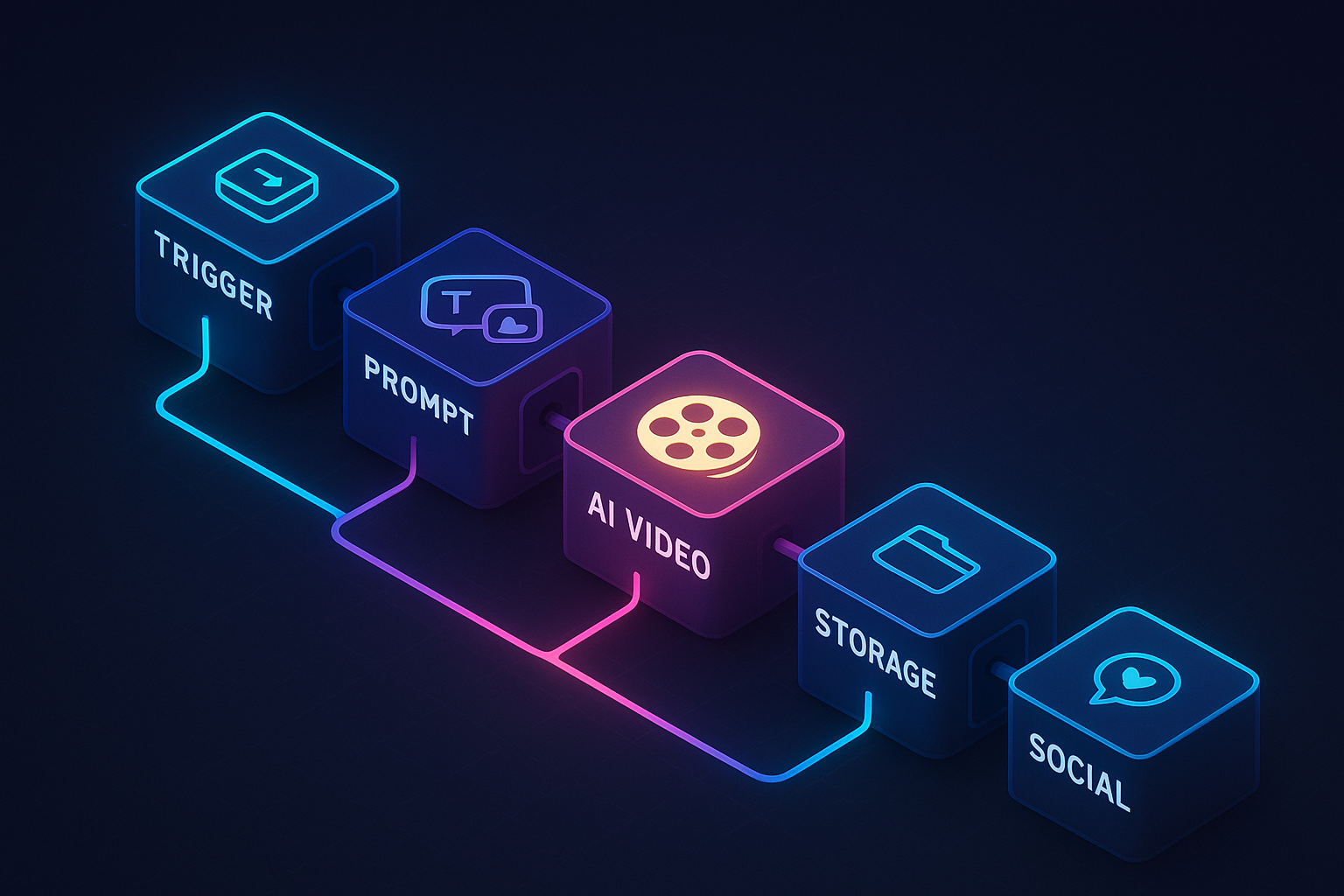
A practical long-form flow can look like this:
- Trigger: Webhook (or Schedule) — fires when a product is created/updated or on a set cadence.
- Product Data: HTTP Request (to your store/CMS) or direct webhook payload.
- Prompt Builder: Function node — construct a detailed prompt (see template below).
- Context Images: Provide URLs or base64 data from your catalog/asset library.
- Scrptly (AI Video-Agent): Configure prompt, attach context images, set budget.
- Post-Processing: Store the video (S3/Drive) and distribute (YouTube, socials, email).
3) Configure the Scrptly node
- Prompt: Describe your video, story, tone, structure, and brand details.
- Context Images: Add reference images so the product appears consistently.
- Approve Up To: Set the max token budget (default 10,000). Increase for longer videos.
- Wait For Completion: On for synchronous flows; Off for async (you’ll poll the task ID later).
4) Publish the output
- Save to cloud storage, push to your CMS, or auto-post to social media.
- Optionally, notify Slack or email with a link to the final video.
Pro-level prompt template for consistent long-form videos
Copy, paste, and adapt inside your Prompt Builder node:
Create a 2–3 minute long-form product video that blends cinematic shots, subtle motion graphics, and a personable voiceover.

Product:
- Name: {{product_name}}
- Category: {{product_category}}
- Key Benefits: {{benefits_list}}
- Unique Proof: {{social_proof_or_data}}
- Offer/CTA: {{cta_text}}

Audience & Tone:
- Target: {{audience_persona}} (pain points: {{pain_points}})
- Tone: Warm, credible, modern; avoid hype; prioritize clarity and trust.

Visual Direction:
- Orientation: {{portrait_or_landscape}}
- Color mood: {{brand_colors_mood}}
- Camera language: Slow push-ins, macro cutaways, soft natural light.
- Text overlays: Minimal headings with key claims; tasteful lower-thirds.
- B-roll: Hands-on use, detail macros, lifestyle context.

Structure (chapters with timestamps):
- 0:00 Hook — 4–7s concise problem/aspiration.
- 0:07 Context — who it’s for and why it matters.
- 0:25 Features — demonstrate top 3–5 features with on-screen labels.
- 1:20 Proof — real-world scenario, before/after, or quantified outcome.
- 1:50 Objections — address top 2 objections with visuals.
- 2:10 CTA — benefits recap, offer, clear next step.

Narration:
- Voice: {{voice_style}}; pace moderate; pauses after key claims.
- Include on-screen captions.

Brand Consistency:
- Keep the product identical across frames.
- Use provided context images for modeling, materials, and finishes.

Export:
- Length target: {{duration_target}}
- Resolution: {{resolution}}
- Safe for paid ads and organic posts.

End with a succinct CTA overlay matching brand typography.
Tip: Feed 2–5 high-quality context images (hero angle, macro detail, lifestyle usage) so Scrptly keeps your product consistent across scenes—especially powerful for longer narratives.
Handling context images in N8N
You can store image URLs in your CMS and map them to the Scrptly node. Example payload structure from a previous node:
{
  "product_name": "Aurora Linen Tote",
  "product_category": "Everyday carry bag",
  "benefits_list": ["Lightweight yet sturdy", "Machine-washable", "Hidden zipper pocket"],
  "social_proof_or_data": "4.8/5 rating from 2,400+ verified buyers",
  "cta_text": "Shop the launch and get free shipping",
  "audience_persona": "Urban commuters and weekend travelers",
  "pain_points": "Bulky bags, poor organization, harsh materials",
  "portrait_or_landscape": "landscape",
  "brand_colors_mood": "soft neutrals with a pop of sage",
  "voice_style": "calm, friendly, articulate",
  "duration_target": "~2 minutes",
  "resolution": "1920x1080",
  "context_images": [
    "https://example.com/assets/tote-hero.jpg",
    "https://example.com/assets/tote-macro-stitch.jpg",
    "https://example.com/assets/tote-lifestyle.jpg"
  ]
}
Advanced patterns for scale
- A/B test hooks and CTAs: Branch your prompt into variants; compare watch-through and conversions.
- Multi-language output: Parameterize narration language and captions per market.
- Channel-optimized edits: Auto-generate landscape for YouTube and portrait for Reels/Shorts from the same product data.
- Async rendering: Turn off “Wait For Completion,” capture task ID, poll later, then continue the flow.
- Budget control: Use “Approve Up To” to limit token use; raise it only for flagship videos.
- Error handling: Add retry logic and fallbacks; notify ops on failures.
- MCP interoperability: Connect Scrptly with your preferred LLM via an MCP interface to enrich prompts dynamically.
Why Scrptly for long-form product videos
- Consistent scenes and characters: Context images anchor the product’s look across long timelines.
- End-to-end production: Research, screenplay, scene design, narration, and editing are handled by specialized AI sub-agents.
- Built for automation: Native N8N node, a robust API, and an MCP server make integration easy.
- Developer-friendly: Use the Video Development Kit (VDK) and JavaScript APIs to programmatically generate videos in your apps.
Explore the platform: https://scrptly.com/
Troubleshooting and best practices
- If scenes feel disjointed, add more explicit chapter timing and camera direction to your prompt.
- For clearer product shots, provide high-resolution context images showing key materials and finishes.
- If budgets run high, trim the number of chapters or reduce length; use tighter, more directive prompts.
- When social uploads compress too much, store a master in cloud storage and generate platform-specific derivatives.
Launch and measure
- Add UTM parameters in CTAs to attribute conversions.
- Track metrics: average view duration, 25/50/95% retention, CTR to product page, add-to-cart rate.
- Feed learnings back into the prompt (hooks, objections addressed, pacing) and re-run at scale.
Ready to automate your video pipeline?
- Install the N8N node: https://github.com/ybouane/n8n-nodes-scrptly
- Generate your first long-form product video today: https://scrptly.com/

Comments
Post a Comment