How To Build An N8N Workflow For Automated AI Video Creation
If you’ve ever wished your video pipeline could run on autopilot — turning briefs and product drops into ready-to-post content — this is your playbook. In this tutorial, you’ll learn how to build a robust n8n workflow that automatically generates AI videos using Scrptly, an AI Video Agent that turns prompts into ads, product showcases, explainers, anime, or short films.
Scrptly handles the entire pipeline for you: screenplay, character design, consistent scenes, narration, scene selection, editing, and final render. You just provide a prompt (and optional context images), and it ships a finished video. Pair that with n8n’s automation superpowers, and you can publish more, waste less time, and build repeatable, scalable content systems.
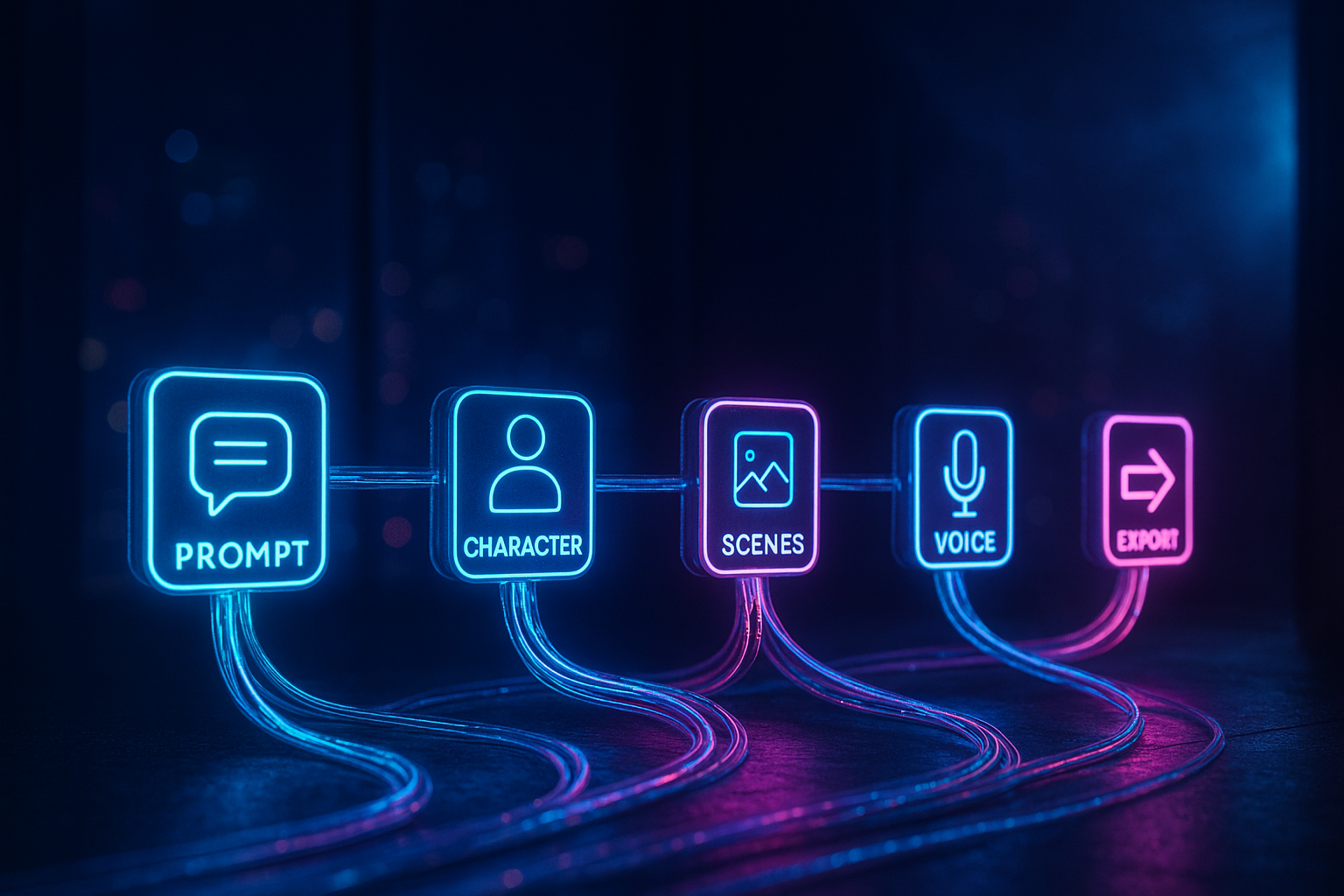
What you’ll build
- A reusable n8n workflow that:
- Accepts incoming requests (via Webhook or Schedule)
- Sends a structured prompt and optional context images to Scrptly’s AI Video-Agent
- Waits for the finished video (or continues asynchronously)
- Automatically delivers the video: upload to cloud storage and post to social or send by email/Slack
- You’ll also learn budget control, prompt templating, and variations for different aspect ratios (9:16, 1:1, 16:9).
Pro tip: Scrptly is exceptionally good at long-form, consistent videos — perfect for episodic content, UGC-style ads, and documentary explainers. Explore it here: https://scrptly.com/
Prerequisites
- An n8n instance (self-hosted or cloud)
- A Scrptly account and API key: https://scrptly.com/
- Optional: public URLs for context images (product packshots, logos, props), or files accessible via n8n
Step 1 — Install the Scrptly community node in n8n
1) In n8n, go to Settings > Community Nodes > Install New
2) Search for: n8n-nodes-scrptly
3) Click Install
Source and docs: https://github.com/ybouane/n8n-nodes-scrptly
Step 2 — Add Scrptly credentials
1) Open the Credentials tab 2) New Credential > Scrptly API 3) Paste your API key from your Scrptly account page 4) Save and select these credentials in your Scrptly node
Step 3 — Draft a high-converting prompt
Treat your prompt like a mini-brief. Be explicit about style, framing, length, call-to-action, and target audience. Here’s a starter template for an ecommerce ad:
Create a 30–45s vertical UGC-style ad for our eco-friendly leather bag. Hook in first 3 seconds with a quick unboxing. Keep the same bag and setting consistent throughout. Warm daylight, soft shadows, cozy apartment vibe. Include close-ups of stitching and clasp. Add a calm, confident female voiceover. Insert on-screen captions for key benefits (lightweight, durable, ethically made). Close with a CTA to "Shop now" and a quick logo end-card.
For explainers and documentaries:
Produce a 2–3 minute horizontal mini-doc explaining how whales communicate with songs. Maintain consistent oceanic visuals and a recurring scientist character in a lab. Blend animated diagrams with cinematic underwater shots. Warm, educational narration. End with a concise summary and 3 key takeaways.
Step 4 — Provide context images (optional but powerful)
Scrptly shines when you feed it context images for character and object consistency. In the Scrptly node, add public URLs to your packshots, faces, or locations. Alternatively, use n8n file/binary nodes to attach images. Scrptly’s Agent will reference them to keep visuals consistent across scenes — especially valuable for long-form narratives or multi-asset campaigns.
Step 5 — Configure the Scrptly node
Set these key fields:
- Prompt: your structured brief
- Context Images: one or more URLs (or mapped file binaries)
- Approve Up To: your maximum token budget (e.g., 10,000). This helps control cost for complex stories.
- Output: choose to return the final video asset and metadata
- Wait For Completion: On (default) waits for render; Off returns a task ID immediately so you can poll later
Tip: Add tags (e.g., "spring-campaign", "product-launch") in your prompt or metadata to help your DAM/analytics later.
Step 6 — Trigger and delivery nodes
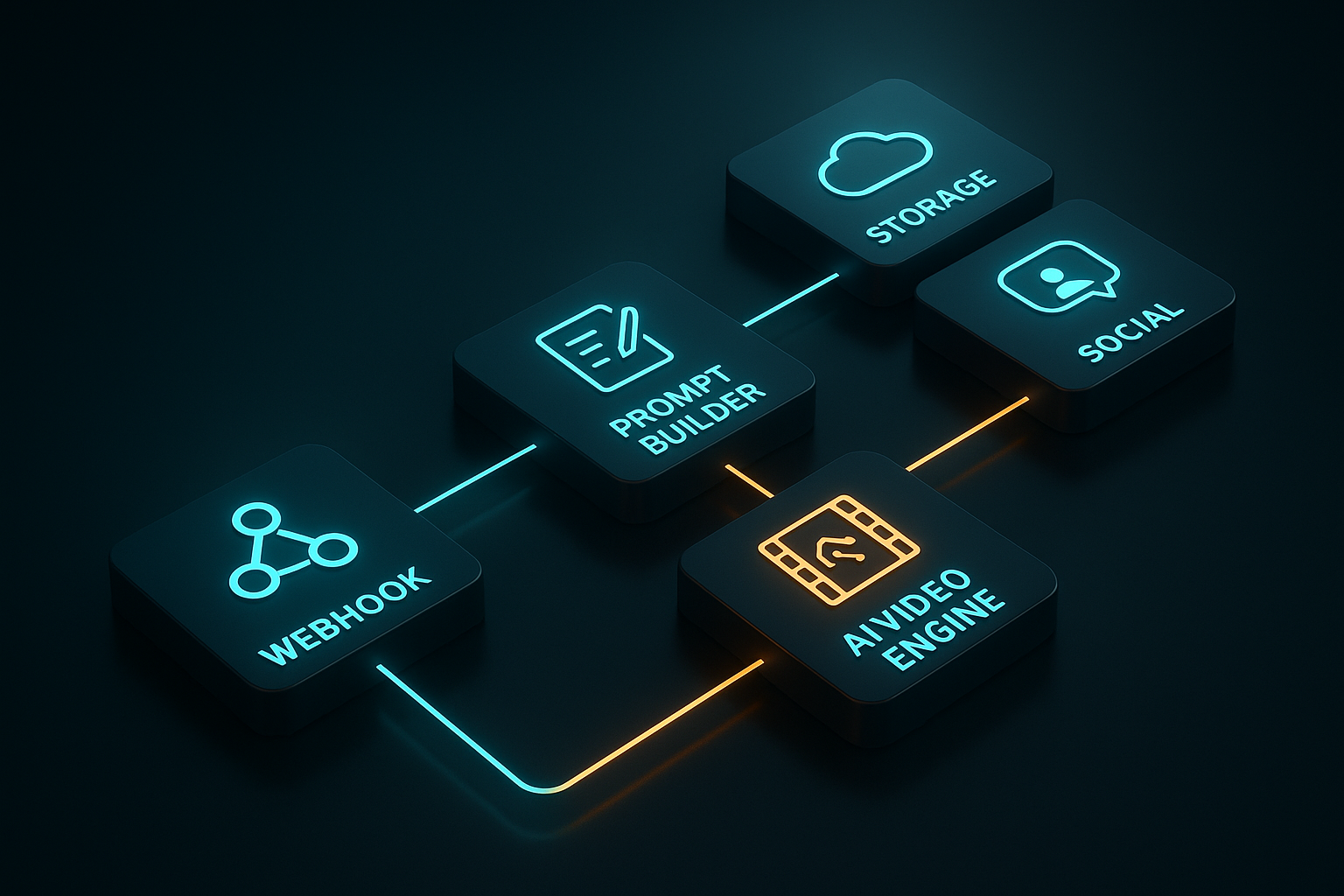
A minimal, production-ready flow:
- Trigger: Webhook (for on-demand) or Schedule (for content calendar)
- Transform: Set node to assemble a dynamic prompt from incoming payload (name, benefits, tone, length)
- Generate: Scrptly node, configured as above
- Store: Upload video to S3/Cloud Storage/Drive
- Distribute: Post to TikTok/Instagram/YouTube via their respective nodes, or send via Slack/Email
- Log: Write metadata (prompt, duration, style, campaign) to a database/Sheet for analytics
Error handling: Use an IF node on Scrptly status; on failure, retry with a reduced length or simplified style, and alert a channel.
Advanced variations
- Multi-platform variants: Branch your flow to generate 9:16, 1:1, and 16:9 by appending aspect hints to your prompt: "vertical 9:16 for reels", "square 1:1 for feed", "horizontal 16:9 for YouTube".
- A/B testing: Create two prompt variants — e.g., energetic voiceover vs. calm, or product-first vs. lifestyle-first — then split traffic and compare watch-through/CTR.
- Async mode at scale: Turn off "Wait For Completion" to return a task ID instantly. Downstream, poll the status or use a scheduled Check node; when done, continue to upload/publish.
- Content calendars: Use Google Sheets/Airtable to store prompts, due dates, and assets. Schedule triggers daily to fetch rows due today, then generate and publish.
- Developer automation: Prefer code? You can trigger Scrptly programmatically in your app and still let n8n handle publishing.
// Node.js quickstart
import Scrptly from 'scrptly';

Scrptly.setApiSettings({
  apiKey: process.env.SCRPTLY_API_KEY,
});

const result = await Scrptly.videoAgent.create({
  prompt: 'Create a 60s horizontal mini-doc about coral reef restoration. Keep characters and locations consistent. Add captions.',
  contextImages: [
    'https://example.com/reef1.jpg',
    'https://example.com/lab_reference.png'
  ],
  approveUpTo: 12000,
});

console.log(result.status, result.assets?.videoUrl);
- Agentic orchestration: Scrptly also exposes an MCP server, so you can connect it to your preferred LLM orchestrations. That means smarter, multi-step creative flows that choose styles, lengths, and variants dynamically.
Prompt recipes you can copy
- UGC Product Review (short form):
- "Produce a 20–30s vertical UGC review of our wireless earbuds. Start with a quick hook about battery life. Keep the same room and person throughout. Show close-ups of the charging case and fit test. Add kinetic captions and a chill electronic music bed. End with a subtle CTA: 'Link in bio'."
- Explainer (mid form):
- "Make a 90s animated explainer on intermittent fasting. Friendly, science-backed tone. Consistent illustrated character. Include 3–4 animated diagrams with tasteful transitions and clear on-screen text."
- Mini-Doc (long form):
- "Create a 3-minute documentary-style short on hidden gems in Barcelona. Maintain a consistent host character and a recurring city map motif. Use cinematic b-roll, ambient city sound design, and chapter cards."
Troubleshooting and best practices
- If renders take long, simplify: reduce duration, trim scene count, or pick a more focused visual style.
- For rock-solid visual consistency, always include 2–5 context images of key products/characters.
- Control costs with "Approve Up To"; start conservative, scale when satisfied.
- Version prompts in a repo or Sheet; include a change log so you can correlate performance with creative tweaks.
- Use analytics: store watch-through, CTR, and shares alongside prompt metadata. Promote what wins; iterate what underperforms.
Why Scrptly for n8n?
- End-to-end Agent: screenplay, storyboard, editing, VO, captions, and final render happen automatically.
- Long-form strength: maintain character and environment consistency across many scenes.
- Dev-friendly: API, MCP server, and an n8n node for true automation.
- Scales with your stack: pipe videos directly into storage, CMS, social, and reporting — hands-free.
Start building today:
- Get started with Scrptly: https://scrptly.com/
- Install the n8n node: https://github.com/ybouane/n8n-nodes-scrptly
With this workflow in place, your team can ideate in the morning and publish by lunch — consistently, at scale, and with creative quality that stands out in crowded feeds. Automate the busywork and ship more stories that move the needle.

Comments
Post a Comment