How to Automate a Shopify Blog Without Publishing Generic AI Content
How to Automate a Shopify Blog Without Publishing Generic AI Content
Most Shopify stores do not need more content for the sake of volume. They need a blog that answers customer questions, supports product discovery, and keeps shipping on a schedule even when the team is busy.
That is the practical case for Shopify blog automation. Used well, it reduces the blank-page problem without turning your site into a stack of generic AI posts. The difference is structure: the topic, the products you want to feature, the SEO goal, the visual style, and the review workflow all need to be defined before anything gets published.

Supra Blog Automation is built around that idea. It helps merchants generate SEO-focused blog posts, attach product context, create visuals, and either publish immediately or save a draft for review. That is a better model than simply asking a language model to “write a blog post about Shopify.”
What Generic AI Content Gets Wrong
- It does not mention real products or collections.
- It repeats broad advice that readers have already seen everywhere.
- It ignores internal links, so the post does not help product discovery.
- It treats images as decoration instead of support for the article’s goal.
- It sounds confident about claims that should have been checked against the store’s actual catalog.
For ecommerce, that is a problem. A blog post should either help a shopper choose, help them use a product, or help them find the right collection. If it does none of those things, it is traffic without intent.
The Better Pattern: Automate the Workflow, Not the Judgment
The useful version of automation is not “publish everything automatically.” It is “automate the repetitive work so the team can review what matters.”
That workflow usually has five parts:
- Pick a topic with search intent.
- Add product or collection context.
- Generate a structured draft with headings, metadata, and internal links.
- Attach visuals that match the article.
- Publish automatically or send to draft for review.

Supra Blog Automation supports that kind of flow. The app can generate single posts on demand or recurring content on a schedule, and it can incorporate SEO structure, internal links, product promotion, and image generation. That matters because consistent publishing is what most stores struggle with, not the existence of one good prompt.
Why Product Context Changes the Quality of the Draft
A post becomes more useful when it is anchored to actual products, categories, or problems that your store solves.
For example, a vague prompt like “write about winter shoes” can produce a bland overview. A better brief looks more like this:
- Audience: shoppers comparing everyday winter boots.
- Goal: rank for a practical query and move readers to the collection.
- Product context: waterproof boots, insulated lining, available sizes, and care instructions.
- CTA: link to the winter boots collection and two relevant product pages.
- Tone: helpful, concise, and not overly promotional.
That is the difference between content that is just “AI written” and content that is actually store-aware.
A Simple Shopify Blog Automation Framework
If you want to automate blog publishing without losing quality, use a repeatable template.
1. Define the article job
Every post should have a job. Common jobs are:
- Explain how a product works.
- Compare options for a buyer.
- Answer a pre-purchase question.
- Support a seasonal campaign.
- Improve internal linking to a collection.
2. Attach store-specific facts
Feed the generator real inputs:
- Product names.
- Collection names.
- Customer pain points.
- Shipping or sizing details.
- Allowed claims and exclusions.
That reduces hallucination risk and makes the post more specific.
3. Build in SEO structure
A good post usually includes:
- One clear target query.
- A title that matches search intent.
- H2s that map to subquestions.
- Internal links to relevant products or articles.
- A closing CTA that matches the reader’s stage.
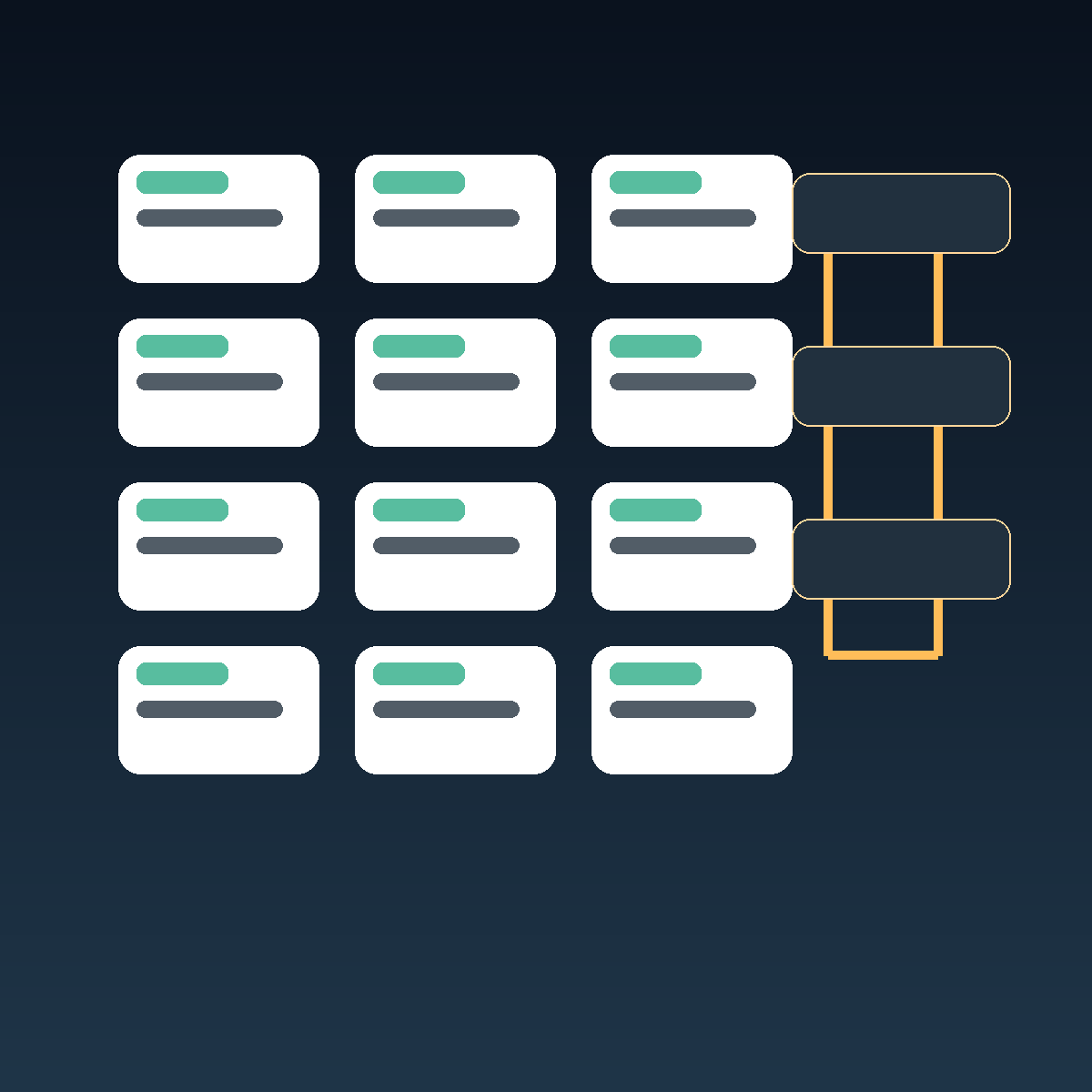
4. Use visuals that reinforce the message
Visuals should help the reader understand the workflow, not just fill space. For ecommerce blogs, useful image types include workflow diagrams, product-aware content pipelines, calendar views for recurring posts, and before-and-after visuals showing an inactive blog becoming a publishing system.

Supra Blog Automation supports multiple image sources, including AI-generated visuals, stock assets, and product-based visuals. That flexibility matters because a buying guide needs different visuals than a launch announcement or a seasonal roundup.
When to Publish Automatically and When to Review First
A good automation system should not force every article through the same path.
Use automatic publishing when:
- the article is informational and low risk,
- the product facts are simple,
- the structure is already proven,
- the brand voice is stable.
Use draft review when:
- the post makes product claims,
- the topic is seasonal or campaign-specific,
- legal or compliance sensitivity is involved,
- the article is tied to a launch, sale, or collection refresh.
That balance is important. Automation should increase output, not reduce control.
A Practical Example
Imagine a store that sells home organization products. The team wants to publish a weekly blog series without hiring a writer.
A useful setup would be:
- Topic cluster: pantry organization, closet storage, small-space decluttering.
- Product context: bins, labels, drawer dividers, shelf organizers.
- Schedule: one post every Monday.
- Workflow: generate draft on Sunday, review on Monday morning, publish after edits.
- CTA: send readers to the most relevant collection.
That gives the store an editorial rhythm, but it also keeps the content grounded in actual inventory.
Where Supra Blog Automation Fits
If you already know that blogging matters for SEO but cannot maintain a manual publishing schedule, Supra Blog Automation is designed for that gap.
It is especially useful when you want to generate Shopify blog posts from a product or topic brief, add SEO structure without starting from scratch, create recurring articles instead of one-off drafts, include visuals and internal links as part of the workflow, and publish now or keep human review in the loop.
You can explore the app here: Supra Blog Automation and the Shopify App Store listing.
If you also care about the way products are presented in the store, see How to Add Color Swatches to Shopify Collection Pages Without Code for a related product-discovery angle. For a broader example of an automated ecommerce workflow, How to Download a Webflow Site and Host It Yourself with ExFlow shows how systematic tooling can replace repetitive manual work.
Conclusion
The right way to automate a Shopify blog is to automate production, not judgment. Give the system a clear topic, real product context, a useful SEO structure, and a review step where needed.
That is how you get steady publishing without turning your blog into a stream of generic AI filler.
If you want to build that workflow, start with one recurring article and let the system handle the repeatable pieces.

Comments
Post a Comment