Five Ways to Stay Productive While Juggling Content Creation and Design
Managing both content creation and design can feel like spinning two plates at once. If you’re publishing blog posts, updating websites, or running creative campaigns, you’re often switching hats between writing and visual storytelling. Balancing these two elements can be challenging, but efficient workflows and smart tools can help you maximize your productivity, keep your projects moving, and achieve polished results.
1. Batch and Block Your Time
Switching between writing and designing can drain your mental energy and decrease focus. To combat this, batch similar tasks together and dedicate specific time blocks to each activity. For example, reserve your mornings for drafting articles or brainstorming blog topics, and use afternoons for creating graphics or updating your site’s layout. This structure helps minimize context switching and keeps you immersed in the current creative mode.
2. Centralize Your Workflow with Sync Apps
Maintaining productivity gets easier when your content and design workflows are unified. Modern tools like SyncFlow allow you to write and organize your content in Notion—where outlining, drafting, and collaboration are seamless—then automatically sync your work to your Webflow CMS for design and publishing. This direct link removes repetitive copy-paste actions and ensures updates flow effortlessly from draft to published post.
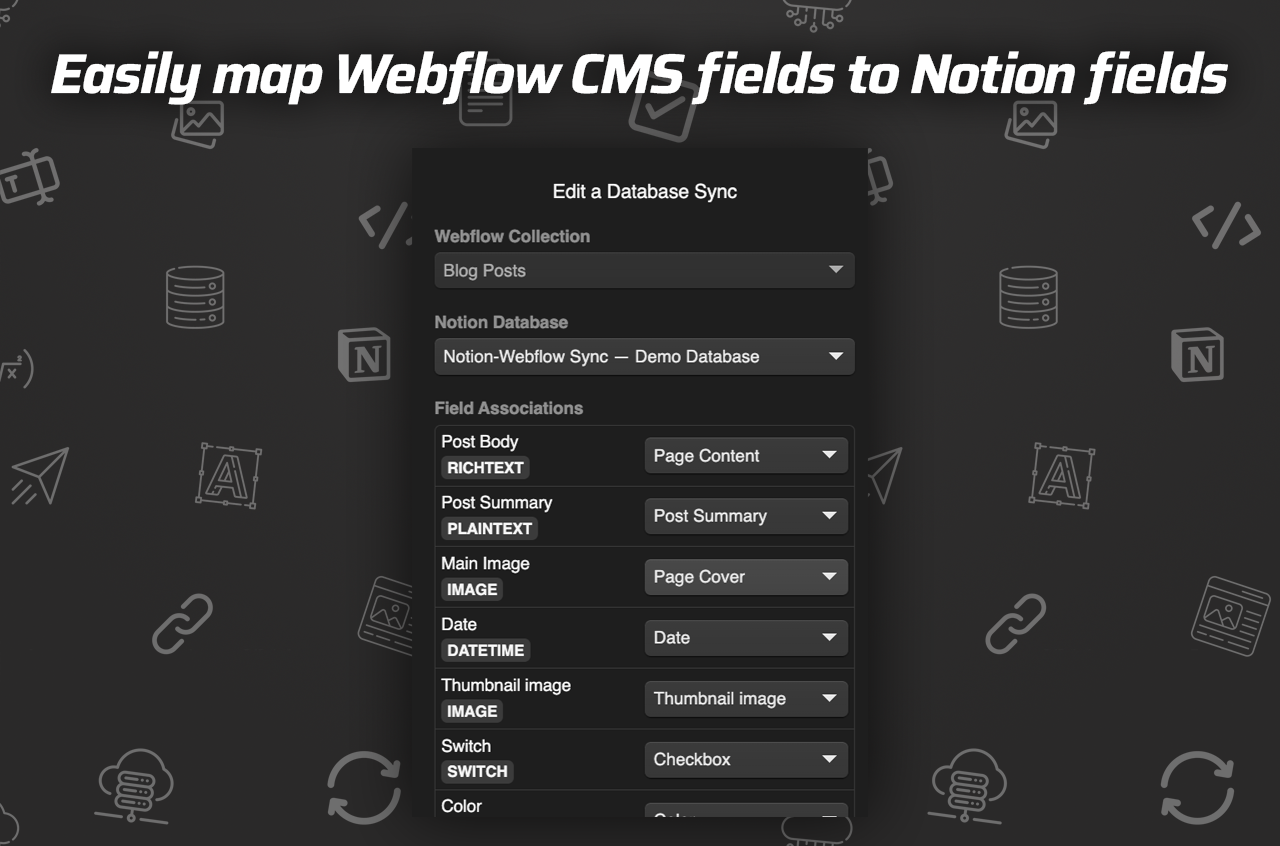
How SyncFlow boosts productivity:
- Automatically syncs content updates from Notion to Webflow
- Maps Notion fields to Webflow CMS, reducing manual errors
- Allows you to focus on writing in Notion and designing in Webflow
3. Use Templates for Consistency
Templates aren’t just for beginners—they’re a productivity secret weapon for professionals juggling multiple roles. Create reusable content templates in Notion for blog posts, case studies, or landing pages. Likewise, set up design templates in your Webflow CMS collections. When both your text and visuals follow a consistent structure, publishing becomes faster and quality stays high.
4. Automate Routine Tasks
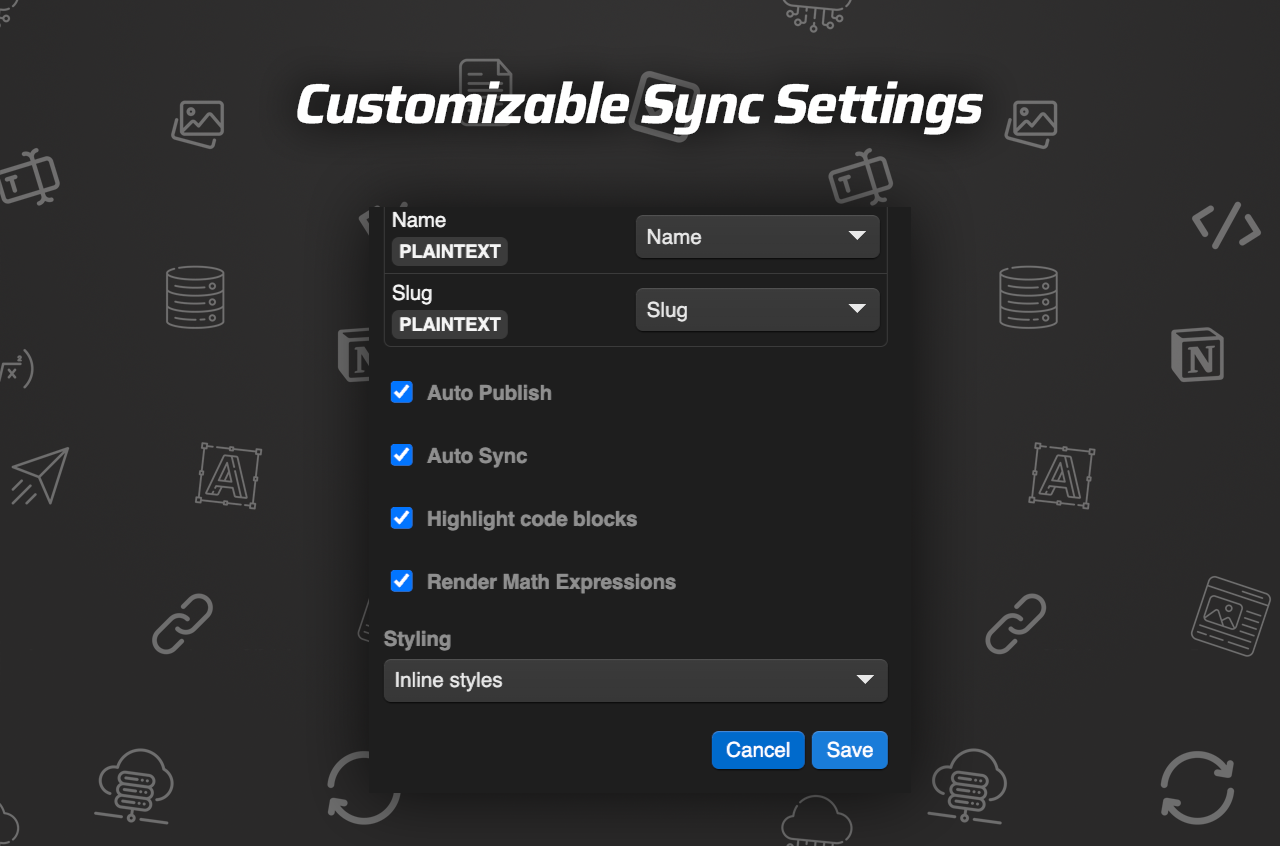
When small, repetitive actions pile up, your time for high-impact tasks shrinks. Use automation features like auto-publish and scheduled syncs to reduce your manual workload. For example, SyncFlow lets you:
- Enable auto-sync so content changes in Notion instantly update your Webflow CMS
- Automatically publish new articles with a single click
- Use code highlighting or math rendering for technical posts without extra formatting
5. Streamline Feedback and Collaboration
Constantly jumping between platforms for edits, team feedback, and final designs can slow you down. Consolidate your content planning and collaboration in Notion, where comments and suggestions stay attached to draft copy. Once ready, push updates to Webflow with SyncFlow and share mockups or previews with your design team without leaving the design environment.
Bonus: Try a Real-Time Content Sync Demo
To see how these productivity strategies look in action, test SyncFlow’s demo pages or check out comprehensive tutorials:
Conclusion: Simplify, Automate, Create
Staying productive as both creator and designer is about working smarter—not harder. With time-blocking, workflow centralization through tools like SyncFlow, and smart automation, you can focus on high-quality writing and stunning design without getting overwhelmed. Centralize your process, let technology handle the busywork, and watch your creative output soar.

Comments
Post a Comment