How to Build a Shopify Blog System That Publishes Better Posts on Schedule

If your Shopify blog only gets attention when someone has extra time, you already know the problem: the store has content potential, but publishing is inconsistent. The fix is not to write more random AI posts. It is to build a system that turns product context, SEO structure, and a repeatable publishing cadence into useful articles that can ship on schedule.
That is the core value of Supra Blog Automation: it helps Shopify merchants generate SEO-focused posts, add visuals, link products naturally, and publish on demand or on a schedule. The point is consistency without losing relevance.
What a useful blog system actually needs
A good ecommerce blog system does four things well:
- It starts from a real customer problem, seasonal need, or product question.
- It uses product and collection context so the article matches the store.
- It includes internal links so readers can move from advice to products.
- It publishes often enough to matter, but still leaves room for review when the topic needs it.
That is different from asking a model to write a blog post about your store and hoping the output is good. Generic content usually lacks product specificity, strong search intent, and a clear reason for the reader to continue deeper into the store.

Start with the article shape, not the prompt
The best-performing Shopify articles usually fit one of a few shapes:
- How-to guides that solve a specific ecommerce problem.
- Buying guides that connect a need to a product category.
- Comparison posts that help a shopper choose.
- Seasonal or campaign-driven posts that support a launch.
- Educational articles that explain a product’s value without sounding salesy.
When you build around those shapes, the AI output has a better chance of becoming something useful. That is also why product-aware blogging matters. If the article knows which collection, product, or category it is supporting, the content can include real benefits instead of vague marketing language.
Supra Blog Automation is built for that style of workflow. According to its product brief, it supports single-post generation, recurring automations, SEO-focused structure, product-aware content, and flexible publishing control. In practice, that means you can create a post once, or turn the same process into a recurring content calendar.
Use a recurring publishing cadence
Most stores do not need a blog post every day, but they do need a cadence they can sustain. Even a small schedule is better than sporadic publishing.
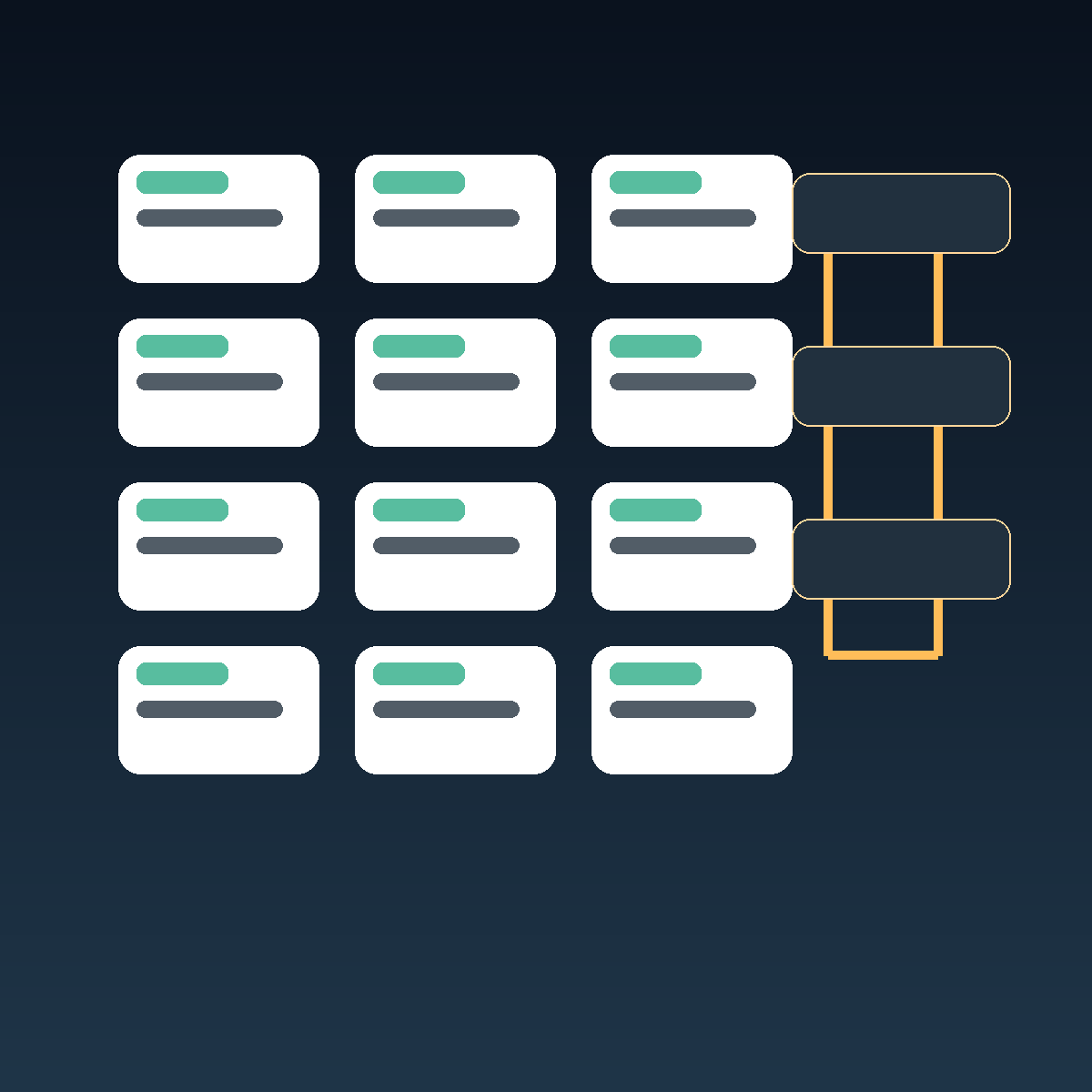
A practical pattern looks like this:
- One educational post per week.
- One product-support post per month.
- One seasonal or campaign post before major buying windows.
- Optional draft review for topics that need extra accuracy or brand control.
That mix gives you coverage without flooding the blog with filler. It also creates room to map content to the store’s actual merchandising calendar. If a collection is getting a push next month, the blog can support it before the campaign launches instead of reacting after the fact.
Build every post around search intent and internal links
Search intent is what the reader actually wants when they land on the article. A post about “how to choose” needs a different structure than a post about “best tools” or “common mistakes.” The title should match the intent, and the body should answer it quickly.
Once the article has the right intent, internal links become the bridge to the store. Link to relevant products, collections, or supporting articles where they help the reader take the next step. That is a better model than stuffing product links into the bottom of the post.
If you want a deeper example of how internal linking supports broader content, see How to Add Color Swatches to Shopify Collection Pages Without Code. It is a good example of content that speaks to a concrete store need and then moves the reader toward a product outcome.
Keep visuals useful, not decorative
Good blog visuals should help the article do its job. For ecommerce, that usually means one of three things:
- Product-based images when the product itself matters.
- AI-generated concept visuals when the article is instructional or abstract.
- Workflow graphics when the value is process-oriented.
Supra Blog Automation supports AI-generated, stock, and product-based visuals. That matters because a useful ecommerce article should not rely on a single generic image repeated across every post. The visuals should reinforce the topic and make the article feel specific.
A simple workflow to follow
Here is a practical setup you can use for each post:
- Choose a topic tied to a customer problem, collection, or season.
- Pick the product or collection the article should support.
- Draft the article with a clear heading structure and one main search intent.
- Add internal links to related posts and relevant store pages.
- Include 3 or more useful visuals plus a banner image.
- Publish immediately or save as draft for review.
That workflow is especially useful if the blog is part of a broader content engine. If the store already manages landing pages, campaigns, and product updates, the blog should reinforce that work instead of creating disconnected content.
Where automation helps most
Automation is most valuable when the task is repeatable but still needs judgment. For example:
- Turning a weekly topic list into first drafts.
- Creating recurring posts for a content calendar.
- Generating visuals for articles that need illustration.
- Keeping the blog active while the team focuses on products and operations.
That is the main difference between a writing tool and a blog automation workflow. A tool helps you draft. A system helps you publish consistently.
For a broader look at the automation angle itself, read How to Automate a Shopify Blog Without Publishing Generic AI Content. It pairs well with this article because it focuses on the quality control side of the same problem.
If your blog content also needs to support technical workflows, the same principle applies. A process-oriented article should be specific enough to teach and structured enough to reuse, which is why automation works better when it is tied to a clear content strategy.
You can also adapt the same thinking from related operational content, such as How to Export a Webflow Site to Static HTML with ExFlow and How to Generate MP4 Videos from JSON with TypeScript. Both show how a concrete workflow becomes easier to explain, publish, and reuse when the system is defined up front.
Closing the loop
A Shopify blog grows when it becomes part of the store’s operating system, not a side project. The winning setup is simple: choose useful topics, keep product context close, add strong internal links, use visuals that reinforce the message, and publish on a schedule you can actually sustain.
If you want to turn that into a repeatable process, use Supra Blog Automation to generate a draft post, add the visuals, and keep your content calendar moving.
Start with one product or collection this week, publish one useful post, and make the next one easier to create.

Comments
Post a Comment