Shopify Product Photography Best Practices For High Converting Product Pages
Why Product Photography Is Your Highest-ROI Conversion Lever
For most Shopify stores, product photos do the heavy lifting: they build trust, communicate value, and eliminate purchase friction faster than any block of copy. Great Shopify product photography consistently lifts add-to-cart rates, reduces returns, and powers better ad performance. In short, strong visuals create high-converting product pages.
This guide breaks down practical best practices you can implement today—plus a workflow using AI to produce studio-grade images, model try-ons, lifestyle scenes, and short videos without hiring a full production team.
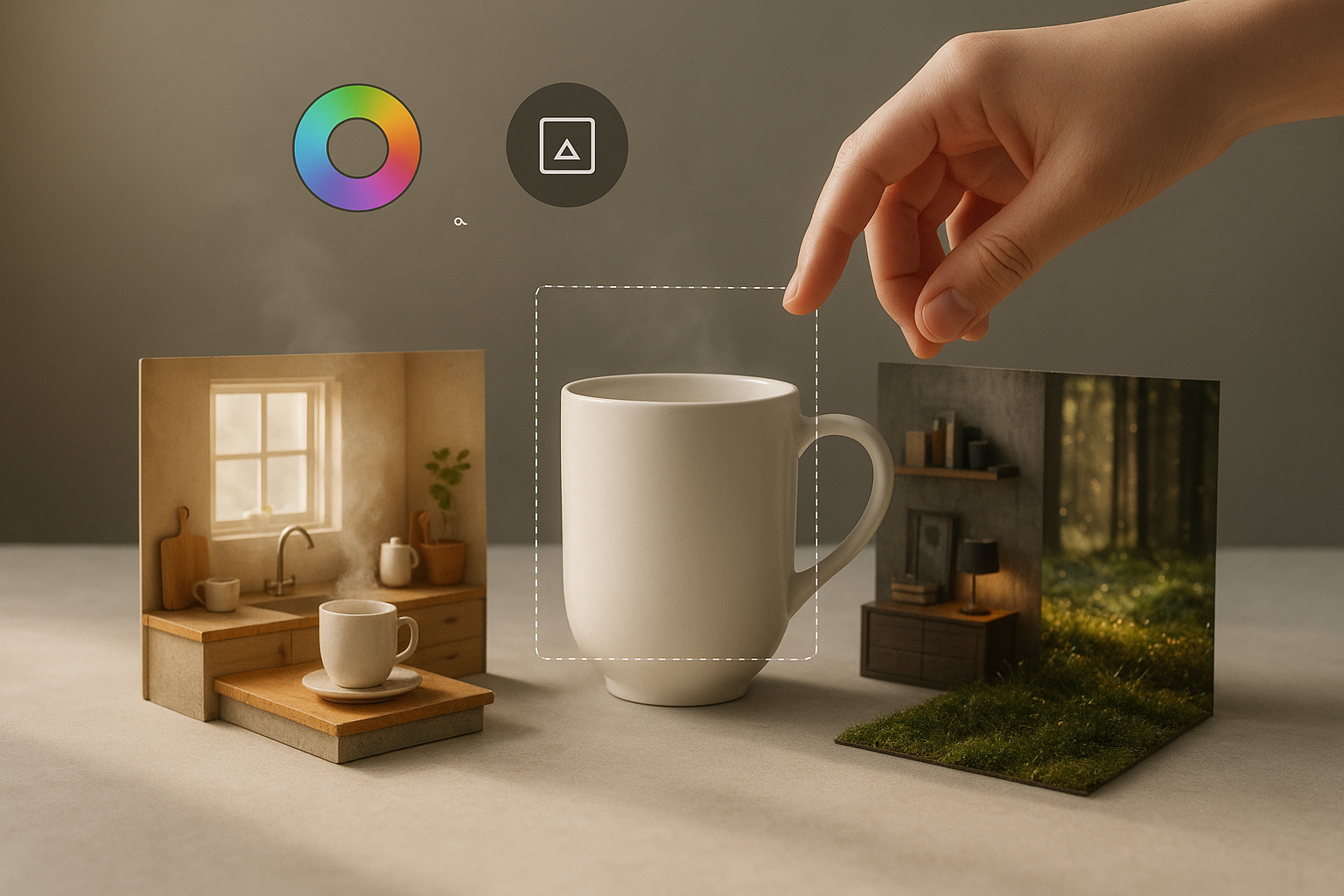
What Makes Images Convert on Shopify
High-converting product pages share the same visual DNA:
- Consistency: matching backgrounds, lighting, cropping, and spacing across the catalog
- Clarity: crisp, color-accurate photos that reveal materials and scale
- Context: lifestyle scenes that show how/where the product lives
- Credibility: on-model try-ons and UGC-style videos that feel real
- Coverage: the right mix of hero, angle, detail, and in-use shots
Shopify Product Photography Best Practices
1) Start with Consistency (Your Brand System)
- Define a repeatable frame: focal length, angle, and crop (e.g., square 1:1)
- Use a light color palette for clean backgrounds; avoid mixed color casts
- Standardize shadows: soft, realistic contact shadows feel premium
- Align margins and product scale so grid pages look cohesive
Tip: Create a mini style guide and reuse it for every new product.
2) Prioritize Lighting and Color Accuracy
- Use diffused light for soft shadows and true-to-life color
- Avoid mixed color temperatures; set white balance consistently
- Shoot or enhance for texture: textiles, metal, glass, wood grain
If you’re editing existing photos, use smart enhancement to fix noise, sharpness, and exposure. The AI enhancer in Supra AI Photo Studio can denoise, deblur, and correct lighting in a click.
3) Backgrounds That Sell (Not Distract)
- Clean, neutral backdrops convert well on PDPs and collection pages
- Use lifestyle backgrounds for secondary images and ads
- Maintain separation: a subtle gradient or shadow enhances depth
With AI, you can remove or replace backgrounds in seconds and match light direction and perspective for realism. Try object placement to put your product into kitchens, boutiques, studios, or nature.

4) Cover the Essential Angles and Details
- Hero shot: the cleanest, most accurate view
- 2–4 secondary angles that answer questions (back, sides, ports, soles)
- 1–3 macro details (stitching, zippers, logos, texture)
- A scale cue: in hand, next to common objects, or with dimensions overlay
5) Add Lifestyle Context and On-Model Try-On
Lifestyle photos help shoppers imagine ownership. For fashion, on-model imagery is a must for fit, drape, and proportion. Ensure:
- Diverse skin tones and body types
- Poses that match real-world use
- Consistent styling and color fidelity to the garment
AI model try-on can create realistic on-model photos without a shoot while preserving product accuracy. See how it looks in Supra AI Photo Studio.

6) Use Short-Form Video for Proof and Motion
Short, looping clips increase dwell time and trust. Effective formats:
- B-roll product spins, drops, or macro flyovers
- Liquid or dust splashes for drama (while preserving product detail)
- UGC-style explainers with voiceover
You can generate ad-ready clips from a single product photo using AI-driven b‑roll and UGC tools. Preview examples in this quick demo: https://www.youtube.com/watch?v=M2ISy20la78

7) Optimize for Shopify Performance and SEO
- Image size: aim for up to ~2048 × 2048 px for square PDP images (high detail without bloat); compress judiciously
- File formats: WebP or AVIF for performance; PNG/JPEG for complex transparency or photography where needed
- Descriptive filenames: include product + key attributes (e.g., "linen-throw-blanket-sand-2048.webp")
- Alt text: describe the product, material, color, and context for accessibility and image SEO
- Structured data: ensure Product schema includes image URLs
- Lazy-load secondary images; prioritize the hero image
8) A/B Test for Conversion Wins
- Try subtle background shifts (pure white vs. warm gray)
- Compare static hero vs. subtle motion clip
- Test lifestyle vs. studio first image for each category
A Fast, Repeatable Workflow with AI (No Studio Required)
Whether you’re refreshing a catalog or launching new SKUs, this workflow produces consistent, high-converting visuals quickly.
1) Import and Isolate
- Upload your existing product photos
- Remove backgrounds and isolate the subject for clean, editable layers
2) Enhance for Clarity
- Auto-fix exposure, color cast, and noise
- Upscale soft images to regain sharpness and micro-contrast
3) Build Lifestyle Variations
- Choose environments (kitchen, office, outdoor, boutique)
- Match camera angle, surface type, and lighting for realism
- Generate 2–3 lifestyle variants per product for PDPs and ads
4) Add On-Model Try-On (Fashion)
- Select model attributes (pose, skin tone, body type)
- Render true-to-product fabrics, prints, and logos
- Keep consistency across colorways and sizes
5) Create Motion Assets
- Generate b-roll clips: drops, slow-motion pans, macro reveals
- Produce UGC-style videos with different voices and vibes for TikTok/Reels
6) Export and Publish
- Batch export WebP/AVIF for performance
- Add SEO-friendly filenames and alt text
- Publish to product pages and collections
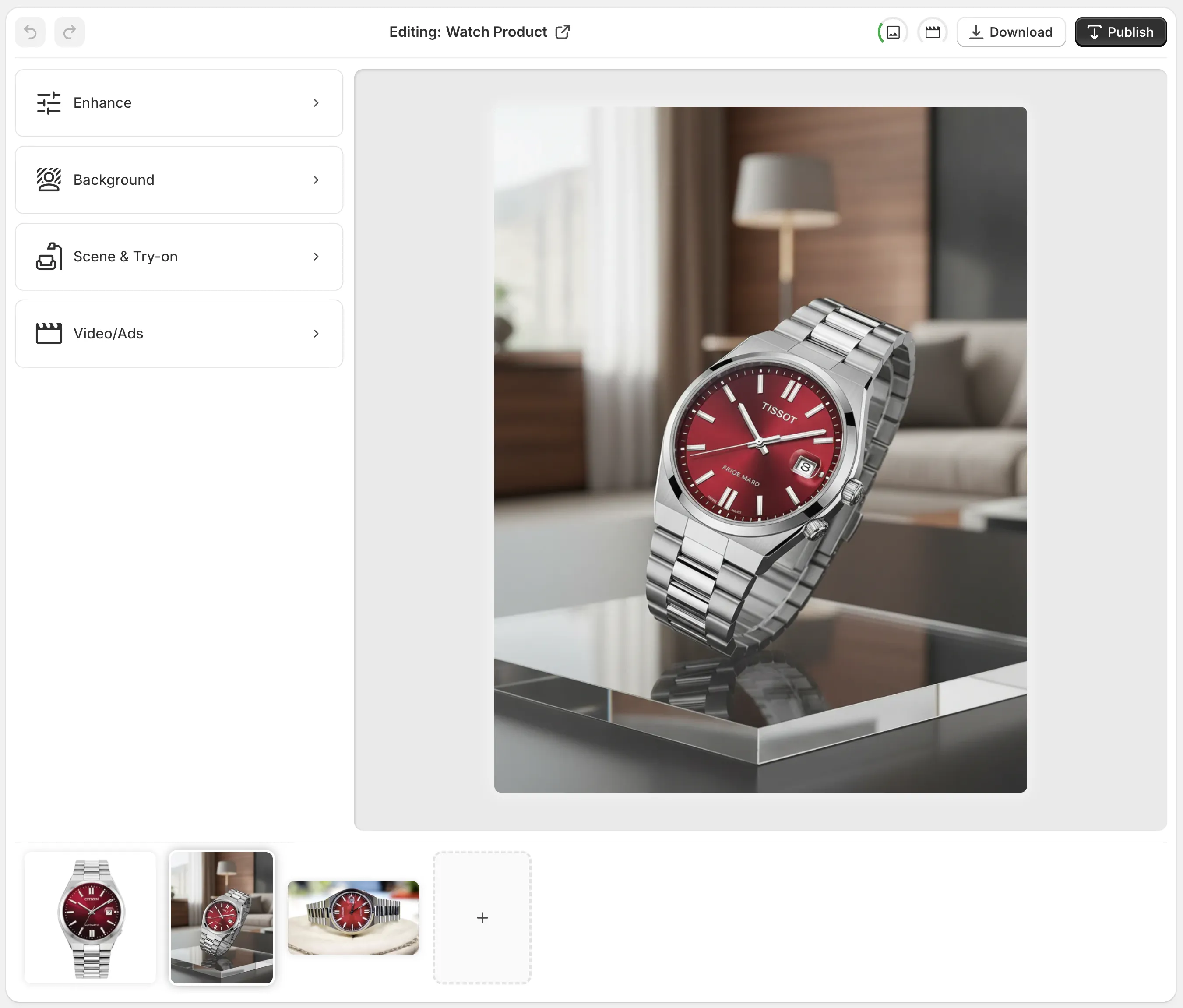
You can do all of the above inside Supra AI Photo Studio for Shopify. It combines background removal, upscaling, lighting correction, AI model try-on, object placement, and AI-generated b‑roll/UGC videos in one editor.
Quick Checklist for High-Converting Product Pages
- Consistent framing, lighting, and background across the catalog
- One clear hero image, multiple angles, macro detail, and a scale cue
- At least one lifestyle image (and on-model where relevant)
- Short-form video that demonstrates movement or use
- Accurate color and texture; realistic shadows; no artifacts
- Optimized file sizes, descriptive filenames, and meaningful alt text
- A/B tests running on hero/lifestyle choices
Ready to Upgrade Your Shopify Product Photography?
If your photos are inconsistent, lacking lifestyle context, or missing video, you’re leaving conversions on the table. With Supra AI Photo Studio, you can:
- Turn plain shots into studio-grade visuals in minutes
- Generate on-model try-ons without costly photoshoots
- Place products into realistic lifestyle scenes
- Create scroll-stopping b‑roll and UGC videos for ads and PDPs
Install the app here: Supra AI Photo Studio — Shopify App Store or learn more on the product site. Build a visual system that scales—and watch your high-converting product pages do the rest.

Comments
Post a Comment