How to Automate the Claude Code TUI With dash-p
If you want Claude Code to do something useful from a shell script, the obvious path used to be the Agent SDK or claude -p. That still works, but Anthropic now treats interactive Claude Code usage, API billing, and programmatic usage as separate systems.
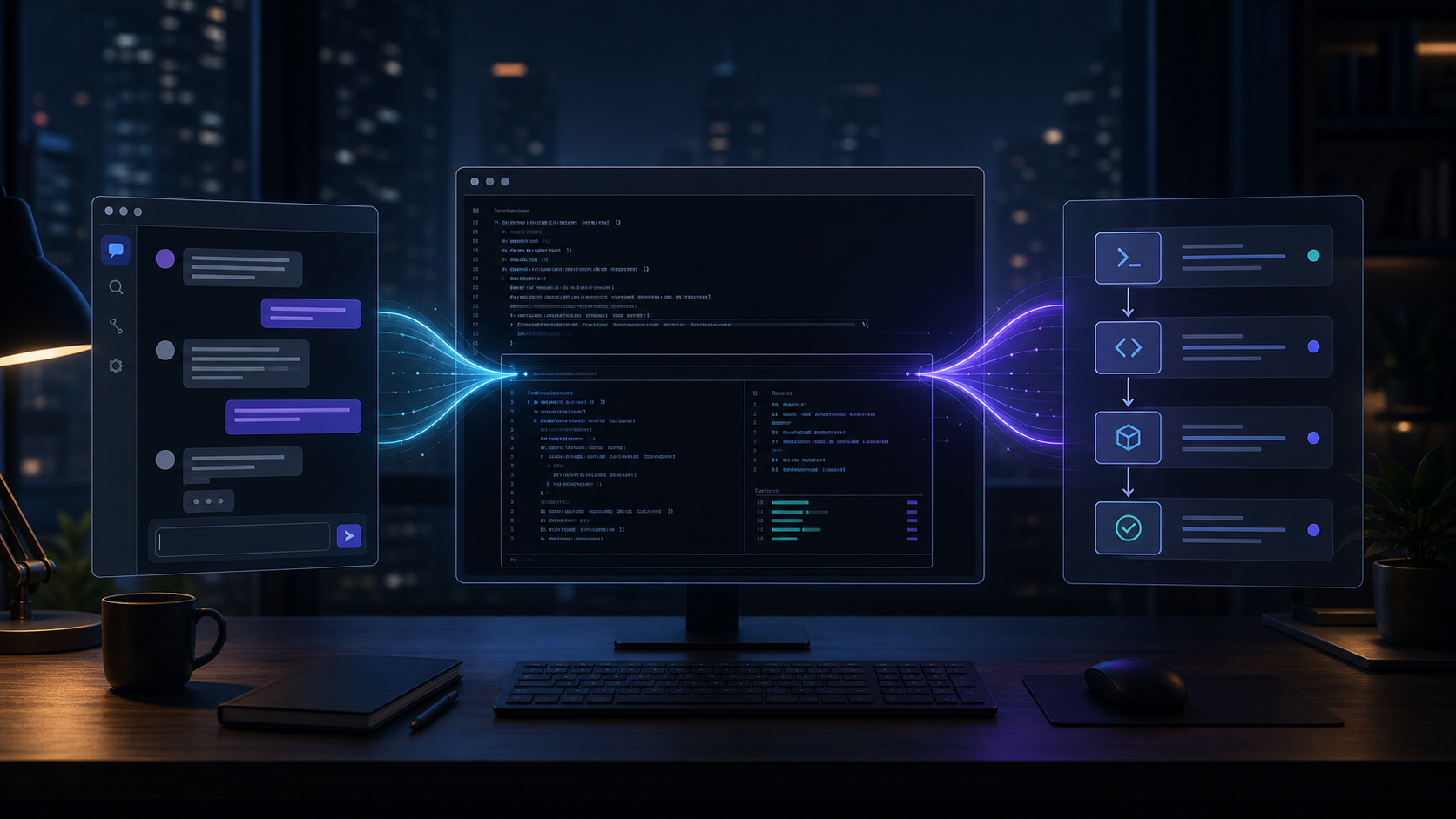
dash-p takes a narrower route. It makes Claude Code scriptable by driving the real interactive terminal UI, not a separate headless protocol. For local automation, that matters: you keep the same login, permissions, and terminal experience, then wrap it in a CLI or TypeScript query() loop when you need repeatability.
Anthropic's own help docs now explain the split, and the current pricing page lists model rates such as Claude Opus 4.8 at $5 per million input tokens and $25 per million output tokens, Claude Sonnet 4.6 at $3 and $15, and Claude Haiku 4.5 at $1 and $5. If your goal is personal workflow automation, not a new API product, a local TUI bridge is often the simpler mental model.
What dash-p actually does
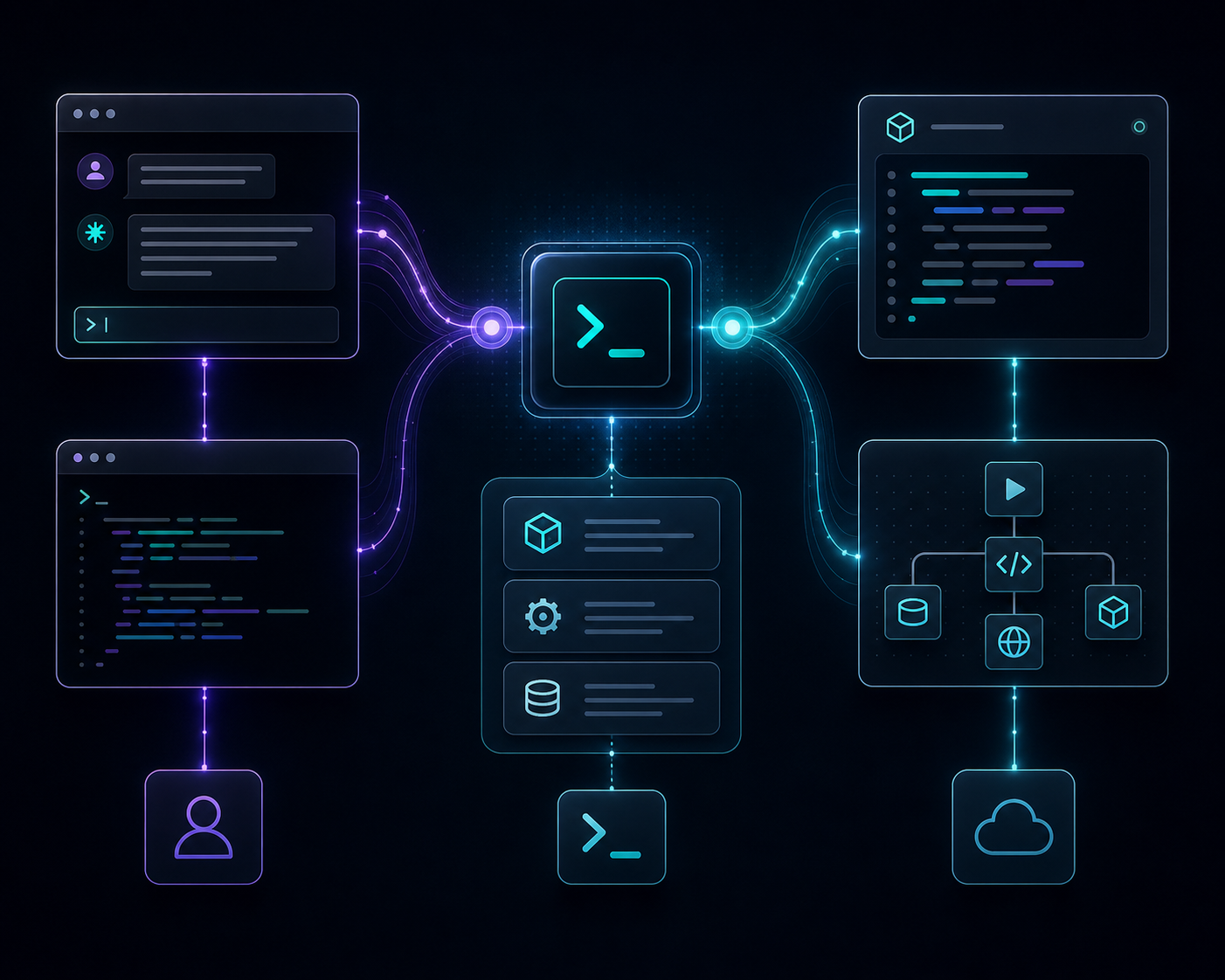
dash-p does not pretend to be a replacement Claude backend. It launches the official claude command, injects input, reads the rendered terminal output, and returns usable results in familiar formats like text, JSON, and streaming JSON. That makes it good for scripts that need the real session, not a mock.
This is also why the project is honest about its limits. It is powerful because it uses the real interface, and fragile for the same reason. If Claude Code changes how the TUI renders, the tool has to adapt. That tradeoff is acceptable when the payoff is direct control over your existing workflow.
A simple setup pattern
For quick command-line use, the install path is straightforward:
npm install -g @ybouane/dash-p
dash-p "summarize this repo"
If you want to keep the dependency local to one project, install the package and use the SDK-shaped API instead:
npm install @ybouane/dash-pimport { query } from "@ybouane/dash-p";
for await (const msg of query({
prompt: "In one sentence, what is a pseudo-terminal?",
options: { model: "sonnet", includePartialMessages: true },
})) {
if (msg.type === "result") console.log(msg.result);
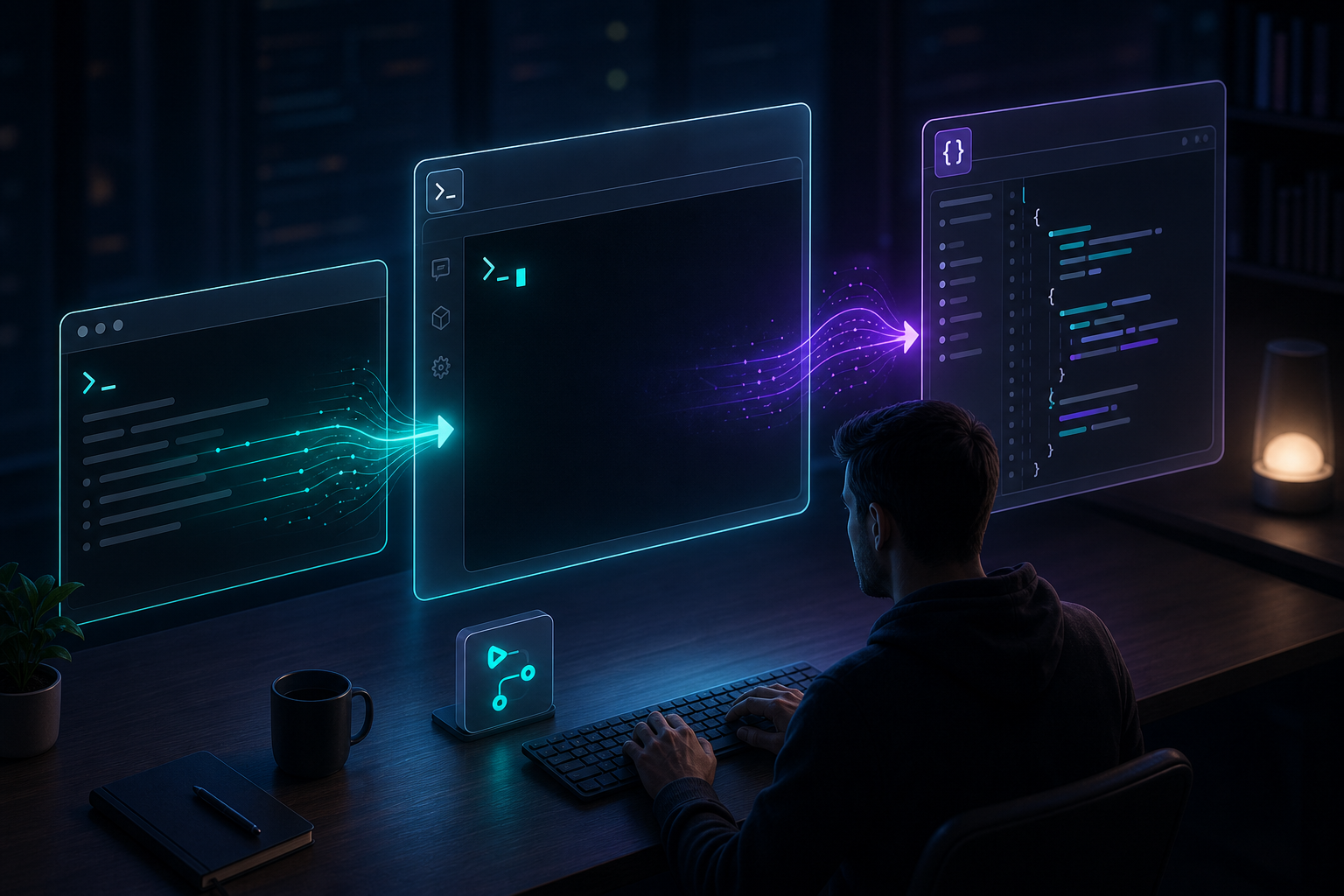
}The practical benefit is composability. You can call it from a shell pipeline, a small Node script, or a larger TypeScript tool without changing the way Claude Code is authenticated or permissioned on the machine.
Where it fits best
dash-p makes the most sense when you want Claude Code to act like a local building block instead of a remote API product. Good fits include repo summaries, quick analysis scripts, one-off workflow helpers, and TypeScript utilities that need a simple query() shape.
The same design instinct shows up in other workflow posts like How to Build a Shopify AI Agent for Daily Store Operations, How to Set Up a Notion-to-Webflow Sync Without Manual Cleanup, How to Schedule Bulk Shopify Catalog Changes Without Breaking Variants, and How I Turn Product Data Into Reusable Video Demos Without Forking Templates. The winning move is usually the same: keep the source of truth intact and automate the edges.

Where to be careful
dash-p is not a fit when you need hard platform guarantees. It depends on the local Claude Code app, so changes to the terminal UI can affect behavior. It also assumes you are comfortable running the official Claude session on your machine, with your normal authentication and permissions intact.
That is a feature, not a loophole. The tool is for developers who want the convenience of scripting around their own session, not for bypassing authentication, usage rules, or account limits. If you need a production service with stable API contracts, the Anthropic API or Agent SDK is the better place to start.
Bottom line
If your real need is "make Claude Code scriptable on my laptop," dash-p is a practical way to do it. It gives you a CLI and a TypeScript API while keeping the real TUI in the loop.
Start with the GitHub repository, try one small repo-summary command, and only then decide whether the TUI-based workflow is the right long-term fit.

Comments
Post a Comment