How to Automate Claude Code Without Switching to the Agent SDK
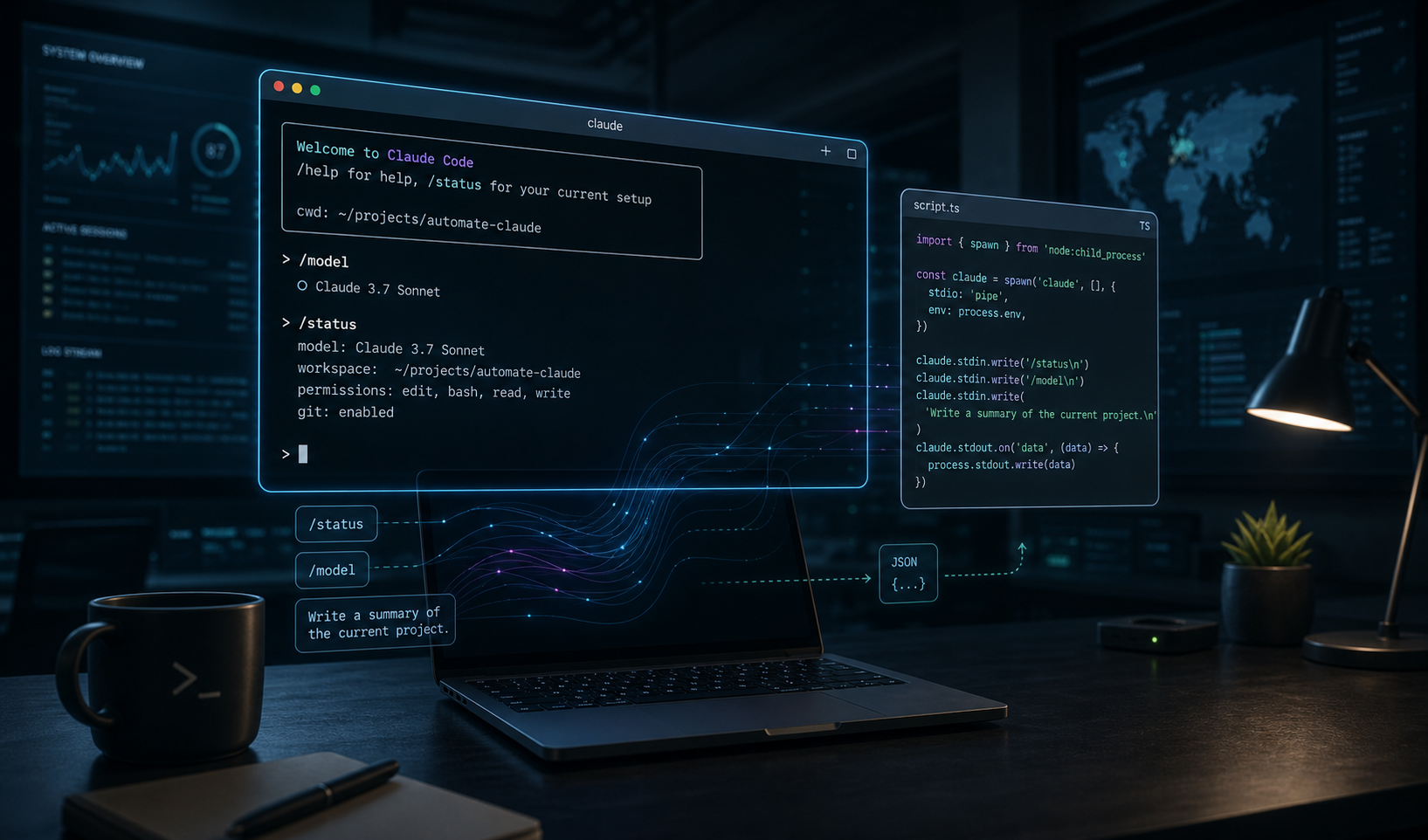
There is a specific kind of Claude Code automation problem that keeps coming up now: you want the real local terminal session, not a separate headless path, but you still want something you can call from a script or TypeScript project. That is the gap dash-p is built for. It launches the official claude TUI through a pseudo-terminal, so you keep the same login, permissions, and local workflow while getting a scriptable interface around it.
That timing matters because Anthropic now says the Agent SDK and claude -p draw from a separate monthly credit starting June 15, 2026, while interactive Claude Code in the terminal or IDE keeps using your plan’s subscription limits. If your goal is to automate your own local Claude Code session, dash-p gives you a narrow, practical way to do it without changing the interface you already use.
What dash-p Actually Does
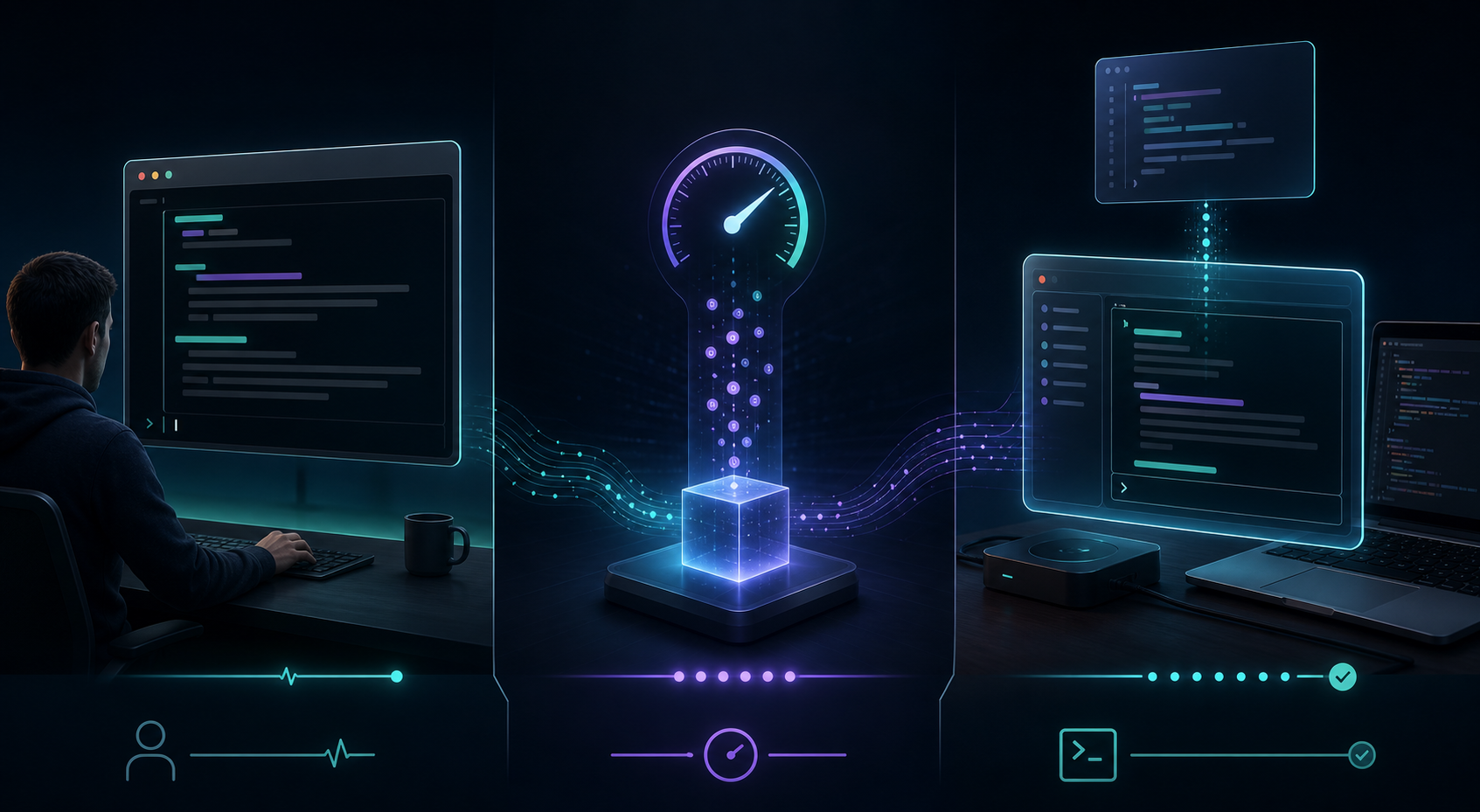
dash-p is not an unofficial replacement for Claude. It does something more specific: it drives the real terminal UI. The product file describes it as a CLI and TypeScript library that:
- launches the official
claudecommand - injects input programmatically
- reads the rendered terminal output programmatically
- exposes a familiar
query()API for scripts and TypeScript code
That means the tool is powerful because it uses the real interface, and fragile for the same reason. If Claude Code’s TUI changes, the automation layer may need attention. That tradeoff is acceptable when you want local control, and it is exactly the kind of constraint you should understand before you build around it.
npm install -g @ybouane/dash-p
dash-p "summarize this repo"
You can also try the package without installing globally, or start from the GitHub repository if you want the source and examples side by side.
A Simple TypeScript Loop
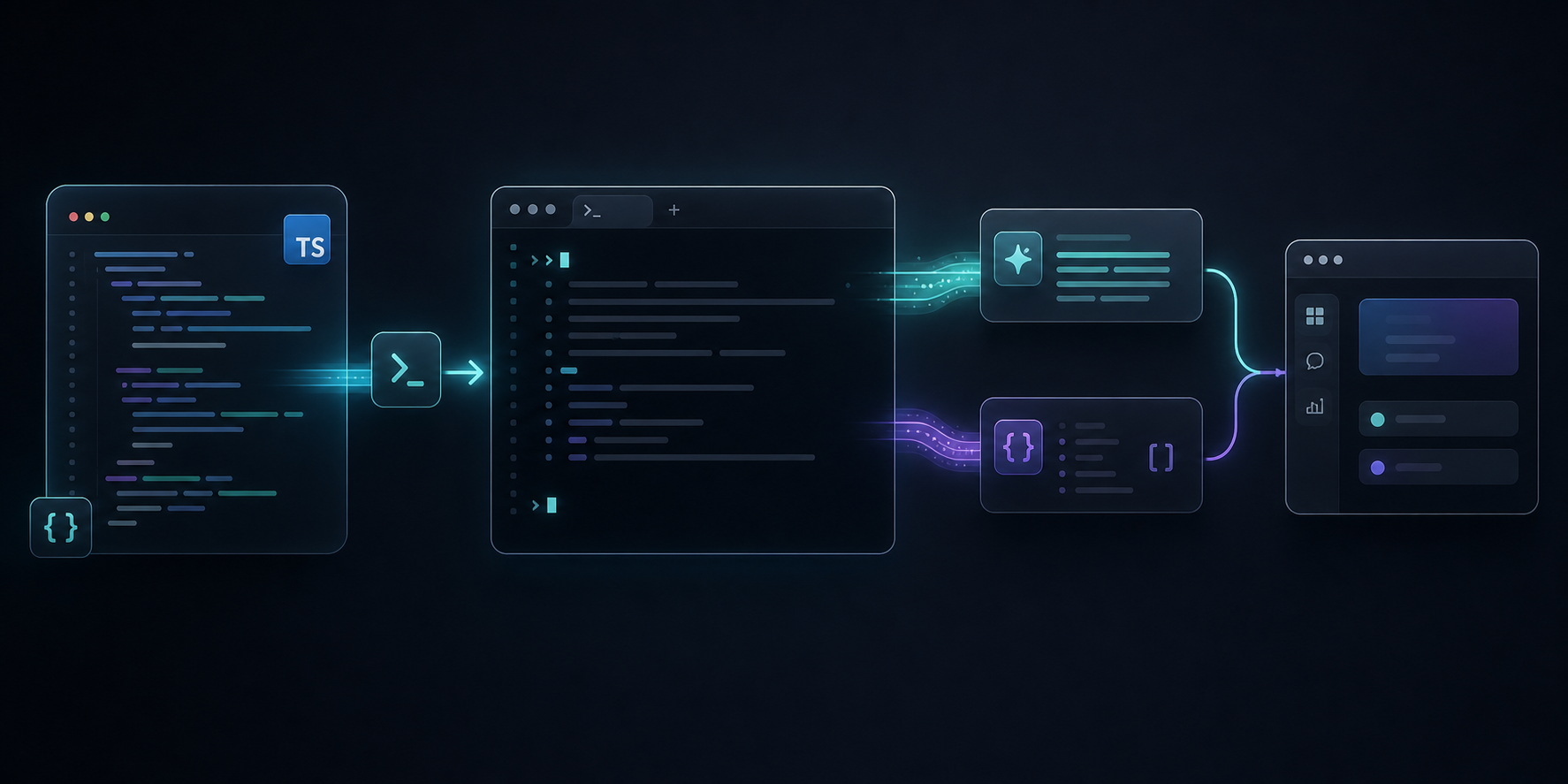
The SDK-shaped part of dash-p matters when you want to drop the output into a local script instead of copying text from a terminal window. This is the sort of shape that works well for repo summaries, prompt experiments, or small developer tools that need structured output.
import { query } from "@ybouane/dash-p";

for await (const msg of query({
  prompt: "In one sentence, what is a pseudo-terminal?",
  options: { model: "sonnet", includePartialMessages: true },
})) {
  if (msg.type === "result") console.log(msg.result);
}
For me, the main advantage is composability. You can keep the local Claude Code account you already use, but call it from shell scripts, pipelines, or TypeScript utilities. That makes it feel closer to a workflow primitive than a brand-new platform.
Where It Fits Best
dash-p is a good fit when the task is exploratory, local, and repeatable:
- summarizing a repository before a refactor
- turning a prompt into a repeatable local script
- testing a coding workflow without moving to a separate API billing path
- building a small internal tool that only needs your own Claude session
If you already think about local workflows the way I described in How I Built a Draft-First Shopify Blog System for Ecommerce SEO, How to Connect Notion and Webflow for Automatic CMS Sync, How to Build a Shopify AI Agent for Daily Store Operations, or How I Keep One Video Workflow Portable Across Browser, Server, and React, dash-p follows the same pattern: one source of truth, many repeatable outputs.
When to Avoid It
dash-p is not the right abstraction for shared production automation. Anthropic’s help docs say the Agent SDK credit is intended for individual experimentation and automation, and their platform guidance points production-scale automation toward Claude Platform with an API key for predictable billing. That is a useful boundary: script the real TUI when you want local control, but use the platform when you need team-scale consistency.
It is also worth remembering the operational constraints: you need the official claude CLI installed, you need a logged-in local session, and you should expect UI churn to be part of the maintenance cost. That is normal for terminal automation, and it is why this feels more like a local developer tool than a hosted API wrapper.
If you are comparing cost models, Anthropic’s pricing docs show that API models are billed on tokens, while managed agent workflows add runtime pricing and, in some cases, web search charges. dash-p is interesting because it sidesteps that whole category by staying inside the local interactive workflow you already have.
Bottom Line
If you want to automate Claude Code without abandoning the real TUI, dash-p is a practical place to start. Install the package with npm install -g @ybouane/dash-p, read the GitHub repository, and test one small repo-summary script before you decide how far to push it.
If you want the official context, keep the Anthropic Agent SDK credit article, the Claude Code help page, and the pricing docs open while you experiment.

Comments
Post a Comment