How to Create UGC-Style Product Videos for Shopify Without Hiring Influencers
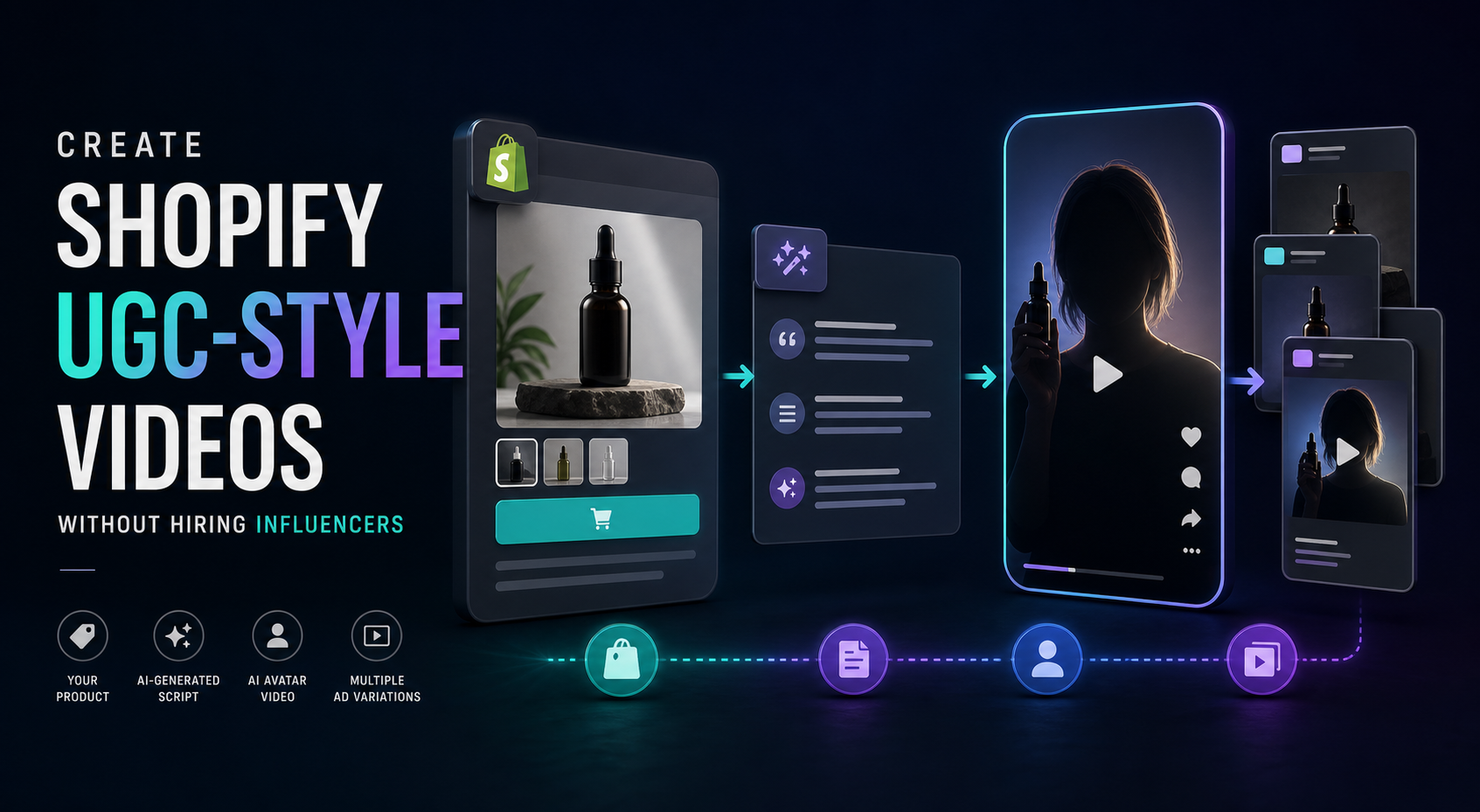
I keep seeing the same bottleneck for Shopify stores: they know video matters, but every new clip feels like a mini production. A creator brief turns into scheduling, filming, editing, revisions, and then the one video you end up with is too precious to test anywhere useful.
Supra UGC Maker is built for the opposite problem. It lets you pick an avatar, set a scene, add a Shopify product, write the script and tone, and generate reusable UGC-style videos you can use in ads, product pages, launches, email, and seasonal promos. If you want the app details, start at the landing page or the Shopify App Store listing.
Start With One Product And One Clear Promise
I would not start by trying to make a brand film. I would start with one product and one sentence that answers a buyer objection. If the product page already does a good job of explaining the item, turn that into a UGC video brief first. I wrote a separate process for that in How to Turn a Shopify Product Page Into a UGC Video Brief.
The goal is simple: pick one claim, one benefit, and one reason to believe.
Build The First Video As A Hook Test
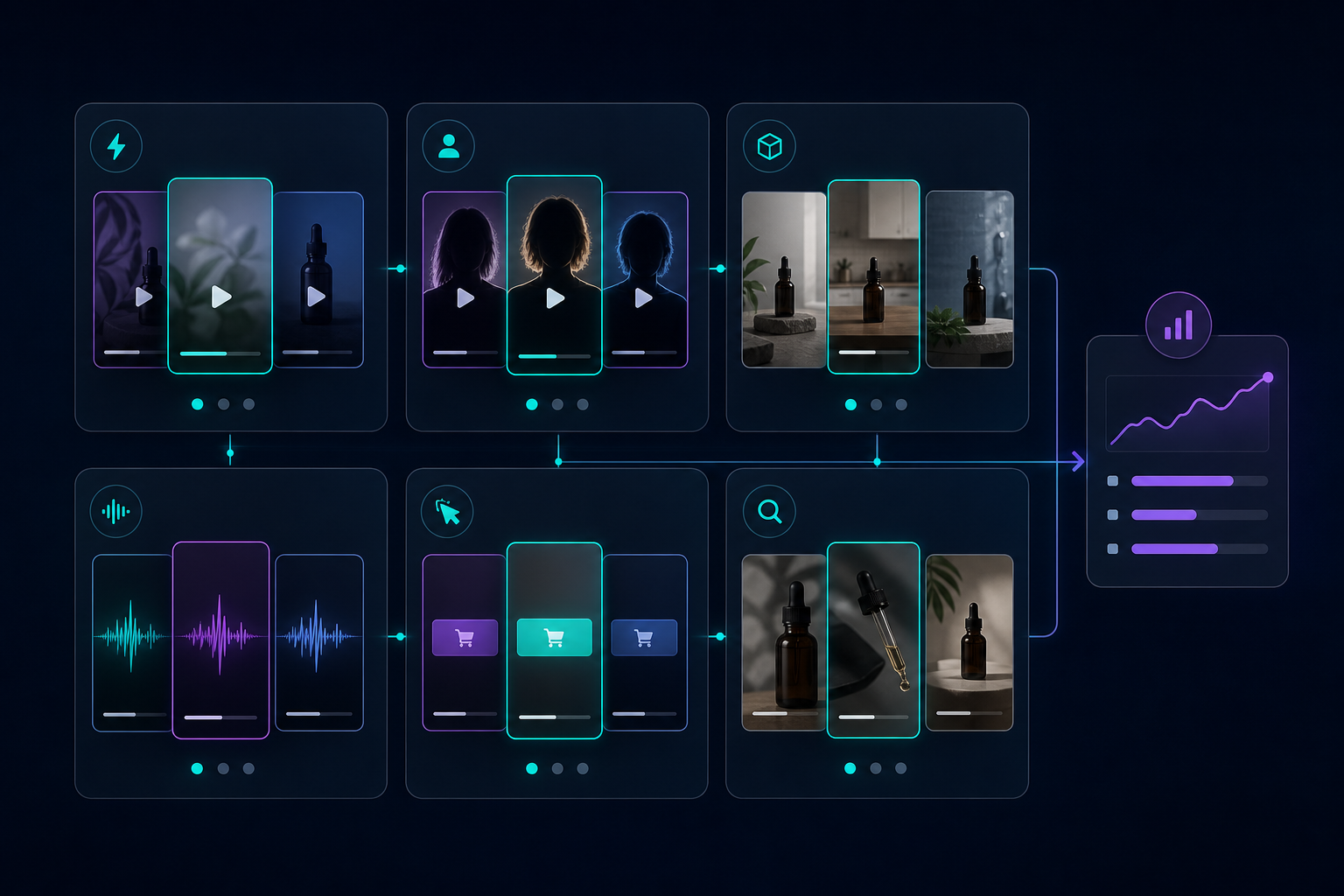
When I think about UGC video, I do not think about one final asset. I think about a small testing matrix. Same product, same core offer, different hook, avatar, scene, or CTA. That keeps the project focused and makes the output much more useful for paid social.
A good first pass usually gives me:
- One problem-led hook
- One product-led hook
- One proof-led hook
- One offer-led hook
That is the same logic I used in How I Built a Shopify UGC Video Testing Matrix.
A Simple Workflow I Would Actually Use
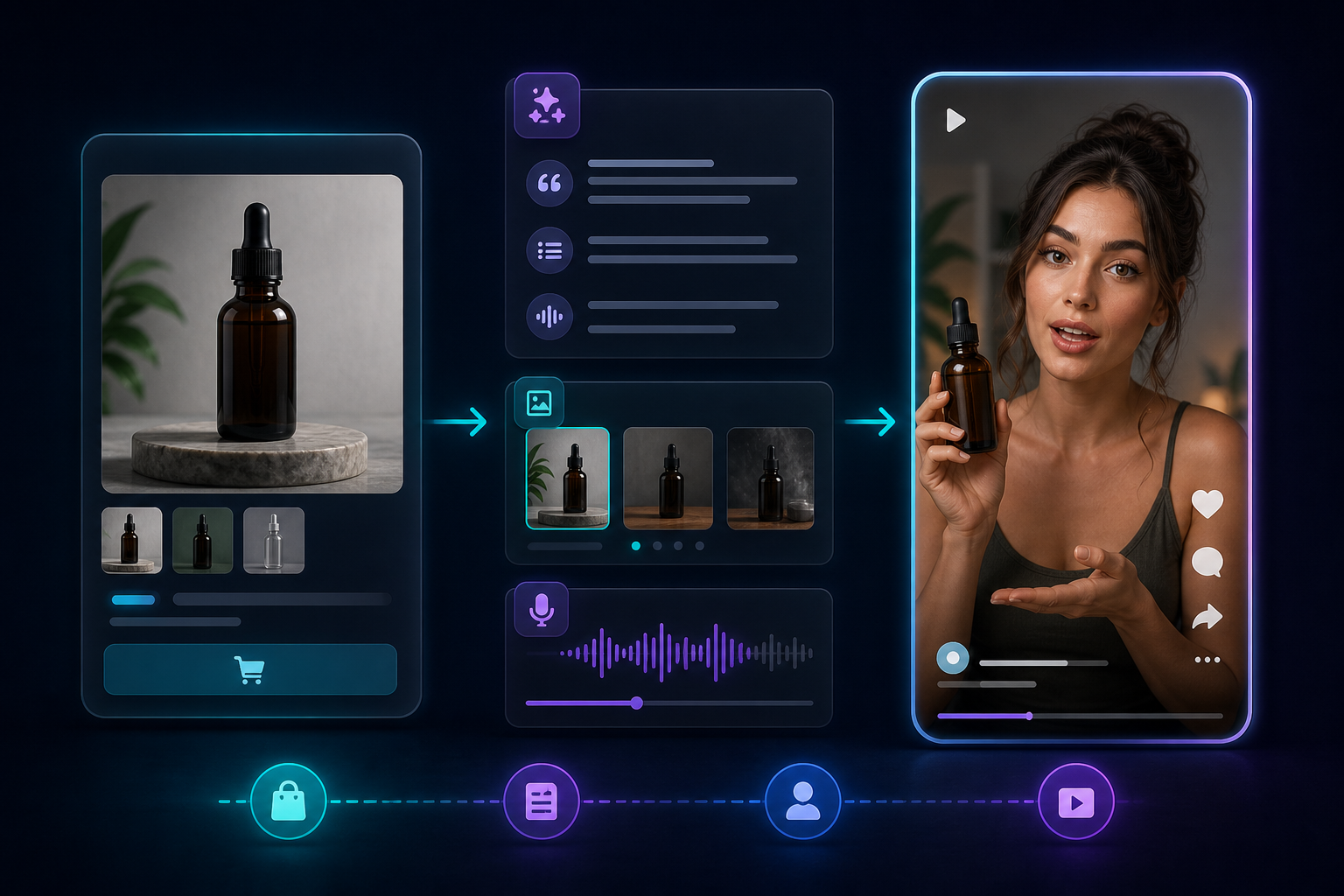
If I were setting this up for a real Shopify product, I would keep the workflow this small:
- Choose an avatar.
- Choose a scene that matches the product.
- Write a short script in plain language.
- Add the Shopify product reference.
- Generate the video.
- Reorder, trim, and regenerate until the hook feels right.
- Save the project so the next variation starts from the same base.
That last step matters. Reusable projects are what keep this from becoming a one-off creative experiment. Once the base project is in place, the next variation is just a new angle, not a new production.
If you want more hook ideas before you generate, How to Create Shopify UGC Video Ad Variations From One Brief is the next article I would read.
Where I Would Use The Videos First
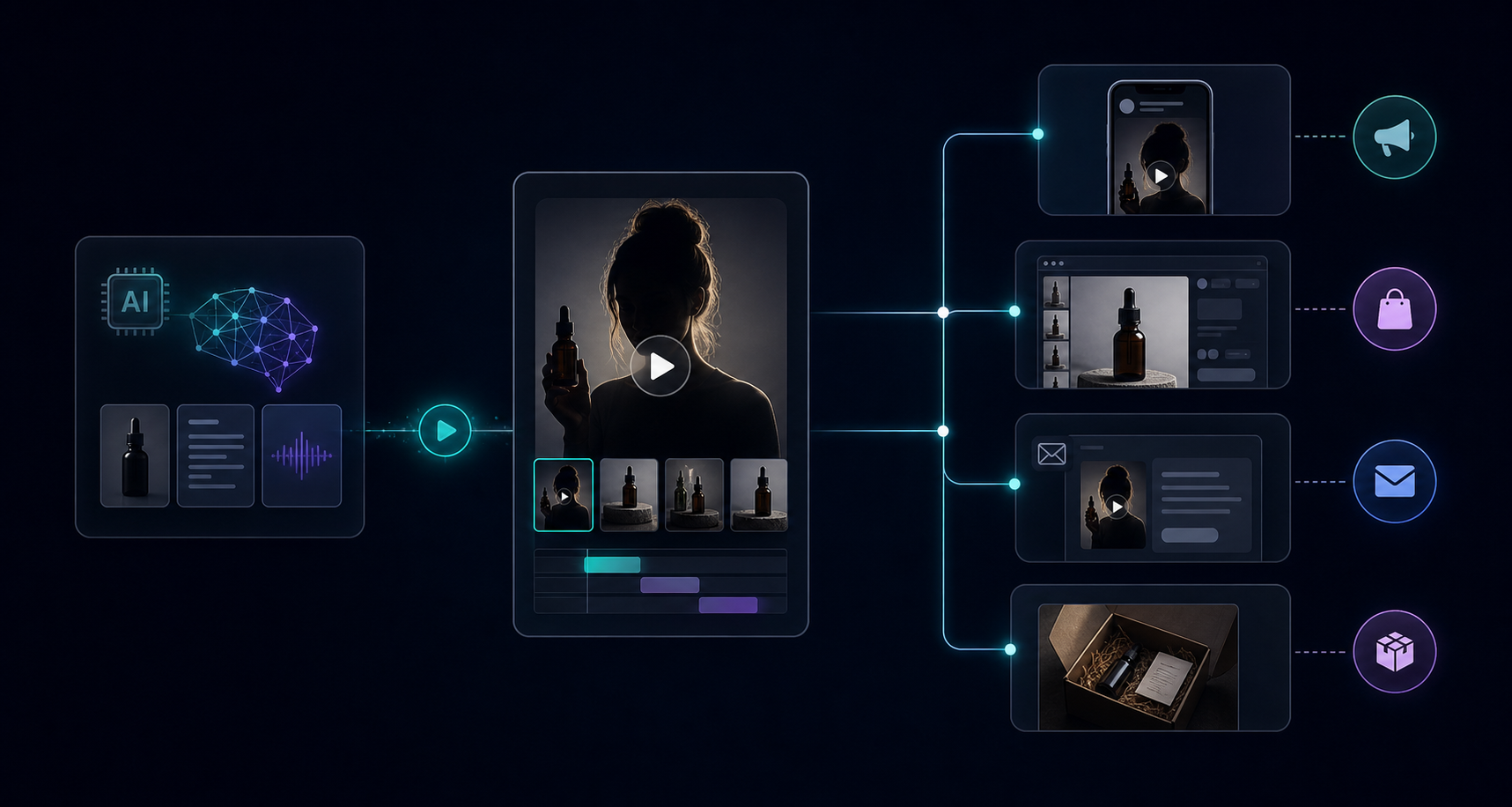
I would put the first clips where they can do the most work:
- Paid social: test hooks and offers quickly.
- Product pages: explain what the product is and why it matters.
- Email: turn a static campaign into something more clickable.
- Post-purchase: reduce confusion and support repetitive questions.
- Launches and seasonal promos: create enough variation without waiting on a shoot.
This is also why I like tying the video plan back to the broader content plan. If you are mapping placements and variations together, How I Turned One Product Page Into Four UGC Video Angles is a useful companion.
What I Would Keep Consistent
I would keep three things stable across every variation:
- The product facts.
- The audience pain point.
- The offer or next step.
Everything else can move. That includes the avatar, the tone, the scene, the first line, and the CTA. The point is not to make the same video over and over. The point is to make enough good options that you can learn what the market reacts to.
That is the practical advantage of an AI UGC workflow. It is not that it replaces every human creator. It is that it makes iteration cheap enough to be useful.
When I Would Still Use Real Creator Content
If the campaign needs a very specific personality, a real testimonial, or a trust-heavy creator story, I would still use a human creator. But if the job is to explain a product, test hooks, or produce enough short-form assets to keep a Shopify funnel moving, a tool like Supra UGC Maker makes a lot more sense.
It is especially useful when you need:
- More ad variations without booking more shoots
- Product page video without extra editing work
- A repeatable workflow for new launches
- A faster way to produce seasonal promos
The Next Move
If I were doing this today, I would pick one SKU, write one 15-second script, and generate three variations before touching anything else. That gives you a clean test set without turning the project into a production problem.
If you want to try the workflow yourself, start with the Supra UGC Maker landing page or install it from the Shopify App Store. The fastest win is usually one product, one hook, one video, then the second and third versions after you know what landed.

Comments
Post a Comment