How to Turn Plain Product Photos Into Studio-Grade Shopify Visuals
Plain product photos are usually good enough to show the item. They are not always good enough to help it sell.
If your catalog has inconsistent lighting, weak backgrounds, or images that all feel like they came from different stores, the fix is usually not a full rebrand or a new photo shoot. It is a repeatable photo workflow that turns one base image into a set of useful assets: a clean product shot, a lifestyle version, a model try-on, and a social-ready clip.
That is the problem Supra AI Photo Studio is built to solve. It helps Shopify merchants edit product photos into realistic scenes, improve image quality, and generate variations without leaving the Shopify workflow. The app’s landing page and demo trailer show the basic idea well: start with a plain image, then turn it into something more persuasive.
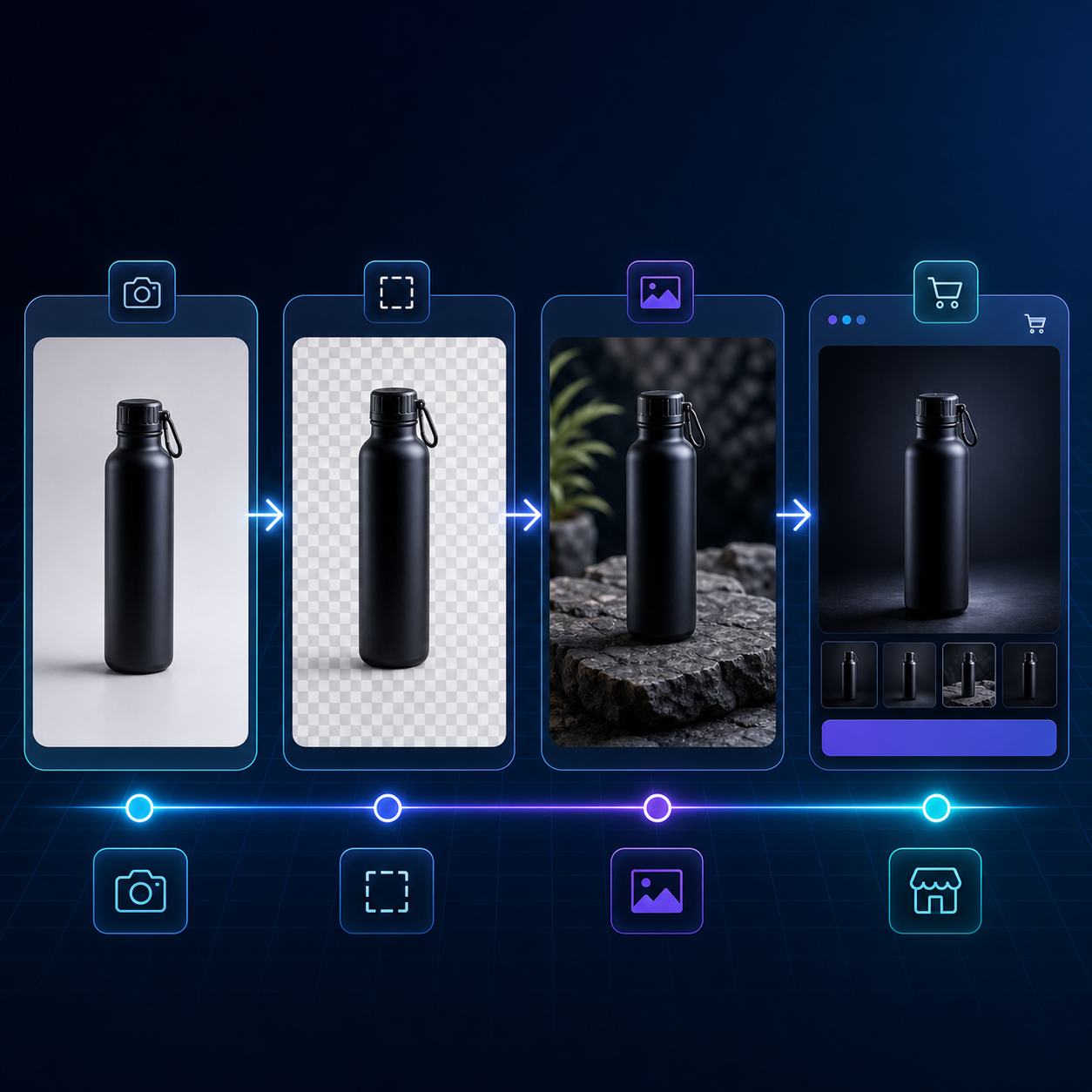
What a better product photo workflow actually does
A better workflow does not just make images prettier. It reduces the amount of manual work needed to keep your store visually consistent.
In practice, that means:
- Cleaning up the source image so every product starts from the same quality bar.
- Replacing or removing distracting backgrounds.
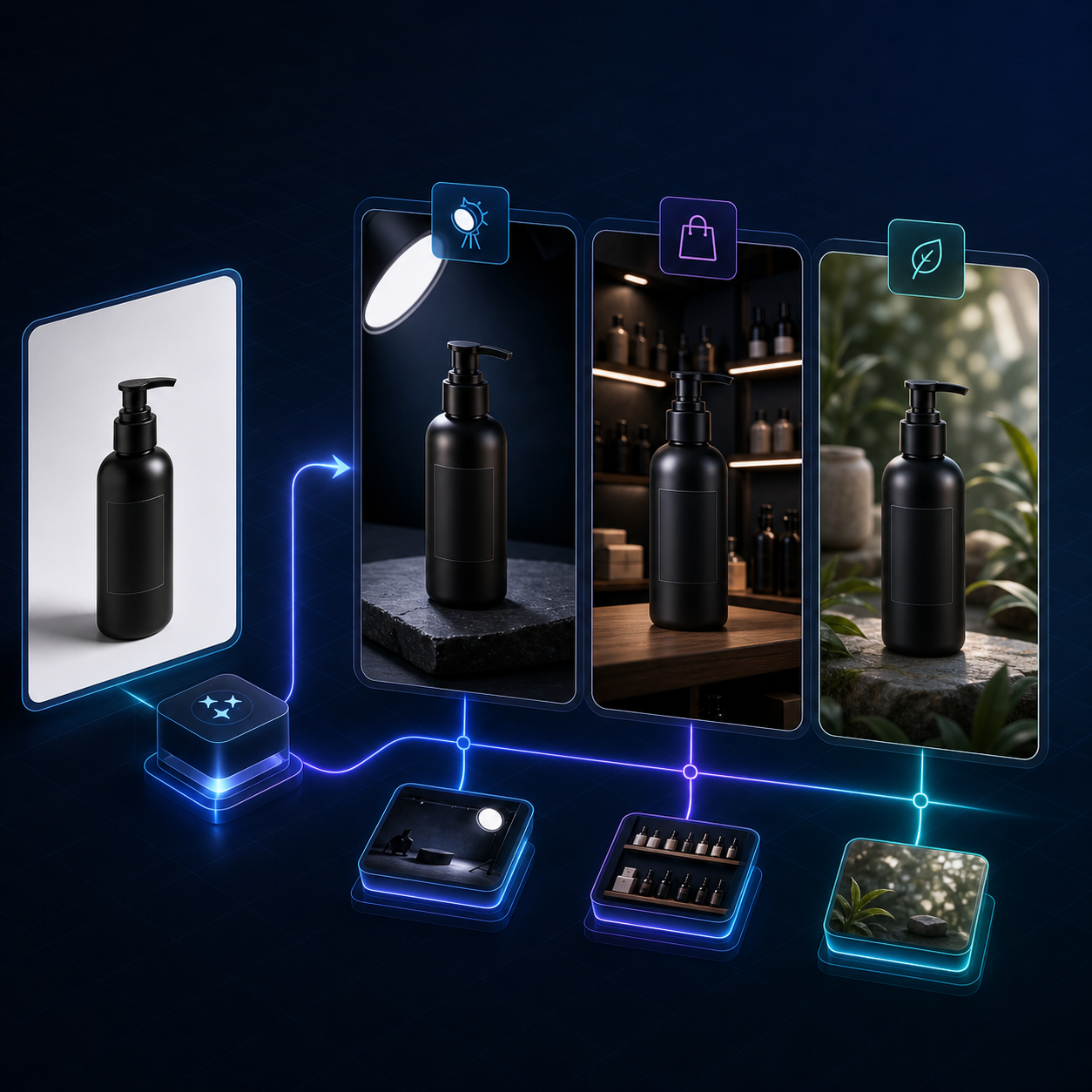
- Creating lifestyle scenes that make the product easier to imagine in use.
- Generating model try-ons when the product fits that format.
- Producing a small set of reusable variants for product pages, ads, and social posts.
That is the useful part of AI photo tools: they shorten the path from a basic upload to a catalog-ready visual system.
1. Start with the best source image you already have
You do not need a perfect source file, but you do need the cleanest one you can find. If the original photo is blurry, poorly cropped, or badly exposed, the AI has less room to work.
A good starting image should have:
- Clear product edges.
- Enough resolution to upscale without obvious artifacts.
- A recognizable shape and material surface.
- Minimal clutter around the subject.
If you already have product shots in your Shopify catalog, use those first. If not, start with the highest-quality photo you can export from your supplier or product folder.
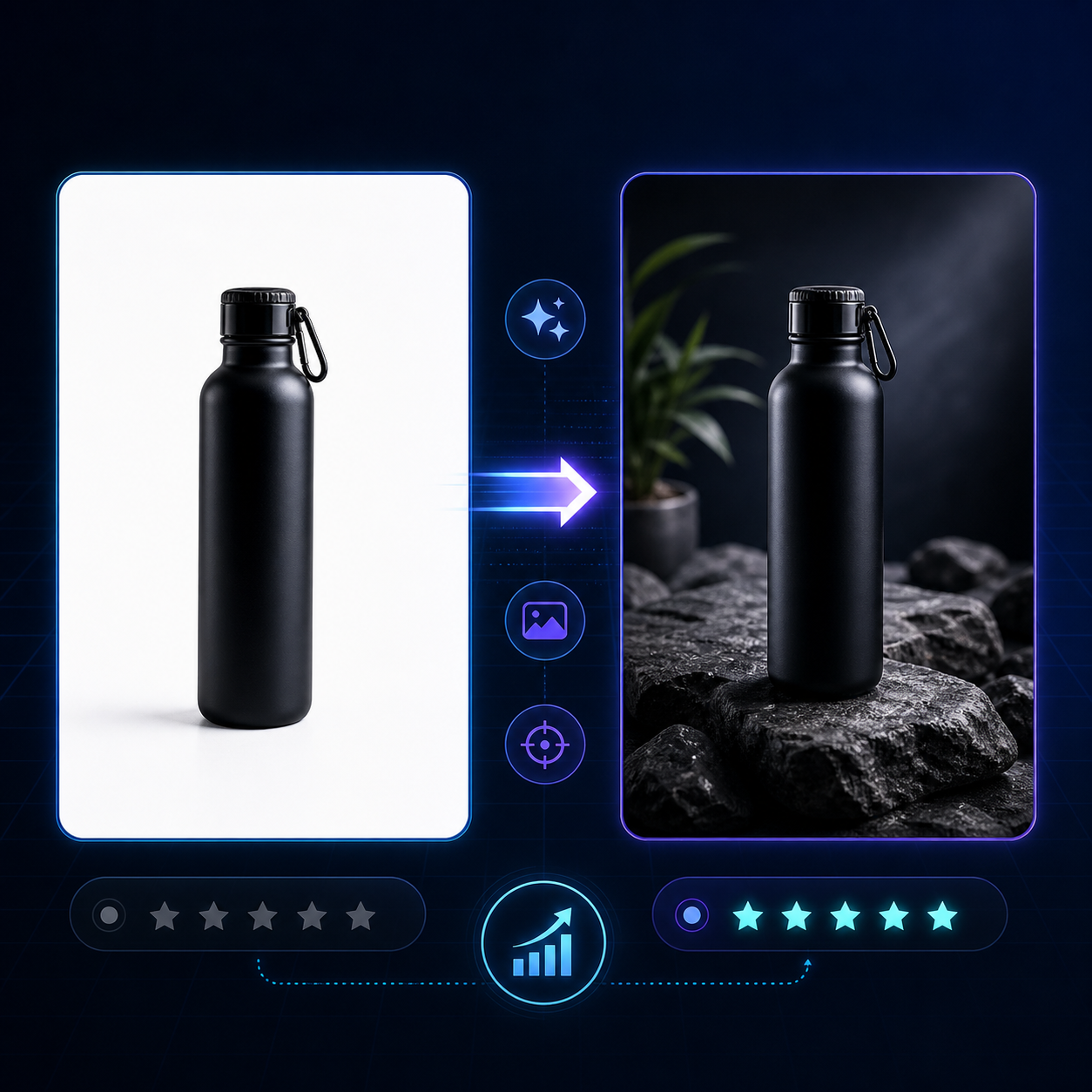
2. Remove distractions before you add style
The fastest way to make an image look more professional is often to do less to it first.
Use the background remover and enhancement tools before you try any dramatic lifestyle scene. That gives you a cleaner object with better lighting, sharper edges, and fewer visual conflicts. It also makes the next steps more predictable.
This is the point where many merchants overdo the image generation. They jump straight to a dramatic scene and end up with something that looks nice but no longer feels like the actual product. A better workflow is: clean first, stylize second.
3. Decide which visual format fits the product goal
Not every product needs the same treatment. Choose the format based on the job the image needs to do.
Use a studio-style clean image when the page needs trust and clarity. Use a lifestyle scene when the page needs context and aspiration. Use a model try-on when the product is fashion, jewelry, or accessories. Use short AI videos when you need motion for ads or social.
This is where Supra AI Photo Studio is useful because it supports multiple outputs in one place: studio-quality enhancements, object placement, AI model try-ons, and b-roll or UGC-style video generation. The app store listing makes the positioning clear: it is not just a background remover, it is a photo and video workflow for product marketing.
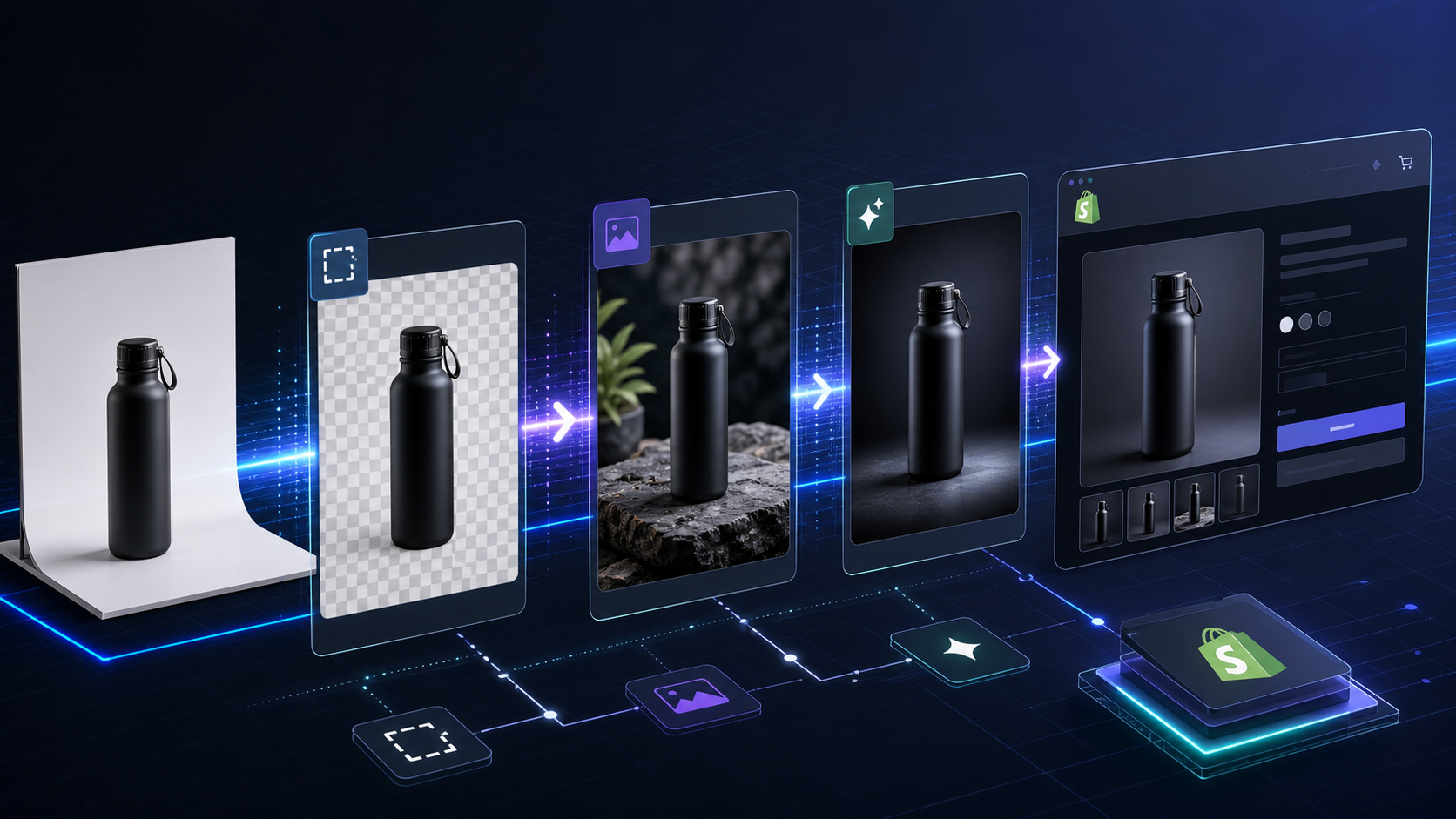
4. Build a small set of repeatable variants
A lot of merchants only need three to five versions of each product image to cover most use cases.
- One clean hero image for the product detail page.
- One lifestyle version for collection pages and ads.
- One context-rich version that shows scale, placement, or use.
- One video or animated asset for paid social.
- One backup image that preserves the product clearly if the more creative version underperforms.
That approach keeps the catalog visually coherent without creating more work than the product deserves.
5. Keep the output aligned with the store, not just the prompt
This is the part that matters most if you want the images to help conversions instead of just looking interesting.
Ask whether each generated image matches the tone of the store. A premium skincare brand, a home goods shop, and an outdoor gear brand should not all use the same visual treatment. The AI should follow the product, the audience, and the page purpose.
A good rule is simple: if the image makes the product easier to understand, keep it. If it makes the product harder to recognize, tone it down.
That is also why it helps to work from a tool that is already set up for product editing instead of a generic image generator. The app can stay focused on ecommerce output: catalog images, try-ons, lifestyle compositions, and short promotional clips.
6. Use the workflow where it saves the most time
You do not need to convert every image in the same way.
Use the workflow on the assets that matter most:
- New launches that need launch-day visuals.
- Products that look weak on a plain white background.
- Bestsellers that deserve stronger merchandising.
- Seasonal items that need campaign-specific styling.
- Products you plan to promote in paid ads or on social.
If a product already has strong photography, you may only need enhancement and cropping. If it has weak or inconsistent source images, the full workflow makes more sense.
Where this fits in a broader content system
This photo workflow becomes even more useful when it sits next to other Shopify content systems.
If you want the blog side of the store to stay useful too, these related posts are worth reading:
- How I Automate Shopify Blog Posts Without Generic AI Content
- How I Cut Product Photo Prep Time for Shopify Without Hiring a Designer
- How to Build a Shopify Image System for Catalogs, Ads, and Try-Ons
- How to Keep Shopify Product Photos Consistent Across My Catalog
Those are all solving the same basic problem from different angles: keep the store moving without making every asset a one-off project.
The practical takeaway
If your product photos are holding back the store, the answer is usually not more manual editing. It is a workflow that turns one decent source image into a set of reusable ecommerce assets.
Start with the cleanest base image you have, remove distractions, choose the right visual format, and keep the output consistent across the catalog.
If you want to try that workflow, start with Supra AI Photo Studio or the product landing page. The free plan is enough to test the core workflow on a few products before you decide whether to scale it.

Comments
Post a Comment