How I Choose Between Browser and Server Rendering in VideoFlow

I stopped asking which renderer was best and started asking which step the user was in.
The first time I wired a VideoFlow project into a real product, I made the classic mistake: I treated rendering as one decision. It is not. Preview, export, and editing are different jobs, and each one fails in a different place.
VideoFlow is useful because the core stays in portable VideoJSON while the renderer changes around it. That lets me keep one project and decide later whether the job belongs in the browser, on the server, or in a live preview. The product site, core docs, renderer docs, and React video editor all point in that direction.
When I need a quick mental model, I split the stack into four pieces: template, preview, export, and editor.
| Need | Best fit | Why |
|---|---|---|
| User clicks export inside the app | Browser renderer | Fast feedback and cancellation |
| Batch jobs or repeatable API calls | Server renderer | Queue-friendly and predictable |
| Scrubbing before publish | DOM renderer | Live preview and frame-accurate seeking |
| User-facing editing controls | React video editor | Timeline, uploads, keyframes, export |
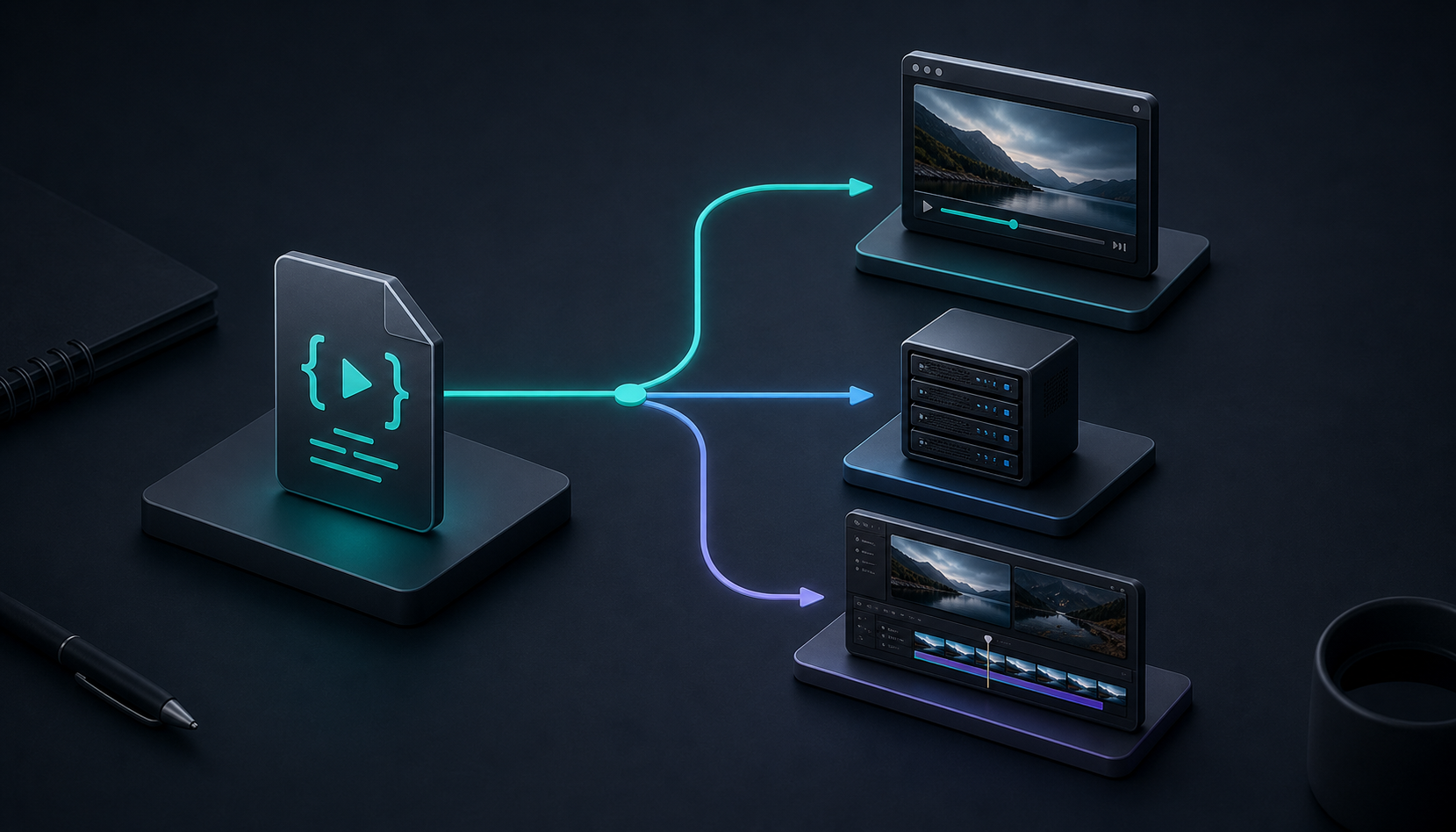
The important part is that I do not let the editor become the source of truth. The source of truth is still the VideoJSON. Everything else is a view or an execution target.
When I let the browser render
The browser renderer is the right fit when the user is already inside the product and I want export to feel like part of the UI instead of a backend handoff. VideoFlow's browser path supports progress callbacks and cancellation, which makes it a good fit for interactive export buttons, small internal tools, and products that should not upload every source project to a server before rendering.
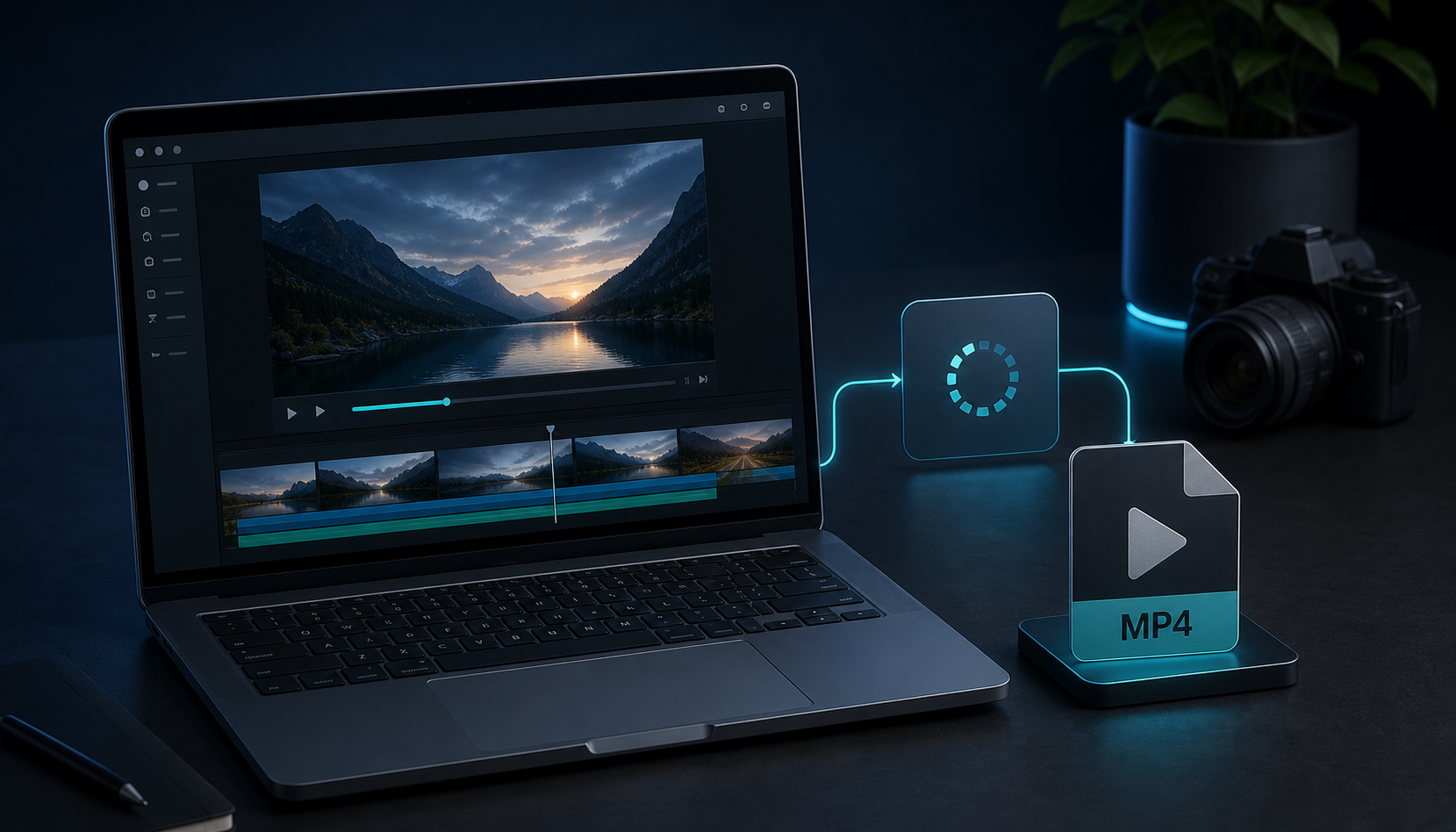
This is also where I prefer to keep the loop tight. If the work starts in the browser, the browser should usually finish it. That is why I liked How I Pick the Right VideoFlow Renderer for the Job and why the broader pattern in How I Build a Three-Renderer Video Workflow With VideoFlow felt more honest than pretending there is one universal render path.
When I send work to the server
Server rendering is the better answer when the job is batch-oriented, scheduled, queued, or simply too expensive to keep tied to one browser session. VideoFlow's server renderer runs headlessly with Chromium and WebCodecs by default, and that gives me a cleaner place to handle throughput, retries, and long-running exports.
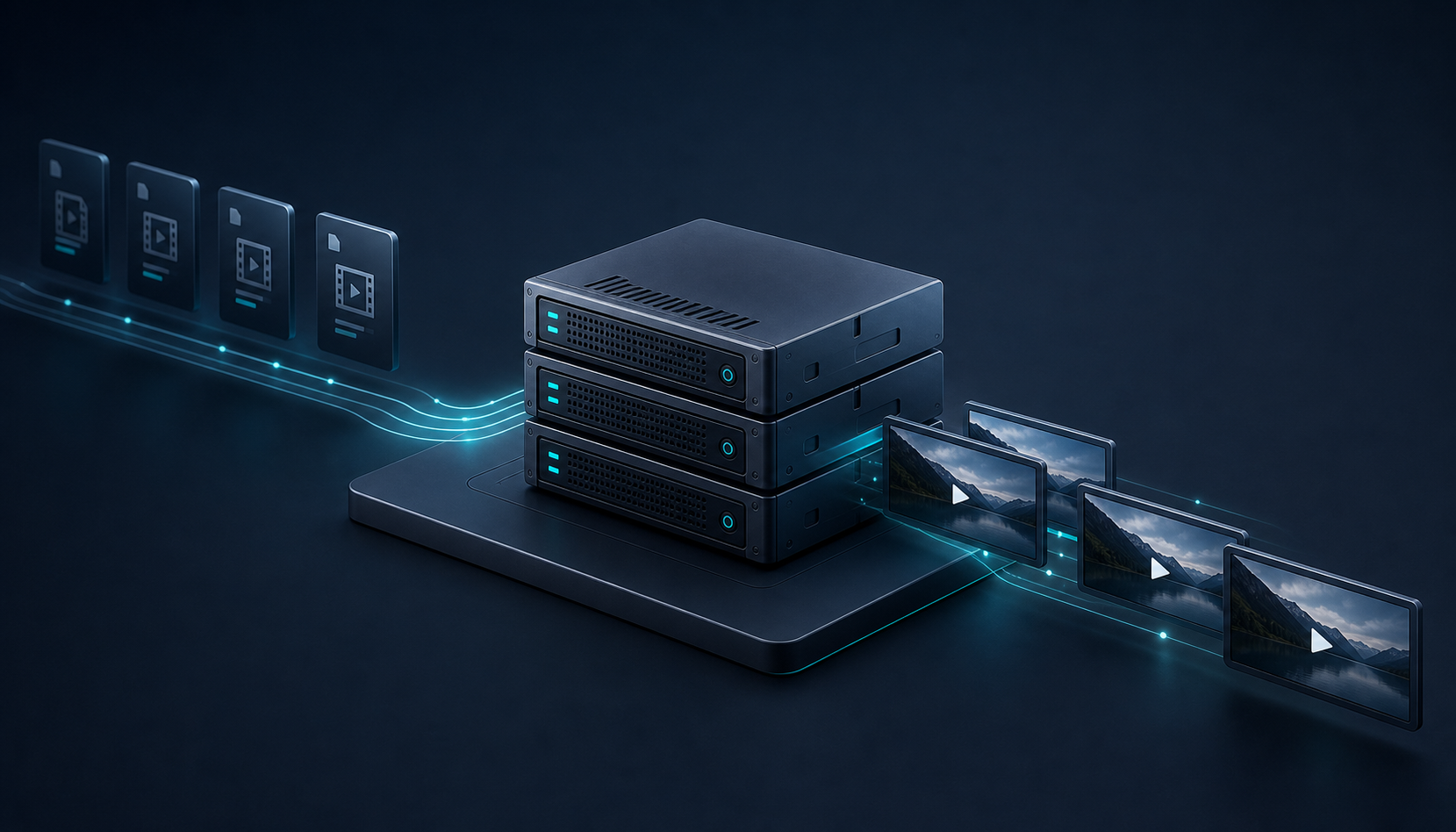
That is the model I reach for when I want automation to survive real load. If a render should happen after a webhook, a cron, or a user action that needs an immediate response, the server is where I want the work to land. It is also the pattern that makes How to Build a Portable Video Export Pipeline in VideoFlow make sense: one project, different execution targets.
Why I keep preview separate from export
The DOM renderer is the piece that keeps me from shipping blind. It gives me a live, scrubbable preview that shares the same VideoJSON, so I can catch layout issues and timing mistakes before the export path gets involved.
That separation matters more than it sounds. Once preview and export are both reading the same project, the question stops being "Which renderer should own the app?" and becomes "Which stage is the user in right now?" That is the logic behind How to Build a Reviewable JSON-to-Video Pipeline With VideoFlow and How I Turn a Prompt Into Structured VideoJSON With VideoFlow.
Where the React editor fits
I only add the React video editor when the product needs a real editing surface. It is not the backbone of the system; it is the interface on top of it. VideoFlow's editor gives me the multi-track timeline, keyframes, drag and drop, theme options, uploads, and MP4 export when I need users to reshape a template instead of just rendering it.
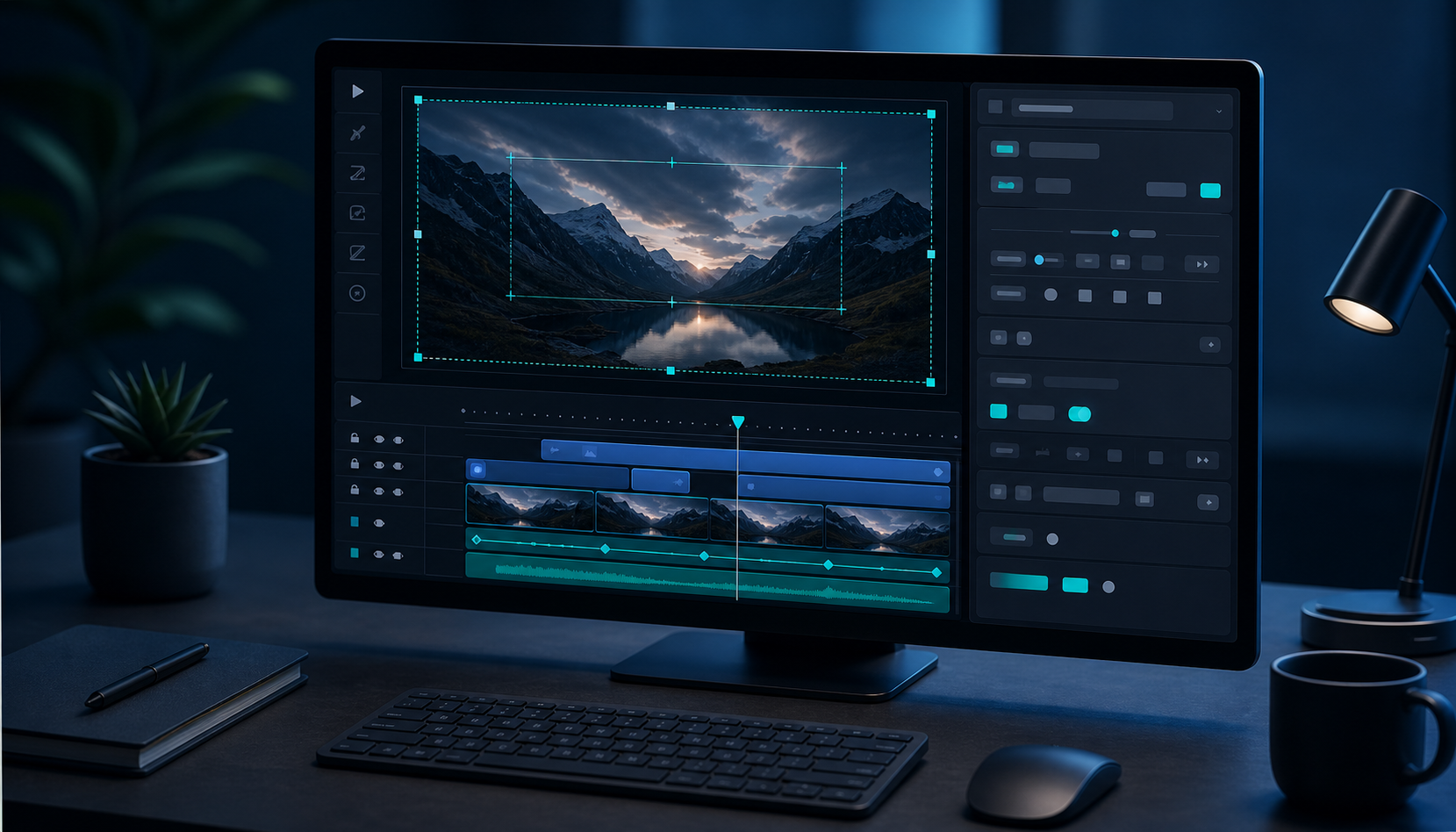
That is why I treat the editor as a product decision, not an architecture decision. If the user only needs preview and export, the editor is extra surface area. If the user needs to trim, reorder, or personalize scenes, the editor becomes worth the cost.
The setup I would build first
If I were starting again from scratch, I would build the stack in this order:
- Define the template in VideoFlow core.
- Preview it in the DOM renderer.
- Export it in the browser when the user is waiting.
- Route heavy or queued jobs to the server.
- Add the React editor only when the product truly needs visual editing.
That order keeps the project portable. It also keeps me from overbuilding the editing layer before I know the export path is stable.
The big lesson for me is simple: VideoFlow works best when the renderer matches the job, not when every job tries to fit the same renderer. If you are building a video product this week, decide which tasks are interactive, which are queued, and which are review-only. Then wire all three to the same VideoJSON before you polish the UI.
For more on the surrounding workflow, I would keep these open:

Comments
Post a Comment