How to Create Post-Purchase Shopify Videos That Answer Questions Before Support
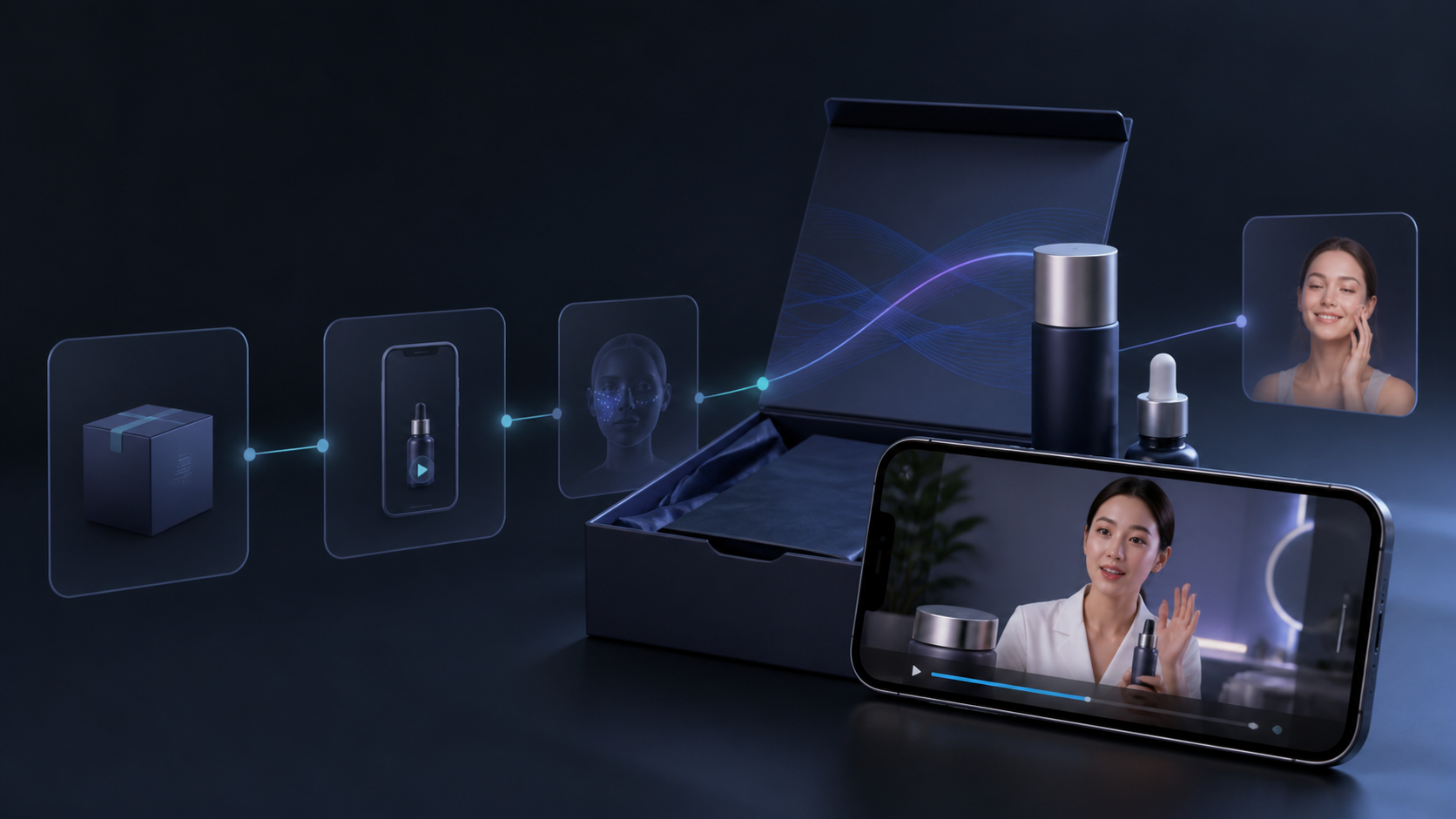
Most post-purchase questions are predictable: How do I set this up? Which setting should I use first? How do I care for it? When those answers are hard to find, a customer opens a ticket, pauses their purchase journey, or simply never gets the full value from the product.
A short post-purchase video can answer the right question at the right moment. It does not need a new influencer shoot for every SKU. With Supra UGC Maker, Shopify merchants can combine an avatar, a scene, product references, a script, and a chosen voice/tone into reusable UGC-style product videos. The practical use here is education—not pretending an AI avatar is a customer testimonial.
Start With Questions That Create Work
Do not begin by asking which video would look best. Start with the repeat questions that create the most friction for customers or your team. Review support tags, return reasons, product reviews, and the questions sales staff receive before purchase. Look for a question that is both common and easy to answer visually.
Good first candidates include unboxing and first-use instructions, what comes in the box, cleaning or care basics, the difference between modes or attachments, and one expectation-setting video for a product with a learning curve. Choose one customer moment per video. A small library of focused videos is more useful than one heroic explainer.
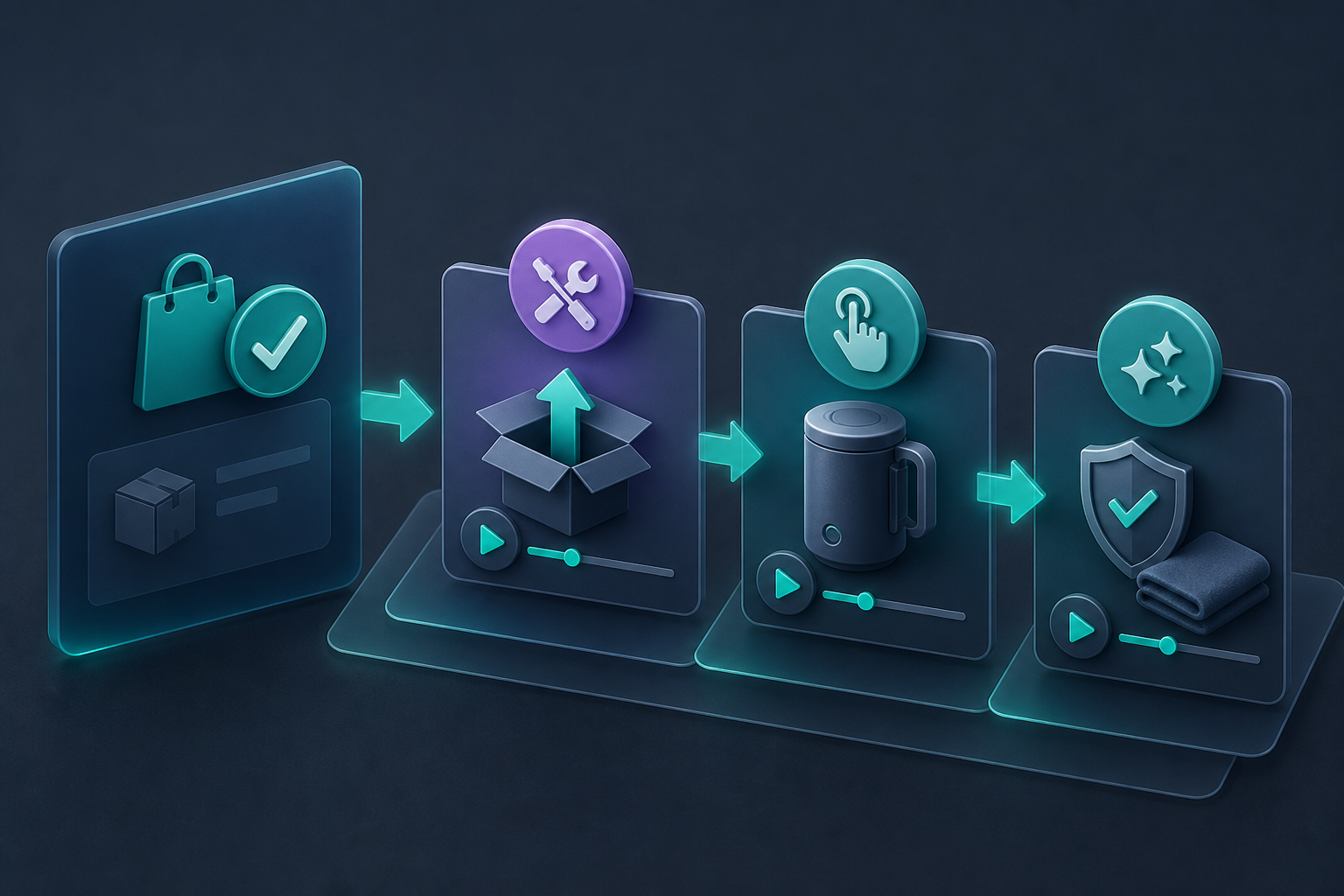
Map Three Videos to the Customer Journey
- Right after purchase: set expectations—what happens next, what arrives, and what to have ready.
- When the order is delivered: demonstrate the first successful action, clearly and slowly.
- A few days later: share one care, usage, or next-step tip that helps the customer get more from the purchase.
The delivery video deserves priority because it removes uncertainty before it turns into an immediate ticket. If you also need acquisition creative, this guide to building a repeatable Shopify UGC video workflow shows how to reuse a system rather than starting from a blank canvas each time.
Write a Script That Helps Rather Than Sells
A post-purchase script should sound less like an ad and more like a capable store associate. Open with the situation, show the action, and finish with the next practical step: context, one action, one guardrail, and one next step. Avoid claims that the avatar personally used the product unless that is actually true. The value is clear visual instruction delivered quickly, not simulated social proof.
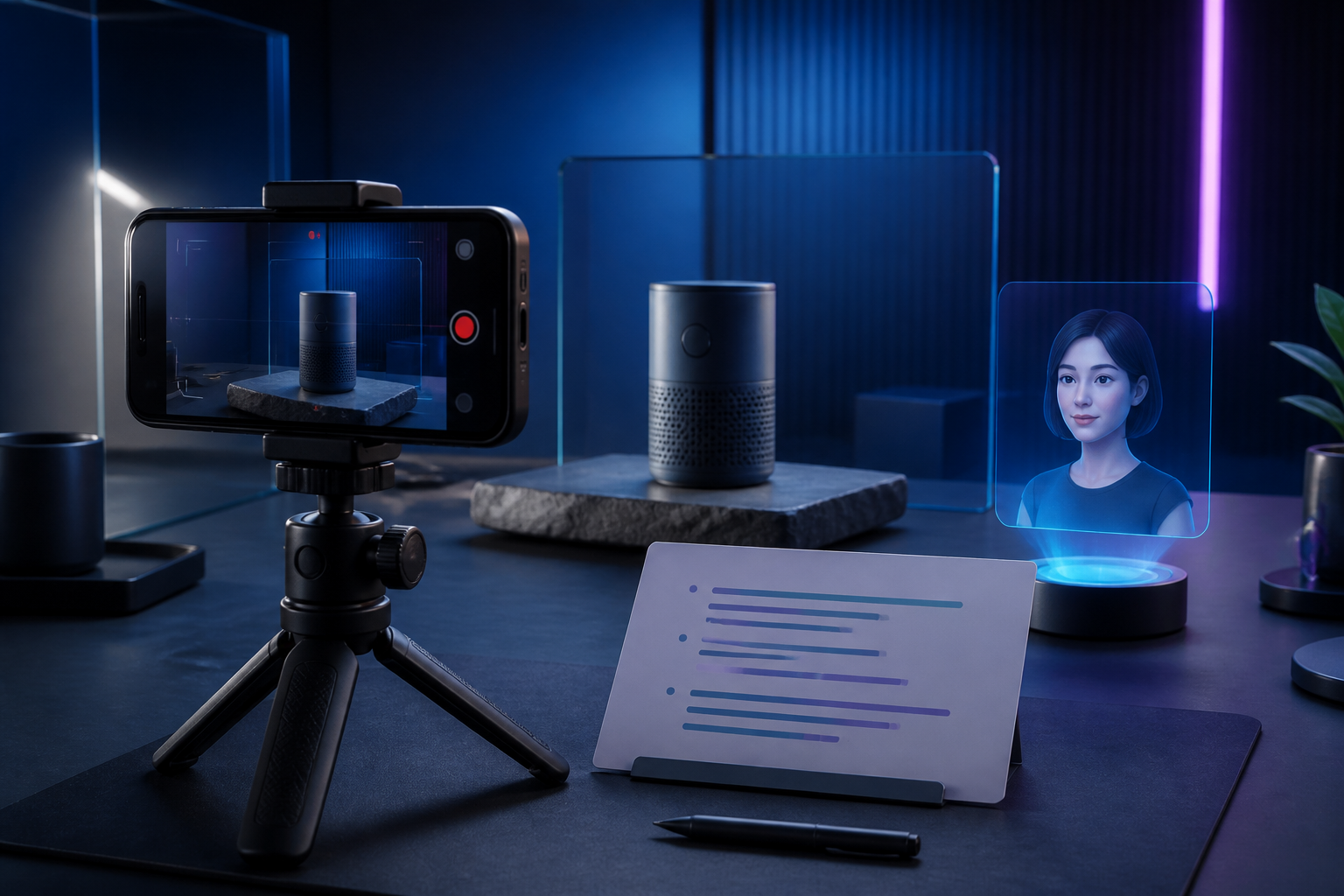
In Supra UGC Maker, set the avatar, scene, product reference, script, and voice/tone to match the customer moment. Preview before generating, then keep the successful scene and script structure as a reusable project. When a new color, bundle, or seasonal offer arrives, you can create a variation without rebuilding the whole production setup.
Keep the Visual Instruction Specific
The best post-purchase video answers something viewers can see. Show the attachment being aligned, the amount of product to use, the item being unfolded, or the correct orientation. If the answer is primarily policy, use a written help article instead.
Before publishing, check that the product shown matches the current version, every action is safe and consistent with the instructions, the script remains understandable with captions, and the final call to action is useful. If you are building multiple ad concepts around one product, a four-angle Shopify UGC test matrix is a helpful companion: it separates exploring hooks from explaining the product after purchase.
Put the Video Where the Question Appears
Add the post-purchase video to the delivery email, your order-status or thank-you flow where appropriate, a product-page help section, and the relevant help-center article. Keep the destination consistent: the video should link to the one place that has deeper instructions, replacement-part details, or contact options.
Do not over-automate the first release. Publish one video for one high-volume question, then watch what changes. For a broader view of assigning a single product different video jobs, see this Shopify UGC placement framework.
Measure Whether It Reduced Friction
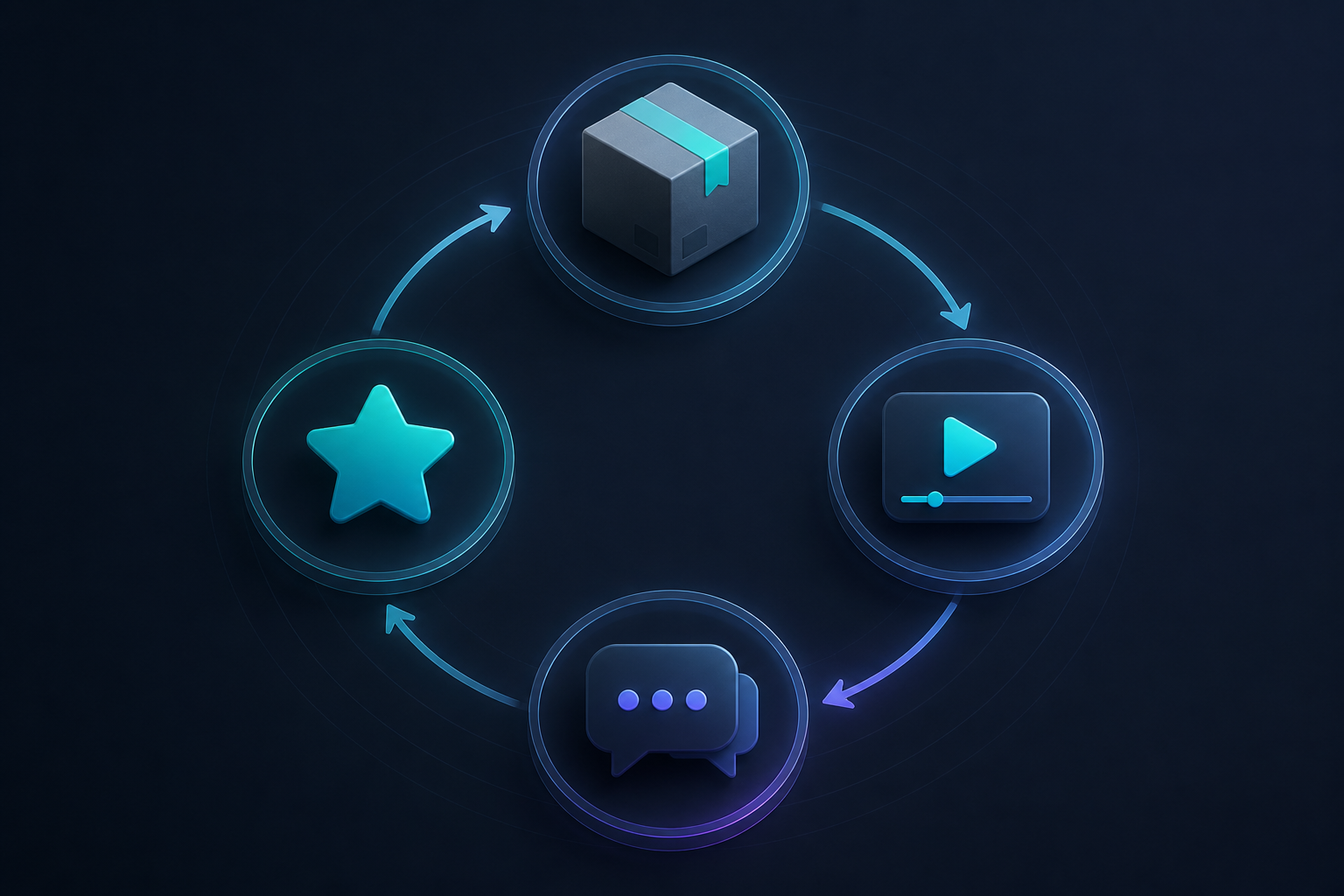
Use a narrow baseline. Compare the weekly count of the target support question before and after the video is placed in the flow. Also watch video plays, clicks to the full guide, repeat contacts, return reasons, and review themes. Keep a short review note after each cycle: question targeted, video location, key script choice, and what customers still asked.
If you need fresh acquisition variations later, this guide to turning one product into a week of UGC video tests can help you expand without mixing your support and advertising goals.
Start With One Moment That Matters
Choose the one question that most often delays a successful first use, write a 45-second answer, and place it where the customer encounters that question. Then use Supra UGC Maker on Shopify to create a reusable video project with the right scene, avatar, script, and product reference. A focused first video is enough to prove whether post-purchase education can save time for your customers and your team.

Comments
Post a Comment