How to Build a Repeatable Shopify UGC Video Workflow
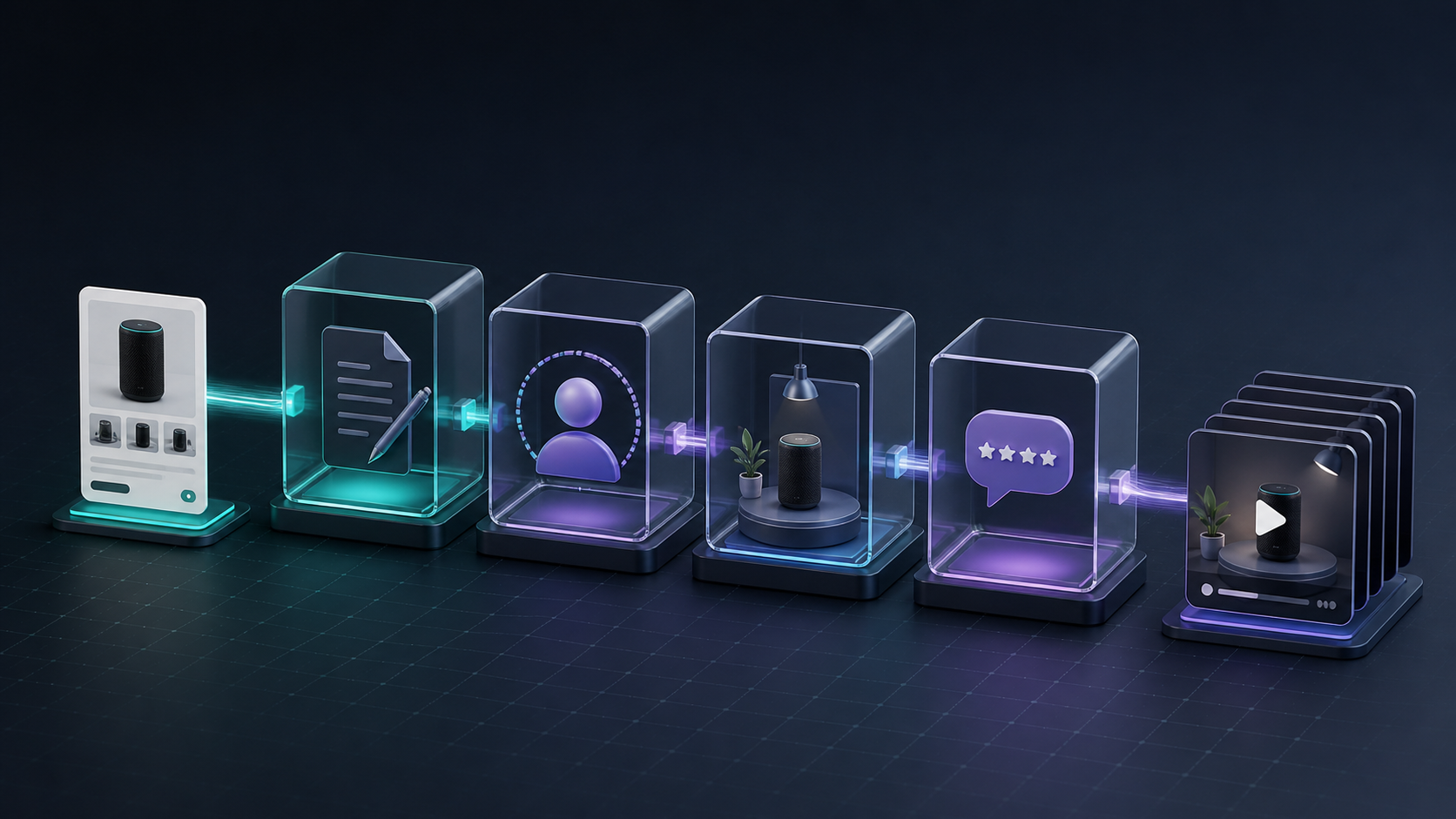
Short-form video is rarely blocked by a lack of ideas. It is blocked by the messy handoff between a product catalog, a creative brief, and the final files your team can actually use. If every new hook requires a new creator search, shoot, edit, and approval cycle, your Shopify video program stays small.
The practical answer is to treat UGC-style video as a repeatable production workflow. Supra UGC Maker gives Shopify merchants a way to build video segments with an AI avatar, scene, product reference, script, and voice/tone—then revise and reuse the project for the next angle. It is a useful fit when the goal is more testable creative, not a replacement for real customer stories or creator relationships.
Start With a Product Brief, Not a Video Prompt
Before choosing an avatar or scene, create one short brief for a single product. Include the shopper problem, one believable benefit, the proof you can show, the audience, and the destination. A product-page explainer needs a different opening than a paid social ad; an email teaser needs a different ending than a post-purchase education clip.
This is the same discipline behind a launch plan. If you are starting with a new item, this guide on launching a Shopify product with AI avatar videos is a helpful companion. The important operational rule is simple: one brief should create several focused video concepts, rather than one vague all-purpose clip.

Use a Small Concept Matrix for Each Product
Build a six-cell matrix before production. Pick one variable per cell so you can learn from the results:
- Hook: a specific pain point or desired outcome.
- Problem: name the friction the product removes.
- Demo: show the product in the situation where it matters.
- Objection: answer one reasonable concern.
- Offer: frame the timely reason to act.
- CTA: send the viewer to the most useful next page.
Do not change every ingredient at once. Keep the product and audience fixed, then vary the opening, script, scene, avatar, or call to action deliberately. That makes the creative output easier to route and review. For a deeper testing rhythm, see how to turn one Shopify product into a week of UGC video tests.
Produce Variations From a Reusable Project
In Supra UGC Maker, choose a preset avatar or create a custom AI model, set a scene, add the Shopify product when it helps, write the script, and select the voice and tone. Preview the scene before generating. The key efficiency gain comes after the first useful version: clips can be reordered, trimmed, updated, regenerated, and saved as reusable scenes or projects.
That means a product photo or product reference can become several coherent UGC-style ad concepts without rebuilding the production setup each time. Give each variation a clear internal name outside the final video: product + audience + hook + destination. It sounds mundane, but it prevents a good clip from becoming an unfindable file three weeks later.

Route Each Video to One Job
A video performs better operationally when its use is decided before export. Route ad variations to paid social testing, a feature-led clip to the product page, a concise teaser to email, and a clarification clip to post-purchase communication. The product does not need to appear everywhere in the same way.
For teams already working with structured production, a reviewable video queue from a Shopify product feed is a useful model: it makes the input, ownership, and status visible instead of relying on a shared folder.
Add a Lightweight Quality Gate
AI-generated UGC-style video is fast enough that review, not rendering, becomes the important control point. Check each variation for five things:
- The product, offer, and landing destination match.
- The script makes a supportable claim and does not invent product details.
- The scene, voice, and avatar fit the audience and brand.
- The opening works with sound off and the CTA is specific.
- The clip is approved for its intended channel, not just generally approved.
Keep real creator content in the mix where lived experience, community trust, or a personal testimonial is the point. Use AI avatar product videos where speed, repeatable structure, and more creative coverage matter. The two approaches solve different jobs.

If approvals are the part slowing your team down, the workflow in adding human review to Shopify product video automation is worth adopting before you increase volume.
Make the First Batch Small and Learnable
Start with one product and four to six variations. Send each one to one placement, track which hook and explanation earn attention or downstream action, then make the next batch from what you learned. Supra UGC Maker is available on the Shopify App Store and its product page is the quickest place to see the workflow.
The next action is not to generate twenty videos. Write one product brief, choose two hooks, and create a small set of reviewable Shopify UGC videos that each have a clear job.

Comments
Post a Comment