How to Turn One Shopify Product Brief Into Better UGC Videos
If your Shopify ad tests keep stalling, the problem is usually not the editing tool. It is the brief. When every video starts from a fresh idea, the team spends time rethinking the same product, audience, hook, and CTA instead of testing what actually changes performance.
Supra UGC Maker is built for that gap. It lets you turn a Shopify product into UGC-style video variations with avatars, scenes, scripts, speech, and product references, then save reusable projects for the next round. If you want the app page first, it is also on the Shopify App Store.
Start With One Brief
Use one page that answers:
- What is the product?
- Who is the buyer?
- What problem does it solve?
- What proof can the video show?
- What CTA should the viewer take?
A good brief does not need marketing theater. It needs enough detail that you can write three or four scripts without inventing new positioning every time.
Turn The Brief Into Variables
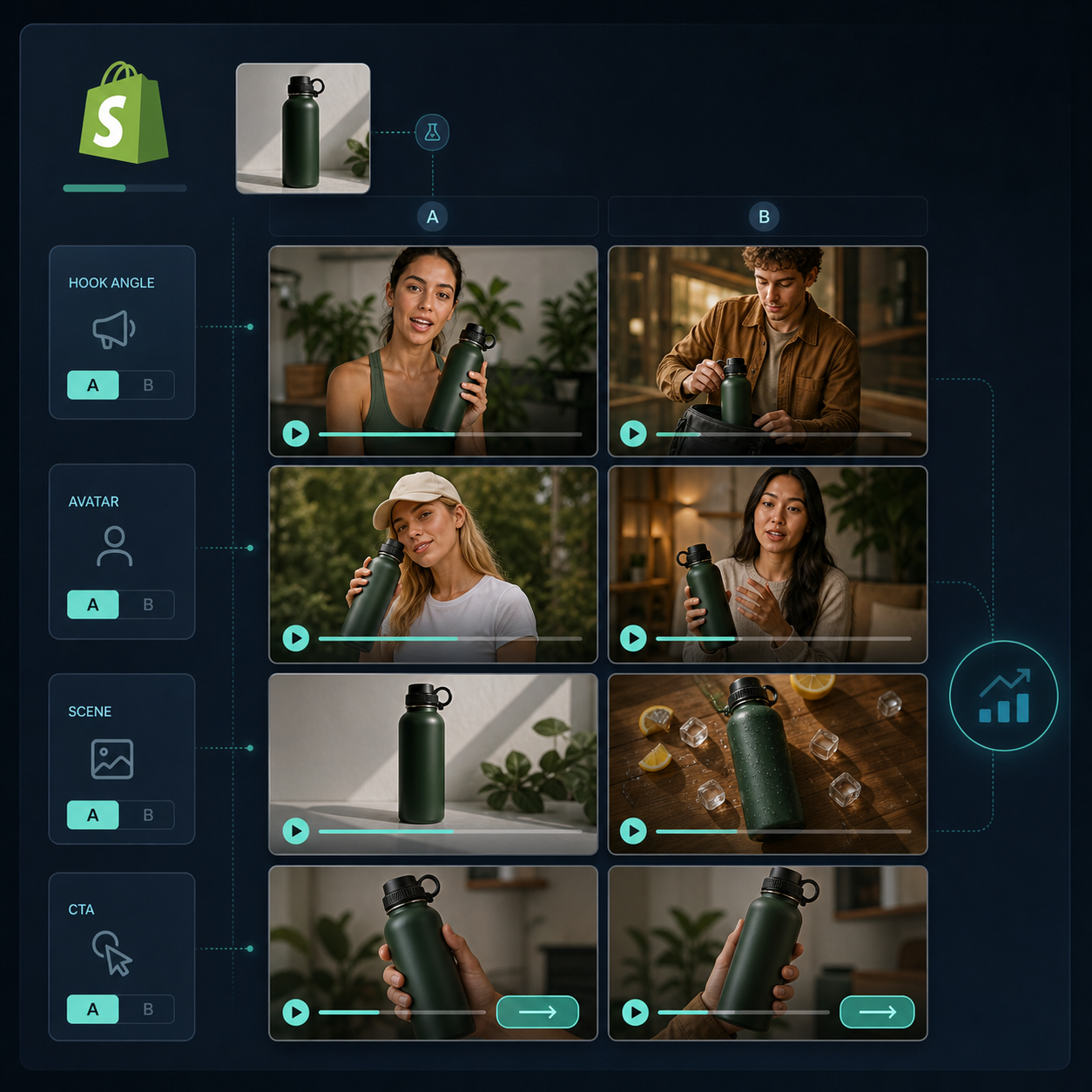
Instead of asking, “What video should we make?”, split the brief into variables:
- Hook: curiosity, pain point, result, or objection
- Avatar: which face or presence fits the audience
- Scene: studio, outdoor, boutique, or a product-specific setting
- Tone: direct, calm, energetic, helpful
- CTA: shop now, learn more, claim the offer, or compare options
That is the useful part of UGC testing. You are not changing everything at once. You are isolating one decision per variation.
If you already want a deeper library strategy, How I Build a Reusable UGC Video Library for Shopify shows how to organize variations so they do not disappear after one campaign. And if you want to stretch one asset across more of the funnel, How to Make Shopify UGC Videos for Ads, Product Pages, and Email is the next step.
Build The First Three Variations In Supra UGC Maker
In Supra UGC Maker, start by choosing an avatar or generating a custom AI model, then pick a scene, write the script, and set the voice or tone. Add the product reference so the video stays grounded in the actual item you are selling.
For the first pass, keep the scripts short and different in one dimension only:
- Version A: pain-point hook
- Version B: benefit hook
- Version C: objection-handling hook
That keeps the test readable. If one version wins, you know what changed.
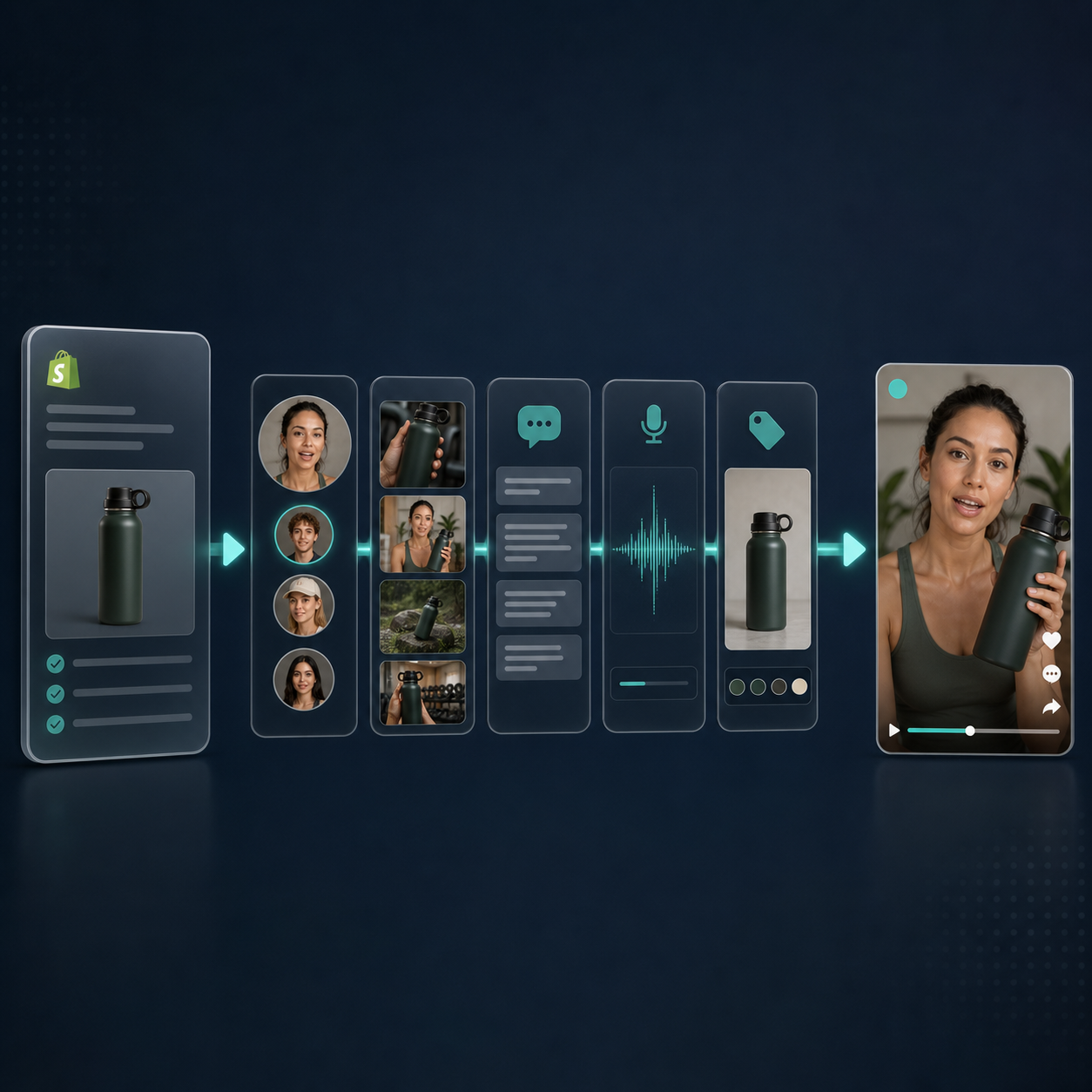
After that, reuse the project and update only the variable you are testing. The product supports reordering, trimming, updating, regenerating clips, and saving reusable projects, so you do not have to rebuild the whole workflow each time.
Decide Where Each Video Should Go
Not every UGC video has to do the same job.
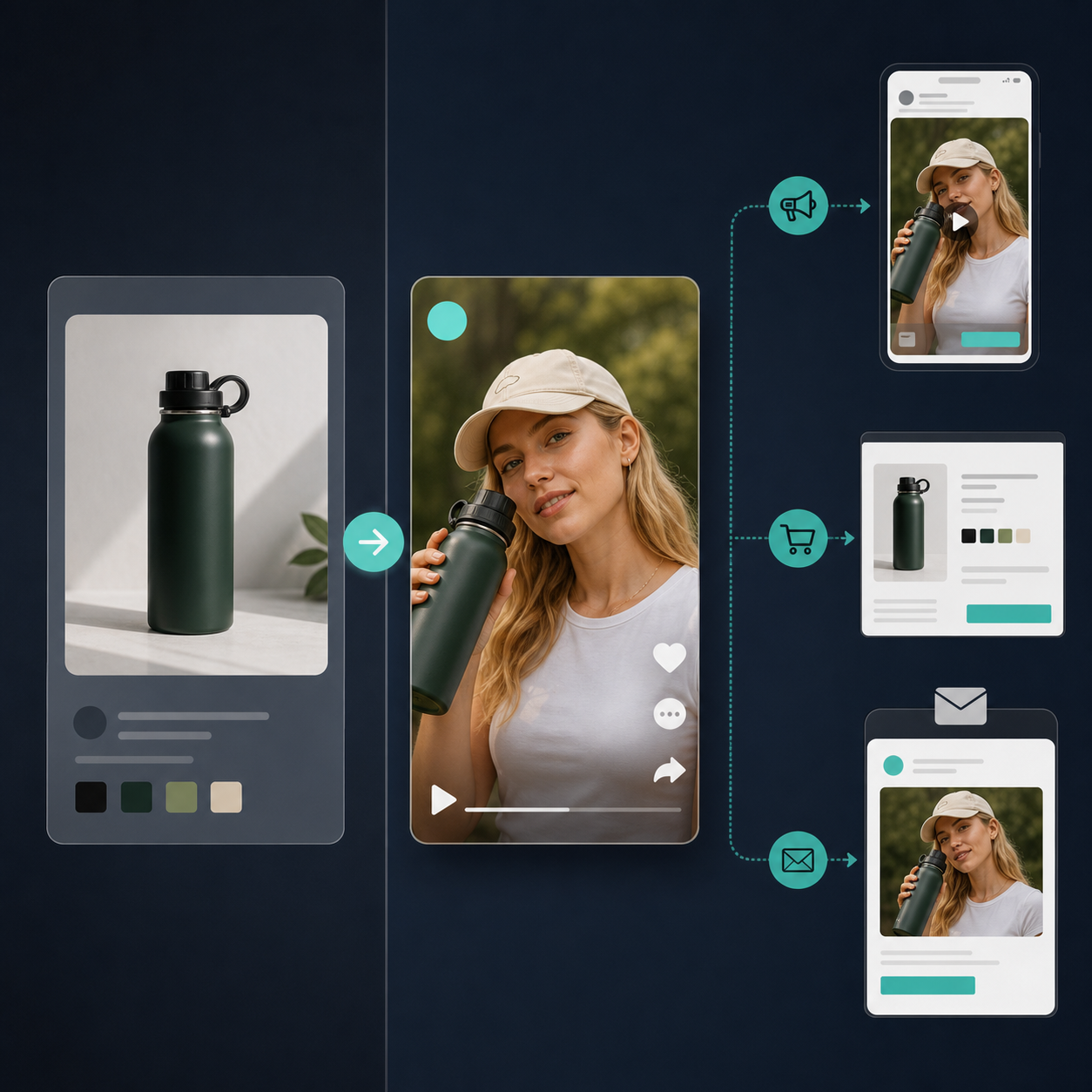
- Ads need a fast hook and a clear CTA.
- Product pages need more explanation and trust.
- Email needs a short visual cue and one reason to click.
- Seasonal promotions need an angle that fits the moment without rewriting the whole script.
That is why one good project can produce more than one useful asset. A single product brief can become a launch ad, a product page explainer, and a promo clip with the same core proof.
If you are still deciding what kind of output to make first, How to Create UGC-Style Shopify Product Videos Without a Shoot is a good baseline. If you want the process tighter, How to Build a UGC Video Testing Loop for Shopify Products ties the testing rhythm together.
A Simple Weekly Workflow
A practical weekly cycle looks like this:
- Write one brief for the product.
- Generate three or four UGC-style variations.
- Preview scenes before you commit to a final render.
- Trim or regenerate clips that do not support the hook.
- Publish the strongest version to the channel that needs it most.
- Save the project so the next product uses the same structure.
That workflow matters because it turns video creation into an iterative system instead of a one-off creative sprint.
Conclusion
If you want better Shopify UGC videos, do not start with the camera. Start with the brief. When the brief is clear, Supra UGC Maker can turn that one input into a repeatable set of avatars, scenes, scripts, and product-specific variations you can use across ads, product pages, and email.
Install Supra UGC Maker on the Shopify App Store or start from the landing page and build the first brief-driven project. The fastest win is not a perfect video. It is a repeatable one.

Comments
Post a Comment