How to Turn One Shopify Product Into Multiple UGC Video Variations
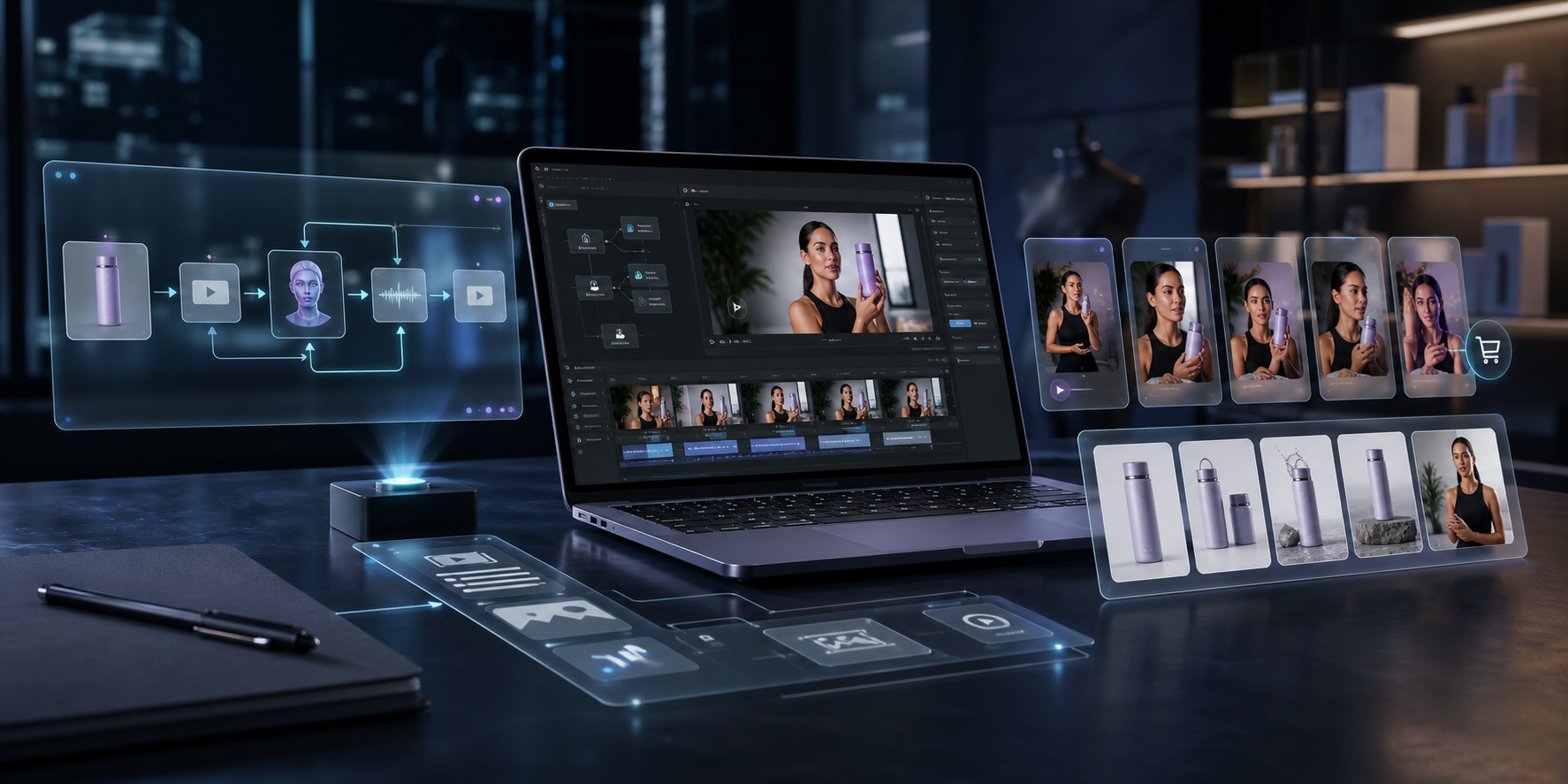
If you need more product video without hiring a creator, crew, or editor every time, the real job is not making one good clip. It is building a repeatable system that turns one product brief into a set of UGC-style variations you can test across ads, product pages, email, launches, and seasonal promos.
Supra UGC Maker is built for that kind of workflow. It lets Shopify merchants choose an avatar or custom AI model, set a scene, add a product, write a script, choose the voice and tone, and generate reusable short-form videos in minutes. The Shopify App Store listing also emphasizes a free plan for getting started, which makes it easier to test the workflow before you commit to heavier production volume.
The mistake most stores make is treating UGC video like a one-off deliverable. That usually produces a single good ad and no follow-up system. The better approach is to treat each video as one variation in a larger creative set.
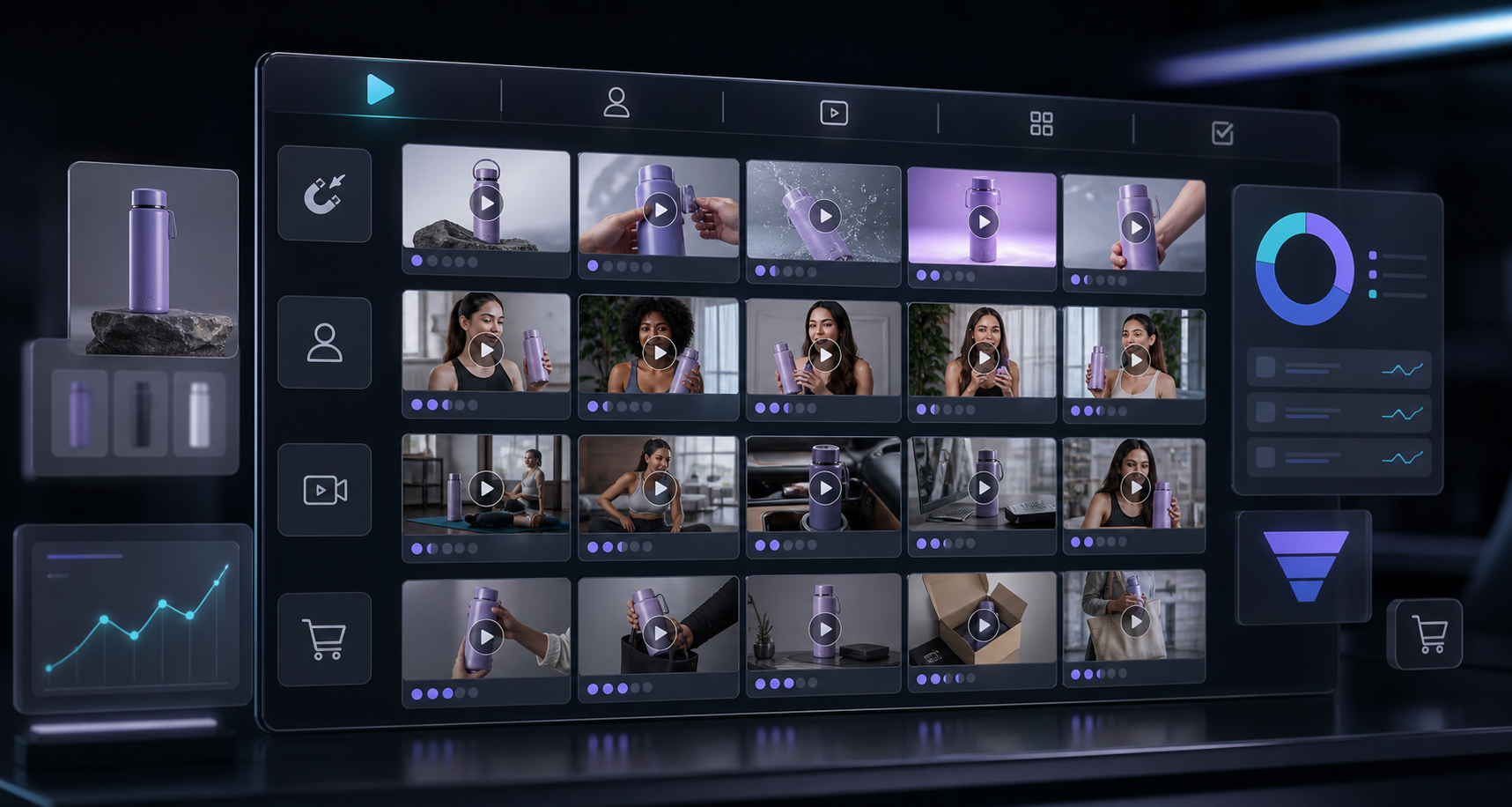
Start With One Product And One Conversion Goal
Before you generate anything, decide what the video is supposed to do. A product launch clip, a retargeting ad, and a product page explainer can all use the same product, but they should not share the same message.
Pick one goal first:
- Get attention on social ads.
- Explain what the product does on a product page.
- Support an email campaign or promotion.
- Reduce confusion after purchase.
That choice determines the hook, the script length, the scene, and the call to action. If you try to optimize for every channel at once, the result usually feels generic.
Build Variations By Changing One Variable At A Time
Once the goal is clear, use the app to change one thing at a time. Keep the product message stable and vary the creative wrapper around it.
- Hook: problem-first, benefit-first, comparison, seasonal, or objection-handling.
- Avatar: a preset persona or a custom model that fits the brand.
- Scene: studio, outdoor, boutique, or a brand-specific setting.
- Voice and tone: calm, confident, upbeat, or instructional.
- Product reference: the same product, but shown in a different framing or usage context.
This is where Supra UGC Maker is more useful than a one-off editor. It is designed for reusable projects, previewing scenes before generation, and regenerating only the parts that need to change. That makes it easier to keep the workflow moving instead of rebuilding every asset from scratch.
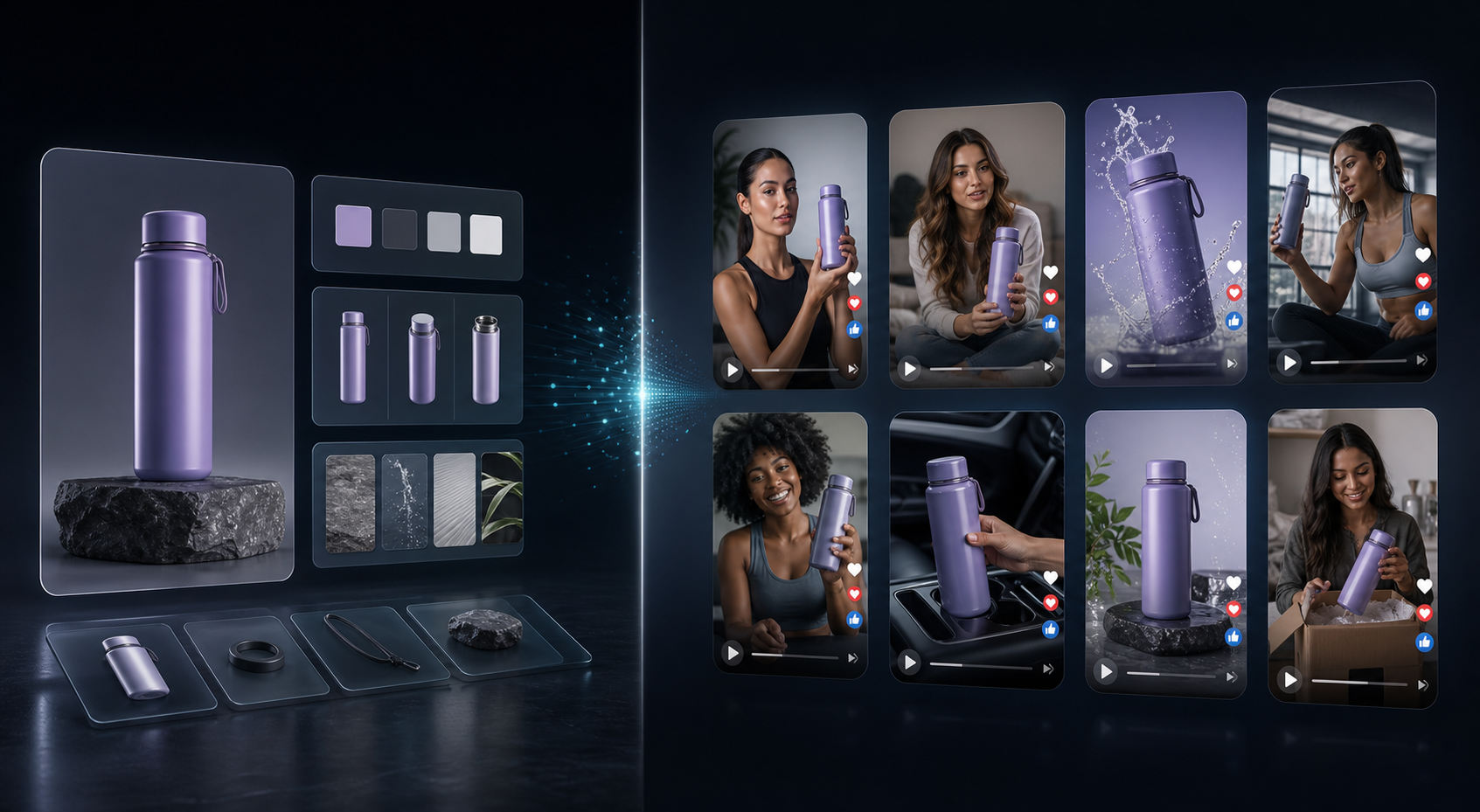
Use A Batch Workflow Instead Of Chasing Perfect Copy
The fastest way to get stuck is to over-edit the first script. For ecommerce, the first draft only needs to be good enough to test. Your job is to create a useful spread of angles, not a masterpiece that never ships.
A practical sequence looks like this:
- Write a short product brief with the main benefit, target customer, and one proof point.
- Create three to five script angles around that brief.
- Pair each script with a different avatar or scene.
- Generate the videos and review them side by side.
- Trim, reorder, or regenerate the clips that are too weak.
That loop turns one product idea into a usable creative set. If you want a tighter testing method, the workflow in How to Build a UGC Video Testing Loop for Shopify Products and How to Build a Shopify UGC Testing Sprint Around One Product are good companion reads.
Choose Scenes That Match The Buying Context
The scene matters because it tells the shopper where the product belongs. A studio setup feels controlled and product-focused. A boutique or lifestyle scene feels more aspirational. An outdoor setting can work when the product is portable, durable, or meant to travel.
Do not pick scenery just because it looks nice. Pick it because it supports the story you are trying to tell.
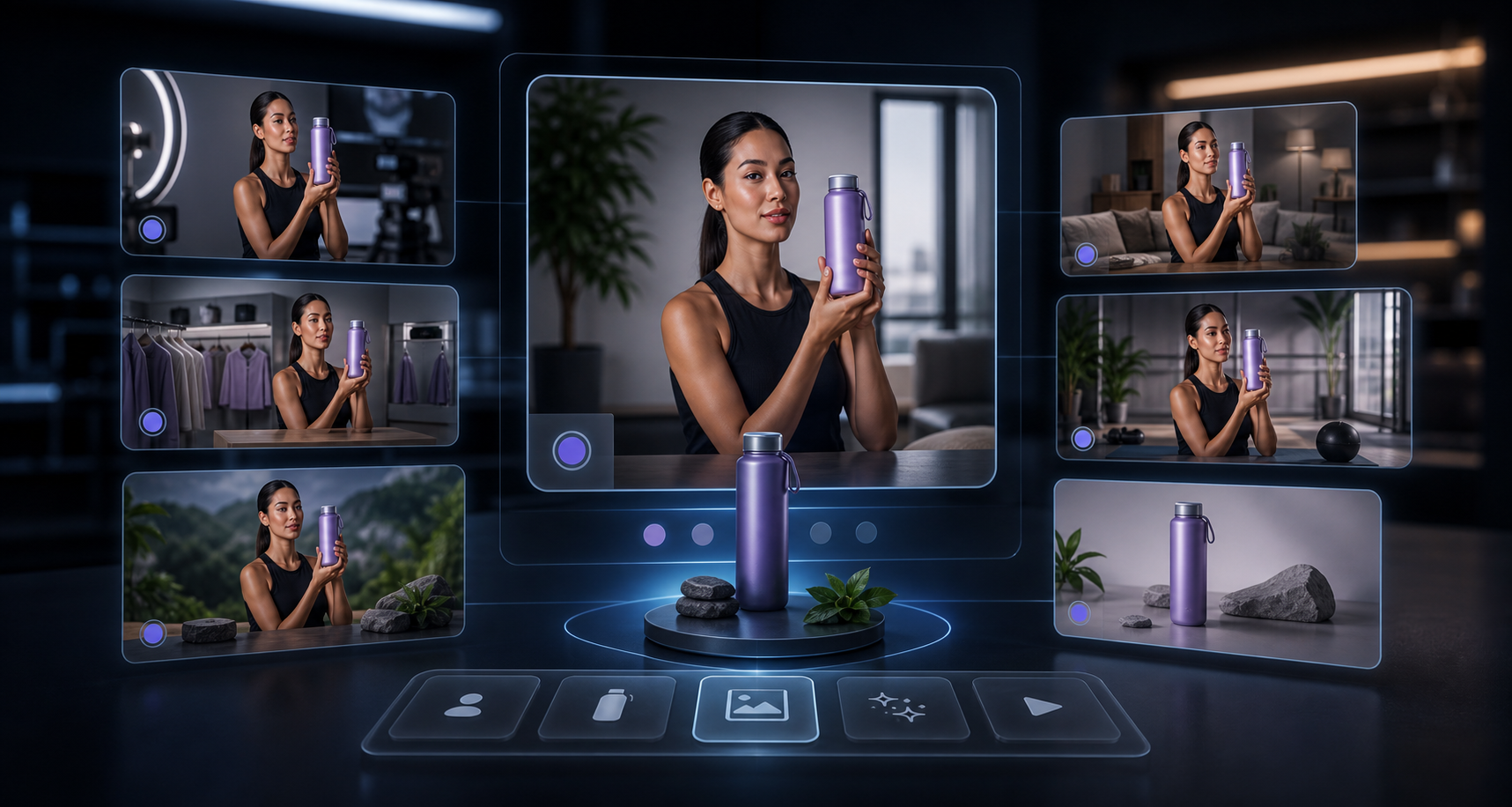
The goal is consistency, not variety for its own sake. If your store sells a premium product, keep the visuals clean and restrained. If you sell a playful consumer product, give the scene a little more energy. Either way, the scene should reinforce the purchase decision.
Put Each Video Where It Can Do Real Work
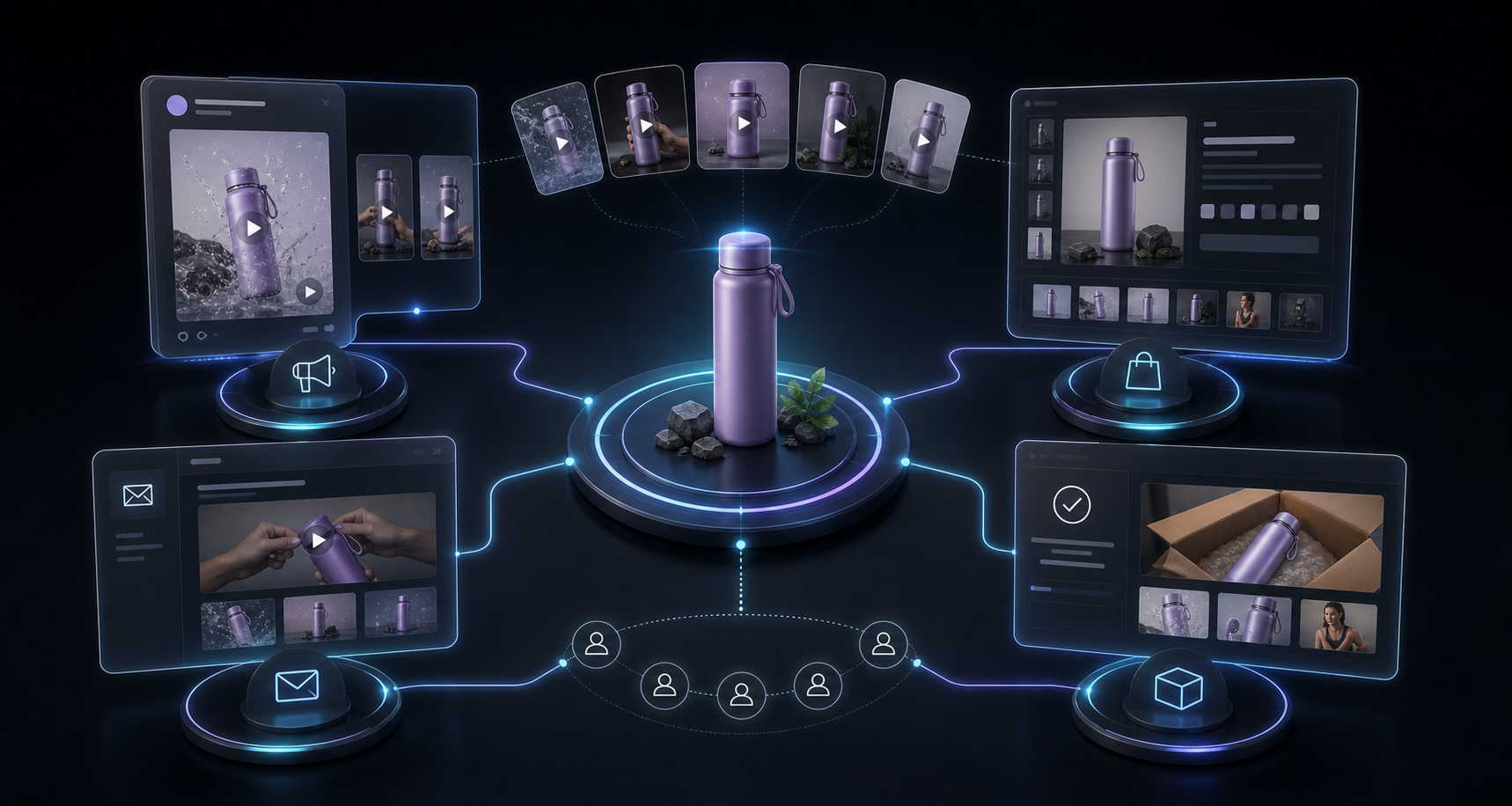
One of the best parts of AI UGC generation is that the same video can serve multiple parts of the funnel. You do not need a different production process for each placement, but you do need to think about each placement separately.
- Ads: use the fastest hook and the clearest promise.
- Product pages: use the clearest explanation and the most trust-building angle.
- Email: use a short teaser or product reveal that supports the campaign.
- Launches: use urgency, novelty, or a strong before/after angle.
- Seasonal promos: use sale framing or giftability when it fits.
If you want a practical view of that split, How I Build a Shopify UGC Hook Matrix From One Product shows how one asset can be adapted into several ad angles without extra production overhead.
The same idea also pairs well with How I Turn One Shopify Product Into Reusable UGC Videos and How to Build a Shopify UGC Workflow That Reuses Every Clip, especially if you want to keep winning clips organized instead of losing them in one-off campaign folders.
Keep The Workflow Useful, Not Just Busy
AI UGC works best when it helps you test faster, explain products more clearly, and produce more useful variations than a manual workflow would allow. It is not a replacement for every real creator video, especially when trust depends on a personal testimonial or a very specific community voice.
That is the right tradeoff to keep in mind. Use AI-generated UGC-style video when the priority is speed, scale, and creative testing. Use real creators when the campaign needs lived experience, social proof, or a specific audience relationship.
For many Shopify stores, the best answer is both. Use the AI workflow to explore hooks and angles, then reserve higher-effort creator work for the concepts that deserve it. If you need more variation from a single brief, How to Create Five Shopify UGC Video Ads From One Brief is a solid next step.
Bottom Line
Do not treat one UGC video as the finish line. Treat it as the first branch in a repeatable creative system. Start with one product, one goal, and a few controlled variations, then let performance tell you what deserves more attention.
If you want to build that system quickly, Supra UGC Maker gives you the pieces you need: avatars, scenes, scripts, voices, product references, reusable projects, and the ability to generate new ad variations without rebuilding everything.
Install the app, use the free plan to test a few hooks, and ship the first batch of Shopify UGC videos this week.

Comments
Post a Comment