How to Start Shopify AI Automation With a Read-Only Daily Report

Most Shopify teams do not need an AI agent that can change the store on day one. They need help noticing what deserves attention before it becomes a bigger job. A read-only daily report is a strong first automation: it turns the signals already inside Shopify into a short operating brief, while keeping every product, order, and setting under human control.
Clawly is an AI Agent for Shopify built around that practical starting point. You can describe the assistant you need, connect the relevant tools, and limit exactly what it can access. The goal is not full autonomy; it is a reliable first loop for store operations.
Why Start With a Read-Only Shopify AI Agent?
Read-only work has a useful property: it creates value before it creates risk. Instead of asking an agent to update a product title, pause a campaign, or message a customer, ask it to collect the facts you would otherwise gather manually each morning.
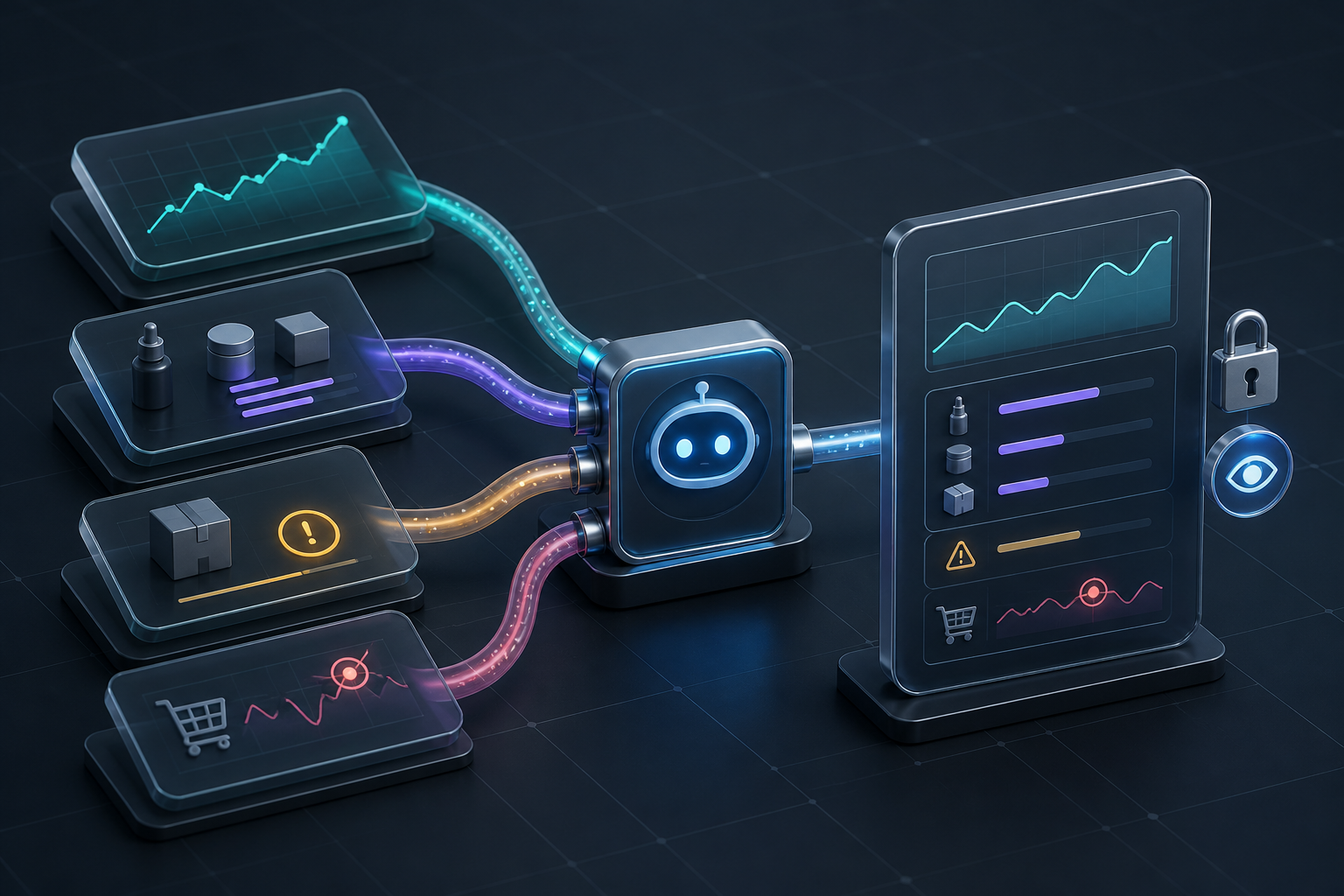
That can include yesterday’s revenue, top sellers, low-stock products, unusual order patterns, and product-data gaps. You still decide what happens next. This is a more focused version of the read-only Shopify daily report workflow: one concise output, one owner, and no silent store edits.
1. Choose a Report That Leads to Decisions
A daily report should answer a few questions that change what you do today. Avoid building a dashboard-shaped summary of every available metric. Start with four sections:
- Sales signal: revenue, order count, and the products driving the change.
- Inventory signal: items below the threshold you actually use to replenish.
- Order signal: exceptions or unusual patterns that merit a quick look.
- Catalog signal: missing descriptions, tags, or other product work worth queuing.
The test is simple: if a section does not help a person decide what to check, fix, or defer, leave it out. That keeps the assistant’s output actionable and makes it easier to assess whether the automation is saving time.
2. Scope the Agent to the Smallest Useful Access
For the first version, give the agent access only to the data it needs to read and the place where it will send the report. In Clawly, that can mean Shopify data plus a notification destination, while excluding edits, discounts, customer messaging, or other actions you are not ready to delegate.
This is where a Shopify-specific agent is different from a general chat window. The useful question is not “what could this agent do?” It is “what is this assistant explicitly allowed to do this week?” The answer should be short enough that an operator can explain it in one sentence.

If you are comparing options, the phased rollout approach for Shopify AI agents is a helpful reminder: permissions are an operating decision, not a setup detail. Start with the smallest scope that can prove the workflow.
3. Write the Instruction Like an Operations Handoff
Natural-language setup works best when the brief has boundaries. Tell the agent what to review, what counts as an exception, where to deliver the result, and what it must never do. For example:
Every weekday at 8:30 a.m., review yesterday’s Shopify orders, top-selling products, products below the agreed inventory threshold, and products missing a description. Send a concise summary to the operations channel. Do not update Shopify records, contact customers, or change inventory.
That instruction sets cadence, sources, output, and guardrails. Add thresholds that reflect your business instead of borrowing arbitrary ones. A low-stock alert at 20 units means little if that SKU sells one unit a month; pair the threshold with the context your team already trusts.
4. Add a Human Review Checkpoint
The daily report is where a person spots the edge cases: a planned promotion that explains a sales spike, a supplier delay that explains inventory, or a product launch that makes missing copy expected. Capture those corrections. They become better instructions and cleaner escalation rules later.
This review-first pattern also scales. Once the report is dependable, you can let the agent draft a product description or a support reply for approval, rather than jumping straight to automatic changes. The weekly Shopify operations review is a natural next layer when the daily signals need recurring follow-through.

5. Measure Whether the Automation Earned Its Place
After two weeks, review the report itself. Track whether it reduced the time spent collecting updates, surfaced a real issue earlier, or made the daily handoff clearer. Also note which sections are repeatedly ignored. Delete them before adding more integrations.
Only then consider the next capability: perhaps a draft collection suggestion, a low-inventory notification, or a support-reply draft. Clawly supports recurring automations and connections across Shopify and other tools, but a narrow first workflow is what gives you a safe baseline for those expansions.
A Sensible First Step for Shopify AI Automation
AI automation works best when it starts as an observant assistant, not an unchecked operator. A read-only daily report creates a shared view of sales, inventory, orders, and catalog work while your team keeps the final say.
To try it, install Clawly from the Shopify App Store, describe one daily reporting job, connect only the data and delivery channel it needs, and review the first week of results with the person who owns store operations. That small, measurable loop is a much better foundation than automating everything at once.

Comments
Post a Comment