How to Inspect a Suspicious Email Header Before Escalating It

A suspicious email does not need to turn into a 20-message internal thread. Before forwarding it to IT, a vendor, or a manager, take five minutes to capture the details that make an escalation useful: what the receiving server recorded, whether the visible sender aligns with authentication, and whether the message needs a closer look.
That is the job Email Header Analyzer handles well. It reads a copied header block—or a saved file—in the browser, without an account or upload. For a small team, that is a lighter first step than opening a ticket with only a screenshot and a vague feeling that an email looked odd.
Start with the message, not a theory
A sender name, a logo, and an urgent subject line are all easy to imitate. Treat them as clues, not proof. The useful question is: what did your receiving mail system record when it accepted the message?
In Gmail, open Show original and copy the header block. In Outlook, use Properties and copy Internet headers. Do not paste the body, customer data, or attachments when headers are enough. Then open the analyzer and paste everything above the first blank line.

Read three signals in order
1. Check the authentication results
Look for the receiving server’s `Authentication-Results` record and its SPF, DKIM, and DMARC verdicts. The analyzer makes the results easier to read and shows alignment: whether an authenticated domain actually matches the domain people see in the `From:` field.
This distinction matters. A passing SPF result alone does not mean the visible sender is genuine; it may authenticate a different return-path domain. DMARC alignment is the more practical check for a business operator because it connects authentication to the sender domain the reader sees.
Do not turn this into an amateur forensic verdict. The tool reads results already written by the receiving system; it does not independently query DNS or prove that every lower header line is genuine. A clear failure, a mismatch, or missing evidence is a reason to preserve context and escalate—not a reason to accuse a sender.
2. Inspect the top of the Received chain
Each mail server adds a `Received:` line. The newest entries sit at the top, and, read in reverse, they show the route the message took. Focus on the top hops added by infrastructure you trust and the time between them. A long delay can point to a queue or retry; a small negative delay can simply be clocks that are slightly out of sync.
Ignore the temptation to treat every hostname farther down the list as ground truth. Those lines can be forged before a message reaches your provider. The final receiving server’s authentication record and its topmost handoff are the stronger evidence.
3. Decide on the next action
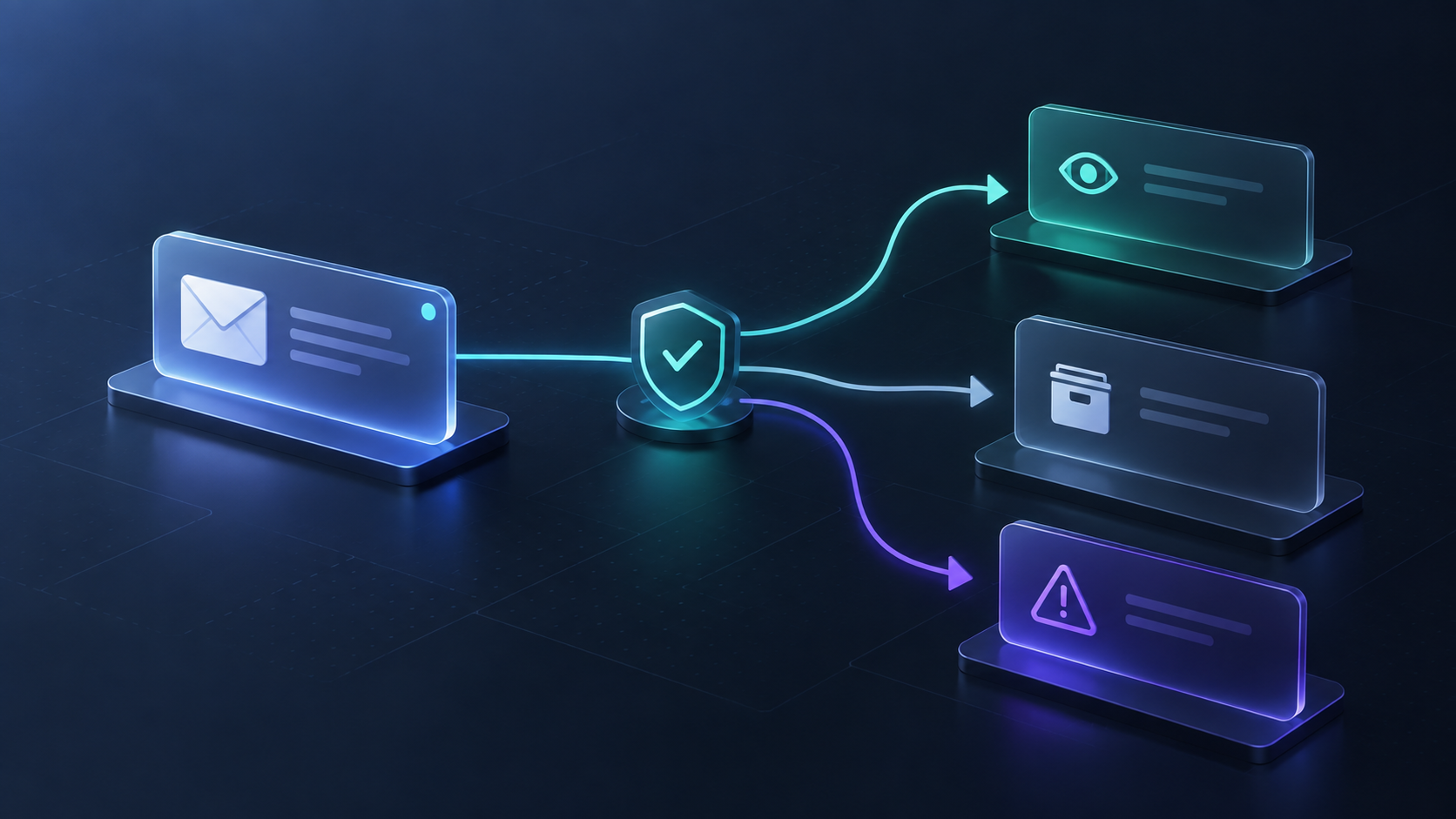
Use a simple decision rule so the review does not become a bottleneck:
- Looks routine: expected sender, aligned authentication, no risky request. Continue with normal verification.
- Needs a human check: an unexpected invoice, changed payment instructions, or a domain mismatch. Verify through a known phone number, vendor portal, or existing contact—not the contact details in the message.
- Escalate: a failure or mismatch combined with a request for credentials, money, a reset, or a sensitive attachment. Send your security or IT contact the original message or header details, plus the business context.
Keep the review private and repeatable
Sometimes a colleague sends an `.eml` or `.msg` file rather than copied headers. Email File Viewer can open those formats in the browser and expose the headers, rendered body, MIME structure, and attachments. Its remote-image switch stays off by default, which matters because loading an email image can signal to a sender that the message was opened.
For a batch of exported messages, Email Thread Reconstructor groups EML, MSG, and MBOX files by `References` and `In-Reply-To`. That is useful when you need the actual conversation context before deciding whether a suspicious reply was part of a legitimate vendor thread.
Tiny Online Tools is a good fit for this kind of narrow task: open the exact browser utility, inspect what you need, then move on. The site also has an Email Archive Viewer guide for browsing saved mail without importing it, and a broader catalog of privacy-friendly browser tools for the small cleanup jobs that otherwise interrupt a workday.

A compact escalation note
When you do escalate, make the handoff actionable. Include the sender address and subject, when it arrived, why it is unusual, the request it makes, and the authentication or alignment result you observed. Keep the original message available if your security team needs headers that were not preserved in a forward.
This turns “Does this look phishing-ish?” into a report someone can act on. It also prevents the opposite failure: spending half an hour decoding a message that could have been verified with a known vendor contact in two minutes.
The next time an email feels off, do not rely only on the logo or the tone. Open Email Header Analyzer, capture the receiving system’s evidence, and use that evidence to make a calm, proportionate next move.

Comments
Post a Comment