How to Turn a Startup Website Into a Reviewable Launch Video
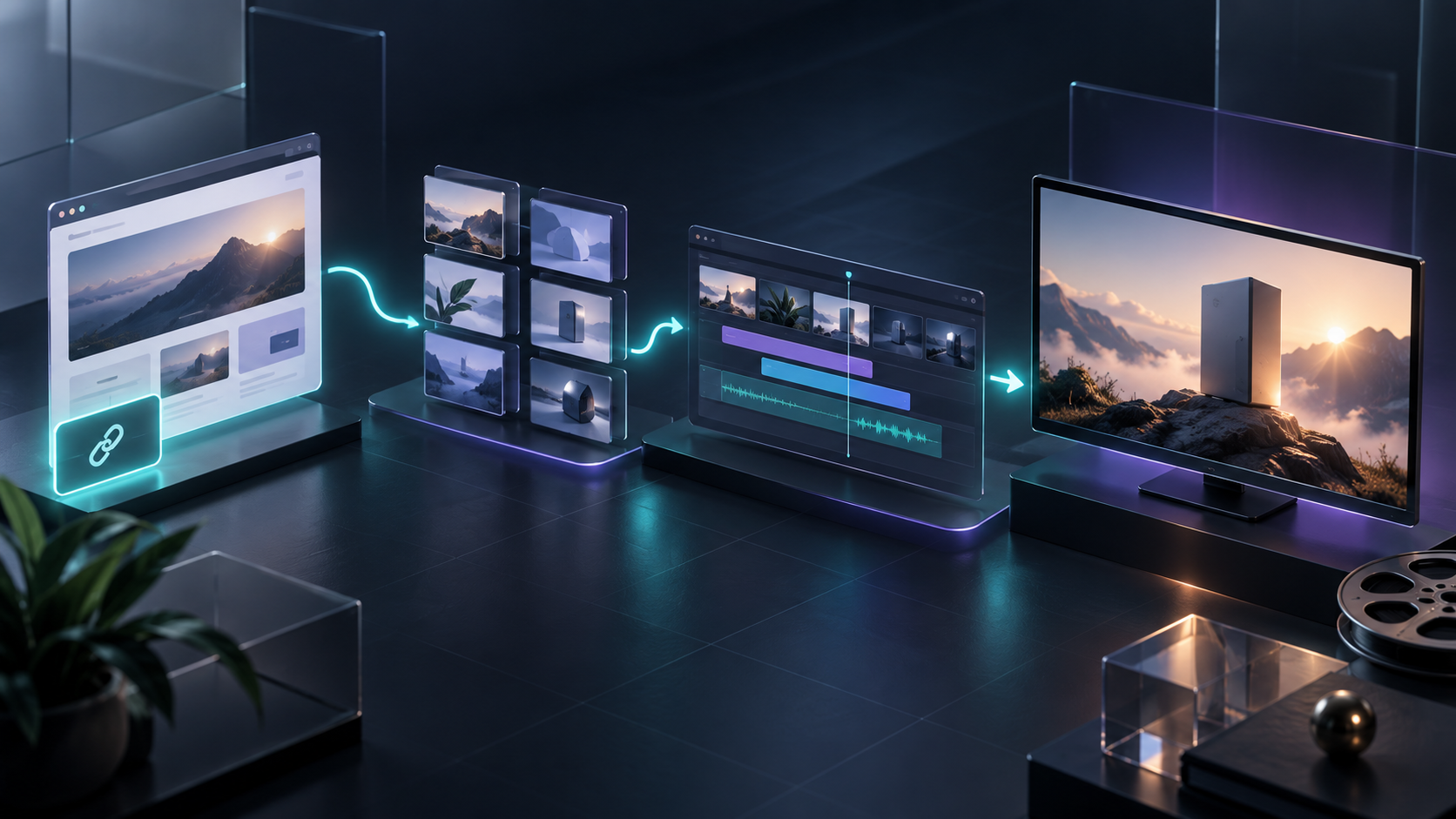
A startup launch video is often a bottleneck disguised as a creative task. You need the positioning, product screens, visual system, and a clear call to action to line up—then you need a version that can survive stakeholder feedback.
The practical answer is to treat the website as the source brief, not as something to summarize after the fact. VideoFlow Studio is built for that workflow: you give it a startup or product URL from your terminal, direct it in plain language, and get a motion-graphics video that remains editable after the first render.

Start With the Website, But Define the Job First
A website contains far more than a launch film needs. It may have every feature, every customer segment, and a long changelog. The first job is choosing one outcome for the video.
Before you open a tool, write down:
1. The viewer: Is this for a founder evaluating your waitlist page, a prospect learning one workflow, or an existing customer discovering an update?
2. The promise: What should the viewer understand in the first few seconds?
3. The proof: Which page, product interaction, or result makes that promise credible?
4. The action: Sign up, request access, start a trial, or learn more?
This keeps a URL-to-video workflow from becoming a moving screenshot tour. If your release is best explained as a visual sequence, you can also use the same inputs for an automated product-demo video workflow. The difference is that a launch film should make one sharp argument, not document every capability.
Use the URL to Build a Structured First Cut
With VideoFlow Studio, the operator can run `npx @videoflow/studio`, provide the site URL, and then direct the creative work with a plain-language request. Studio uses the site’s product, category, and visual cues to develop a plan before it produces the motion-graphics film.
That planning stage matters. A workable first cut usually follows a simple sequence:
- Open on the problem or stalled workflow.
- State the product promise clearly.
- Show the product doing the relevant work.
- Add one reason to believe: speed, control, clarity, or a visible result.
- Close on a single call to action.
The aim is not to outsource judgment. It is to remove the blank-canvas work so you can spend your time choosing the narrative and reviewing the result. For teams already experimenting with AI-assisted production, this is a useful complement to a review step for automated product videos: draft quickly, then give feedback against something concrete.
Review the Render Like a Product Deliverable
A polished motion-graphics video can still fail in small, expensive ways: a screen is misaligned, a logo treatment feels off, the contrast falls apart, or the pacing loses the point. That is why “it rendered” is not the finish line.
VideoFlow Studio’s workflow includes visual review of encoded frames, so it can identify issues and revise before delivery. Treat that as a quality gate and review these questions:
- Can someone explain the product benefit without sound?
- Does each scene advance the story?
- Are the key screens readable at the channel where the video will be used?
- Is the end card clear enough to act on?
- Does the final frame still look intentional when paused?

This is especially valuable when launch work happens in a small team. Instead of sending a vague “make it punchier” note to a separate production process, you can request a specific change and review the new render. The result is closer to a practical agent workflow than a one-shot generated clip. If you are comparing approaches, VideoFlow Studio versus Remotion for startup launch trailers is a useful distinction: Remotion is a code-first React video framework, while Studio is for operators who need an agent-directed first cut from a URL.
Keep the Video Editable After the First Render
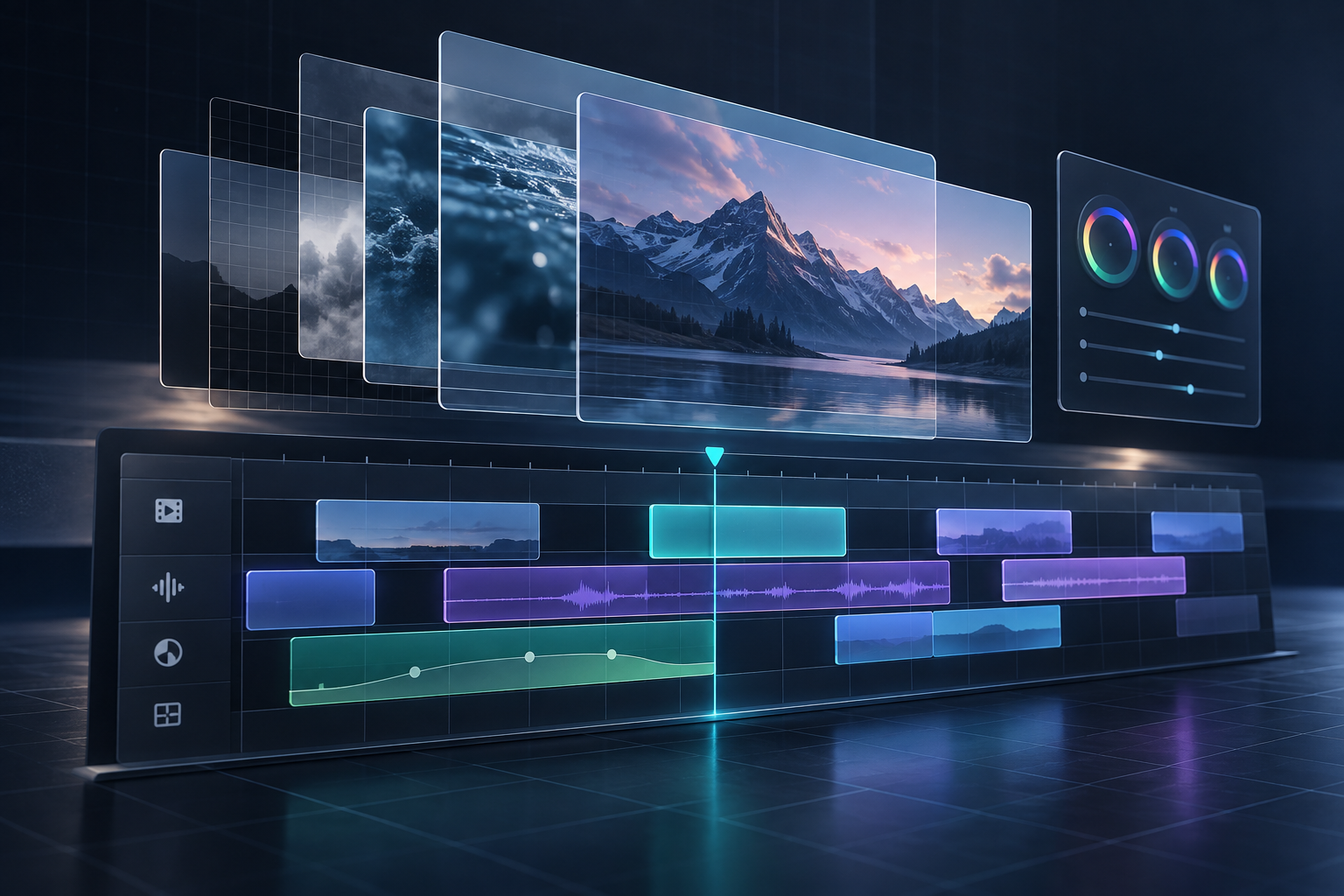
The most important decision is what happens after feedback arrives. A locked render makes ordinary changes—timing, colors, wording, or scene order—feel like a restart. Studio is built on the open-source VideoFlow engine, so the result stays a real editable video document rather than only a final file.
You can ask for a revision in a sentence, then use the built-in editor when a manual adjustment is faster. That combination is practical when a founder wants an alternate hook, a marketer needs a different end card, or a client asks for a timing change right before launch.
For a broader view of where agent assistance belongs, see how to use AI agents to draft reviewable product videos. The recurring theme is simple: automate the first pass and the repetitive checks, while keeping creative direction and approval with the team.
A Simple Workflow for Your Next Launch
1. Choose one audience and one promise from the website.
2. Give Studio the URL and describe the intended launch outcome.
3. Review the plan before treating the first render as final.
4. Check frames for message clarity, visual consistency, and a decisive CTA.
5. Request focused revisions, then make any final edits in the editor.
6. Export versions sized for the page, social post, demo, or announcement where they will run.
That process is fast enough for a startup launch but structured enough to avoid the usual last-minute video scramble. Start your next trailer from the product story you already have at VideoFlow Studio, then keep the output reviewable and editable until it is ready to ship.

Comments
Post a Comment