How to Create a Startup Launch Video Without a Long Creative Brief

# How to Create a Startup Launch Video Without a Long Creative Brief
A launch video can get stuck before anyone opens an editor. The usual culprit is a creative brief that asks a founder to invent a story, find every product proof point, approve copy, and specify every scene before there is anything tangible to react to. That is slow work—especially when the website already contains most of the raw material.
A faster approach is to turn the site into a small evidence pack, direct a first cut, and review a real render. VideoFlow Studio is designed for that job: you give it a website URL from your terminal, it plans and builds a motion-graphics film, then it visually reviews and revises the result. The output remains an editable video document rather than a one-shot clip.
The aim is not to skip judgment. It is to move judgment to the moment when a team can see the pacing, hierarchy, and product story.
Start With Four Website Facts, Not a Long Script
Before opening a video tool, make a short note with four cards. Each card should point to a real section of the live site or to approved launch copy.
1. Audience problem: What frustrating or expensive job does the product remove?
2. Proof: What concrete outcome, workflow, or customer-facing capability supports that claim?
3. Product moment: Which interface, action, or before-and-after moment makes the product understandable?
4. Next action: Should viewers join a waitlist, try the product, book a demo, or read more?
This takes less time than a full script but gives a launch video a useful spine. It also prevents the most common startup-video failure: a sequence of attractive screens with no reason for the viewer to care. If your team is still deciding which claims are safe to make, a structured evidence pack is also a practical companion to this earlier guide on reviewing an AI-generated SaaS launch trailer before publishing.

Turn the Evidence Pack Into a First-Cut Request
Now write a short direction that describes the job of the video, not every edit. For example: "Create a 35-second launch video for founders. Open with the reporting problem, show the dashboard workflow in the middle, use the customer result as proof, and end with a demo CTA. Keep it calm, direct, and suitable for LinkedIn."
With VideoFlow Studio, you can run `npx @videoflow/studio`, give the agent the website URL, and add that direction in plain language. Studio reads the product and brand context, develops a structured plan, and generates the motion-graphics video on top of the open-source VideoFlow engine.
That distinction matters. Studio is the operator-facing workflow for creating the first cut; VideoFlow is the underlying engine and editor stack. For a founder, the benefit is not merely speed. It is that the first cut is based on the material you already maintain: your website, product positioning, and approved launch action.
A concise request also leaves room for the tool to turn the story into scenes instead of forcing you to manage a frame-by-frame production spreadsheet. If your starting point is a product update rather than a homepage, the workflow is close to the one in turning release notes into a reviewable SaaS update video.

Review the Render Like a Product Deliverable
Do not approve a launch video because the plan sounded right. Review the rendered frames. The question is not only whether the copy is accurate; it is whether the viewer can understand the story at normal viewing speed.
Use this five-point check:
- Can a new visitor name the problem in the opening seconds?
- Does the product moment show an action, not just a logo or generic interface?
- Is the on-screen hierarchy readable on a phone-sized preview?
- Do colors, shapes, and pacing support the brand without making the message busy?
- Does the final CTA match the action available on the landing page?
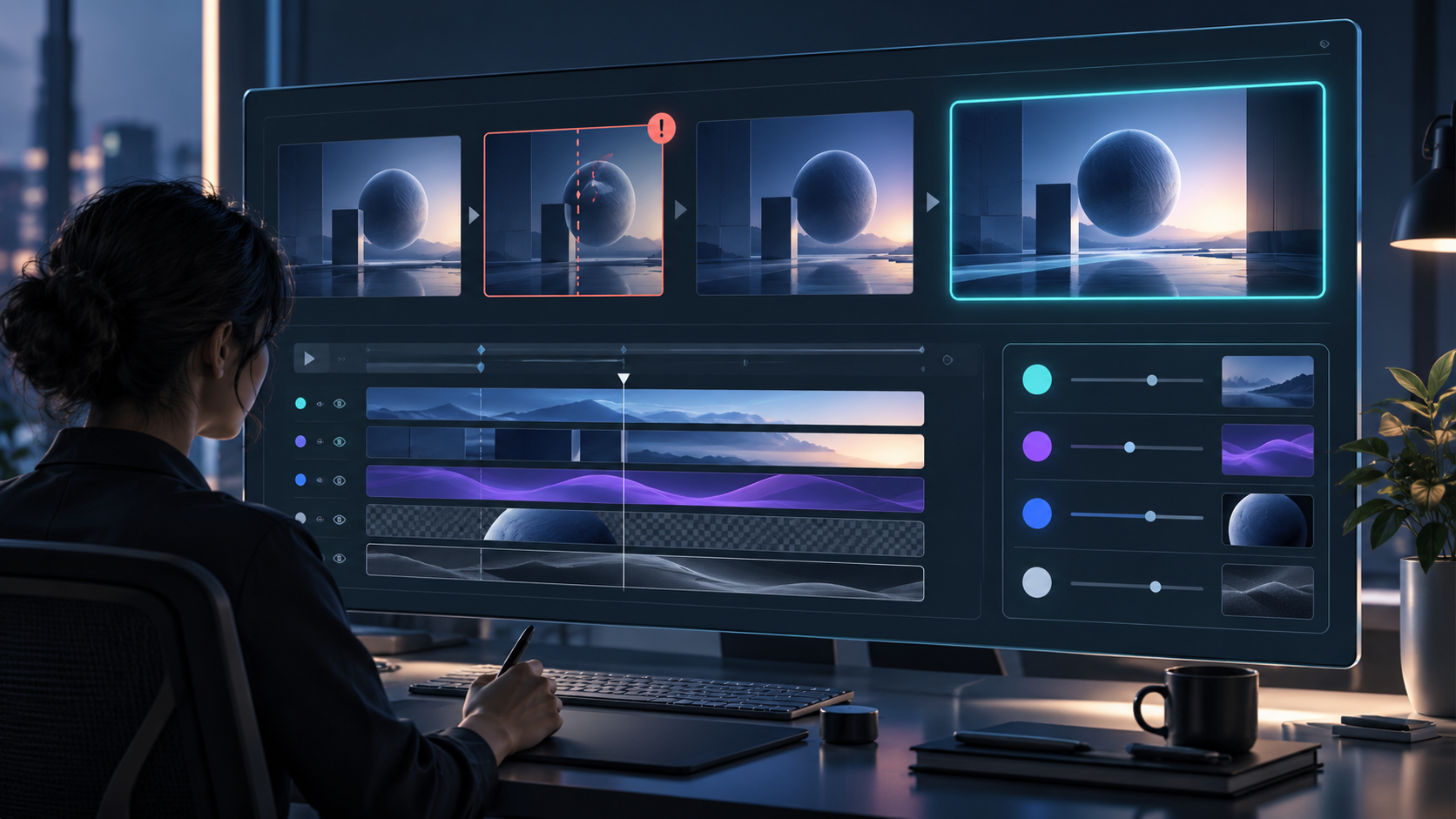
Studio’s workflow includes visual inspection of encoded frames, so it can identify issues such as poor alignment or weak contrast and re-render corrections. That is especially valuable when a video relies on designed text and shapes: a generation that is technically complete can still have an awkward line break or an off-center element.
For a deeper decision framework, use a product video review rubric before export and record feedback as an observable change: "make the benefit card appear before the UI" is easier to act on than "make it more exciting."
Keep the Video Editable After the First Cut
A quick first cut only helps if it survives the next decision. Founders often need a different CTA for a waitlist, a shorter version for social, or a revised claim after legal or product review. A locked render creates a new production request every time that happens.
VideoFlow Studio keeps a structured, editable document behind the render. You can ask for a revision in a sentence, then use the built-in editor for manual changes to layers, timing, colors, and text without losing the agent context. That makes the video a working asset rather than a disposable export.
If you are comparing ways to make that asset, the trade-off is simple: Studio is for an agent-led, reviewable first trailer from a URL; a code-first React video framework is better when a developer needs to author reusable video behavior. The two approaches serve different jobs, and the editable document lets a team start with an operator-led first cut before investing in a more custom production system.
A Lean Launch-Video Checklist
Before you share the final export, confirm that:
- the opening problem comes from an approved website claim;
- the product moment is accurate to the live experience;
- the CTA lands on the page the video promises;
- one person watches the render without prior product context; and
- the editable source remains available for the next revision.
That is enough process for most early launch videos. You do not need a 20-page brief to get a useful first cut. You need a small set of facts, a clear audience, and a reviewable output.
Ready to turn your startup site into a launch-film first cut? Visit VideoFlow Studio, start from the URL you already have, and give the first render a focused review before you publish.

Comments
Post a Comment