How to Evaluate a Camera RAW Decoder for Browser Photo Tools
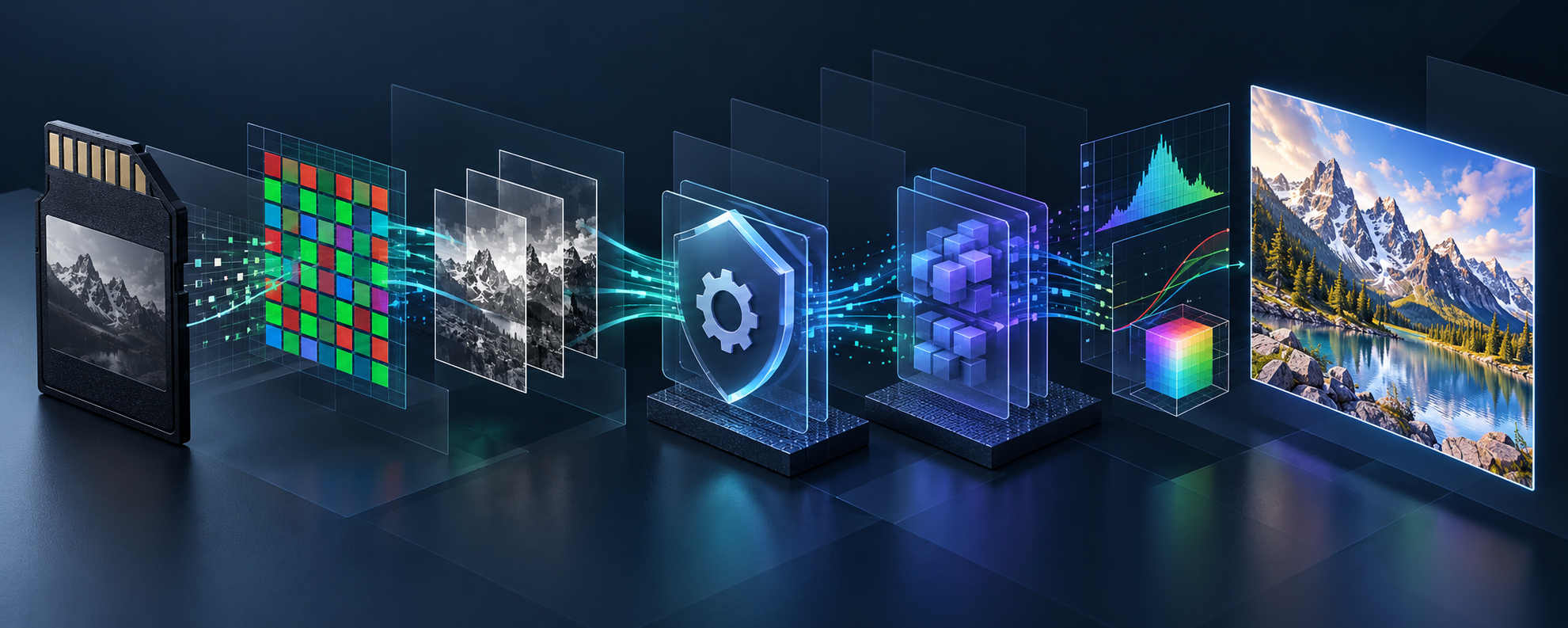
If your browser photo tool needs to open a customer’s camera RAW file, choosing a decoder is not a checkbox. It decides which files enter the workflow, what metadata survives, how responsive the preview feels, and what you must test before shipping. The practical answer is to define the output you need, build a small representative fixture set, and compare decoders against that work—not against a headline claim.
FlashRaw is one option worth evaluating when a team wants a Rust-based decoder with browser, Web Worker, Node.js, Python, C, and C++ integration paths. It can decode sensor data and metadata, extract embedded previews, or produce display-ready RGB. That range matters because those are different jobs, and treating them as one can create avoidable performance and product mistakes.
Start With the User Outcome, Not the File Extension
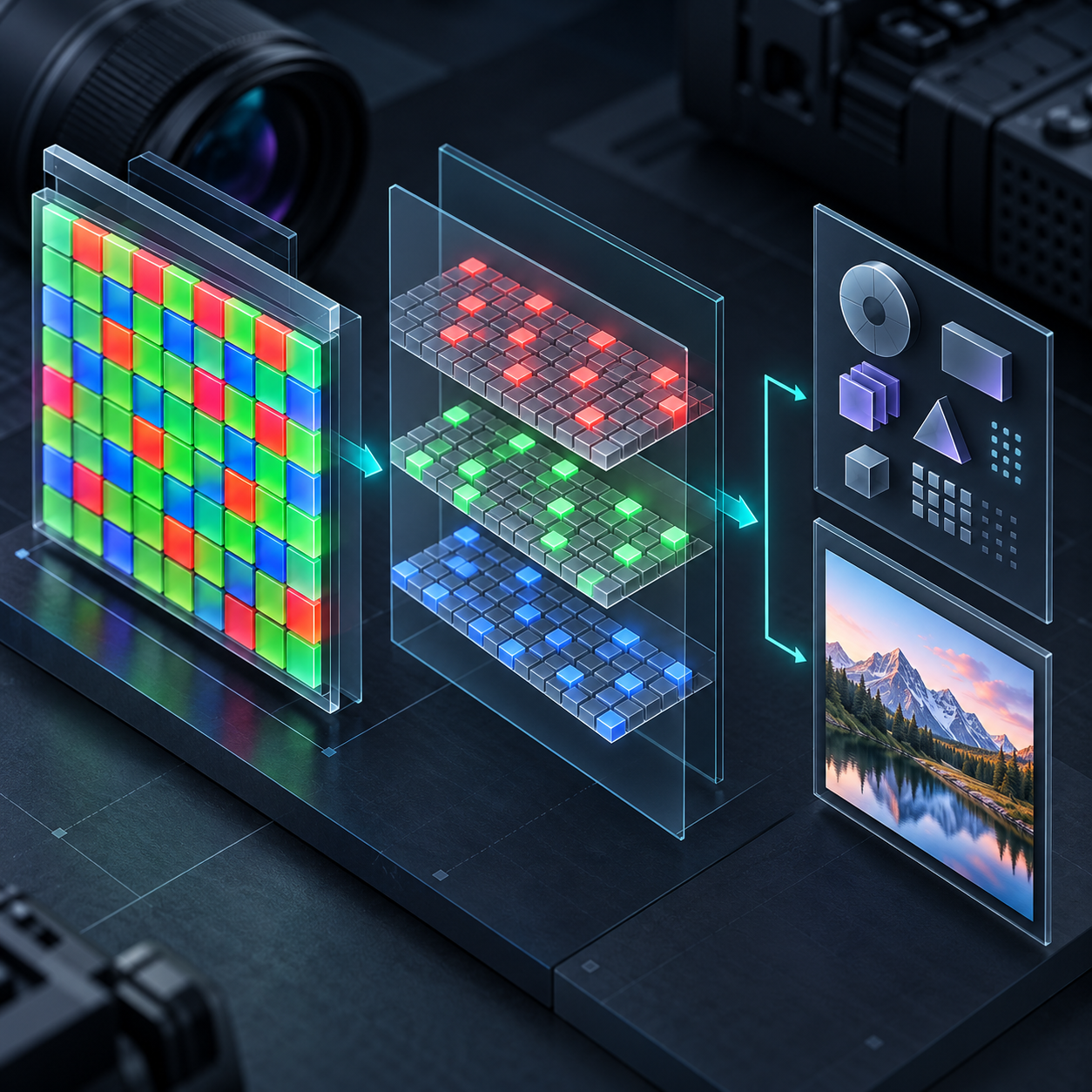
A RAW decoder is not a photo editor. It opens a sensor-oriented camera file and gives your application material to work with. Before comparing libraries, write down which of these outcomes the feature actually requires:
- An immediate embedded preview for a file picker or catalog.
- Sensor samples plus metadata such as CFA layout, black and white levels, white balance, colour matrices, crop, and orientation.
- A display-ready RGB image for an in-browser viewer.
- A controlled failure path when an unsupported camera or compression mode arrives.
That list prevents a common workflow error: building a full RAW-to-RGB path when a fast embedded preview would solve the first screen, or assuming a successful decode means the colour rendering matches an older desktop workflow. It does not. Rendering intent and acceptance criteria still belong to your product.
Check Format Support Like a Matrix
“RAW supported” is too vague for an upload workflow. A practical test plan names the camera, file extension, compression mode, expected output, and fallback. FlashRaw documents support for roughly 40 formats, including CR2, CR3/C-RAW, NEF, ARW, RAF, DNG, RW2, ORF, PEF, SRW, IIQ, 3FR/FFF, and X3F—but an exact camera and variant must still be checked in the official format matrix.
Put real files from your expected customers into a small fixture folder. Include a normal success case, a large high-resolution file, an orientation case, a file with an embedded preview, and one intentionally unsupported sample. Keep the expected result beside each file: preview, metadata fields, RGB dimensions, or a readable error. This is the same kind of preflight discipline that makes a PSD handoff check useful: you learn which asset conditions matter before a customer finds them for you.
Separate Decode Work From Browser Work
For browser-based tools, the architecture matters as much as the library. FlashRaw’s npm package supports browsers, Web Workers, and Node.js, and its browser demo decodes files locally. A worker can keep a heavy decode off the interaction thread; it is not a reason to promise identical performance on every machine. Memory limits, input size, browser support, and the user’s hardware still need testing.
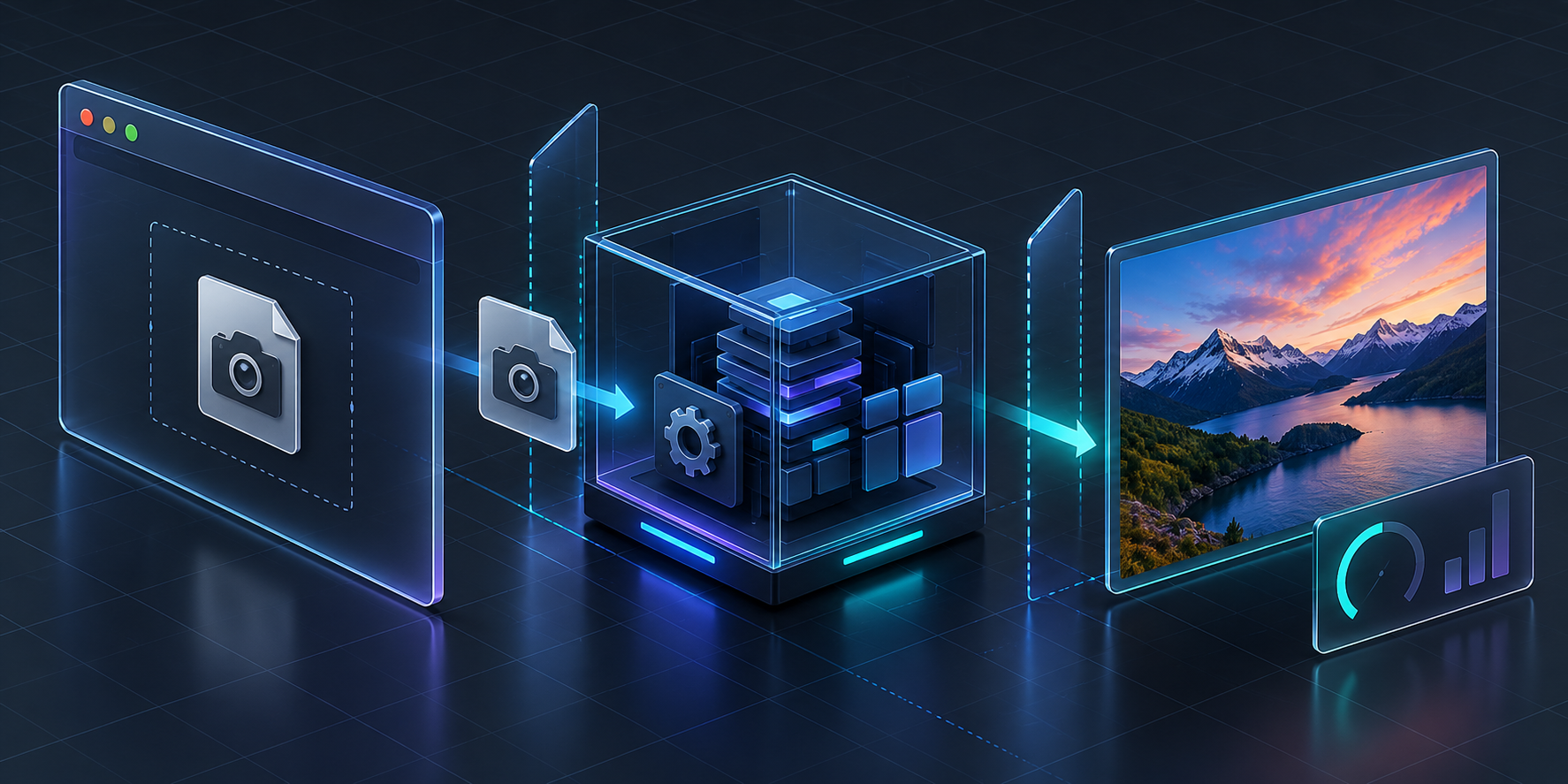
Treat the browser pipeline as a set of handoffs:
1. Select the file and inspect its basic identity without claiming it is supported.
2. Send the bytes to a worker when the interaction surface needs to remain responsive.
3. Ask the decoder for the smallest useful result first, such as an embedded preview.
4. Request sensor data or a developed RGB result only when that screen needs it.
5. Return a clear unsupported-file path with no misleading “preview ready” state.
If you add threaded WebAssembly, include the operational work in the estimate: browser security headers are required for that model. If you add WebGPU, position it correctly. FlashRaw offers an optional wgpu-based post-decode/develop path; it does not mean every stage of every RAW format is GPU accelerated. For a useful companion pattern, see how a private browser RAW preview with Web Workers separates responsiveness from the underlying decoding decision.
Compare the Right Things
A single “fastest decoder” conclusion does not help a product owner. Compare the workload you will ship: sensor decode and full RAW-to-sRGB output are different measurements. Record the version or commit, device, operating system, thread count, input corpus, output mode, warm-up policy, repeated runs, and the metric you care about.
FlashRaw publishes reproducible comparisons against LibRaw, RawSpeed, rawler, rawpy, and dcraw in its benchmark documentation. Read the caveats with the charts: the published materials use a defined corpus and setup; RawSpeed can win on some uncompressed and Sony lossless files, LibRaw on some Canon CR3 files, and rawler on JPEG XL DNG. Parallel decoding can also increase memory use because per-thread buffers are retained.

This evidence-first approach transfers to other browser image tasks. Before building an upload or editing flow, a product photo QA workflow helps define what “good enough” means. And if your tool only needs a clean web asset after review, a browser-based product cutout workflow may be the simpler product boundary.
Run a Small Migration Trial
For a LibRaw-based application, do not turn a source-compatible API subset into a “drop-in replacement” promise. FlashRaw’s compatibility layer is intended for programs that can build from source, recompile, and relink against the documented subset. Start with one representative path and compare outputs against your existing fixtures.
Use a simple acceptance sheet: does the file open, does the needed metadata appear, does the preview look plausible, does the developed output meet your visual criteria, and does failure remain understandable? That turns a dependency decision into a limited, reversible experiment instead of a rewrite.
The Next Practical Step
Pick five camera files your customers actually use and decide which output each screen needs. Then install the package with `npm install flashraw`, test it in a worker-backed prototype, and record results before expanding support. The FlashRaw project gives you the source, package links, format matrix, and benchmark method needed to make that evaluation concrete.

Comments
Post a Comment