I Turned My Webflow Site Into a Release-Ready Static Workflow

My Webflow site was becoming a tiny operational liability. The design work was fast, but every change lived in a hosting workflow I could not version, rehearse, or roll back on my own terms. The measurable goal was simple: make a launch-page update reproducible in under 30 minutes, with a known-good copy available if the release went sideways.
I did not need to abandon Webflow for design. I needed a cleaner boundary between building the site and operating the site. This is the release-ready static workflow I now use.
The shift: treat the published site as a release artifact
A static copy is useful only when it is complete enough to run somewhere else. For a Webflow site, that means more than downloading a page: I want the HTML, CSS, JavaScript, images, fonts, CMS routes, metadata, and the interactions that make the landing page feel finished.
That distinction matters. A generic site grab can look convincing on the homepage and quietly lose a collection page, a lazy-loaded image, or a script that a campaign depends on. My first rule is therefore operational, not technical: a release is not ready until the exported artifact can be tested independently of the builder.
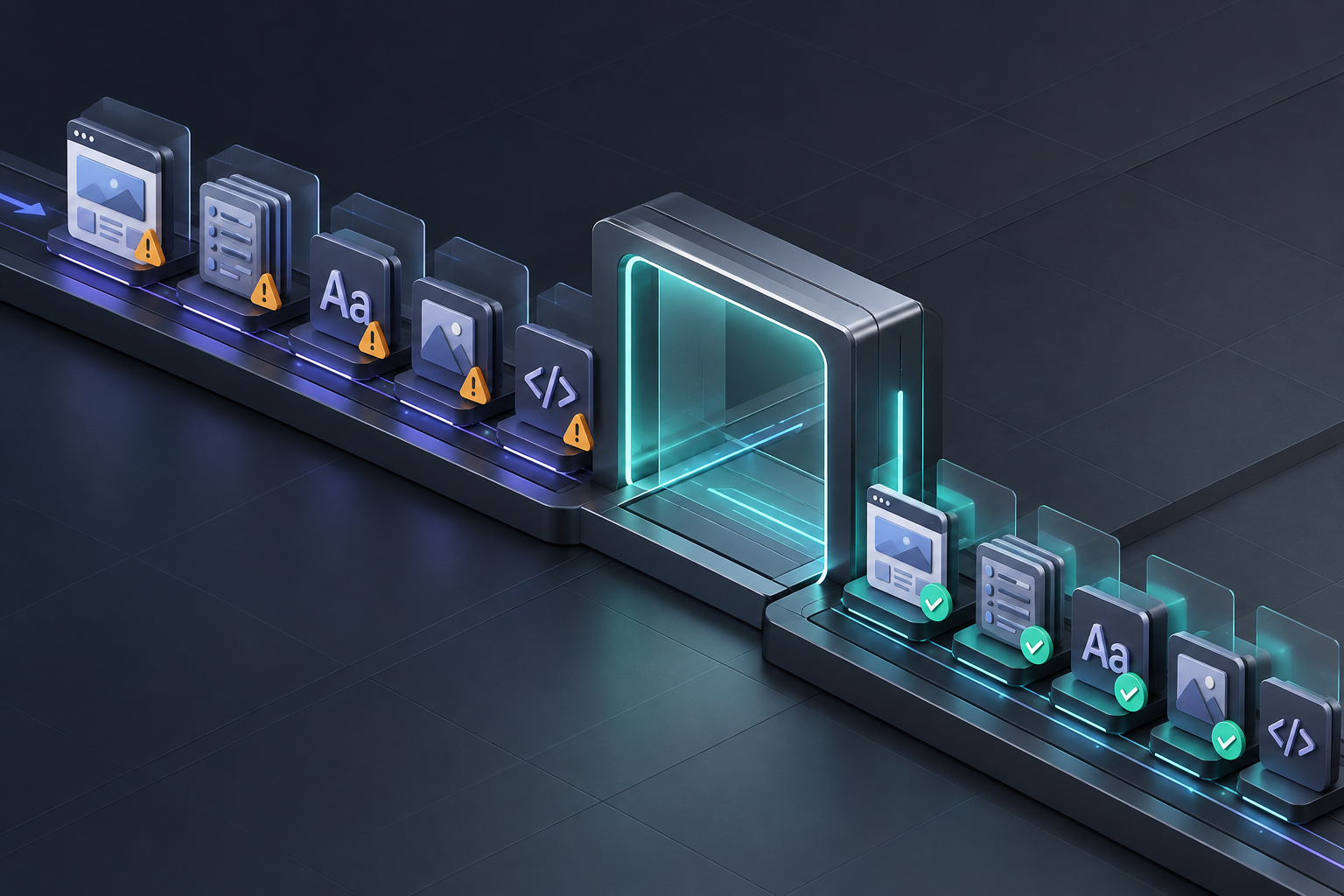
My 30-minute Webflow release loop
1. Freeze the change I actually intend to ship
Before exporting, I write one sentence describing the release: “replace the pricing hero, update three CTA links, and preserve all CMS routes.” It sounds almost too basic, but it prevents me from mistaking a convenient backup for a deployable release.
I also capture the URL set that matters: the homepage, key landing pages, a representative CMS item, a form, and the mobile menu. When a navigation change is involved, I use the same mindset as this Webflow rollback-copy workflow: define what must survive before changing it.
2. Export the published Webflow site into a portable package
For this part I use ExFlow’s Webflow exporter. I enter the published URL, export the site, and use the result as a release artifact—not as a pile of files to forget on my laptop. ExFlow is designed to collect the published pages, CSS, JavaScript, images, media, and site assets, then let me download the output or send it to a deployment target.
This approach is especially useful when native export limits or CMS coverage make a normal download insufficient. The point is not to claim every site can become a perfect static clone. The point is to verify the version you intend to host before it becomes your dependency.
3. Run a short, repeatable QA gate
I keep this gate deliberately boring. Boring checks catch expensive surprises.
- Open the exported homepage, primary landing page, and one CMS route.
- Check images, fonts, responsive navigation, and interaction-heavy sections.
- Click the revenue-critical internal links and CTAs.
- Inspect page titles, descriptions, canonical tags, and social previews.
- Test forms or document their replacement path, since a static copy does not magically carry server-side handling.
- Compare a mobile viewport before declaring the package ready.
That list comes from learning that a “working” page is not the same as a launch-ready page. If you are doing this ahead of a redesign, the checklist complements this Webflow CMS audit before static hosting rather well.
Choose the destination based on the operating problem
The export is a means, not a hosting decision. I use a small decision matrix:
| If I need… | I choose… | Why |
| --- | --- | --- |
| Version history and a visible review trail | Git sync | Every release has a clear commit-sized boundary. |
| Simple asset hosting at scale | S3-compatible storage | It fits a mostly static, predictable site. |
| A familiar existing server | FTP | It is pragmatic when the client already has the infrastructure. |
| The fewest moving pieces | Managed static hosting | Less setup work when control matters more than customization. |

For my own projects, Git is the default because it makes the trade-off visible: every deployment is tied to a sourceable artifact, and rollback becomes a decision instead of a scavenger hunt. If you are specifically trying to retain control during a broader move, archiving a retired Webflow CMS collection as static HTML is a useful adjacent playbook.
What this changed for me
The biggest win was not “freedom from a platform.” It was cutting uncertainty. My time to prepare a release dropped because I stopped rebuilding the same mental checklist on every change. More importantly, I can hand a client or teammate a versioned static package and say exactly what was checked.
There are trade-offs. Dynamic forms, memberships, commerce, and application-like behavior need explicit replacements or a different architecture. A static export is not a migration wand. It is a controlled copy of the published experience, and that is still enormously valuable for campaign sites, portfolios, documentation, and many marketing pages.

My release-ready checklist
Before I call a Webflow export done, I want five yeses: the artifact has the intended pages; assets render from the deployment destination; key paths work on mobile; metadata is intact; and a rollback copy is easy to identify. That last item is why I like keeping an export before a redesign starts, as described in this staging-copy approach.
If your Webflow site is becoming important enough to need a real release process, start with one production URL and export it with ExFlow. Run the QA gate, pick the simplest destination that solves your actual problem, and keep the tested package. ExFlow also has dedicated export workflows for Squarespace and Framer, but I would start by making one Webflow release repeatable.
That is the entire point: not more tooling, but a website change you can explain, verify, and undo.

Comments
Post a Comment