VideoFlow Studio vs Code-First Video Workflows for Startup Launches
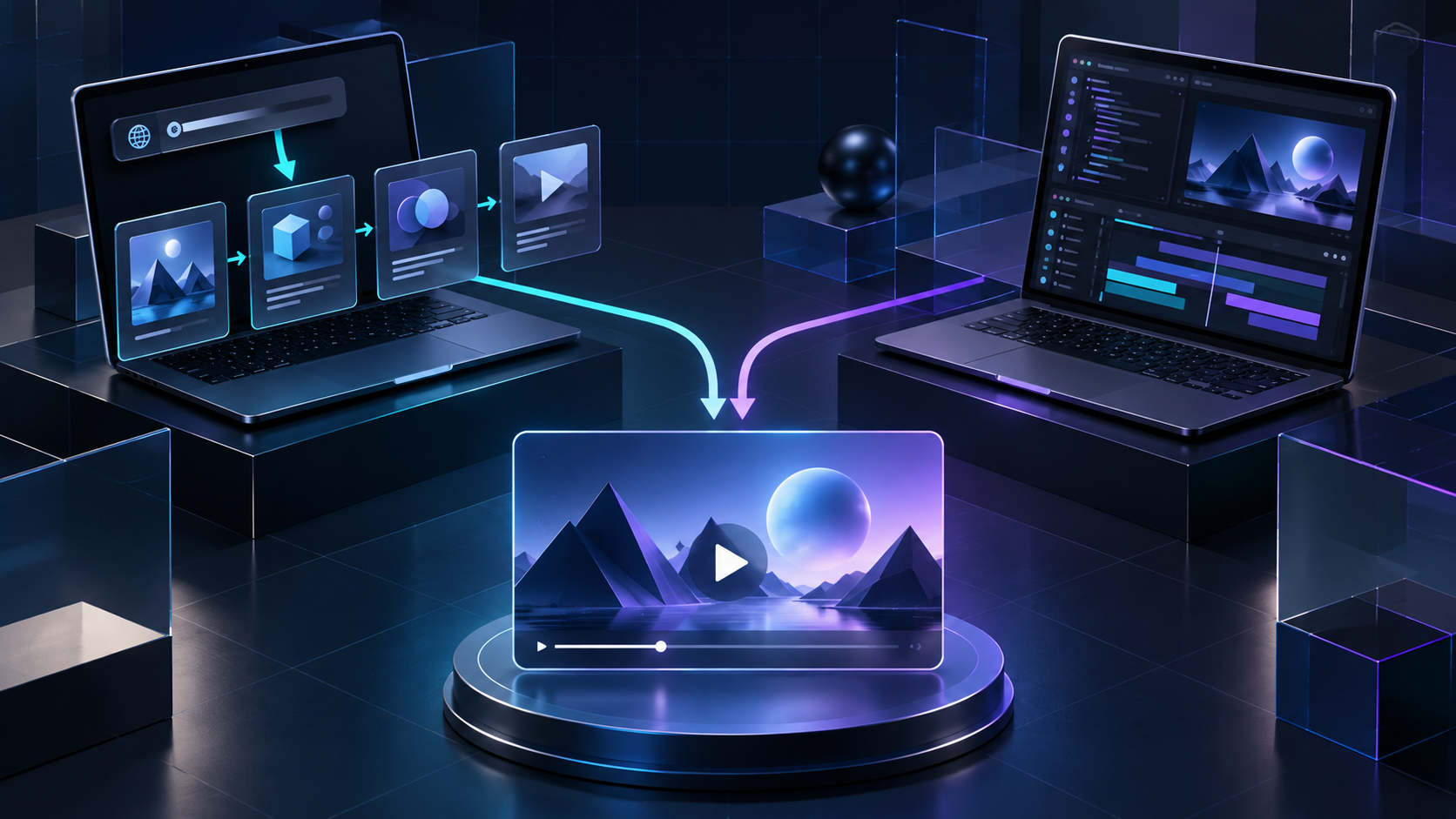
Most startup teams do not need a video framework decision in the abstract. They need a credible launch film before the next announcement, demo, or Product Hunt push—and they need a way to revise it when the positioning changes. The practical question is: should the first cut begin in code, or should it begin with the product story?
For founders and marketers, an agent-led workflow is often the faster route to a reviewable first cut. For teams building a custom video system or authoring every motion detail, a code-first workflow remains the better fit. The useful comparison is the job at hand, not a universal winner.
Start With the Deliverable, Not the Tool
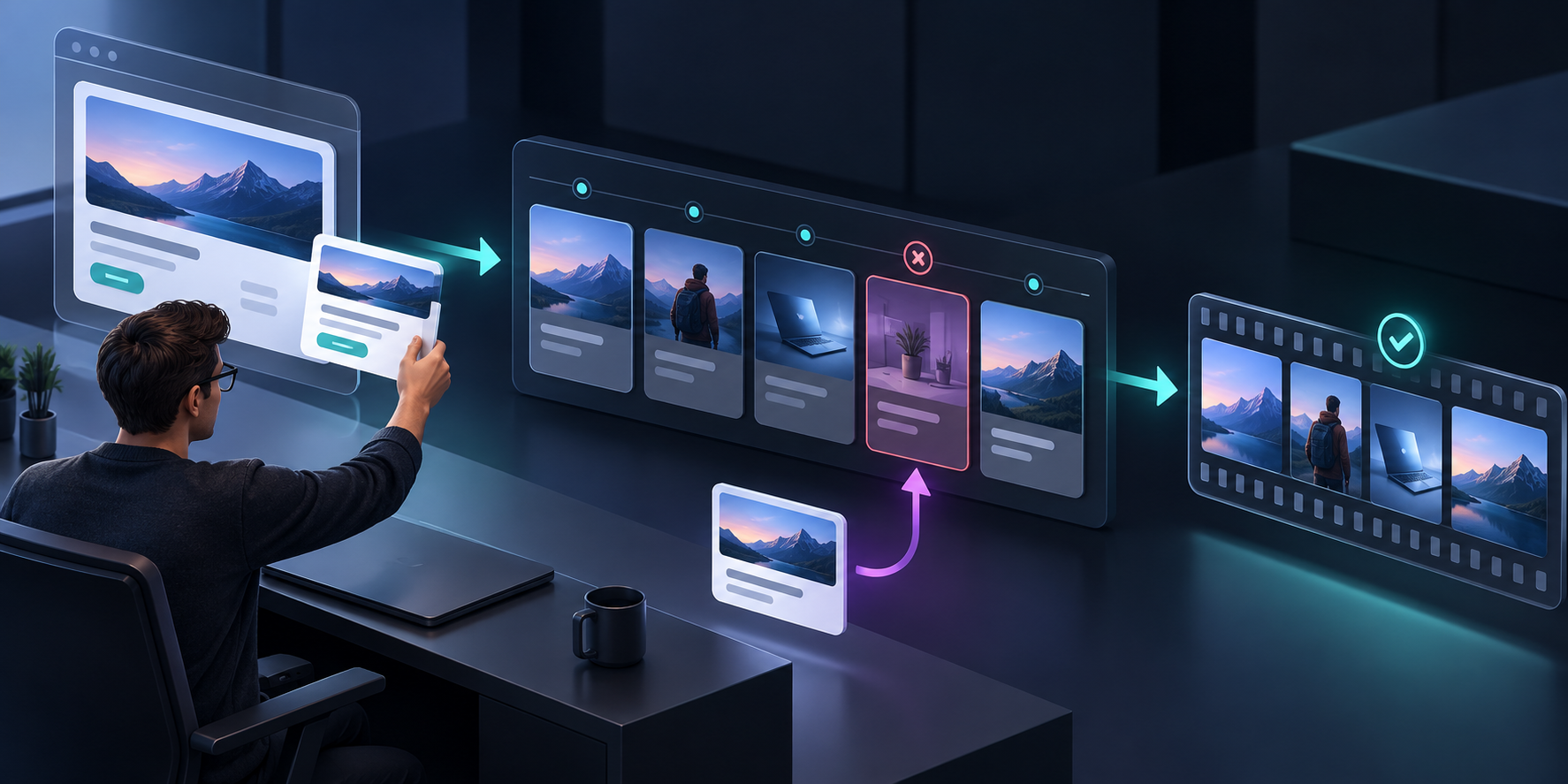
A code-first motion-graphics workflow gives a developer direct control over scenes, timing, data, and reusable components. That is powerful when the video itself is a product surface, when your team needs a long-lived library of branded components, or when a developer is already comfortable owning the implementation. The trade-off is that the first creative question can quickly become an engineering task.
An agent product such as VideoFlow Studio starts from a different operator job: give it a startup or product website, describe the message you need, and direct the resulting motion-graphics film from your terminal. Studio develops a structured plan, renders the video, visually reviews frames for problems, and supports another revision. Its output remains an editable VideoFlow document rather than a locked one-shot clip.
That distinction matters when the real bottleneck is not how to animate a rectangle. It is agreeing on the story, getting a respectable first cut in front of colleagues, and making the next change without restarting. If your launch process already has a concise brief, the workflow is especially effective; use the same discipline from this guide to building a SaaS demo brief that survives revision.
When Code-First Is the Right Call
Choose a code-first workflow when most of these statements are true:
- A developer needs precise programmatic control over every scene or has a component system to maintain.
- The video is generated from changing application data at scale.
- Your team is comfortable treating video work like a software project: source control, implementation time, and engineering review included.
- The central value is bespoke behavior rather than reaching a strong marketing first cut quickly.
This route can pay off beautifully. It is simply not the default answer to a founder who needs a 45-second launch narrative by Friday. A framework is an implementation medium; it does not automatically supply the product angle, visual review loop, or revision language that a launch team needs.
When an Agent-Led First Cut Saves Time
Studio is designed for the complementary job: converting what is already visible on a website into a designed startup video, then letting an operator revise it in plain language. The system reads the product, category, brand, and likely narrative; it creates a plan before the final film; then it renders, inspects, and corrects the output.
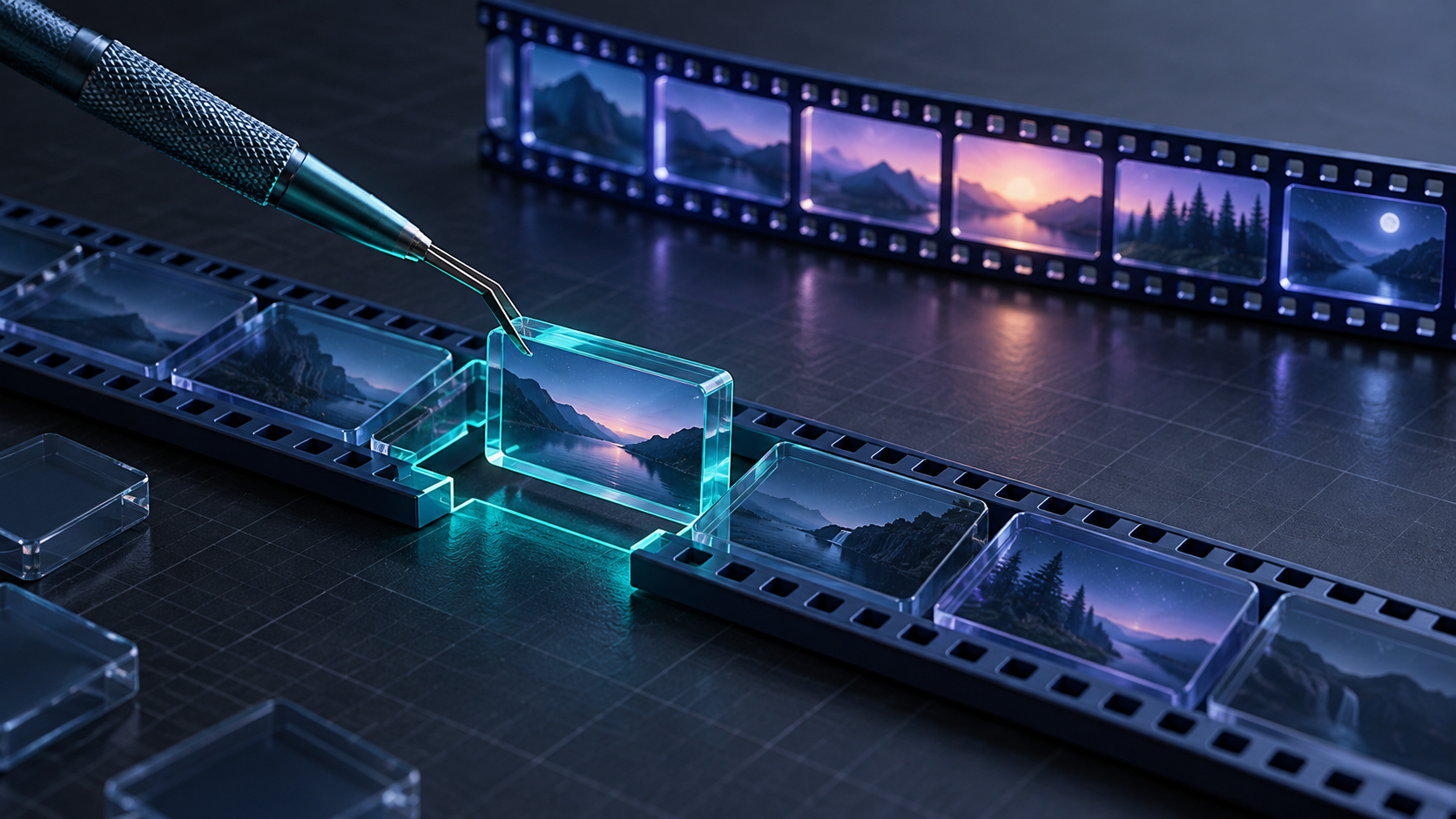
That sequence answers three recurring launch problems:
1. The blank-page problem. A website URL gives the workflow a starting point, so the team is reacting to a concrete plan rather than an empty timeline.
2. The review problem. Rendering and visually inspecting frames creates a checkpoint for alignment, contrast, and composition before the file is handed off. This is why a reviewable demo-video workflow is more useful than merely generating a clip.
3. The change problem. You can request a change in a sentence, or open the built-in editor to adjust layers, timing, colors, and text without abandoning the agent context.
This is not a promise that every video will need no human taste. It is a way to move the human effort toward decisions that matter: audience, message, proof, and the exact correction that makes the video clearer.
A Practical Decision Checklist
Before choosing either path, write three lines: who should care, what one promise should they remember, and what proof makes that promise believable. Then score the project.
Choose Studio first when the score favors speed to a reviewable narrative: you have a public landing page, need a product or explainer video, expect stakeholder feedback, and want an editable motion-graphics document behind the render. Its terminal-first workflow is a good match for small teams that want creative automation without converting a marketing request into a custom coding project.
Choose code first when the score favors programmable repeatability: the scenes are data-driven, the visual system is already implemented, and developers own iteration. In many organizations, the best answer is hybrid: use an agent-led first cut to settle the narrative, then invest in code only for the repeatable pieces worth owning. That is similar to the separation between a launch brief and its production ledger in this scene-change workflow.
Make the First Brief Smaller Than You Think
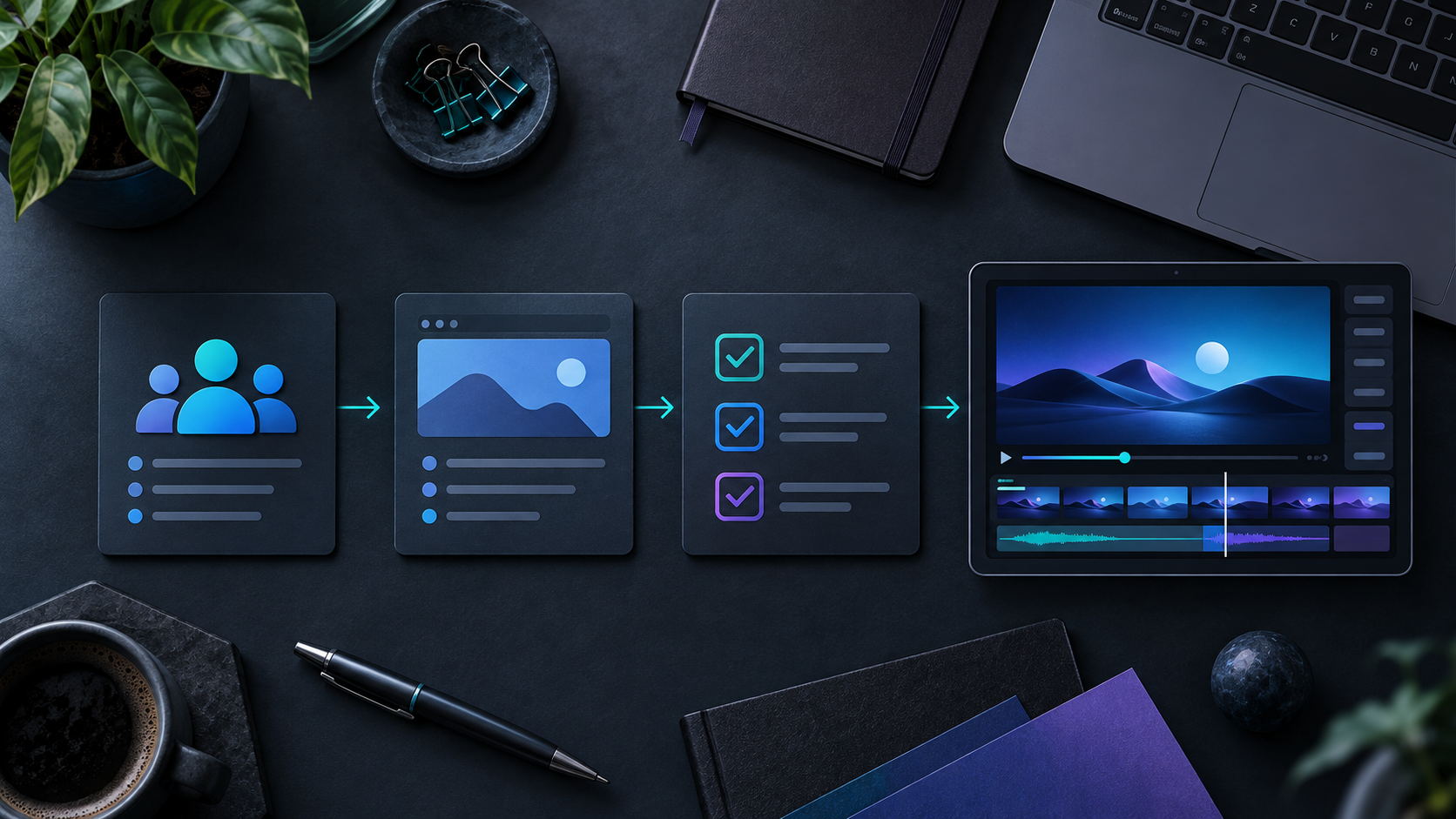
A first cut gets better when the brief gets narrower. Avoid asking for a video that explains every feature. Instead, prepare:
- Audience: for example, operations leaders at small SaaS companies.
- One job: understand why the product removes a frustrating handoff.
- One proof point: a visible workflow, outcome, or interface moment.
- One call to action: join the waitlist, start a trial, or book a demo.
- Two revision checks: the opening promise is clear without sound, and the end card gives a next step.
This also prevents a common failure mode in AI video work: asking for an exciting film before the team has agreed on the message. If you are preparing a release announcement, turning release notes into a product trailer is a useful example of starting with a real narrative input instead of decorative motion.
The Bottom Line
Code-first video and agent-led video solve different problems. Use code when you need a programmable video system and have the engineering capacity to own it. Use VideoFlow Studio when the immediate goal is a polished, editable launch or explainer video from the product story you already have.
For your next launch, do not start by debating every tool. Write the five-line brief, point Studio at the page, and judge the first render against the message your audience needs to remember.

Comments
Post a Comment