How to Clean Up Shopify Tags and Collections Efficiently
If you’ve run a Shopify store for any length of time, you know how quickly product tags and collections can spiral out of control. As your team grows and your catalogue expands, inconsistency in naming, duplicate tags, and disorganized collections can create major headaches. Cleaning up Shopify tags and collections not only makes your store more organized, but also vastly improves customer experience and SEO.
Why Keeping Tags and Collections Organized Matters
Tags and collections are at the core of Shopify's navigation and filtering. When they're messy, shoppers struggle to find products, collections appear cluttered, and your SEO rankings can suffer from duplicate or missing keywords.
- Better SEO: Consistent tags and collections help search engines understand your store’s structure and content.
- Improved User Experience: Clean filters and organized collections make shopping smoother.
- Smoother Inventory Management: Well-structured tags and collections help your team keep a handle on inventory, promotions, and reporting.
Common Problems with Shopify Tags & Collections
- Misspelled and inconsistent tags (e.g., “t-shirt”, “tshirt”, “tee shirt”)
- Duplicate tags or collections that fragment your inventory
- Unused or outdated tags left behind after products are deleted
- Non-SEO friendly collection handles and descriptions
Manual Clean-Up: A Daunting Task
Shopify’s admin interface provides basic tools, but editing tags and collections across hundreds or thousands of products is tedious and error-prone. Each product must be updated individually, increasing the chance of mistakes and taking up valuable time.
The Smarter Solution: Bulk Editing with Ultimator Bulk Editor
The easiest and most efficient way to tidy up tags and collections is by using an advanced bulk editing tool. Ultimator Bulk Editor is the premier Shopify app designed to help busy merchants clean up their store quickly and accurately.

Key Features for Cleaning Up Tags and Collections
- Find & Replace: Search for common tag mistakes and replace them store-wide in one go.
- Merge Duplicates: Quickly merge variant spellings or collections to create a more unified product catalogue.
- Mass Deletion: Remove obsolete tags from all products at once, effortlessly.
- Edit Collection Fields: Update collection SEO titles and descriptions in bulk for a quick SEO refresh.
- Unlimited Updates: No quotas or limits, edit as much as you like.
- Instant or Scheduled Changes: Run your updates immediately or schedule them for off-peak hours.
Tip: With Ultimator Bulk Editor, you can even automate periodic clean-ups by scheduling regular updates, ensuring your tags and collections never get messy again.
Step-by-Step: How to Clean Up Tags with Ultimator Bulk Editor
- Install the app: Install Ultimator Bulk Editor from the Shopify App Store.
- Set Search Criteria: Choose which products or variants you want to update by filtering on existing tags, collections, product types, or any other product field.
- Define Your Updates: Select “Tags” as a field to update. Use options like Find/Replace, Add, Remove, or Set new tags across all matching products.
- Edit Collections: Similarly, use the app to update collection names, SEO fields, descriptions, or batch move products between collections.
- Preview Changes: Review the list of affected products and changes to ensure accuracy.
- Schedule or Run Instantly: Apply the changes right away or schedule them for later. The app is lightning-fast and supports unlimited products or variants.
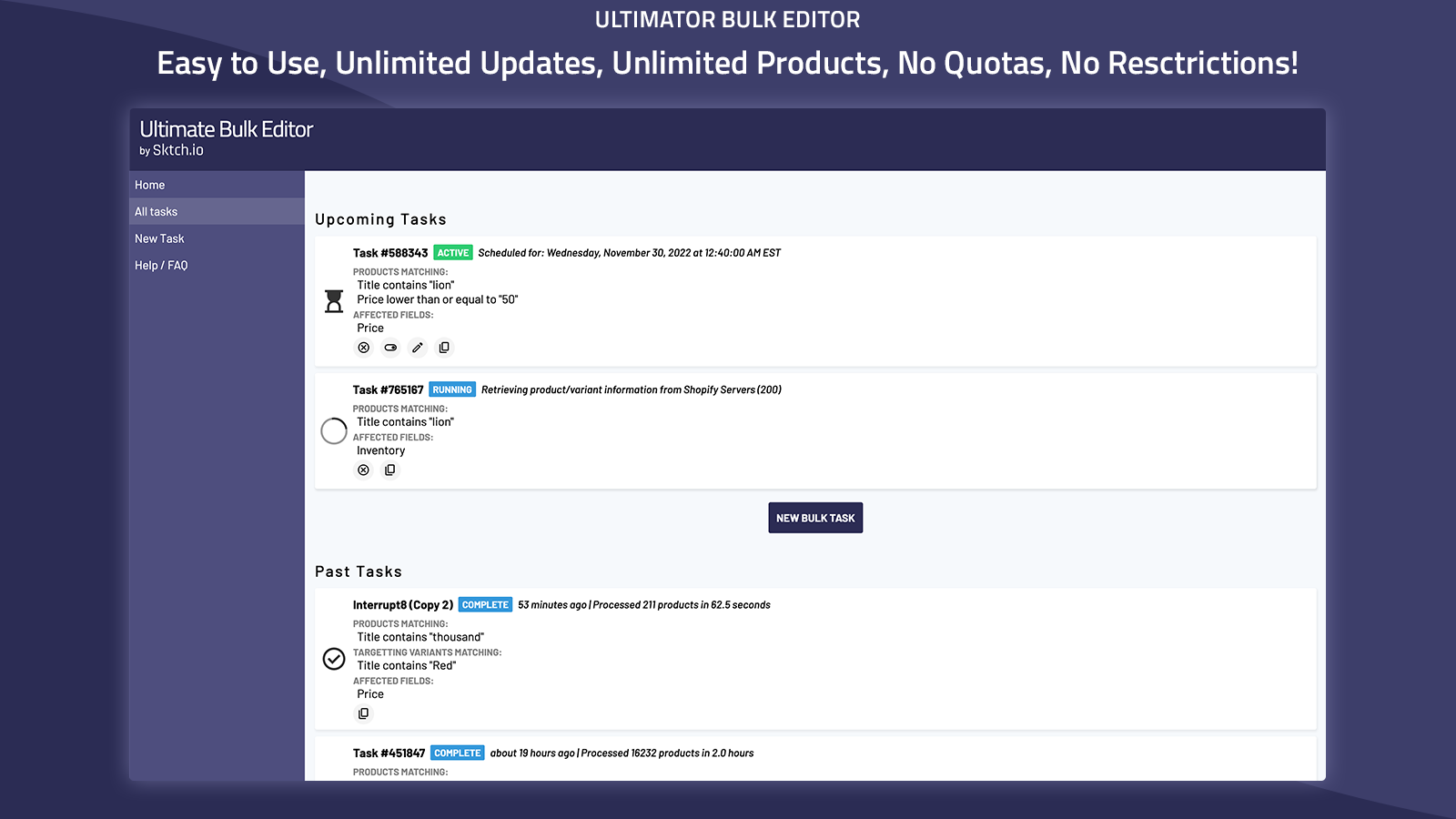
Best Practices for Shopify Tag and Collection Management
- Establish a naming convention for tags (e.g., lowercase, singular).
- Periodically audit tags and collections for duplicates, misspellings, and unused entries.
- Batch remove tags/collections that no longer serve a clear navigational or marketing purpose.
- Optimize collection SEO titles and descriptions for better organic traffic.
- Regularly use bulk editing tools like Ultimator for ongoing maintenance.
Watch It In Action
Want to see how quick and easy Shopify clean-up can be? Check out this demo video of Ultimator Bulk Editor:
▶️ How to Batch Edit Shopify Products and Variants
Ready to Transform Your Shopify Store?
Stop wasting time on tedious manual edits and experience the fastest, safest solution for Shopify tag and collection cleanup. Try Ultimator Bulk Editor today and take control of your product catalog with just a few clicks!
Organization isn't just about aesthetics—it's about making more sales. Cleaning up tags and collections is one of the best ways to streamline your store and power up your Shopify SEO.

Comments
Post a Comment