How to Build a Shopify 3D Capture Scorecard That Works
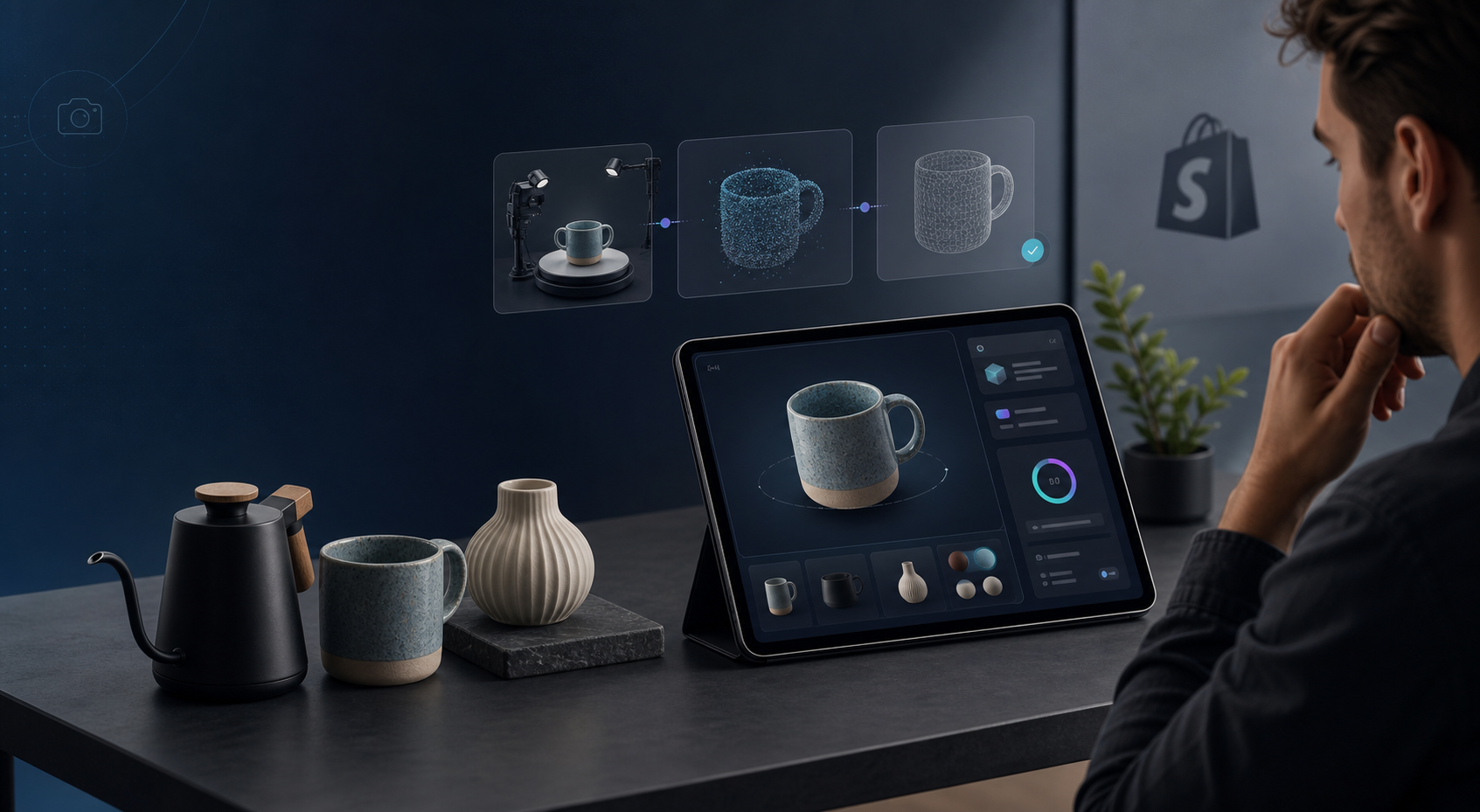
If you want 3D product media on Shopify, the hard part is usually not the capture app. The hard part is deciding which products deserve the time first. A simple scorecard gives you a repeatable way to rank SKUs before you open a capture session in Supra 3D Capture.
The goal is not to make every product “3D worthy.” The goal is to spend capture time where it is most likely to improve product-page confidence, highlight shape, and justify the work.
Start With The Right Question
Most teams begin with a vague question: “Which products should we scan?” That is too broad. A better question is: “Which product will benefit most from an interactive model relative to the effort it takes to capture?”
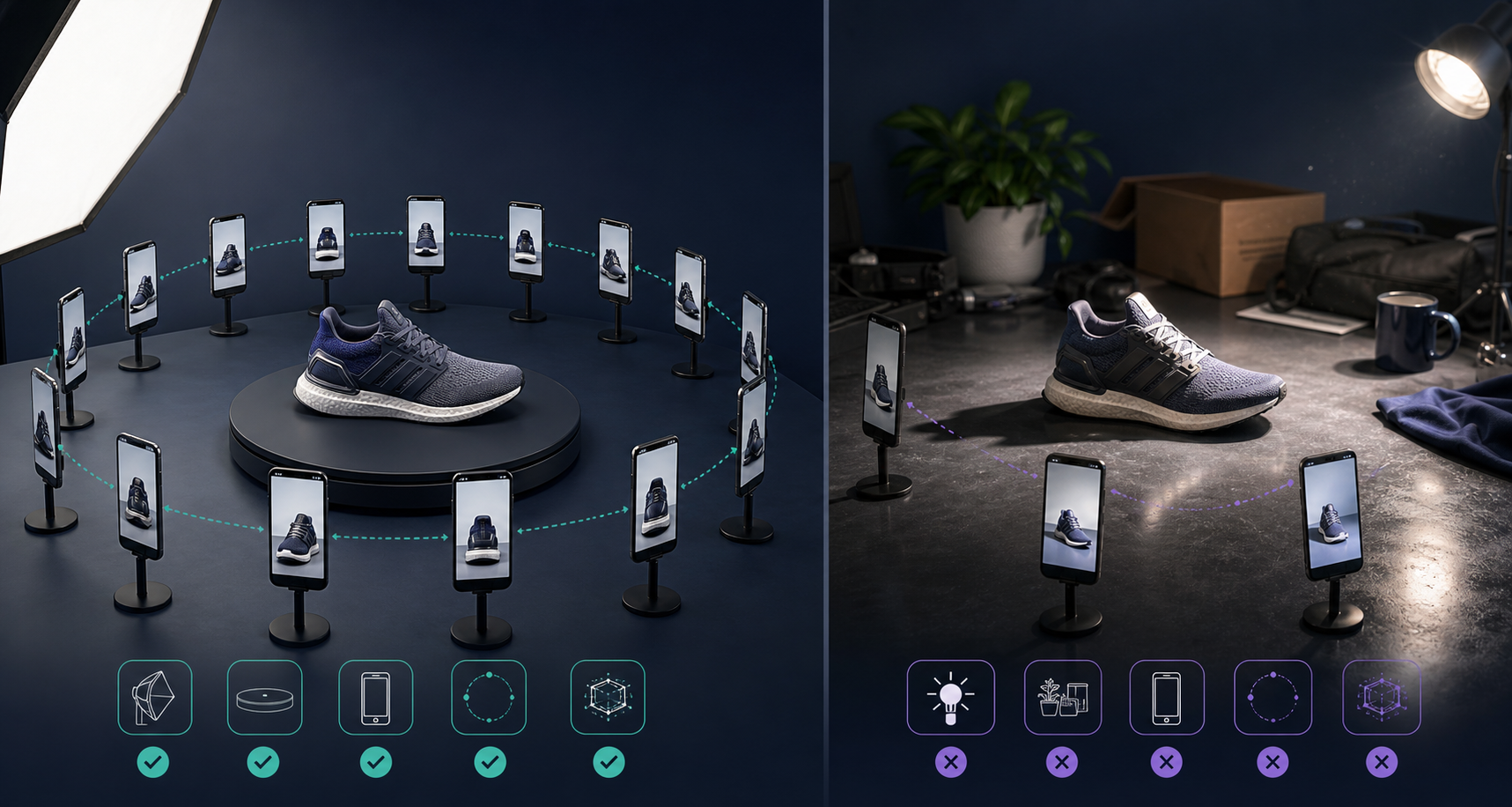
That framing matters because 3D is not free. Even with a phone and guided capture, you still need a clean setup, good lighting, and enough photos for the pipeline to reconstruct a solid GLB. If you apply 3D to the wrong SKU first, you burn time without changing much on the product page.
Score The Product, Not The Hype
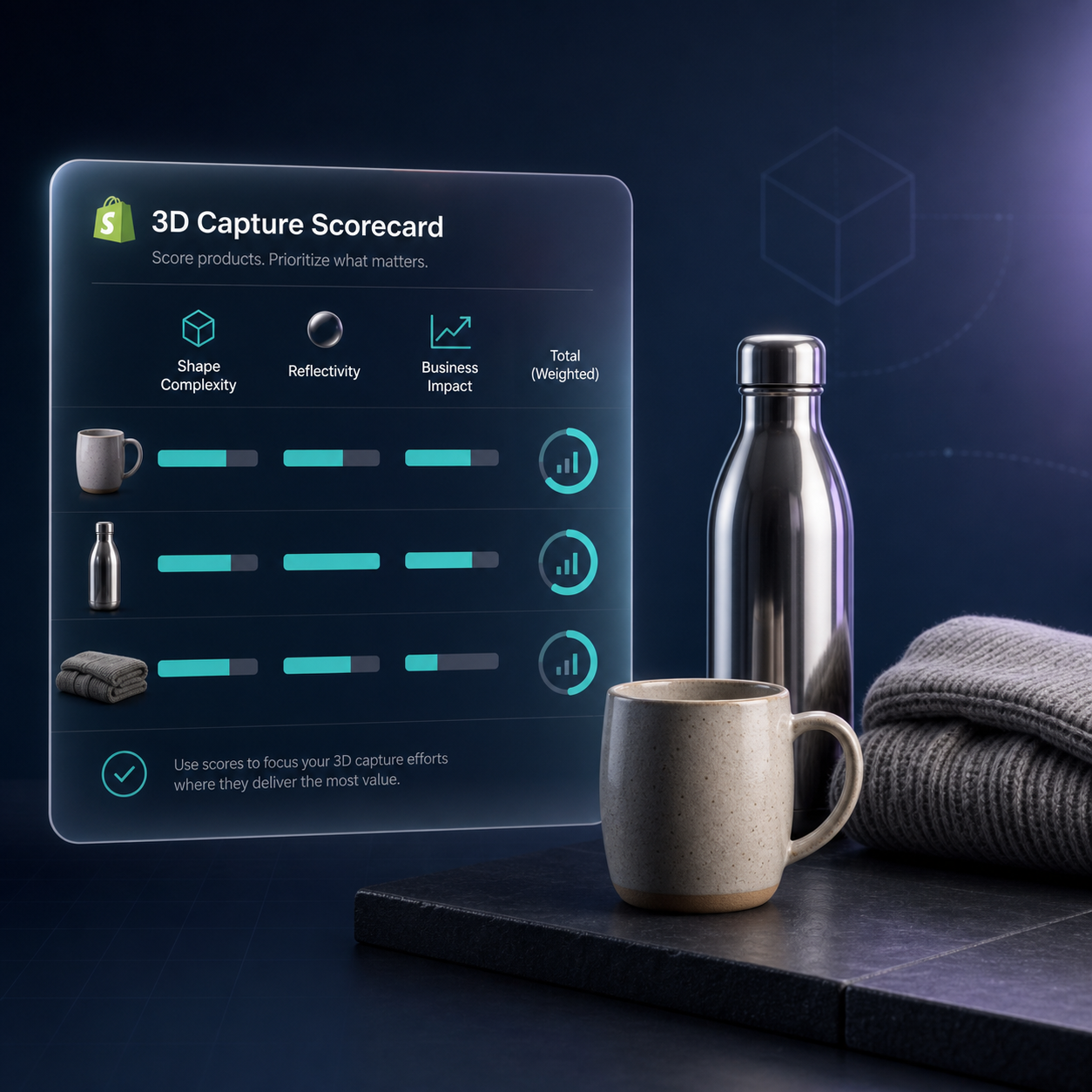
I use four factors:
- Shape clarity: Is the product hard to understand from flat photos alone?
- Surface behavior: Is it reflective, transparent, or otherwise tricky to photograph?
- Business impact: Does the SKU drive revenue, returns, or traffic?
- Operational fit: Can you capture it cleanly with the tools and space you already have?
You do not need a complicated model. A 1-to-5 score for each factor is enough.
| Factor | What High Scores Mean | Why It Matters |
|---|---|---|
| Shape clarity | Curves, depth, cutouts, edges, or proportions that photos hide | Shoppers understand the object faster when they can rotate it |
| Surface behavior | Gloss, shine, translucency, mixed materials, or strong texture | These products can benefit from a careful 3D read, but they also need more attention during capture |
| Business impact | High-margin items, hero SKUs, products with more support questions, or items with return risk | You want the first wave of 3D work to touch products that matter |
| Operational fit | Easy to stage, consistent to photograph, and already part of your content workflow | Capture succeeds more often when the setup is boring and repeatable |
A practical weighting is 3x for shape clarity, 2x for surface behavior, 3x for business impact, and 1x for operational fit. That keeps the score focused on value, not just technical difficulty.
Use A Threshold, Not A Gut Check
Once you score a batch, separate products into three buckets:
- Capture now: high score, strong page value, low setup friction.
- Capture later: useful, but only after the first batch proves the workflow.
- Skip for now: weak visual payoff or too much handling work for too little benefit.
This is where the scorecard becomes useful. It prevents “cool product” bias and keeps the team focused on what the customer will actually notice.
If you want the capture sequence that sits behind this decision, pair this article with How to Build a Shopify 3D Capture Shot List. If the physical setup is still a bottleneck, How to Set Up a Shopify 3D Capture Session That Scans Cleanly is the next step.
What Makes A SKU Worth The Effort
The best early candidates usually have one or more of these traits:
- The shape matters more than the flat image suggests.
- The product has multiple angles that shoppers care about.
- The item is expensive enough that confidence matters.
- The product is visually distinctive enough to stand out in a collection page.
- The SKU is already photographed regularly, so capture can fit into an existing workflow.
That does not mean simple objects are always a bad fit. Some simple products still benefit from 3D if their dimensions, finish, or packaging are hard to judge from a gallery.
Make The Decision Operational
A scorecard only helps if it changes what happens next. I usually turn the results into a short operating rule:
- 30 points and up: schedule a capture session this week.
- 20 to 29 points: batch with similar items when you have time.
- Below 20 points: leave it in the photo gallery unless the SKU becomes strategically important.
That rule is simple enough for a merchandiser, photographer, or operator to use without asking permission every time.
If you are wondering how the scorecard should affect the product page itself, How I Build a Shopify Product Page Around a 3D Model covers placement and shopper context. If you want to compare priorities by return exposure, How to Rank Shopify Products for 3D Capture by Return Risk is the stricter version of the same decision.
Keep The Workflow Light
The best 3D workflow for a small Shopify team is the one that looks a lot like taking better product photos:
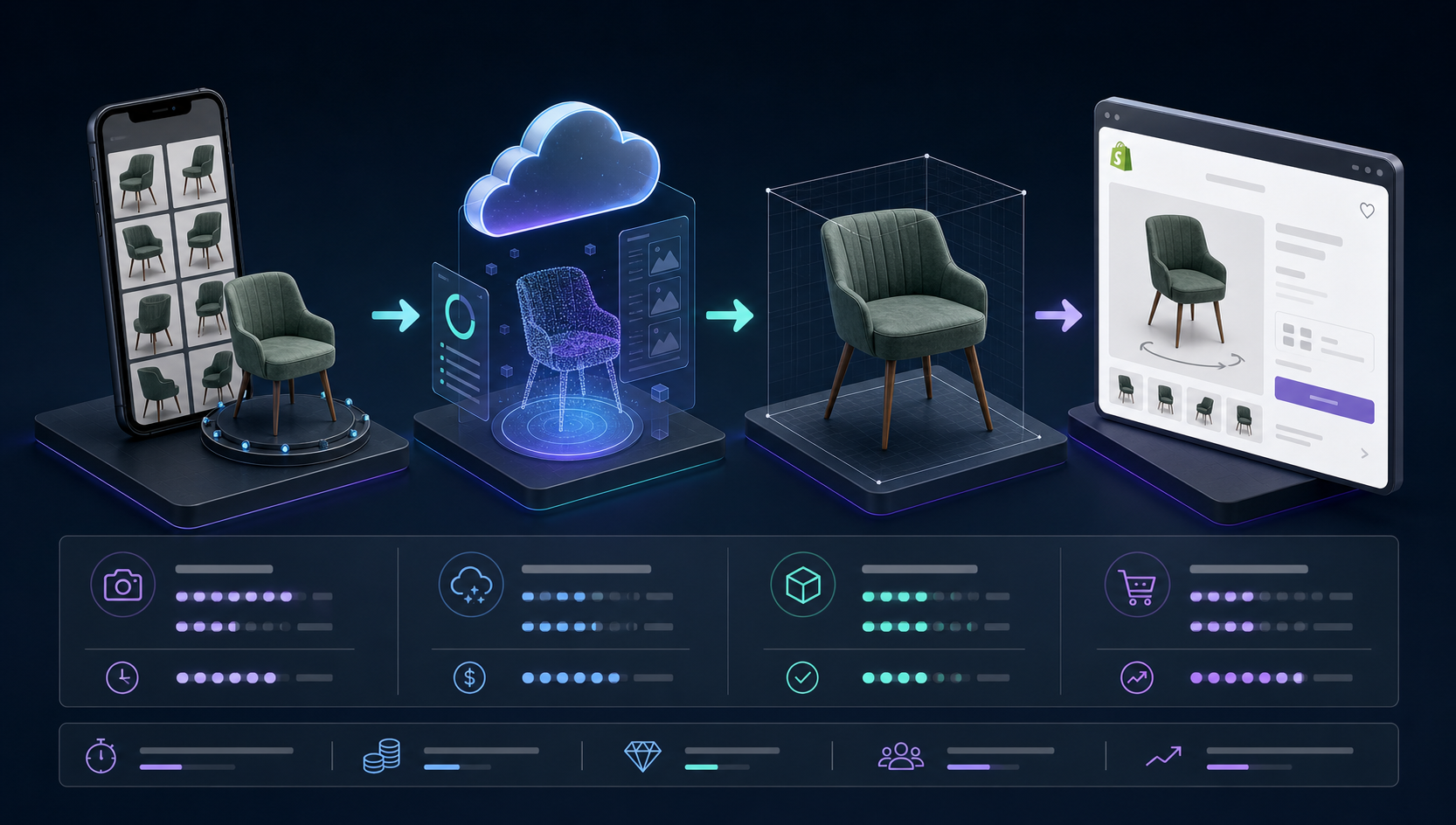
- Pick the highest-scoring SKU.
- Stage it in clean, even light.
- Capture the phone photos in a guided orbit.
- Let the app reconstruct the model.
- Publish the GLB directly into Shopify product media or place it with the Online Store 2.0 app block.
That is the appeal of Supra 3D Capture: you can move from phone photos to a web-ready model without buying a LiDAR rig, hiring a 3D artist, or learning modeling software first. The app is built for merchants who want the interactive result without turning 3D into a separate production discipline.
Where To Start
If you are testing the idea, start with a small batch of three SKUs. Pick one obvious winner, one borderline item, and one product you suspect will fail. That gives you a fast read on whether your scorecard is honest.
If the scorecard is useful, keep it as a lightweight gate before every new capture run. If it is not, tighten the weights or remove the factor that is not helping you decide.
The important thing is consistency. A good scorecard makes your first 3D models more deliberate, which usually matters more than trying to make everything interactive at once.
To try the workflow yourself, visit Supra 3D Capture or start from the Shopify App Store listing.
Conclusion
Do not start with the prettiest SKU. Start with the one that has the clearest business value and the best chance of making the product page easier to trust. A simple scorecard keeps 3D capture practical, and practical is what gets it shipped.

Comments
Post a Comment