How to Rank Shopify Products for 3D Capture by Return Risk
If you can only scan a few SKUs, the right question is not "which products can be captured?" It is "which products will 3D help customers understand better than photos alone?"
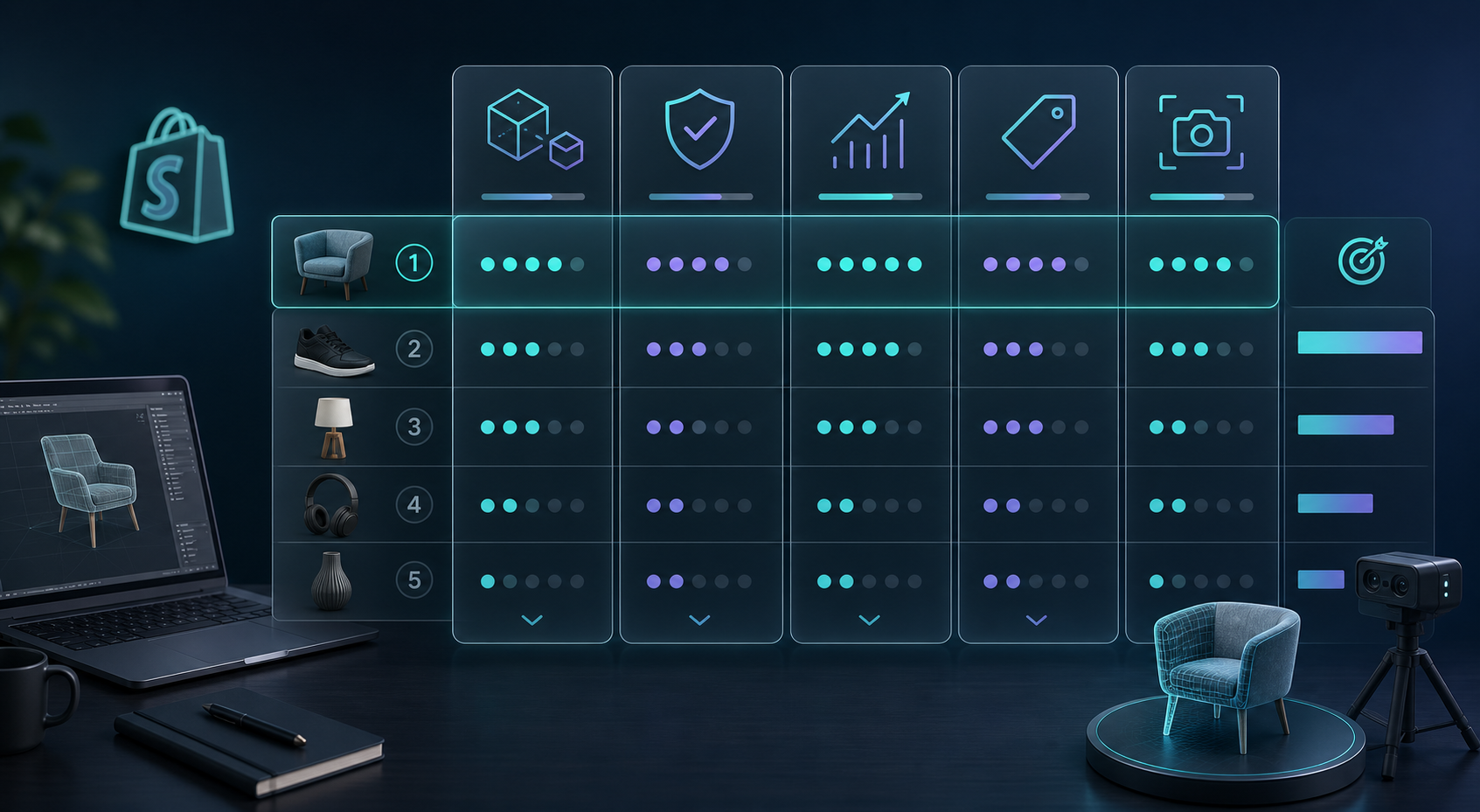
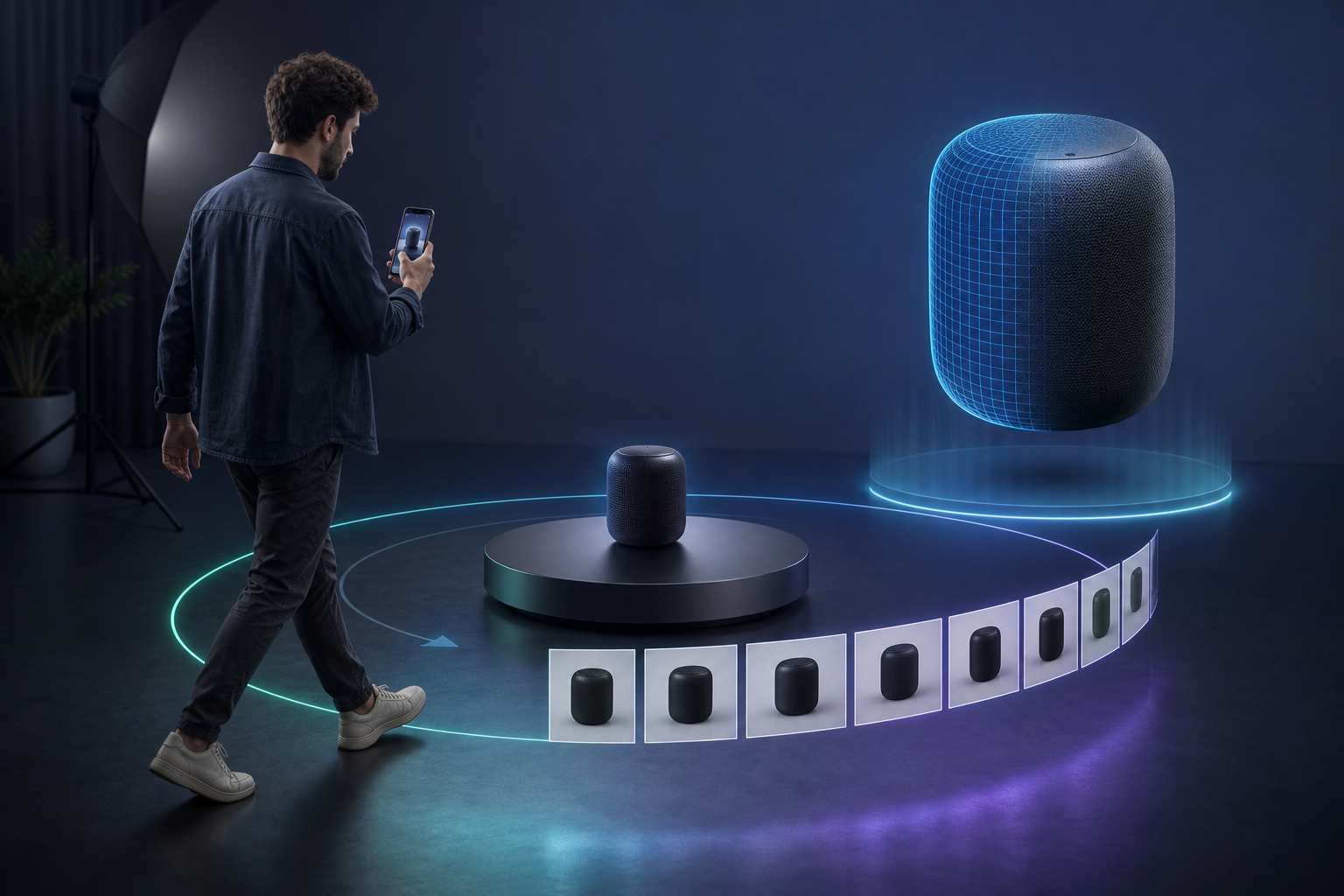
That is the practical way I use Supra 3D Capture. The app turns 10+ guided phone photos into a web-ready GLB and lets you publish it straight into Shopify product media or the Online Store 2.0 app block. The capture flow is straightforward; the prioritization is where most teams waste time.
Start with return risk, not novelty
If a product already reads clearly in flat photos, 3D is optional. If the customer still has to guess about depth, scale, fit, or finish, 3D has a job to do. That is why I start by asking which products are most likely to create a mismatch between expectation and reality.
This is not about chasing the coolest-looking SKU. It is about choosing the product page where a 3D model can answer a question the gallery leaves open.
For the capture mechanics themselves, the two most useful companion reads are How to Build a Shopify 3D Capture Shot List and How to Set Up a Shopify 3D Capture Session That Scans Cleanly. Those posts cover the photo-taking side. This one is about choosing the right queue.
Score each SKU on five questions
- Does the shape matter to the sale?
- Will size, depth, or fit get misread from flat photos?
- Is the product expensive enough that a bad expectation is costly?
- Can a phone capture get a clean result without special gear?
- Is the item getting enough traffic to justify the extra media?
If the answer is yes to the first three and reasonable on the last two, the SKU belongs near the top of the queue. That logic is close to the way I already think about prioritization in How I Score Shopify Products Before Turning Them Into 3D Models.
A watch is a good example of a SKU where shape and finish matter. If you can see the case, clasp, and proportions clearly, 3D usually belongs ahead of flatter, lower-value items.
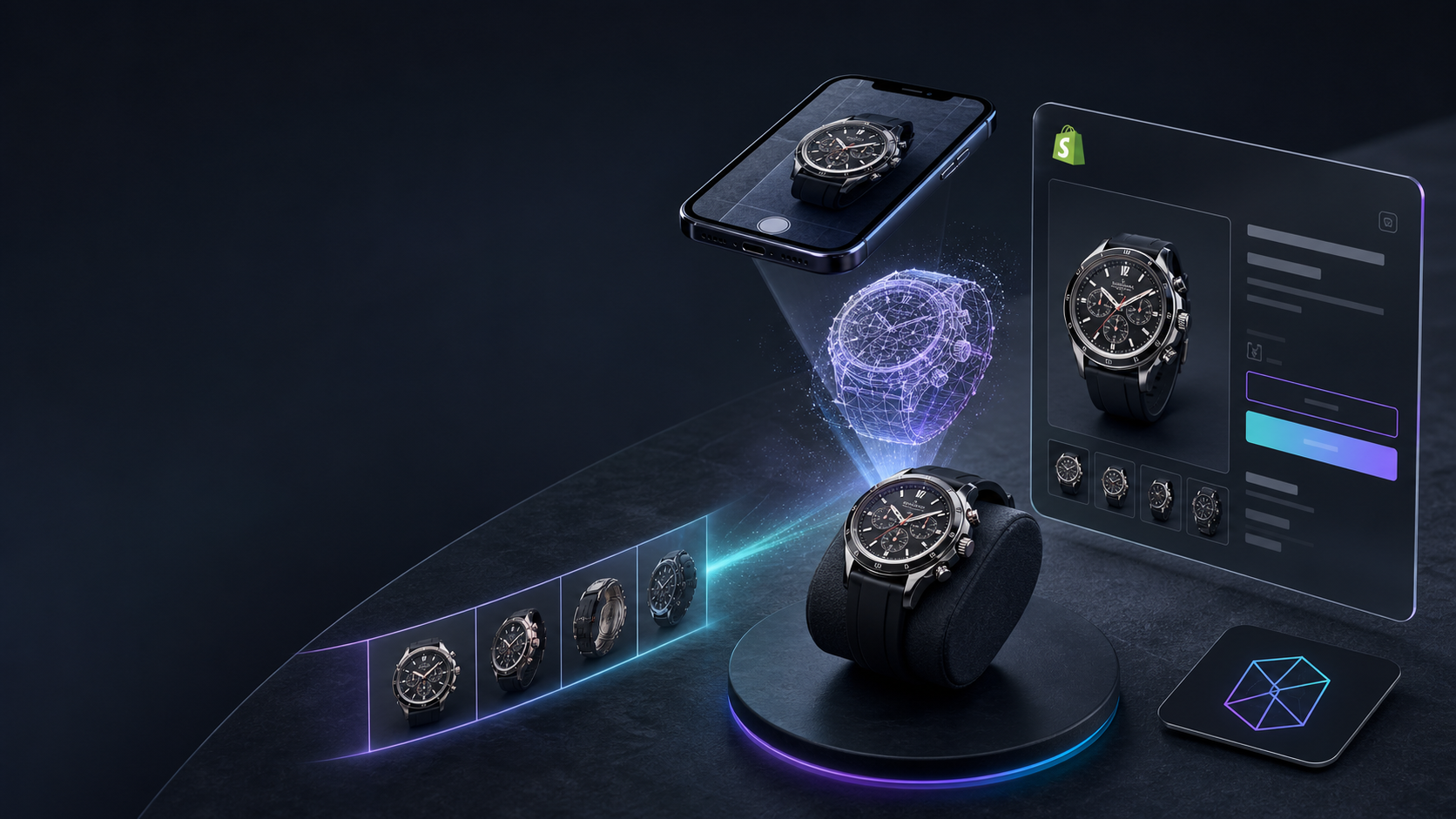
That same test is useful when you are deciding whether to invest in a model at all. 3D is strongest when it reduces uncertainty: the shopper can inspect shape, proportion, and finish without relying on a caption to fill in the gaps.
Build a small queue, not a catalog project
Trying to scan an entire store at once usually creates avoidable drag. The better approach is to build a short queue and use it to validate the workflow.
- Pick 5 to 10 SKUs that score high on shape and return risk.
- Group them by capture difficulty so the easy wins go first.
- Run the first capture sessions with a phone and steady light.
- Publish the resulting GLBs into Shopify product media or the theme app block.
Once the first model is live, compare it against the flat gallery, then decide whether the next SKU deserves the same treatment. That is the same "test a real page, not a theory" mindset I used in How I Build a Shopify Product Page Around a 3D Model and How to Build a Shopify 3D Capture Checklist That Works.
The most important process lesson is simple: small, repeatable systems beat giant one-off projects.
What to skip for now
- Products that already look obvious from two or three photos.
- Items that are mostly text or label-driven rather than shape-driven.
- Highly reflective or transparent products if you are still proving the workflow.
- Low-traffic SKUs unless they are expensive or return-prone enough to matter.
That does not mean those products can never be scanned. It means they should wait until you know the process works on a cleaner candidate.
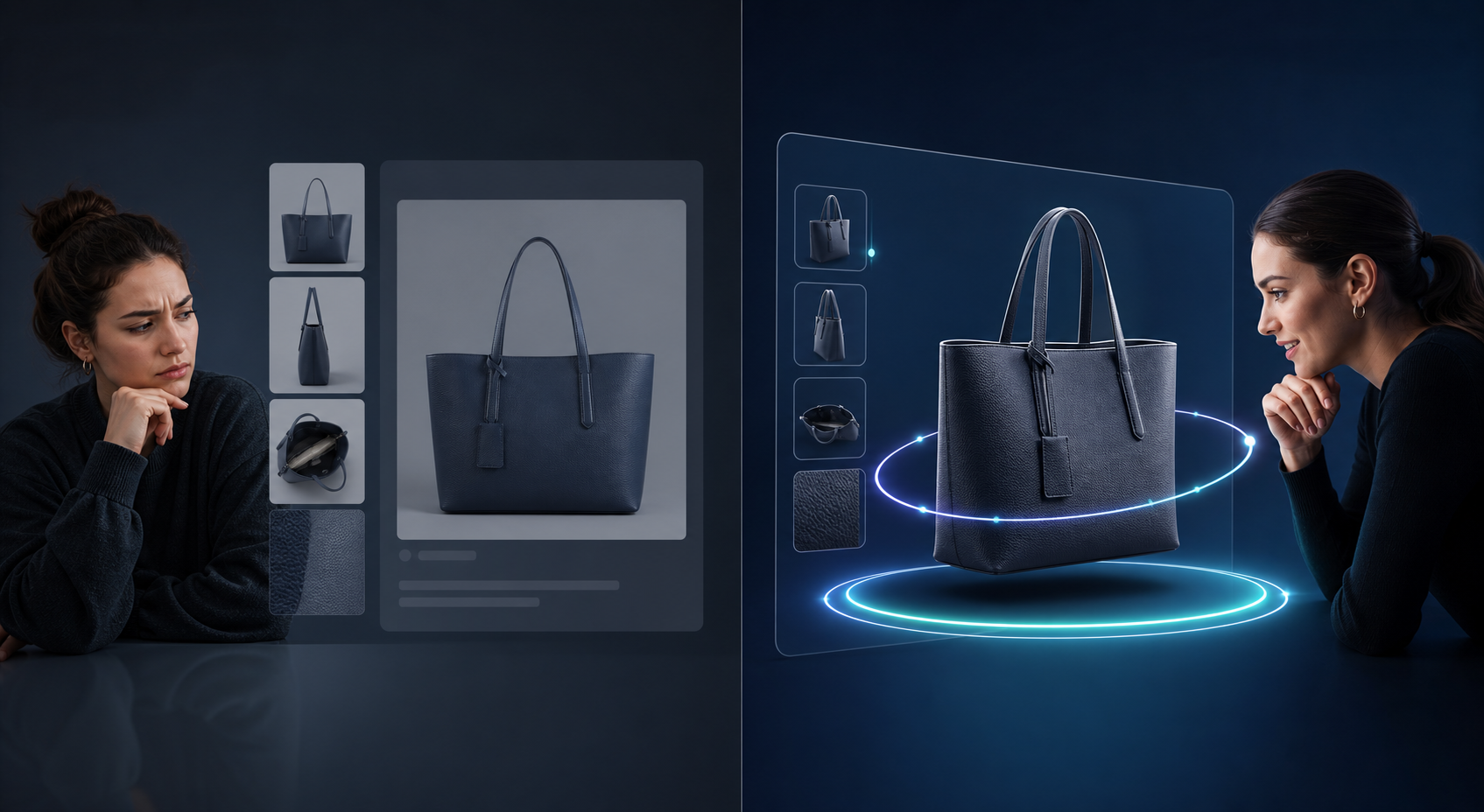
If a product still needs a long explanation to make the shape clear, it is usually a good sign that the SKU deserves a 3D slot. If the gallery already answers the buyer's biggest questions, move on.
When you are ready to go from prioritization to execution, the most relevant next reads are How to Build a Shopify 3D Capture Shot List, How to Set Up a Shopify 3D Capture Session That Scans Cleanly, How I Score Shopify Products Before Turning Them Into 3D Models, How I Build a Shopify Product Page Around a 3D Model, and How I Turn Product Launches Into Shopify Blog Posts With Automation.
If you want to test the workflow on a real product, install Supra 3D Capture and start with one SKU on the free plan. Put 3D on the products where it removes the most doubt, then scale from there.

Comments
Post a Comment