How to Prioritize Shopify Products for 3D Capture Without Wasting Time
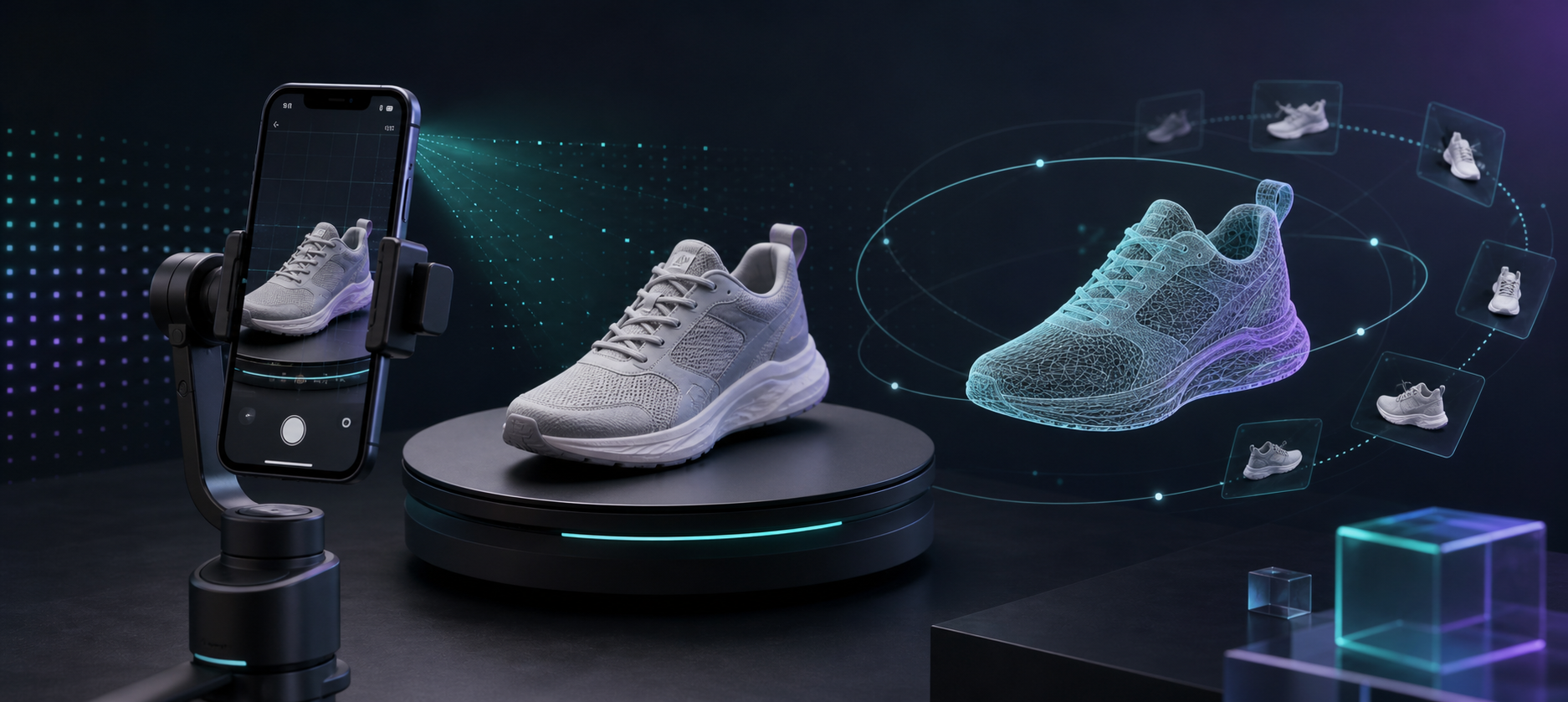
Not every Shopify SKU deserves 3D. The fastest way to make the feature pay off is to rank products by how much shape, depth, or angle information the customer needs before buying.
Supra 3D Capture turns a short guided phone photo set into a web-ready GLB you can publish straight into Shopify, so the real question is not whether 3D works. It is which products should get scanned first.
Start With Products That Lose Information In Flat Photos
The best first candidates are the SKUs where a gallery of 2D photos still leaves shoppers guessing. Think footwear, bags, bottles, furniture, tools, and anything with a back, underside, rounded profile, or texture that matters in hand.
A simple test helps: if a shopper would need to rotate the product to understand it, 3D is probably worth considering. If the item sells mostly on copy, a size chart, or a swatch, 3D may be a lower priority.
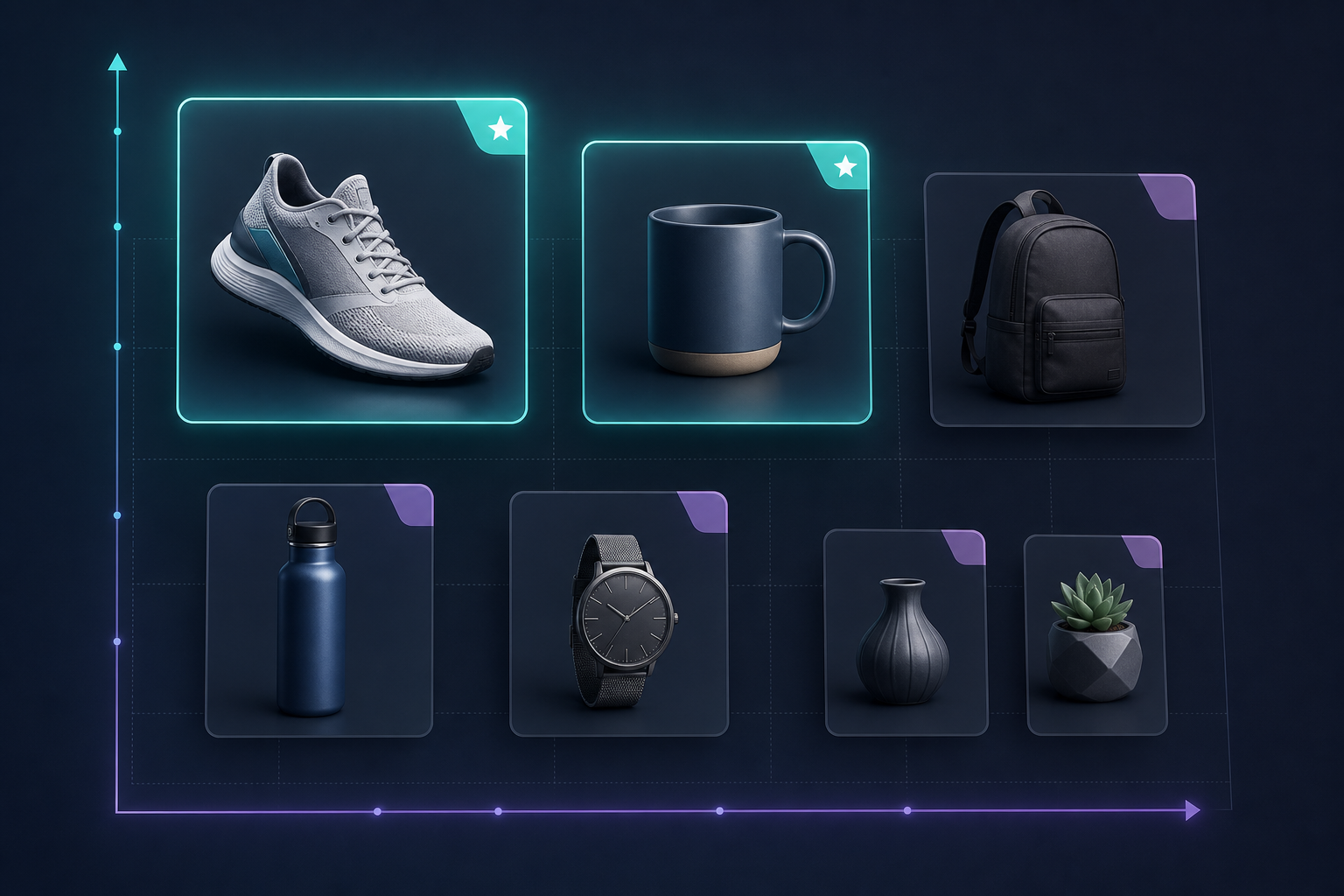
This is the same kind of decision-making used in How to Build a Shopify 3D Capture Queue Around Return Risk, where the question is not “can we scan it?” but “will the scan change the buying decision?”
Score Return Risk And Buyer Uncertainty
The strongest 3D candidates usually sit at the intersection of shape complexity and customer uncertainty. Ask three questions:
- Do shoppers need to understand the silhouette before they buy?
- Do support tickets or reviews suggest fit, angle, or proportion questions?
- Would a drag-and-rotate view make the page easier to trust?
If the answer is yes to two or three of those, the product belongs near the top of the queue. That same prioritization logic also shows up in How to Refresh Old Shopify Product Photos Before a Big Sale, when you are deciding whether the gallery needs cleanup, replacement, or a more interactive format.
If you already think in terms of asset tradeoffs, How I Build a Shopify UGC Video Test Matrix is another useful model. The point is to rank the output against the effort, not to treat every SKU as an automatic candidate.
Check Whether The Product Is Capture-Ready
A product can be important enough to scan and still be a poor first choice if the capture setup is too fragile. Before you start, check for a few basics:
- The product is mostly opaque, not highly transparent.
- The shape is stable enough to sit on a turntable or capture surface.
- The surface has enough texture for photogrammetry to track.
- The lighting can be controlled without heavy glare.
- The item is valuable enough to justify the extra media step.
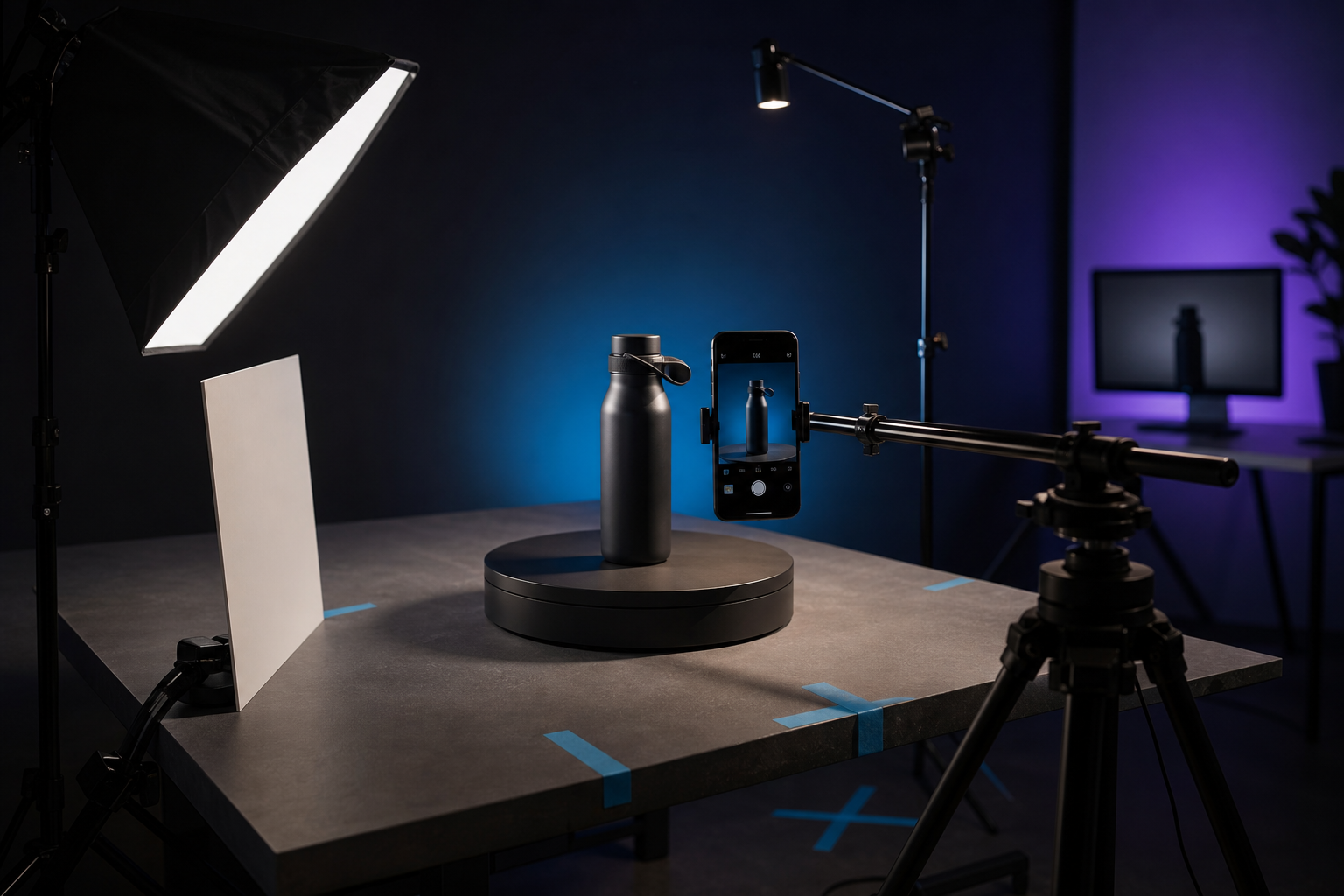
No LiDAR, special gear, or 3D modeling experience is required. Supra 3D Capture is designed around a regular smartphone, guided capture, and a product that can be photographed from multiple angles with consistent light.
Products that are very glossy, mirrored, tiny, or transparent can still be scanned in some cases, but they are better second-wave candidates. Start with the SKUs that are visually important and operationally simple.
Use A Simple Priority Score
If your catalog is large, a lightweight score keeps the decision from turning into a debate. One practical version looks like this:
- 3 points: shape is central to the purchase decision.
- 3 points: return risk or fit confusion is common.
- 2 points: the product benefits from interactive inspection.
- 1 point: the capture setup looks repeatable.
Anything that scores 6 or higher is usually worth scanning first. That is enough structure to choose a first batch without spending an afternoon arguing over edge cases.
If your team is also deciding how broad the media system should be, How to Build a Shopify Product Photo Pipeline That Covers Every Channel is a good companion read. For a more asset-complete approach, How to Turn One Product Photo Into a Full Shopify Visual Set shows how one source image can branch into multiple formats.
Publish The Model Where Shopify Can Use It
Once you pick the right SKU, the rest of the workflow should stay simple. Capture the photos, process them into a clean GLB, and attach the model to the product so it shows up in Shopify’s native 3D viewer or through the Online Store 2.0 theme app block.

That is the main value of Supra 3D Capture: it turns a phone-based photo sequence into a product-page asset instead of forcing you into a separate 3D production workflow. The Shopify App Store listing is the quickest place to compare plans and see how the app fits into a normal merchant workflow.
If you want to test the idea with a low-risk rollout, the free plan is enough to validate a single product. It includes 1 saved 3D model and 3 scans per month, which is plenty for proving the value on one high-impact SKU before you scale.
The Short Version
Do not start with the whole catalog. Start with the products where shape matters, return risk is visible, and capture setup is repeatable. That gives you the highest chance of getting a useful 3D model on a page that will actually benefit from it.
If you want the simplest next step, pick three SKUs, score them with the checklist above, and run the best one through Supra 3D Capture.

Comments
Post a Comment