How to Add a Multi-Track React Video Editor to Your SaaS App
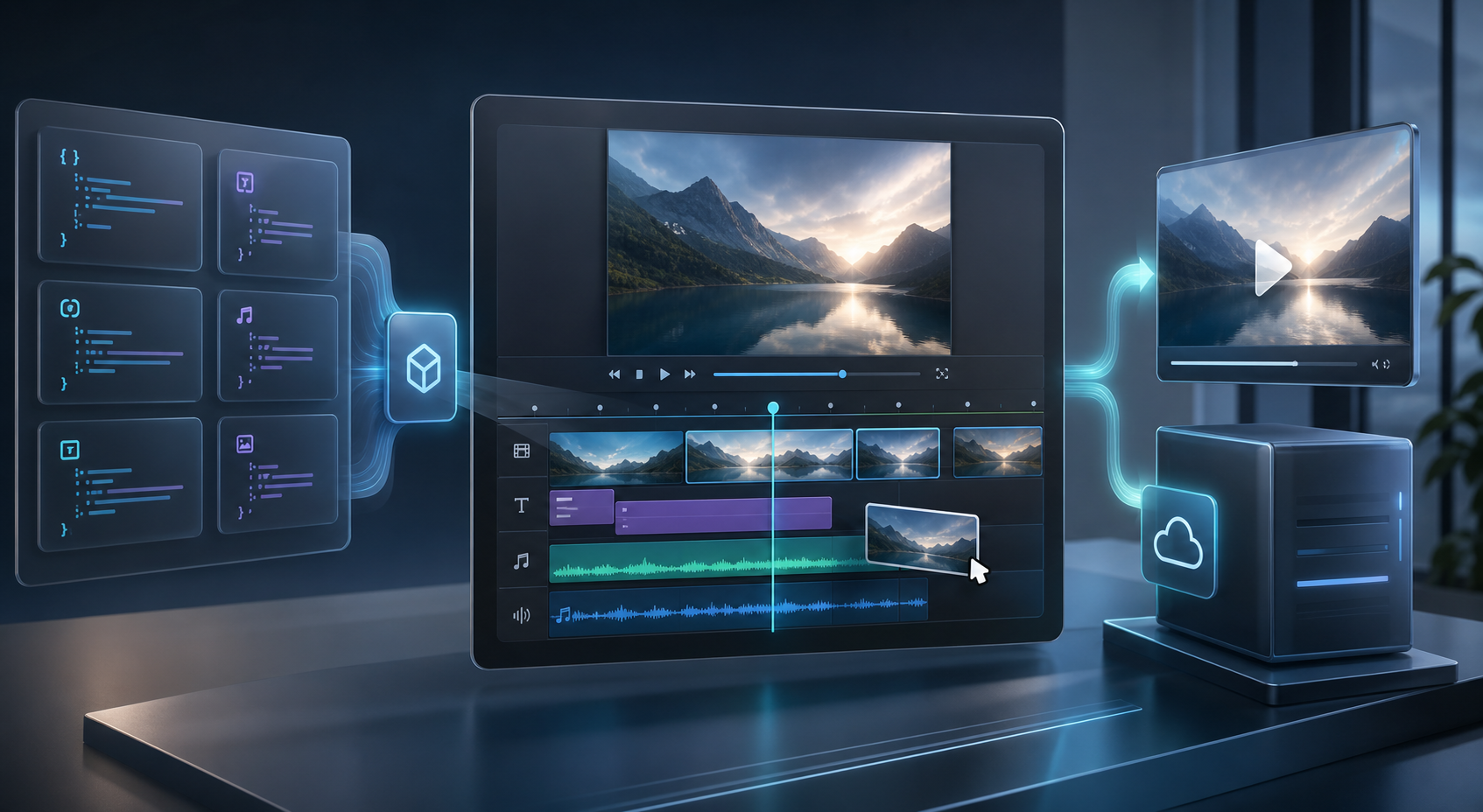
If your users need to trim clips, reorder scenes, and export a finished MP4 without leaving your product, the hard part is not the editor chrome. The hard part is making the project portable, reviewable, and renderable in more than one place.
That is where VideoFlow fits. It gives you a JSON-first core, a React video editor, and separate renderers for browser export, server jobs, and live preview. In practice, that means one project can move from edit to review to export without being rewritten for each environment.

What This Stack Is For
VideoFlow is a good fit when the workflow is structured and repeatable. It works well for templated product videos, onboarding clips, explainers, social variations, and internal tools where editors need control without building a full nonlinear editing system from scratch.
It is less useful if your team wants a traditional manual finishing suite for every creative edge case. That distinction matters, and it is why a review-first workflow is so important. I would pair this post with How I Build a Reviewable Video Pipeline Around VideoJSON if you want the operational side of the stack to stay manageable.
Model the Project as VideoJSON
The first design choice is to keep the project data separate from the UI. Store scenes, layers, captions, transitions, and timing in a format the rest of your app can save, diff, and replay. That keeps the editor from becoming the source of truth. The source of truth is the project object.
That sounds obvious, but many editor features break down because state lives in too many places. If you want a workflow that survives product changes, treat the JSON as a contract between the editor, preview, and renderer. For a deeper version of that idea, see How to Build a Video Workflow Around a Single JSON Contract.
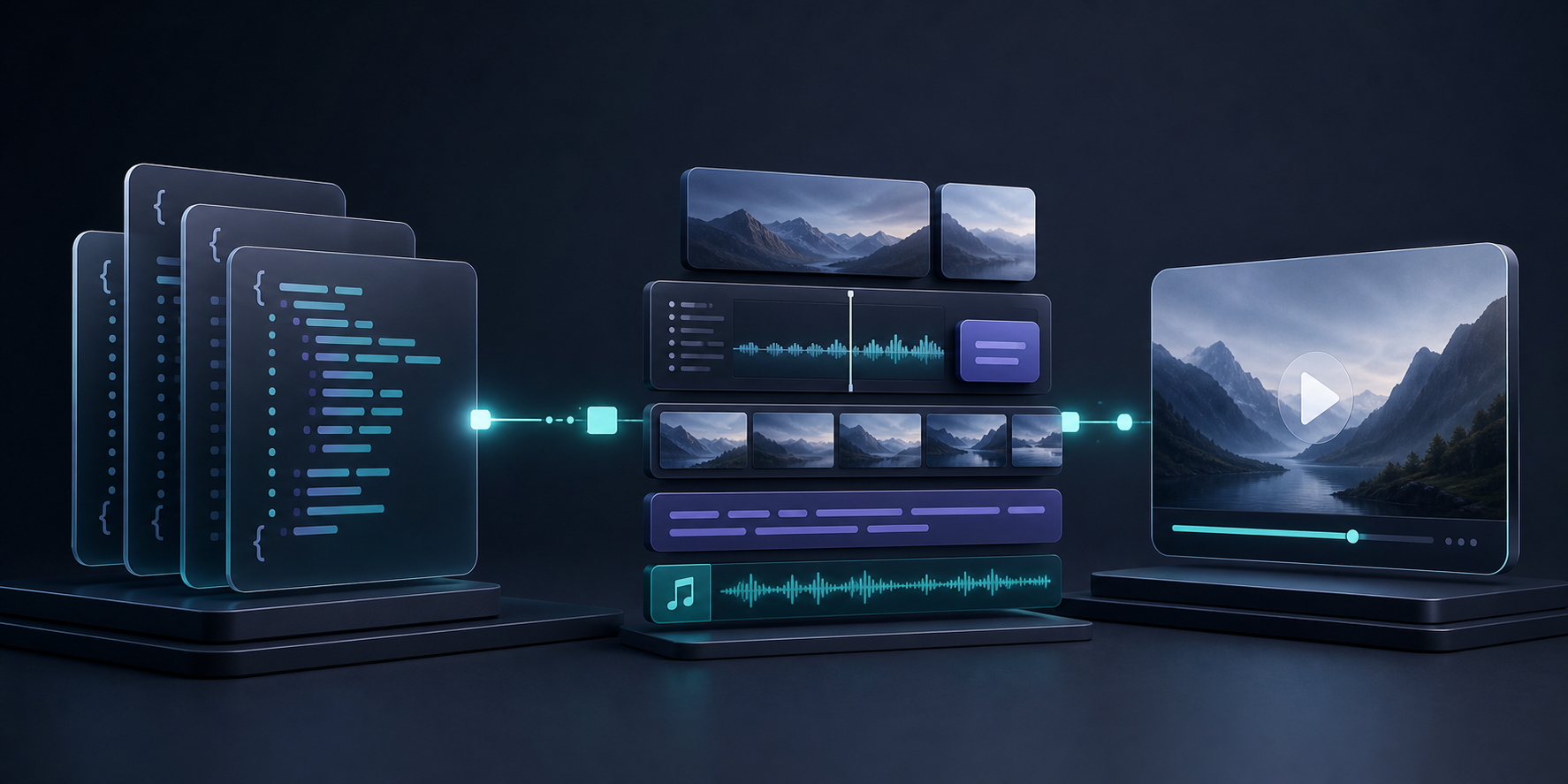
The practical payoff is simple. Product teams can review a project file, developers can version it in Git, and automated systems can generate it from data without inventing a second representation for export.
Mount the React Editor in Your App
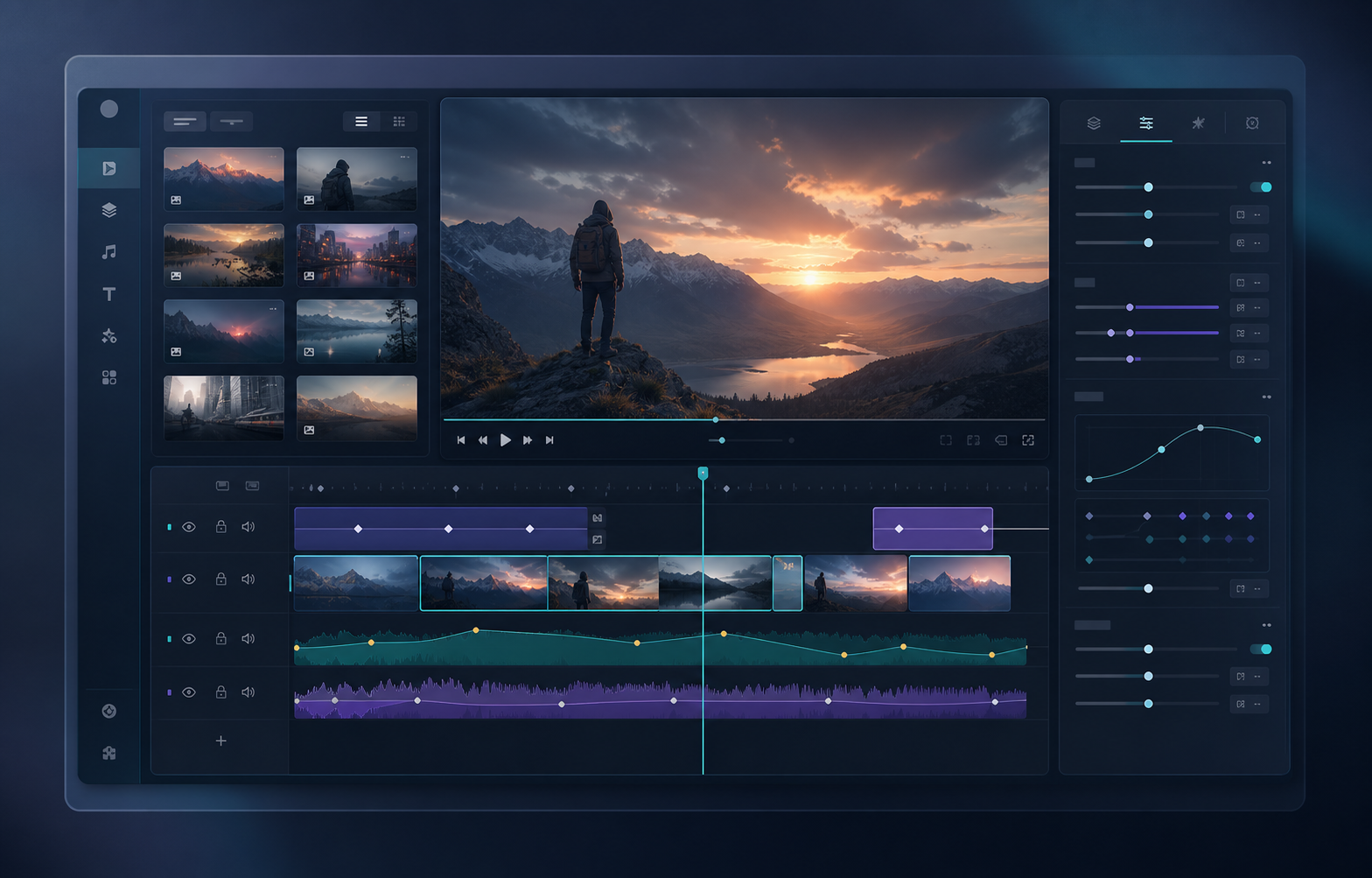
VideoFlow’s editor is designed to be embedded, not bolted on. In practice, the integration is just a matter of connecting a few responsibilities to your own app state.
import { VideoEditor } from "@videoflow/react-video-editor";
import "@videoflow/react-video-editor/style.css";

export function EditorShell() {
  return (
    <VideoEditor
      video={project}
      onChange={setProject}
      onSave={saveProject}
      onUpload={uploadAsset}
      theme="dark"
    />
  );
}
That gives you a clean seam for the rest of the app. The editor handles the timeline and preview, while your product decides where assets live, how versions are saved, and what happens after export. If you are comparing layouts and export paths, read How I Choose Between Browser and Server Rendering in VideoFlow next, because UI decisions and renderer decisions usually belong in the same design review.
Pick the Right Renderer for the Job
This is where VideoFlow becomes more than a UI component. The same project can be exported in the browser, rendered on the server, or previewed live inside the DOM. That reduces duplication and gives you room to choose the cheapest and safest path for each use case.
- Use the browser renderer when the user clicks export inside the app and you want to avoid uploading the project first.
- Use the server renderer for queues, scheduled jobs, large batches, or API-driven export workflows.
- Use the DOM renderer for live preview, scrubbing, and frame-accurate review inside your app.
If you want a deeper comparison of those paths, the companion article How I Choose Between Browser and Server Rendering in VideoFlow is the best follow-up.
Keep It Reviewable
The biggest risk in any editor feature is that it becomes difficult to audit. You can avoid that by keeping the project in version control, saving explicit checkpoints, and separating authoring from export.
That is also where a review-first workflow helps. If you want the maintenance side of this stack to stay clean as the team grows, read How to Keep Video Templates Diffable in Git With VideoFlow and How I Build a Reviewable Video Pipeline Around VideoJSON.
- Store one project file per template or campaign.
- Save changes as explicit versions, not silent mutations.
- Review both the JSON and the rendered preview before publish.
- Keep asset uploads separate from layout logic.
That small amount of discipline pays off quickly. It is the difference between an editor that feels maintainable and one that turns into an opaque production dependency.
When This Approach Makes Sense
Use VideoFlow when the work is repeatable and structured: marketing videos, templated explainers, onboarding clips, product demos, or data-driven social content. Do not use it as a substitute for a full manual video editor if your team needs freeform creative finishing.
The stack is strongest when you want a maintainable system that can be edited by humans, generated by code, and rendered in more than one environment. That is the practical sweet spot for a SaaS team that needs speed without losing control.
If you are building this feature now, start with the React video editor, then read the core docs and renderers docs. If you want the source, the GitHub repo is linked from the product page.
The cleanest first milestone is simple: model one template as VideoJSON, mount the editor, and connect save/load before you add more export paths.

Comments
Post a Comment