How to Export a Framer Site to HTML, Git, or S3
How to Export a Framer Site to HTML, Git, or S3
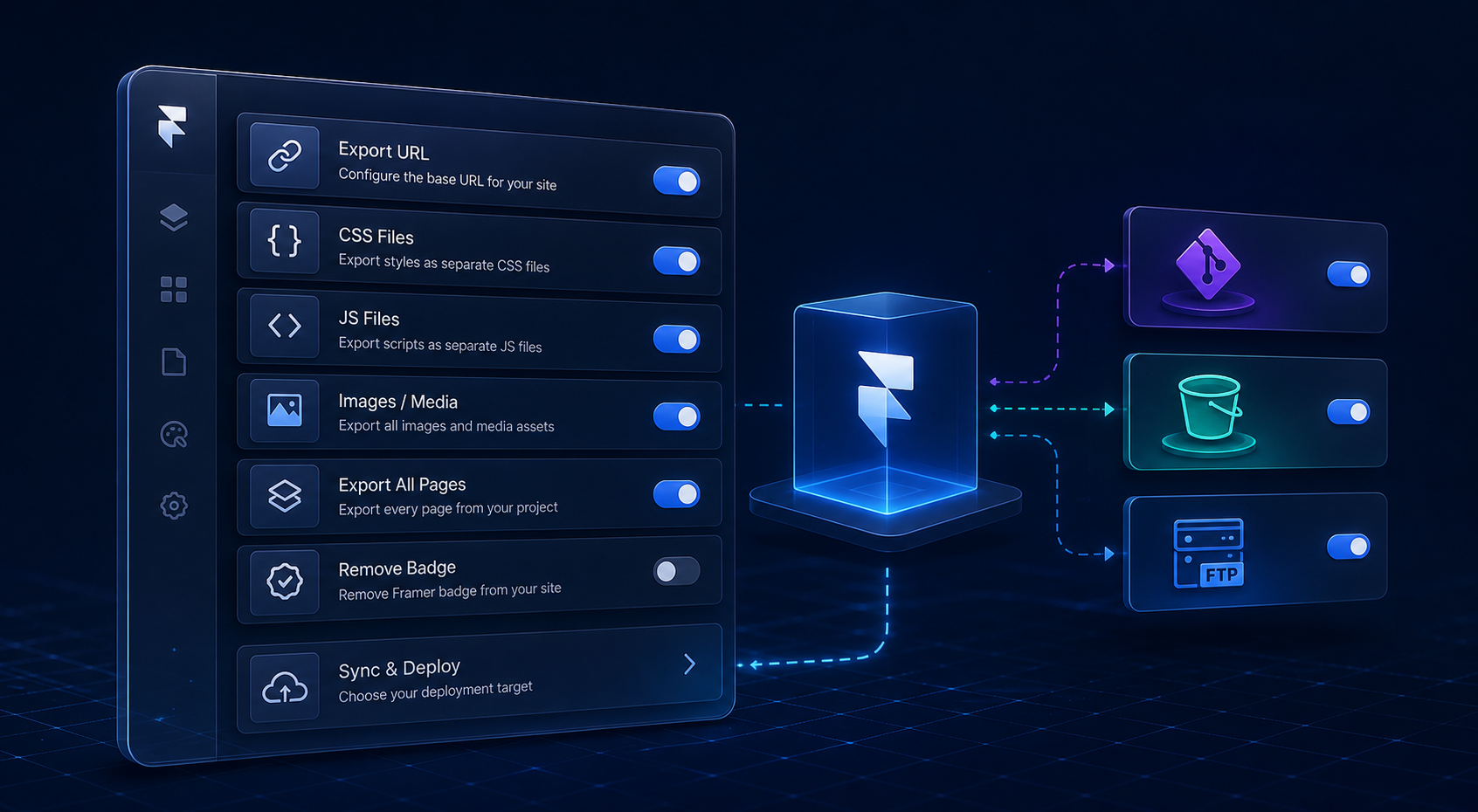
If you like Framer for the design speed but want more control over hosting, the simplest path is to export the site as static files and move those files into the system you already trust. ExFlow is built for that: it downloads a Framer site into HTML, CSS, JS, images, and media, then lets you sync the result to Git, S3, FTP, or host it on ExFlow itself.
If you want a tighter no-rebuild walkthrough, compare this with How to Export a Framer Site to Static HTML Without Rebuilding It. If your real concern is keeping routes, assets, and links intact, the follow-up How to Export a Framer Site Without Breaking Links or Assets is the better companion read.
When a Framer export is the right move
- You want to keep the design but own the deployment.
- You need a static copy for internal review or archiving.
- Your team prefers Git-based version control.
- You already host static sites on S3 or a traditional server.
- You want a path away from a hosting setup that no longer fits the project.
Framer is good for building visually rich sites. Exporting makes sense when the website has outgrown the original hosting arrangement and you want the files in your own environment.
What ExFlow exports
ExFlow can export the parts that matter most:
- The site URL you enter
- CSS files
- JS files
- Images and media files
- All pages as .html
- The option to remove the "Made with Framer" badge
- Custom script.js and style.css
- Sync targets for Git, S3, and FTP
- Hosting on ExFlow servers
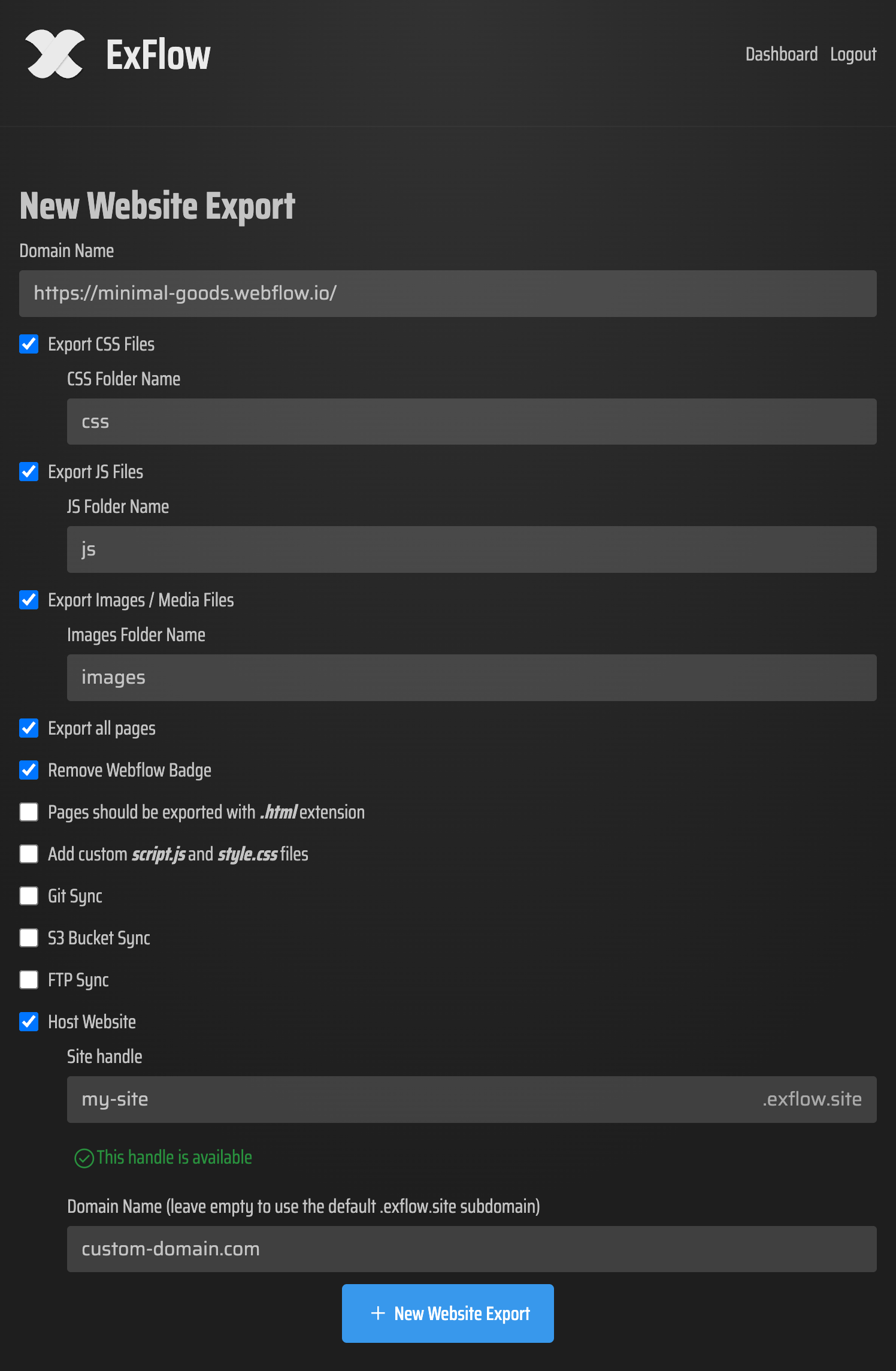
That matters because you are not just downloading a bundle and hoping for the best. You can shape the export for how the site will actually be deployed.
How to choose the destination
Git if you want reviewable changes
Git is the cleanest option when several people need to see what changed. A synced export gives you history, diffs, and a deployment path that fits normal code review.
This is the same reason many readers keep the export-first workflow from How to Export a Framer Site to Static HTML and Self-Host It and How to Download a Framer Site as Static HTML and Self-Host It in their bookmarks.
S3 if you want simple static hosting
S3 works well when the goal is straightforward file hosting with minimal moving parts. It is a good fit for brochure sites, landing pages, and exported projects that do not need application logic.
FTP if you already have an old-school server
FTP still has a place when the destination is an existing server that expects files to arrive in a classic upload flow. ExFlow removes the manual step and keeps the export in sync.

ExFlow hosting if you want the shortest path
If you do not want to manage infrastructure, ExFlow can host the exported site directly and support a custom domain. That is the shortest route from Framer design to a live static site.
A practical Framer export workflow
- Enter the Framer site URL in ExFlow.
- Turn on the export settings you actually need.
- Export all pages so nothing gets left behind.
- Download the bundle or sync it to Git, S3, or FTP.
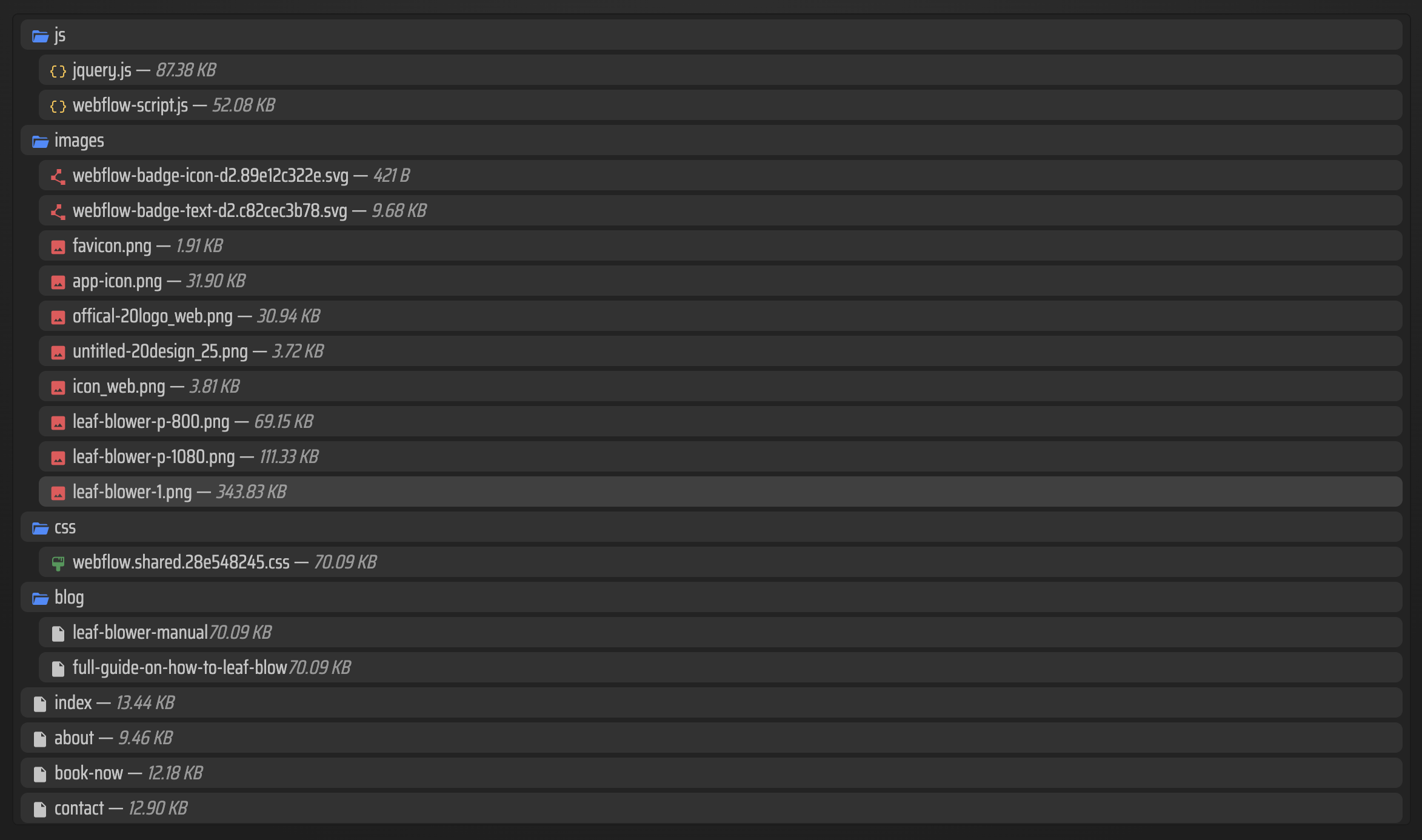
- Check that the HTML, CSS, JS, and media files are present.
- Verify the deployed site after the upload finishes.

A useful habit is to treat export like a deployment step, not a one-time download. That makes the output easier to hand off, revisit, and redeploy later.
If you want a second opinion on the handoff side of the process, the guide How to Export a Framer Site Without Breaking Links or Assets is a good next read.
What to check before you publish
- Confirm every page exported as .html.
- Check that image and media paths still resolve.
- Make sure custom scripts and styles are where you expect them.
- Verify the site on the final host, not only in the export folder.
- Keep an eye on any plan-dependent feature you rely on.
Bottom line
If Framer is where you design but not where you want to stay hosted, ExFlow gives you a practical exit: export the site, move it into Git, S3, FTP, or ExFlow hosting, and keep control over the deployment path.
Start with ExFlow.site if you want the Framer exporter, downloader, and self-hosting workflow in one place.

Comments
Post a Comment