How to Build a Shopify AI Automation Escalation Ladder

Most Shopify teams do not need an AI agent that can change everything on day one. They need a reliable way to notice what deserves attention before it turns into rework: a stockout, an unusual order pattern, a product missing key data, or a support queue that is starting to slip.
That is where a Shopify AI automation escalation ladder helps. Instead of treating automation as all-or-nothing, you define what the assistant may observe, what it may summarize, when it can notify someone, and which changes still require approval. Clawly is built around this Shopify-specific approach: an AI assistant can work across Shopify and connected tools, with permissions you choose for each job.
What Is an AI Automation Escalation Ladder?
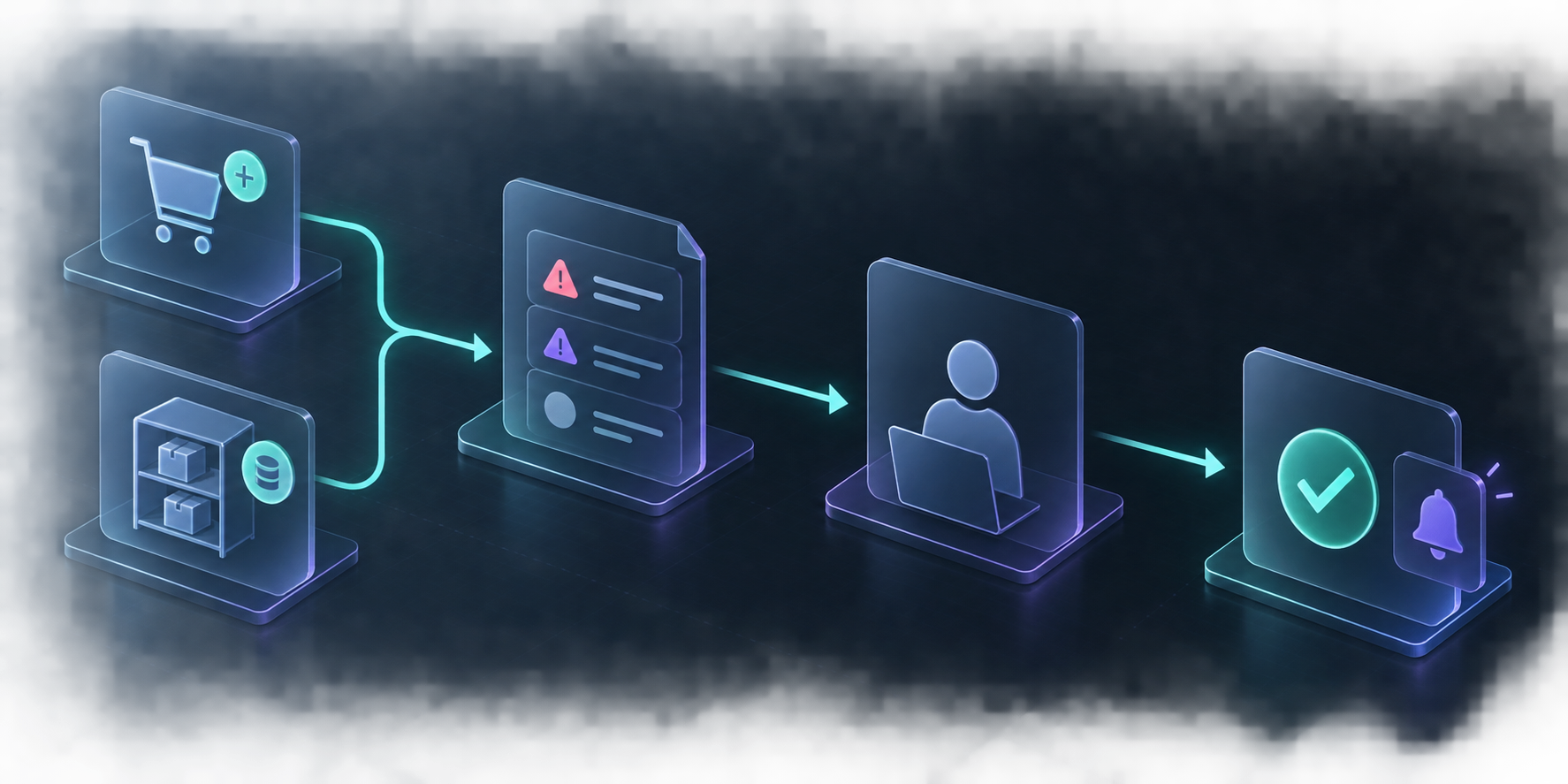
An escalation ladder is a sequence of increasingly consequential actions. Every task starts at the lowest useful level and moves up only when the evidence or your confidence calls for it. For a store, a simple ladder looks like this:
1. Observe: read orders, inventory, product data, or performance signals.
2. Summarize: turn the signals into a focused report or exception list.
3. Notify: send the right person a message when a threshold is crossed.
4. Recommend: draft a next action without applying it.
5. Act with approval: make a change only after a human reviews it.
This separates useful automation from uncontrolled automation. It also gives a small team an easy way to learn what the agent gets right before assigning it a more involved task.
Start With a Read-Only Store Signal
The best first workflow is usually a daily exception report, not a complex multi-step automation. Ask the assistant to review information you already check manually and deliver it in a compact format. For example:
- Yesterday's revenue and top-selling products
- Products approaching an inventory threshold
- Orders that look unusual for your store
- New products with missing descriptions, tags, or collection suggestions
- Support issues that need a human reply
The outcome is not a dashboard replacement. It is a short work queue that makes the first fifteen minutes of operations more deliberate. If you are deciding which report to create, this earlier guide on starting Shopify AI automation with a read-only daily report is a useful companion.
In Clawly, define the assistant's instruction in plain language, connect only the required services, and initially give it read access. The app supports Shopify Admin plus integrations such as Google Sheets, Klaviyo, Notion, Slack, and ad platforms, so the report can combine the systems your team already uses.
Turn a Signal Into a Clear Escalation Rule
A report is only helpful when it answers: what should happen next? Write simple rules before adding any automation. The rule should include the trigger, the evidence needed, the destination, and the person who owns the decision.
Here is a practical inventory example:
- Trigger: an active product drops below its chosen stock threshold.
- Evidence: product title, variant, available quantity, recent sales velocity, and next inbound date if you track one.
- Action: create a concise alert in Slack or email.
- Owner: inventory manager reviews replenishment or merchandising action.
- Boundary: the assistant does not change inventory, publish a discount, or alter a product without approval.
This structure works for order monitoring too. A sudden sales spike can become a message to the operator, rather than an automatic inventory adjustment. For a deeper example, see how to turn Shopify order exceptions into a read-only AI morning brief.

Use Scoped Permissions as the Safety Rail
The most important design choice is not the prompt. It is the permission boundary. An AI store assistant should only access the tools and actions it needs for the assigned job.
For a daily report, that may mean access to orders, products, and inventory information—but no authority to edit product data, create discounts, or send customer messages. For a support-drafting workflow, it may prepare a response and surface the order context while a person sends the final reply.
Clawly's positioning is particularly useful here: assistants can be connected to Shopify and external tools with granular, scoped access. That lets you create separate assistants for separate responsibilities rather than one broad agent with every permission.
A practical permission review asks three questions:
- What information must this assistant read to do its job?
- Which outputs can it draft safely without supervision?
- What action would be costly or hard to reverse if it were wrong?
Keep the final category human-approved. This is the same operational habit behind a weekly Shopify operations review with an AI agent: use the agent to focus attention, not to remove accountability.
Add One Approved Action Only After the Report Proves Useful
After a few weeks, look for a repetitive decision with a clear rule. That is a better candidate for the next rung than a broad request to “run the store.” Examples include drafting SEO titles for new products, tagging products based on a preapproved taxonomy, or sending an internal alert when inventory crosses a fixed threshold.
Test one action at a time. Keep a short review period, sample the results, and record the exceptions. If the action creates more cleanup than time saved, move it back down the ladder to a draft or notification.

A Simple First Week Plan
1. Choose one recurring operations question, such as “What needs attention this morning?”
2. Build a read-only report with only the Shopify data and integrations it requires.
3. Send it to one owner at a predictable time.
4. Track which alerts were genuinely useful for five to seven days.
5. Add a recommendation or approved action only for the repeatable, low-risk cases.
This is a more sustainable path than chasing full autonomy. It gives your team a visible queue, a tighter feedback loop, and an AI assistant whose scope matches its trust level.
Build the Ladder Before You Add More Automation
If your store operations feel reactive, begin with the smallest reliable job: a read-only daily brief that surfaces exceptions. Then use the findings to define the next escalation rule. You can install Clawly from the Shopify App Store and create an assistant for that first report, with only the integrations and permissions it needs.
The useful question is not “What can AI automate?” It is “What should this assistant earn the right to do next?”

Comments
Post a Comment