How to Make a SaaS Product Video Without Starting Over

A product video can become expensive long before it becomes useful. The familiar failure mode is not a bad first cut; it is a first cut that cannot absorb the next sensible request: change the opening, cut a feature, adjust the tone, or make the CTA fit a new launch date.
The practical answer is to start with a workflow that keeps the video structured and reviewable. Instead of treating the first render as a precious final asset, treat it as a decision-making tool: get a focused version quickly, inspect it, then revise the parts that matter. VideoFlow Studio is built around that approach. You give it a startup or product URL from your terminal, direct the creative work in plain language, and keep an editable video document behind the render.
This is the workflow I would use when a SaaS team needs a launch video without committing to a one-shot production process.
Start with one audience and one job
A website contains too much material for a short product video. Features, social proof, integrations, pricing, and every navigation label all compete for attention. Before opening a tool, decide what the viewer should understand or do in the first 30 to 60 seconds.
Write down four things:
- The viewer: a prospect, Product Hunt visitor, existing customer, or sales lead.
- The problem: one frustrating before-state they recognize.
- The proof: the clearest product moment, result, or interface change.
- The next action: join a waitlist, start a trial, request a demo, or keep exploring.
That short brief prevents a common mistake: asking for a video "about our whole company." A narrower goal also makes later revisions cheaper because everyone can judge a change against the same job. If you need help turning broad page material into a durable sequence, this SaaS demo video brief guide is a useful companion.
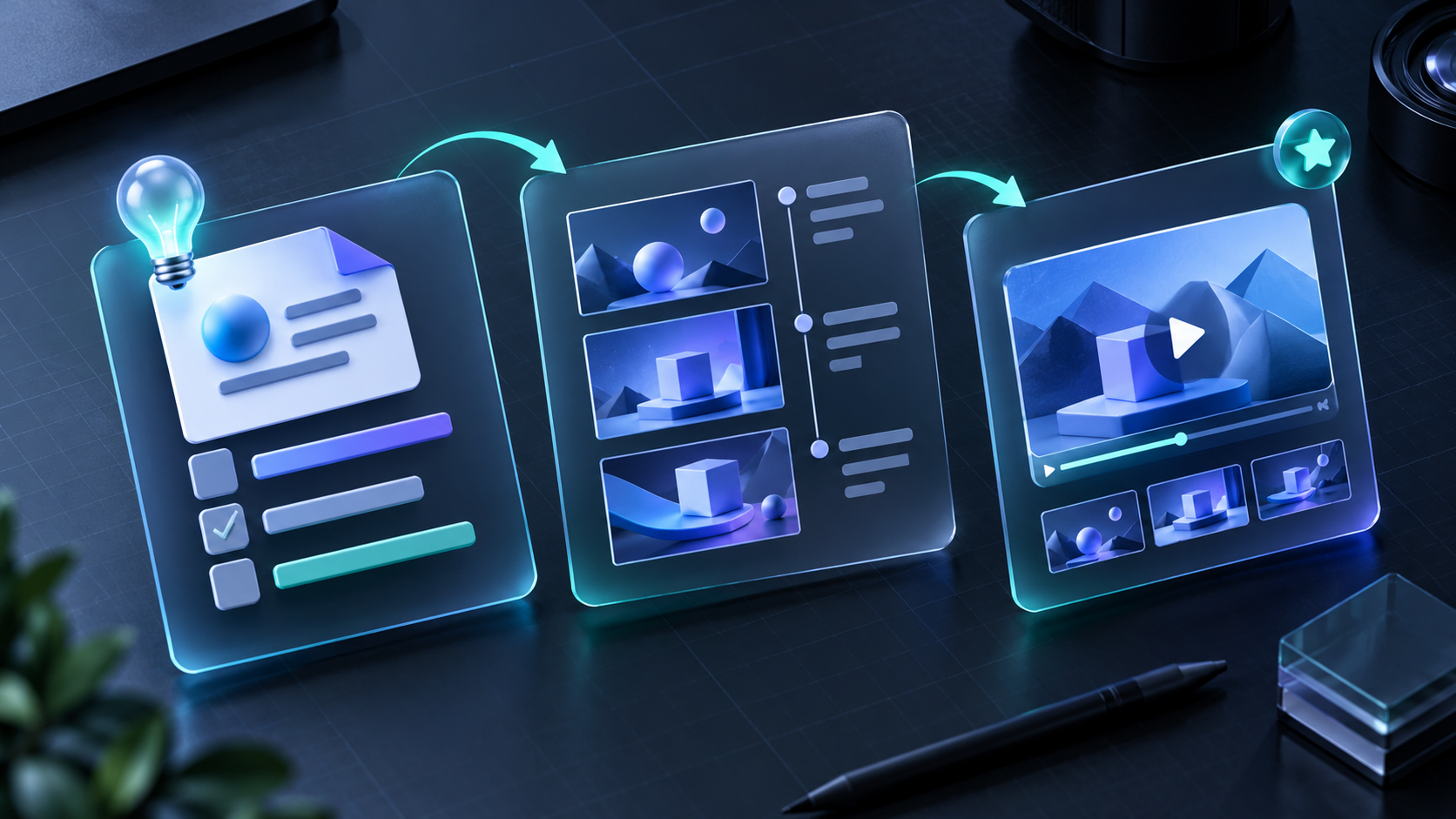
Turn the website into a first-cut plan, not a final script
A URL is a strong creative starting point because it exposes the product language, visual cues, and likely customer promise. It should not automatically become a narrated tour of every section. Use it as source material for a scene plan.
With VideoFlow Studio, you can run `npx @videoflow/studio`, provide the product URL, and direct the agent toward a specific narrative angle. Studio plans, builds, renders, visually reviews, and can revise a motion-graphics video; the underlying VideoFlow engine keeps the work as an editable document rather than a locked clip.
For a first pass, ask for a deliberately simple structure:
1. Open on the customer problem or moment of friction.
2. Introduce the product as the change in the workflow.
3. Show one or two concrete product moments.
4. End with the action the viewer should take.
That is enough to reveal whether the narrative works. It is also much easier to change a weak scene or missing proof point than to re-brief an entire video after a polished but unfocused render arrives.
Review the render like an operator
Do not review only for whether the video looks impressive. Review it for whether it does the job you set. Watch once without pausing, then make a second pass with a short checklist.
Check these questions:
- Is the product and audience clear in the opening seconds?
- Does each scene earn its place, or does it repeat the same claim?
- Is the visual hierarchy easy to follow on a laptop and a phone?
- Are key claims supported by a real product moment rather than decorative motion?
- Does the end card ask for one next action?
Studio’s visual review step is useful here because encoded frames can surface practical defects such as alignment and contrast issues before delivery. That discipline matters even if the creative direction is strong. A separate review-gate workflow for launch videos shows why a short approval pass is more reliable than assuming the first render is ready.

Make revisions as decisions, not vague feedback
The most useful revision notes identify the outcome and the place to change. "Make it better" creates a new interpretation problem. "Open with the customer’s manual handoff, shorten the feature montage, and keep the demo scene" gives the creative system a job it can execute.
Group feedback into three buckets:
- Narrative: change the order, cut an idea, or make the problem more explicit.
- Evidence: replace a generic scene with a real product moment, metric, or interface.
- Polish: adjust pacing, contrast, timing, or end-card emphasis.
VideoFlow Studio supports natural-language changes and also includes an editor for manual changes to layers, timing, colors, and text without discarding the agent context. This makes it a different fit from a one-shot generator: the goal is not merely to produce a plausible clip, but to retain control after the first version. For a terminal-first review loop, see this guide on revising a startup launch video from the terminal.

Know when this workflow is the right fit
This approach is strongest when you need structured motion graphics for a startup launch, explainer, product update, or landing-page video and expect the message to evolve. It is especially useful for founders, product marketers, and agencies that need a credible first cut before committing more production time.
It is not a promise that every video can be finished without a human creative decision. A brand film with live action, complex character animation, or a highly specific art direction may need a traditional production process. The advantage here is narrower and practical: a website-driven first cut can be planned, reviewed, and revised without throwing away the editable work underneath it.
Build the first cut you can improve
Start with one page, one audience, and one product outcome. Give VideoFlow Studio a focused brief from your terminal, use the first render to test the story, and make the next revision about a concrete decision. You will move faster than a restart-heavy workflow while still keeping the final video under your control.
For more launch preparation ideas, the French-language product-page-to-video checklist offers a complementary source-material review before you build the first scene.

Comments
Post a Comment