How to Keep Your Startup Launch Video Accurate to Your Website

A launch video should make the same promise as your website—not an inflated version of it. The practical way to get there is a claim-to-scene audit: every scene needs a source on the live site, a job in the story, and an owner who can approve it. That small check prevents the common mistake of publishing a polished video that sales, product, or a customer immediately has to correct.
VideoFlow Studio is useful here because it turns a product URL into a planned, editable motion-graphics film rather than a one-shot clip. But the tool cannot decide whether your homepage copy is current, whether a beta feature is ready to advertise, or whether a pricing statement needs a date. That judgment belongs in your workflow.
Why launch videos drift from the website
A website is not a screenplay. It usually contains old landing-page experiments, several audiences, feature lists, testimonials, and navigation labels. A video needs one idea and a short sequence. The risk appears when a writer or generator fills the gaps with plausible language: a feature becomes a guarantee, an integration becomes a native workflow, or a future plan becomes present tense.
The fix is not to cram every page into the cut. It is to pick a narrow reader promise and preserve the evidence behind it. If you have already built a startup launch video brief, this audit is the step that converts that brief into defensible scenes.
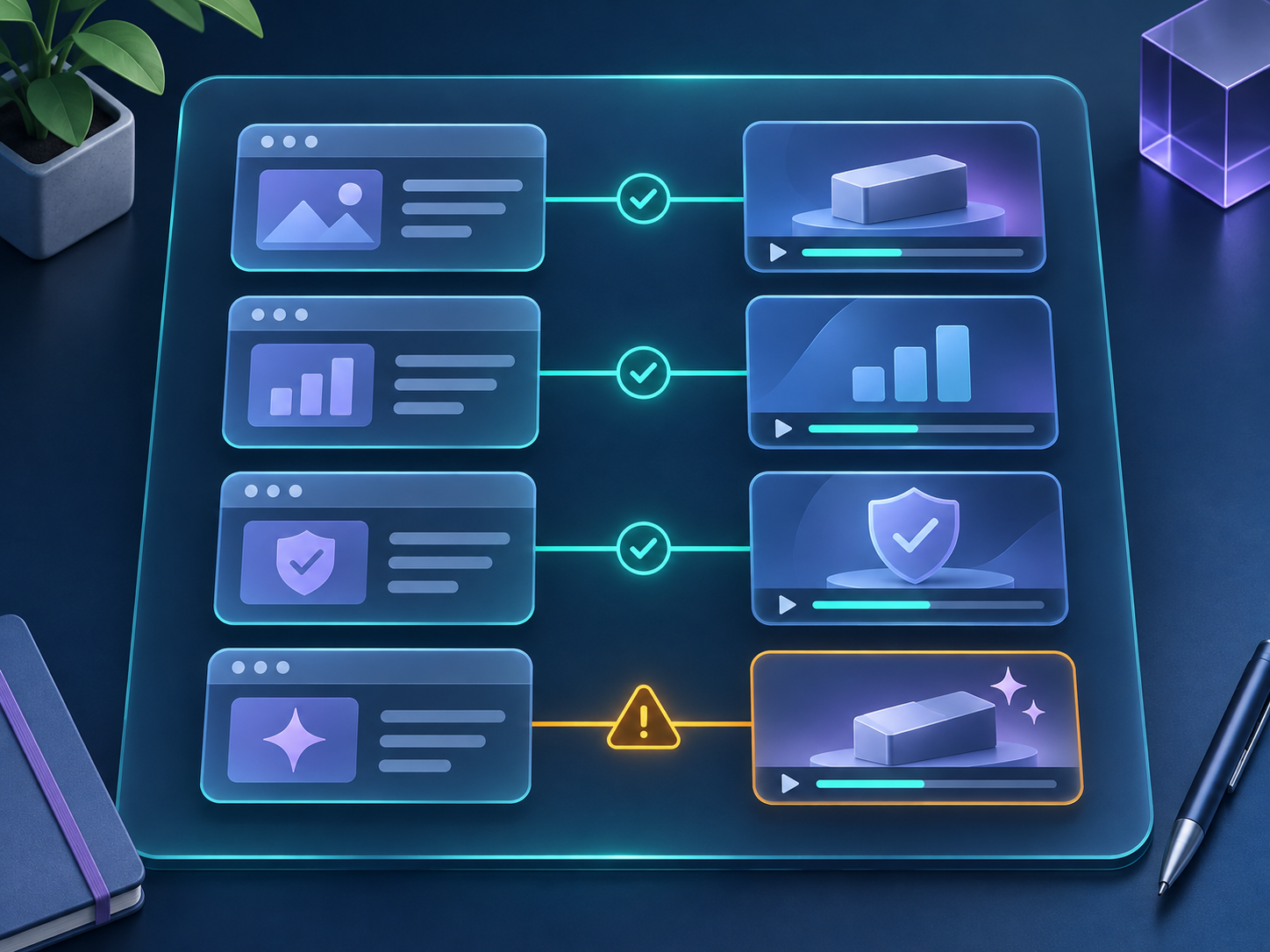
Build a claim-to-scene audit before anyone renders
Open a simple table and give each proposed scene one row. Do this after you have a rough narrative, not after the export is ready to share.
| Scene job | Exact source | What the video may say | Approval question |
| --- | --- | --- | --- |
| Name the problem | Homepage headline or customer research | The problem the product addresses | Is this still the audience we want? |
| Show the mechanism | Product page, demo, or documentation | What a user can actually do | Can the product team demonstrate it today? |
| Establish proof | Published case study or visible workflow | A bounded outcome or process | Is the wording supported and permitted? |
| Ask for action | Current CTA and destination | Try, book, join, or learn more | Does the link and offer still match? |
The important column is “exact source.” A scene with no source is not automatically wrong; it is simply an editorial choice that needs explicit approval. For example, “built for fast-moving teams” may be a positioning line. “Cuts reporting time in half” is a measurable claim and needs stronger evidence.
This approach also keeps a team from making the homepage carry every story. A pricing change, release note, or new integration can deserve a short video, but it should be treated as a different brief. That is the same discipline behind deciding when a launch-video change requires a new render.
Reduce the website to one demonstrable promise
Before you generate a first cut, write this sentence: “For [specific audience] who need to [specific job], this video shows [visible mechanism].”
Good: “For operations leads who need a clearer weekly handoff, this video shows how the shared approval step keeps requests moving.”
Too broad: “For modern teams, this platform transforms work.”
The first sentence tells you what footage, interface state, and copy belong in the video. The second could apply to nearly anything, so it creates filler scenes and vague motion. If you cannot point to a visible mechanism, make a shorter brand film or collect the missing evidence before commissioning an explainer.
Use the website as evidence, not as a script
A useful first pass has three buckets:
1. Safe to show: current product UI, published workflow, supported integration, public price, or a screenshot you are licensed to use.
2. Safe with context: roadmap items, performance statements, or customer outcomes that need a qualifier, date, or approval.
3. Do not imply: unreleased features, third-party logos without permission, results you cannot substantiate, or a workflow that requires services not shown in the video.
This is especially important for AI-assisted video. Clean typography and smooth transitions can make an unsupported claim feel credible. A visual review catches alignment and contrast; it does not establish that the message is true. Pair the visual check with the claim audit.
Keep the project editable until the final approval
A locked MP4 forces a painful choice: accept a small inaccuracy or pay to recreate the change. Prefer a workflow where scenes, copy, and timing can still move. VideoFlow Studio describes its output as an editable project, with a browser editor and plain-language change requests; its current pricing page also says the free plan includes eight renders and edits monthly, subject to change.

The product is a fit when you want a URL-to-video starting point but still need an operator to direct the story. Studio’s about page describes it as a harness around a coding agent, with the agent working from the product website and the resulting film staying editable. Treat that as a production aid, not an approval substitute. A code-first video framework or a human motion designer may be the better choice when your work requires a bespoke visual system, footage direction, or a campaign with many formats.
For the actual review, run this five-minute release check:
- Read every spoken or on-screen claim next to its source URL.
- Watch once with sound off: can a viewer understand the one promise?
- Watch once at normal speed: are product states, prices, and CTAs current?
- Ask one product owner to flag claims, and one marketer to flag confusing language.
- Save the approved sources with the project so the next revision starts from evidence.

Make corrections proportional to the risk
Not every edit requires a rebuilt film. A typo or timing adjustment can stay within an approved scene. A pricing change, a different audience, or a revised product promise changes the evidence and deserves a new audit row. That distinction keeps the approval cycle short without treating accuracy as optional.
If you are using VideoFlow Studio from the terminal, start with the product URL, then give it the one demonstrable promise and your approved source list. Its about page describes the workflow as website analysis, planning, scene design, render review, and editable output. The better your evidence packet, the less cleanup you will need after the first cut.
A startup launch video does not need to repeat the whole website. It needs to make one truthful promise memorable. Build the claim-to-scene audit first, keep the project editable, and publish only after the story and the source material agree. For a complementary review step, see this guide on reviewing a startup launch video before sharing it.

Comments
Post a Comment