Reversible Product Photo Edits: A Browser Workflow That Preserves the Master
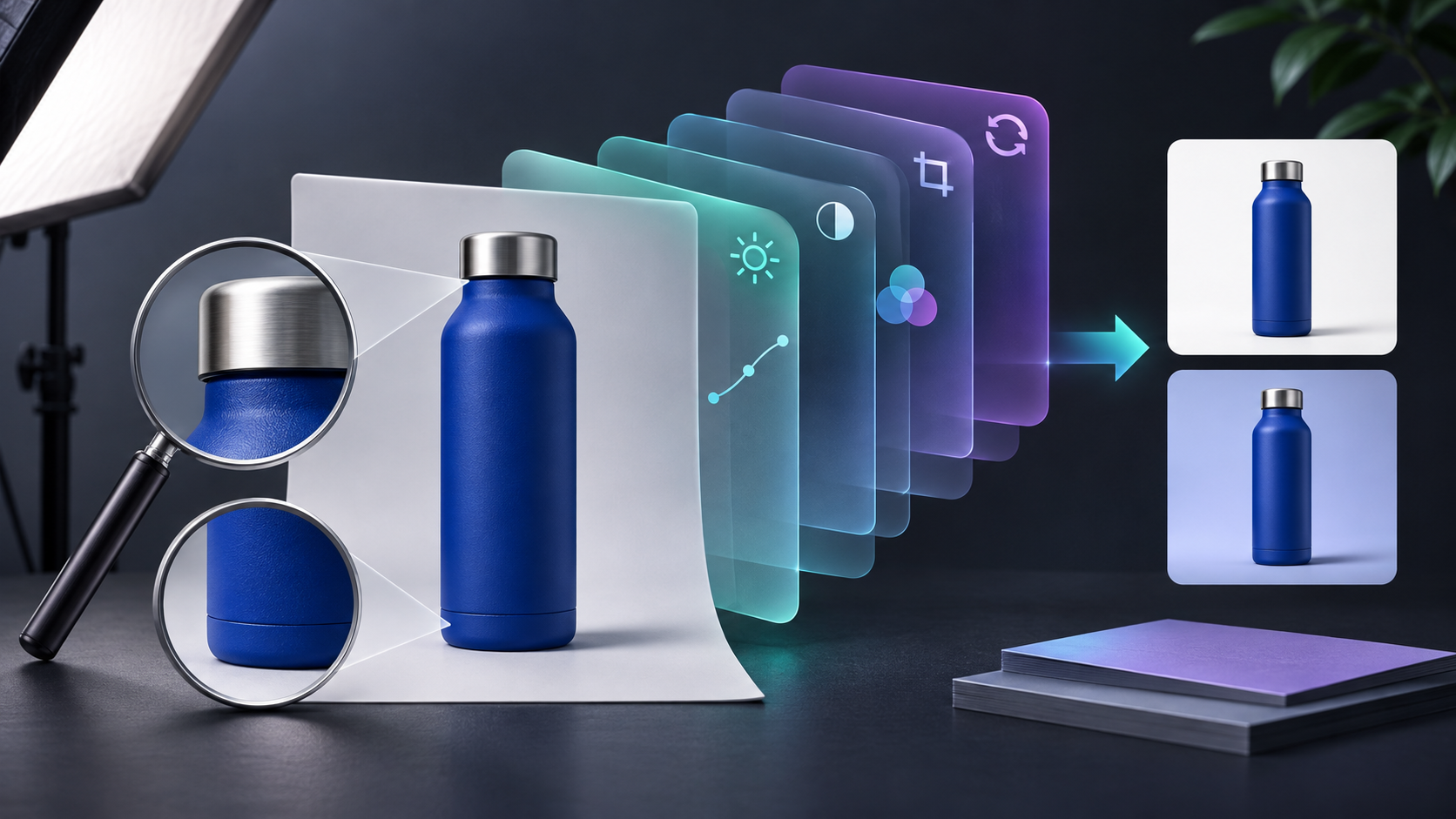
A product-photo correction should be easy to undo, inspect, and export again—not a one-way trip that overwrites the only usable image. The practical answer is to keep the original as a protected base, make every change in its own named layer or mask, and export delivery files only after a short truth check. ImageFlow is a browser-based editor built for that kind of editable workflow: its documented layers, masks, adjustment layers, smart objects, and PSD import/export let a small team keep the master intact while making useful corrections.
That matters when a store needs a cleaner shadow, a slightly more even tone, or a removed bit of studio debris. Those are presentation fixes; they should not silently change a product’s colour, material, dimensions, included accessories, or label.
The reversible-edit rule
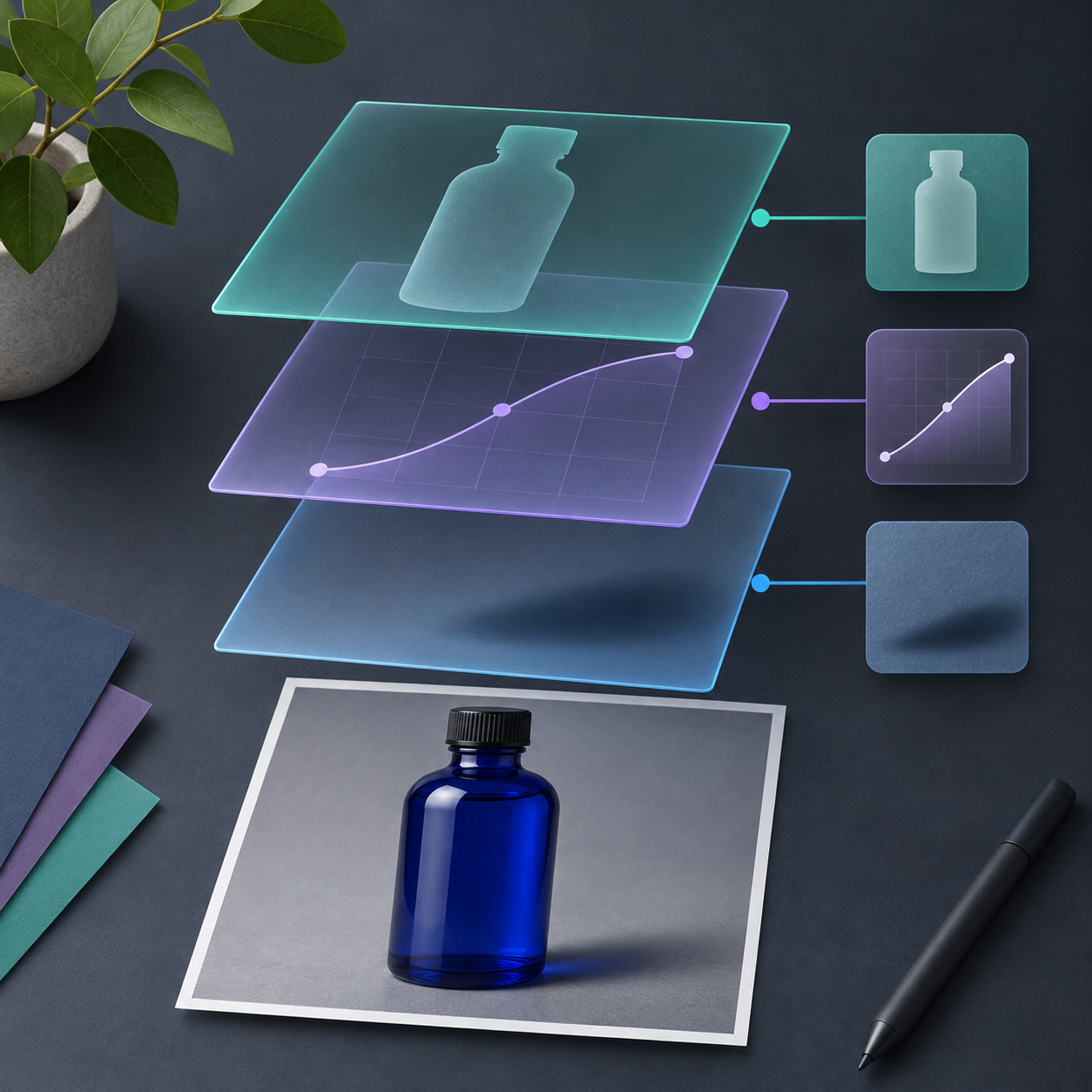
Treat the source photo as evidence, then treat your edit as an attached instruction set. A clean workflow has three parts:
1. Protected base: Keep the camera original or approved master at the bottom of the document. Do not paint directly onto it.
2. Purposeful correction layers: Put tone, cleanup, mask, and shadow work on separate layers or adjustment layers. A reviewer should be able to hide one layer and understand exactly what changed.
3. Derived exports: Make square, portrait, marketplace, or email files from the master. The exports are disposable; the editable document is not.
This is more than tidy file management. It makes a later request—“use the same product image, but for a pale background”—a small revision rather than a rebuild. It also gives someone else a way to check whether the product has stayed truthful.
A four-layer correction stack
For a routine catalog image, use the smallest stack that solves the visible problem. Here is a practical model for a blue bottle photographed on a neutral sweep.
| Layer or group | Job | What may change | What must not change |
| --- | --- | --- | --- |
| Base photo | Reference and recovery point | Nothing | Product shape, label, colour, finish |
| Tone adjustment | Correct exposure or white balance | Overall brightness or cast | Product colour beyond the approved reference |
| Cleanup layer | Remove a dust speck, tape mark, or studio debris | Background-only distractions | Logo, product edge, included accessories |
| Mask and shadow group | Separate the product or control a replacement background | Edge treatment and believable grounding | Fine details, transparency, proportions |
In ImageFlow, layers, layer masks, clipping masks, and non-destructive adjustment layers are documented capabilities. That is enough for a conservative correction stack; you do not need to ask generative tools to recreate the product. If you do use object selection or background removal, regard the result as a starting mask, especially around reflections, transparent surfaces, hair-like fibers, and fine printed edges.
A useful companion is our earlier guide on refining product-photo masks in your browser. The key idea is the same: selection quality is not proven by a single click; it is proven at the boundary.
Build the document before fixing the photo
Start by duplicating the source into an editable working document. Name the bottom layer `ORIGINAL — do not edit` in your own convention, then group any corrections above it. The naming is not a feature claim about ImageFlow; it is simply a habit that makes review faster.
Next, choose one correction with a clear job. For example: soften a harsh cast with an adjustment layer, or remove a small background distraction on a separate cleanup layer. Do not combine lighting, retouching, and masking into one opaque action. If a reviewer cannot turn a correction off independently, it is harder to decide whether the correction is safe.
ImageFlow also documents smart objects and smart filters. When the source arrives as a layered design file, those can help retain editability, but test a representative complex PSD before making a critical client handoff depend on any round trip. The browser workflow reduces the need to upload ordinary edits; it does not replace your organization’s privacy review or file-retention policy.
Run a 90-second truth check before export

Before you create output files, hide all correction groups, then reveal them one by one. This deliberately slow step catches the edits that look polished at normal zoom but become misleading in a storefront grid.
Use this short check:
- Edge: Zoom in around the silhouette. Is there a halo, clipped corner, or missing transparent detail?
- Identifier: Compare the label, logo, colourway, and included parts against the base. Is the listing still showing what buyers receive?
- Light and shadow: Does the added or adjusted shadow support the object without making it float or implying a different material?
- Context: If a background changed, could a buyer mistake the scene for an included accessory, size reference, or product colour?
If any answer is uncertain, leave the layer visible for discussion or turn it off. A clean but honest image is more useful than a dramatic one that creates a returns problem. For a deeper version of this release check, see how to check product photo fidelity after background removal.
Export without turning the master into a dead end
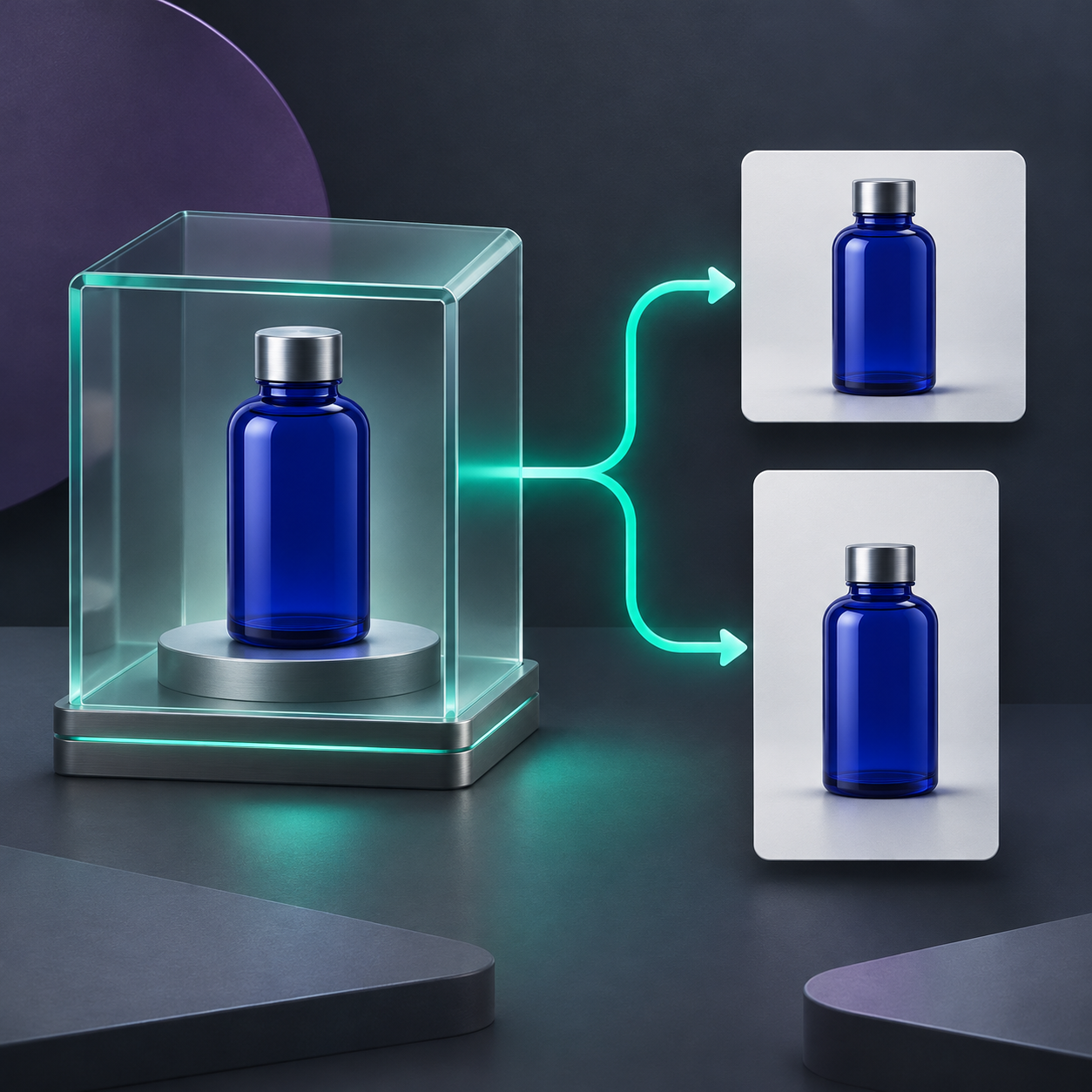
Save the editable master first, then create copies for the channels that need them. A square catalog crop and a vertical social crop can share the same correction stack, but they may need different framing. Keep their filenames explicit enough that the team can distinguish the master from delivery files—for example, `bottle-blue_master` versus `bottle-blue_catalog-square`.
This separation helps when merchandising asks for a new crop next week. You reopen the master, make the smallest change, and produce a fresh export. You do not start from a compressed JPEG whose masks, adjustments, and cleanup decisions have disappeared. The same principle supports making Shopify product image variants without replacing the master.
When this workflow is worth the extra minute
Use the full stack when an image will be reused across product pages, marketplaces, ads, or campaigns; when another person must approve the result; or when the original is difficult to reshoot. For a throwaway internal mockup, it can be excessive. The point is not to create more layers—it is to preserve the option to correct an error without rebuilding the work.
If you need a browser-based starting point, open ImageFlow with one real product image and make only one reversible correction first. Then compare the base and edited view at full size before exporting. If your team also needs recurring layouts, pair this practice with reusable product image templates that keep the original intact.
A product photo does not have to be untouched to be trustworthy. It has to stay explainable: what changed, why it changed, and how to return to the approved master.

Comments
Post a Comment