Shopify Variant vs Linked-Product Swatches: A Decision Framework
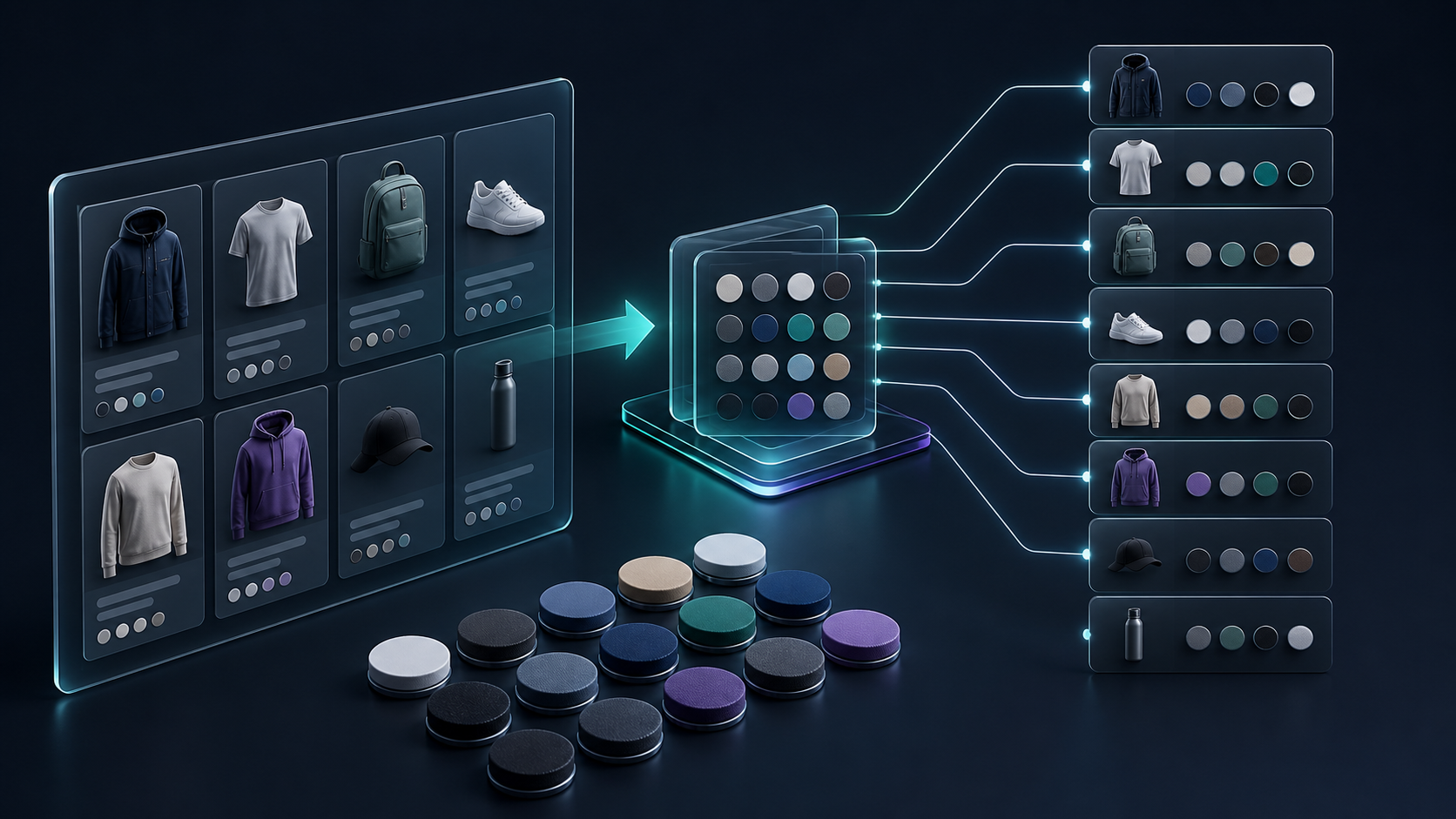
Color swatches look like a small storefront detail until they create the wrong product structure behind the scenes. The recurring question is simple: should a color live as a Shopify variant, or should it be its own linked product? The practical answer is to decide from the customer journey and the operations you need to support—not from whichever option is quickest to set up today.
Supra Swatch Colors gives you both routes: turn existing variant options into visual color or image swatches, or link separate products as a swatch group. It also supports swatches on product and collection pages, so the choice can stay consistent from discovery to product detail.
Start With the Job Each Color Has to Do
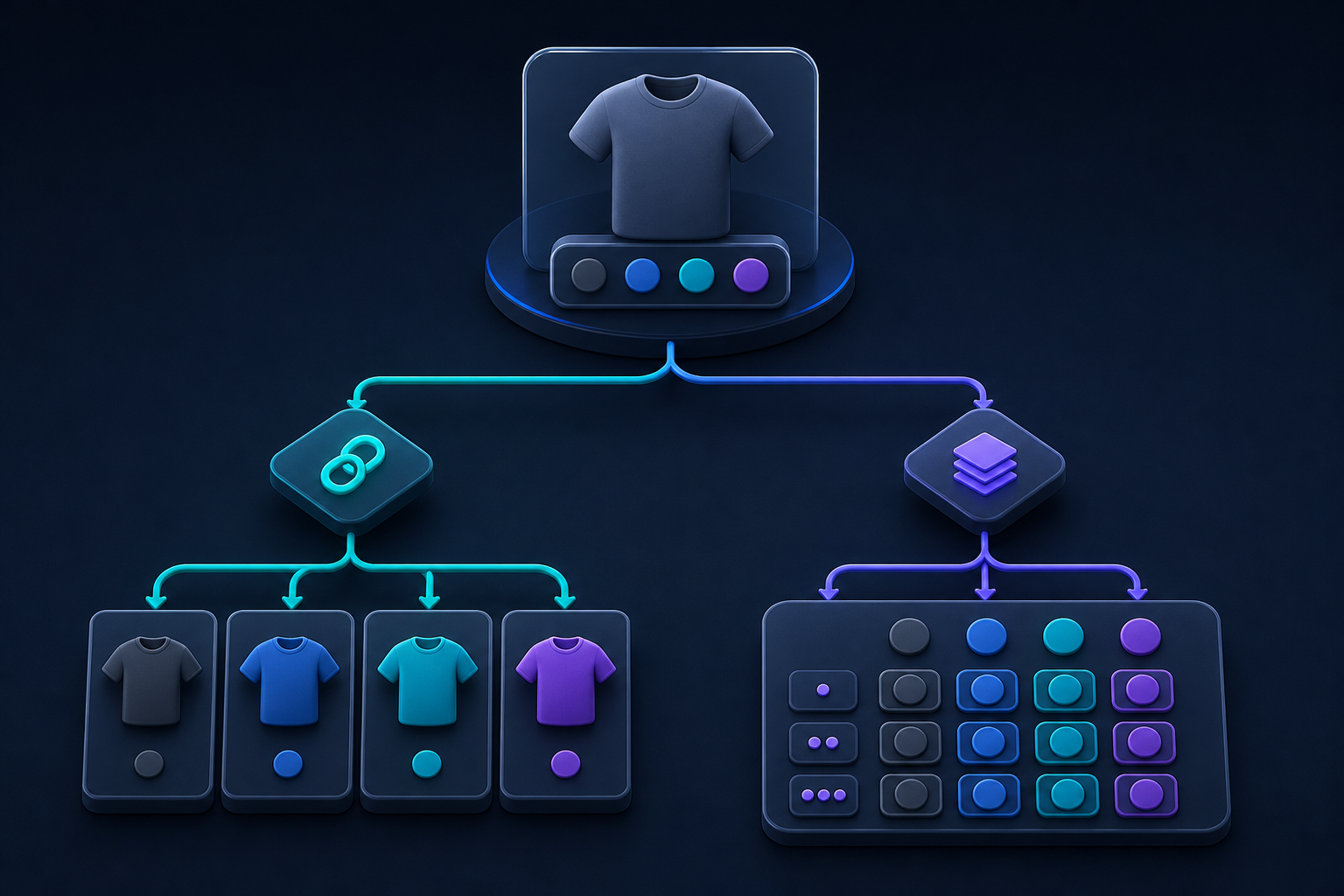
Use a variant swatch when the color is genuinely the same sellable product: same product page, same core description, and usually the same merchandising story. A tee in navy, sand, and olive is the familiar example. Shoppers need to pick a color, then a size; inventory and fulfillment can stay inside one product record.
Use a linked-product swatch when a colorway deserves its own page or behaves like a separate product family member. That is often the right call when it has different photography, different positioning, a different price, or a distinct collection strategy. Think of a sofa offered in fabric collections, a sneaker family with launch-specific colorways, or a skincare range where each color is a separately merchandised item.
A Five-Question Decision Framework
- Does every option share one product story? If yes, variants are usually the cleaner default. One description and one product page reduce maintenance.
- Do colorways need different media or merchandising? Linked products make room for their own image sets, copy, SEO focus, and campaign placement.
- Will customers compare options before they buy? If they need to browse sibling products visually, linked-product swatches create a more natural route between pages.
- Does the collection page need to carry the decision? If visitors browse by color before opening a product, make swatches visible there as well. A product-page-only treatment leaves discovery work unfinished.
- Can your team maintain the structure six months from now? The right model is the one your catalog process can update without theme edits, duplicate work, or fragile exceptions.
This is the same operational principle behind a good product feed: set the model once, then distribute it consistently. In this Etsy product-feed guide, the useful lesson is that downstream channels get easier when the product system is clean upstream.
Make Collection Pages Part of the Plan
Collection pages are where swatches earn their keep. A shopper comparing dozens of products should be able to see available colors without opening every listing. That shortens the path from browsing to a useful shortlist—and gives merchandising teams a consistent way to surface color families.
With Supra Swatch Colors, swatches can appear on collection pages without code changes, alongside product-page swatches. Its configuration supports color and image swatches, automatic color detection or product-image setup, and visual controls such as shape, size, labels, and tooltips. Use the same visual rules across both surfaces: identical swatch dimensions, clear contrast, and a consistent indication of the selected option.
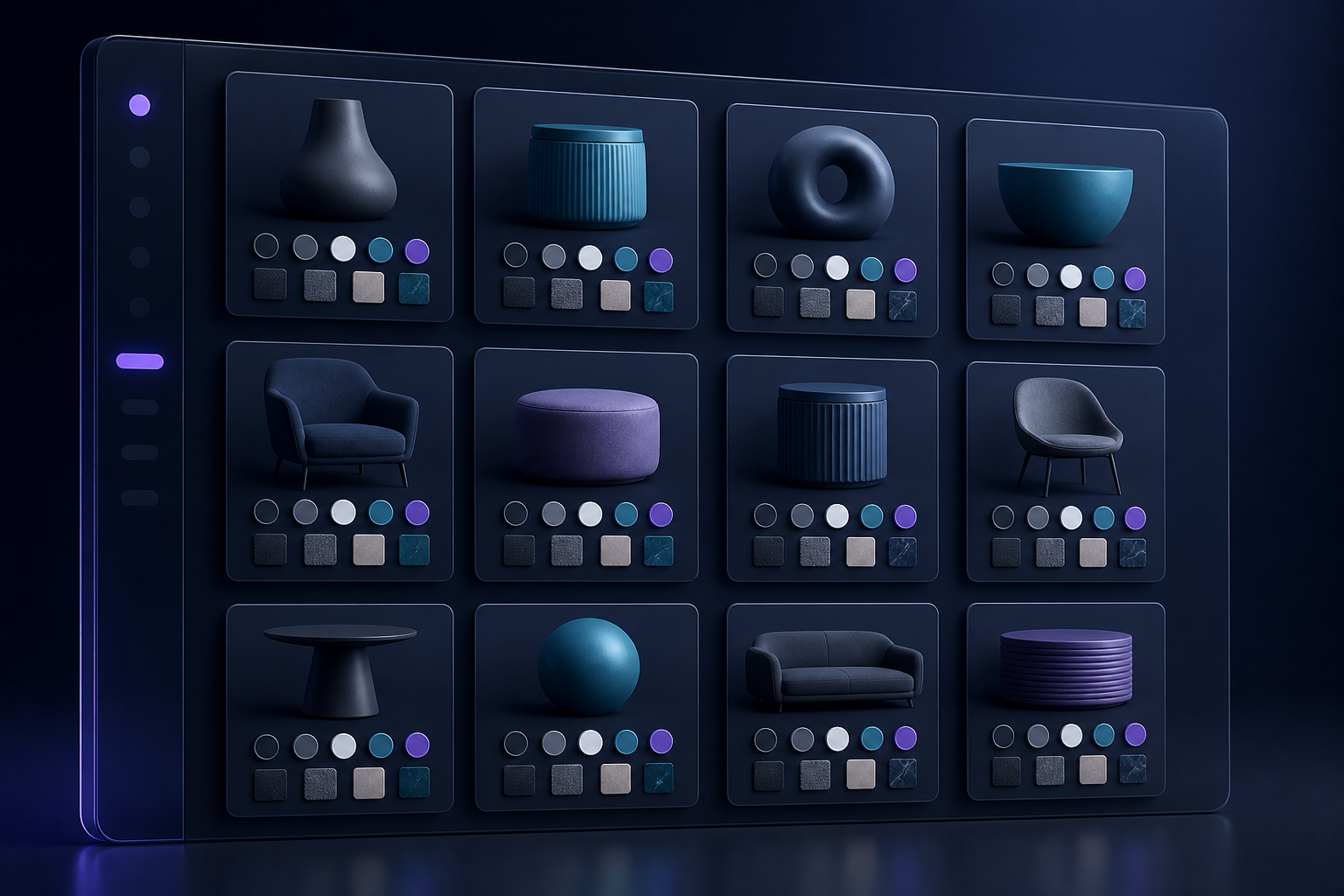
Do not treat this as a decoration pass. A collection-page swatch should follow the same product relationship you established on the product page. If red links to a separate product detail page there, it should behave the same way in the collection grid. Consistency prevents a frustrating surprise after a shopper clicks.
Set Up a Small Pilot Before the Full Catalog
Start with one product family that exposes the decision clearly. Configure one variant-driven example and one linked-product example, then inspect them on a product page and a collection page. Test mobile tap targets, selected-state visibility, image loading, and the route each swatch takes. If your storefront is multilingual, test the labels and tooltips in the languages you actually serve.
Keep a brief setup checklist for the pilot:
- Assign swatches from a reliable color value or an approved product image.
- Confirm each linked option lands on the intended product page.
- Check that sold-out or unavailable options follow your merchandising policy.
- Compare the collection-card result with the product-page result.
- Record the reusable pattern before expanding it to other families.
That last point matters. The most scalable catalog work is reviewable work. The workflow in this guide to adding a video editor to a SaaS product makes a related case: complex capabilities are easier to manage when their state and approvals are clear rather than buried in ad hoc changes.

What to Measure After Launch
You do not need a massive reporting project to evaluate the rollout. Compare the pilot group with similar products and look for fewer color-related support questions, stronger product-page engagement, and a smoother path from collection browsing to a selected option. Add a quick monthly catalog check: newly created product families, missing images, inconsistent labels, and any swatch links that no longer point where they should.
If you are also improving your publishing workflow, apply the same discipline. Measuring the real cost of keeping a Shopify blog active is a useful reminder that repeatable review steps protect both quality and team time. For swatches, the equivalent is a clear catalog rule and a short QA pass—not repeated theme surgery.
Choose the Structure That Makes the Store Easier to Operate
Use variants for true option-level differences. Use linked products when each colorway needs an independent merchandising life. Then extend the same swatch logic to collection pages so shoppers can understand choices before they commit to a click.
Ready to test the model on a real product family? Install Supra Swatch Colors from the Shopify App Store, build a two-family pilot, and use its getting-started tutorial to validate the setup before you scale.

Comments
Post a Comment