How to Build a Shopify UGC Creative Testing Matrix
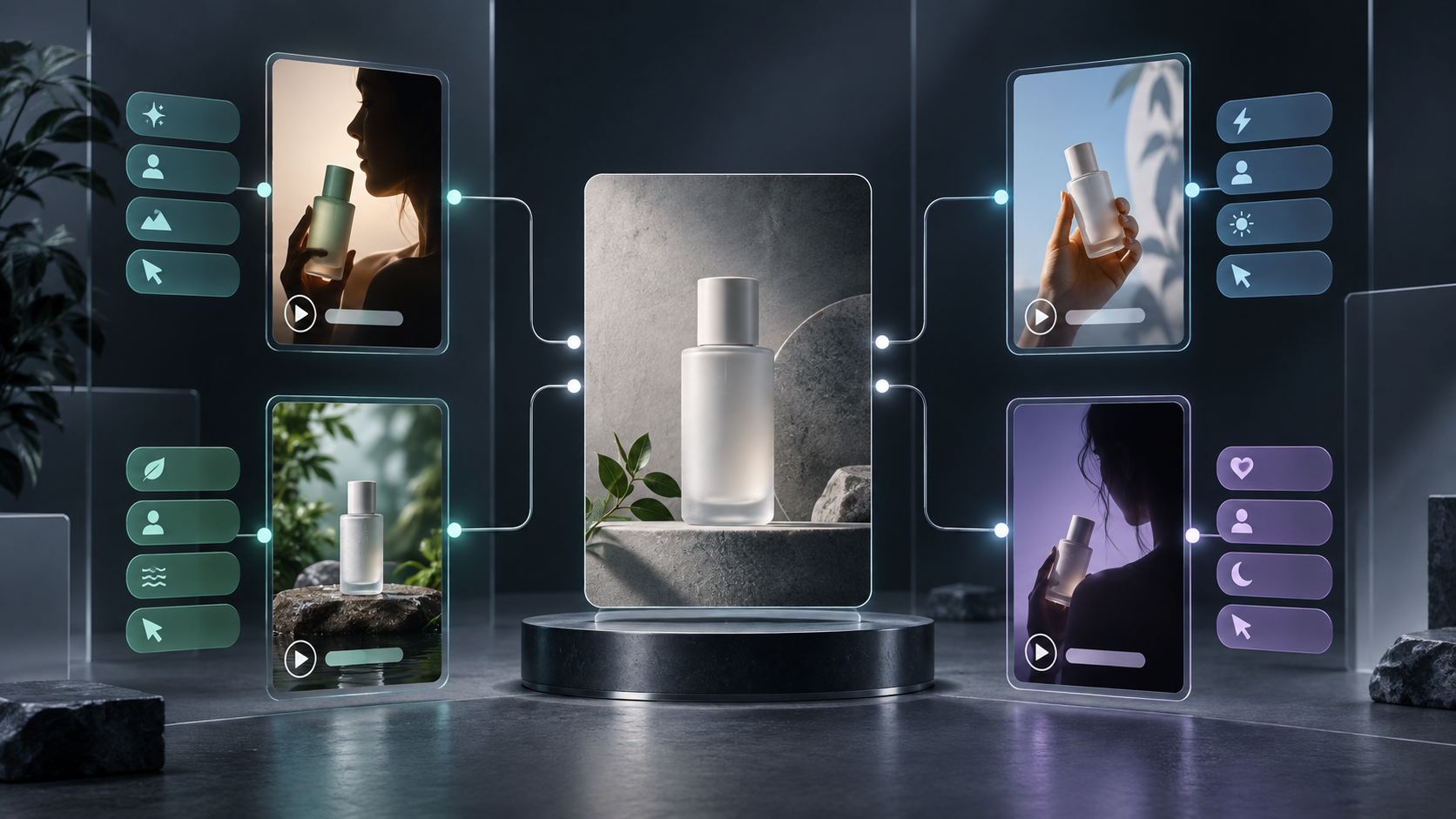
If each new Shopify campaign starts with a blank creative brief, your testing loop will always be slower than it needs to be. The practical alternative is not to make dozens of unrelated videos. It is to build a small matrix around one product, change one meaningful variable at a time, and keep the winning ingredients reusable.
That is where an AI UGC video generator can be useful. Supra UGC Maker lets a merchant combine an avatar, scene, product reference, script, voice, and tone into short UGC-style segments, then revise, reorder, trim, or regenerate clips from the same project. The goal is not to present an AI avatar as a real customer. It is to produce scalable creative tests and clear product explainers while reserving real creators for genuine testimonials and community trust.
What a Shopify UGC Creative Testing Matrix Solves
A creative matrix turns a vague request—"we need more ads"—into a repeatable operating system. You define a single business question, make a handful of controlled variants, and record what changed. That helps you avoid two expensive habits: changing every part of a video at once, and recreating assets that were already close to useful.
For a launch, the question might be: Which opening angle earns the strongest click from a cold audience? Keep the product, offer, destination, and approximate runtime fixed. Then test the hook. If a variant wins, you can test the next variable inside that winner instead of guessing.

Start With One Decision, Not a Content Calendar
Before creating Shopify UGC videos, write one decision your test should answer. Good decisions are narrow enough to act on:
- Does a problem-first hook outperform a benefit-first hook?
- Does a calm expert tone beat a fast, energetic tone for this product?
- Does a tabletop demo explain the product better than a lifestyle scene?
- Does a product page viewer need a different message than a prospect seeing a paid social ad?
Avoid mixing objectives. A prospecting ad can optimize for an attention-worthy opening and a click. A product page video can optimize for clarity. An email teaser can optimize for the next click. Those are different jobs, even if they begin with the same product.
This focus is especially useful if you already use structured content processes such as turning a Shopify product launch checklist into a blog series. Each asset should have a stated decision and destination, rather than simply adding volume to a launch folder.
Build a Four-Variant Matrix
For a first pass, keep the matrix small: four variants are enough to reveal direction without creating an unmanageable review queue. Use one control and three variants.
| Variant | Hold Steady | Change | Example |
| --- | --- | --- | --- |
| Control | Product, offer, scene, voice | Nothing | Start with the existing approved script |
| A | Product, offer, scene, runtime | Hook | "Still dealing with…?" |
| B | Product, offer, scene, runtime | Benefit framing | "A simpler way to…" |
| C | Product, offer, scene, runtime | Objection | "You do not need to…" |
A matrix is not a promise of statistical certainty from four clips. It is a way to choose the next creative direction using clean evidence. If Variant B produces the clearest signal, build the next round around that hook and test scene or delivery.
Supra UGC Maker supports this kind of workflow because you can create a scene, add a product, set script and speech, preview before generation, and update clips in one saved project. Reusing the project matters: the best test is often a small adjustment, not a total reset.
Separate the Reusable System From the Test Variable
Create a reusable base project before you make variants. It should include:
1. The approved product reference and any must-show detail.
2. A scene appropriate to the offer, such as a clean studio, boutique, or relevant everyday environment.
3. A safe visual framing that keeps the product visible.
4. A baseline avatar and voice/tone that match the campaign.
5. A short ending aligned to the destination.
Then create variants by changing one field. For example, keep the scene and avatar steady while testing three opening scripts. Or keep the script steady while comparing a studio setting with an outdoor one. Name each version for the variable—`hook-problem`, `hook-benefit`, `hook-objection`—so the result stays interpretable later.
That same discipline applies to merchandising. If you are also improving collection navigation, a swatch setup checklist can help ensure shoppers are seeing the intended variant when an ad sends them to a product or collection.
Use One Core Message Across the Funnel—With Different Cuts
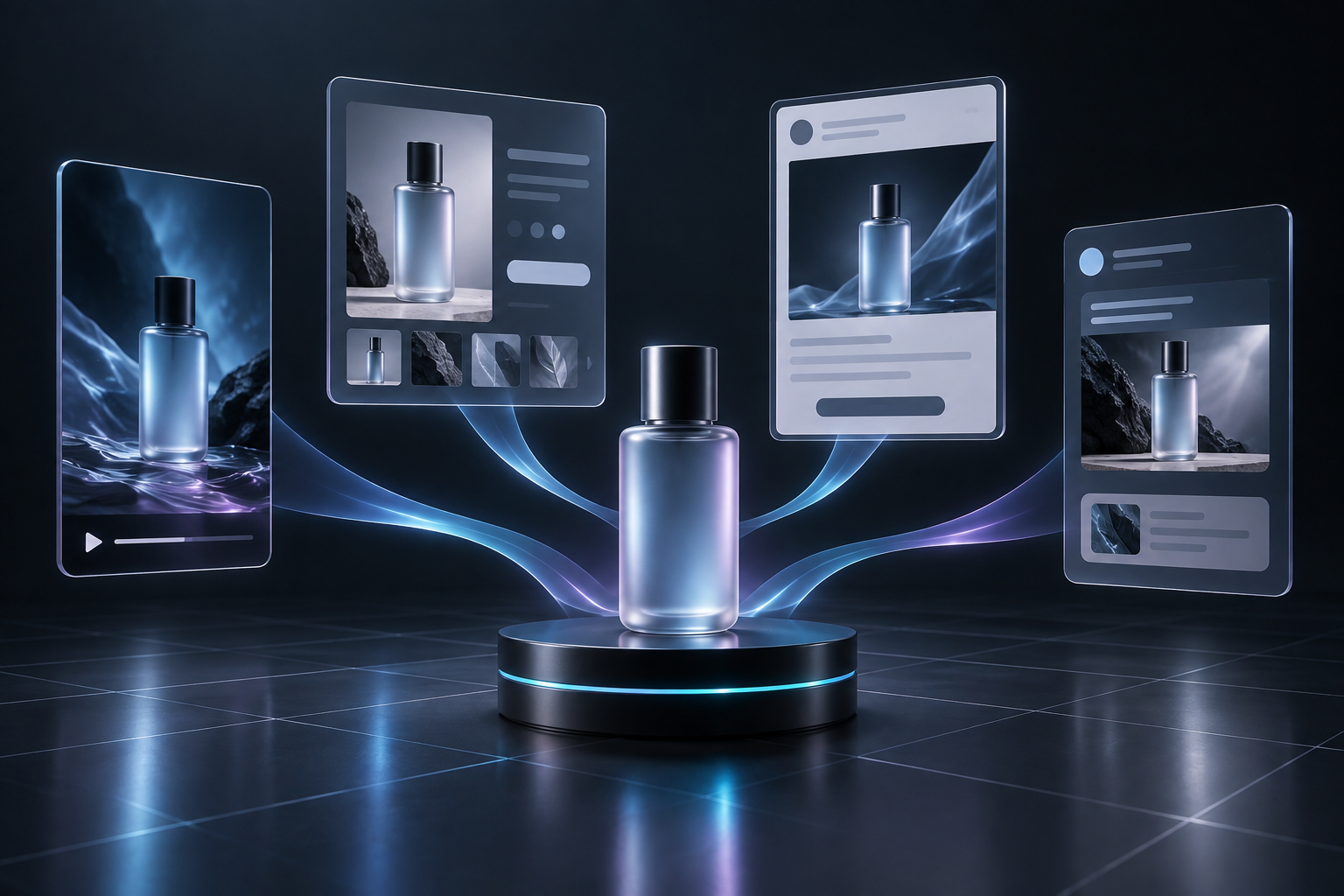
A productive system does not mean using the identical file everywhere. It means producing one core message and adapting the cut for its job.
- Paid social: lead with the hook and product outcome; make the next click obvious.
- Product page: show the product detail or use case that removes hesitation.
- Email: use a short teaser that earns the click to the product or collection.
- Post-purchase: explain setup, care, or the first successful use.
The reusable-project approach is useful here. Instead of briefing four independent shoots, make purposeful changes to the script, clip order, and ending. The App Store listing notes that Supra UGC Maker can reorder, trim, update, and regenerate segments in one project, which is the practical foundation for this kind of versioning.
For a broader launch workflow, pair video tests with a draft-first editorial process. An approval queue for Shopify content is a useful reminder that speed is valuable only when someone can still validate the output before it goes live.
Put Review Gates Before Spend
AI-generated creative should have a human review gate. Check product accuracy, the actual spoken claim, destination fit, and disclosure requirements before publishing or spending. Never approve a clip just because it is new.

Use this short review checklist:
- Is the featured product and its visible detail accurate?
- Does the script avoid unsupported promises, pricing, or availability claims?
- Is the avatar clearly used as a creative format rather than a fabricated customer testimonial?
- Does the ending match where the viewer lands next?
- Is the version name connected to the variable being tested?
- Can your team identify the result and decide what to test next?
If you need a formal escalation path, the principles in a Shopify AI automation escalation ladder translate well: automate production where it is repeatable, but route claims, brand-sensitive output, and uncertain decisions to a person.
Choose the Next Test From the Result
After the first round, do not simply make four more random videos. Keep the strongest hook and test one adjacent variable: scene, avatar style, delivery pace, product demonstration, or CTA. Maintain a simple record with the version, variable, destination, date, and outcome. Over time, that becomes a creative library your team can reuse for launches, seasonal promotions, product pages, and email.
If you want to create a first controlled batch without arranging a new shoot, install Supra UGC Maker on Shopify, start with the free plan, and build one base project plus three tightly defined variants. The first win is not more content. It is a faster, clearer answer to what to test next.

Comments
Post a Comment